


GAMING MICE
Redragon's budget-wired & wireless gaming mice are perfect for FPS, MOBA, and MMO gamers. Our ergonomic or lightweight designs feature RGB Backlight & Programmable Buttons. Not sure how to choose? Check out our Mouse Buying Guide.
¿Tienes una cuenta?
Inicia sesión para finalizar tus compras con mayor rapidez.

We'll take you to the best site for your location.
Redragon's budget-wired & wireless gaming mice are perfect for FPS, MOBA, and MMO gamers. Our ergonomic or lightweight designs feature RGB Backlight & Programmable Buttons. Not sure how to choose? Check out our Mouse Buying Guide.
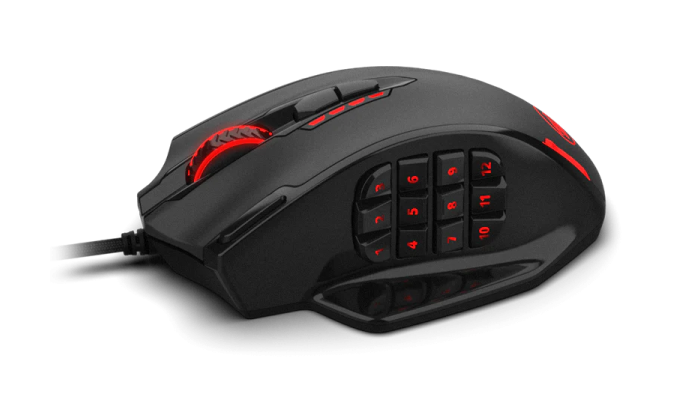



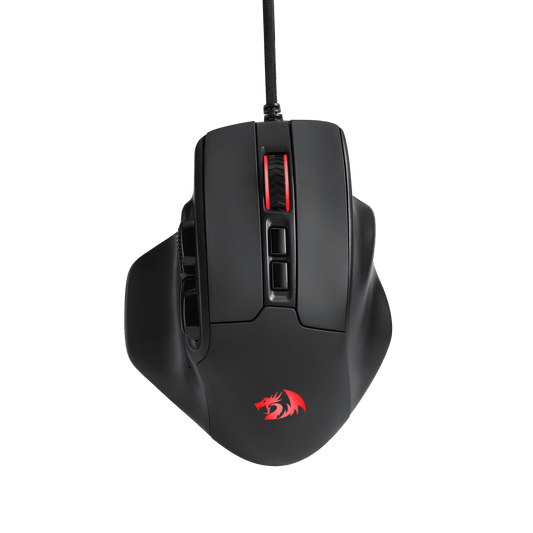

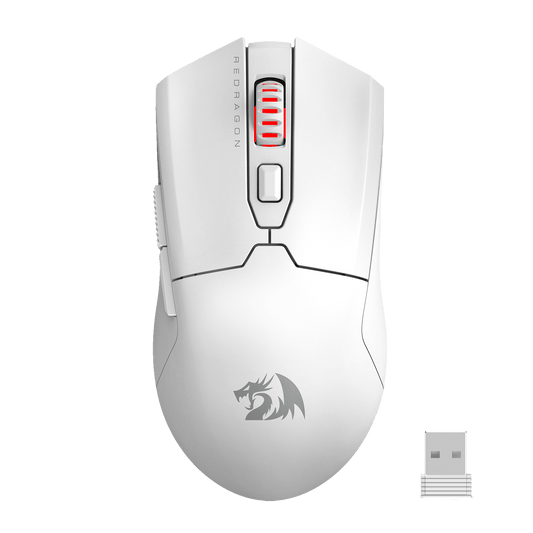

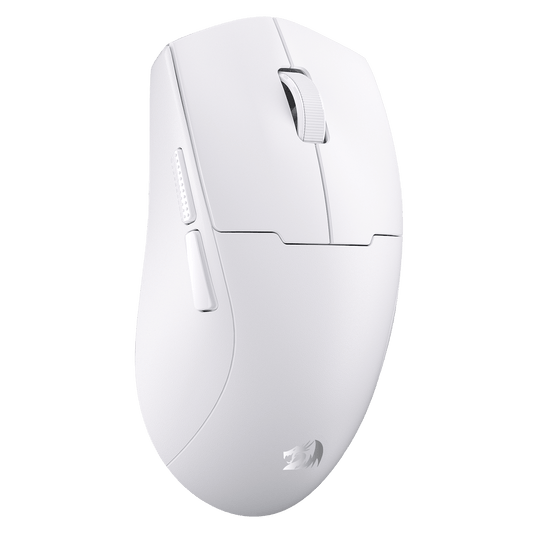
At Redragon, we recognize that the right gaming mouse must balance precision, comfort, weight, connectivity, sensor performance, and button placement. Whether you play competitive FPS games, MMOs, MOBAs, or simply need a comfortable mouse for work and everyday computing, these guides can help you find the right fit.
Start with the essential features that define a gaming mouse, including sensor performance, DPI, polling rate, weight, grip style, programmable buttons, and connectivity. Our Gamer’s Guide to Choosing the Perfect Gaming Mouse explains what to compare before you buy.
Palm, claw, and fingertip grip styles place your hand and fingers in different positions. Learn how each grip affects control, comfort, speed, and suitable mouse shapes in Understanding Mouse Grip Styles: Fingertip vs. Palm vs. Claw.
Grip tape can reduce slipping, improve control, and provide a more secure feel during long or intense gaming sessions. Explore the advantages, drawbacks, materials, and application tips in Do You Need Gaming Mouse Grip Tape?
Mouse dimensions and weight can influence comfort, aiming style, fatigue, and control. Learn how to match a mouse to your hand size and playstyle in The Ultimate Guide to Mouse Size & Weight.
Competitive players who prefer faster flicks and reduced resistance can also explore Why Choose a Lightweight Mouse?
DPI determines how far your cursor moves in response to physical mouse movement. Begin with The Ultimate Guide to Understanding Gaming Mouse DPI to learn the fundamentals.
For more detailed gaming recommendations, including DPI ranges for FPS, MOBA, and RTS games, continue with The Ultimate Guide to Perfecting Your Gaming Mouse DPI.
Polling rate determines how frequently a mouse reports its position and button inputs to the computer. Learn the basic concept in Everything You Need to Know About Mouse Polling Rate.
For current high-performance mice, read Mouse Polling Rate Explained: 1000Hz vs. 4000Hz vs. 8000Hz to compare theoretical latency, monitor requirements, CPU usage, battery impact, and practical gaming benefits.
The sensor is responsible for tracking physical movement and converting it into cursor input. Compare the general strengths and limitations of the two major sensor technologies in Optical vs. Laser Mouse Sensors.
For a more technical comparison of current gaming sensors, explore PixArt Sensors Explained: PAW3395 vs. PAW3950 and More.
Modern wireless gaming mice can deliver responsive performance without the cable drag of a wired connection, but battery life, receiver placement, and connection mode still matter. Compare latency, weight, reliability, charging, and gaming scenarios in Wireless vs. Wired Mouse: Which Is Best for Gaming?
Bluetooth and 2.4GHz wireless connections serve different purposes. Bluetooth is convenient for everyday devices and multi-device use, while a dedicated 2.4GHz receiver is generally preferred for lower-latency gaming. Learn more in Bluetooth vs. Wireless Mouse: Understanding the Differences.
Need help connecting through Bluetooth or a USB receiver? Follow the practical steps and troubleshooting tips in How to Connect a Wireless Mouse to a Laptop, featuring the Redragon M913 Impact Elite as an example.
MMO mice provide additional side buttons for abilities, commands, macros, and frequently used actions. Learn how to evaluate button layout, comfort, customization, sensor performance, and weight in The Ultimate Guide to Choosing an MMO Mouse.
For a model-specific comparison, see Redragon M908 vs. M913 for MMO Gamers.
Wrist angle, mouse shape, grip, keyboard position, and desk layout can all influence comfort. Learn what to consider when creating a more ergonomic gaming setup in How to Choose the Best Ergonomic Keyboard and Mouse for Gaming.
Some PS5 games support mouse and keyboard input directly, while others have limitations or require additional setup. Learn about connections, supported use cases, adapters, and practical considerations in Can You Use a Keyboard and Mouse on PS5?.
A mouse has the greatest direct impact on aiming and target tracking, while a keyboard manages movement, abilities, shortcuts, and complex commands. Compare their roles across FPS, MMO, MOBA, and RTS games in Mouse vs. Keyboard: Which One Really Wins Games for You?.


