



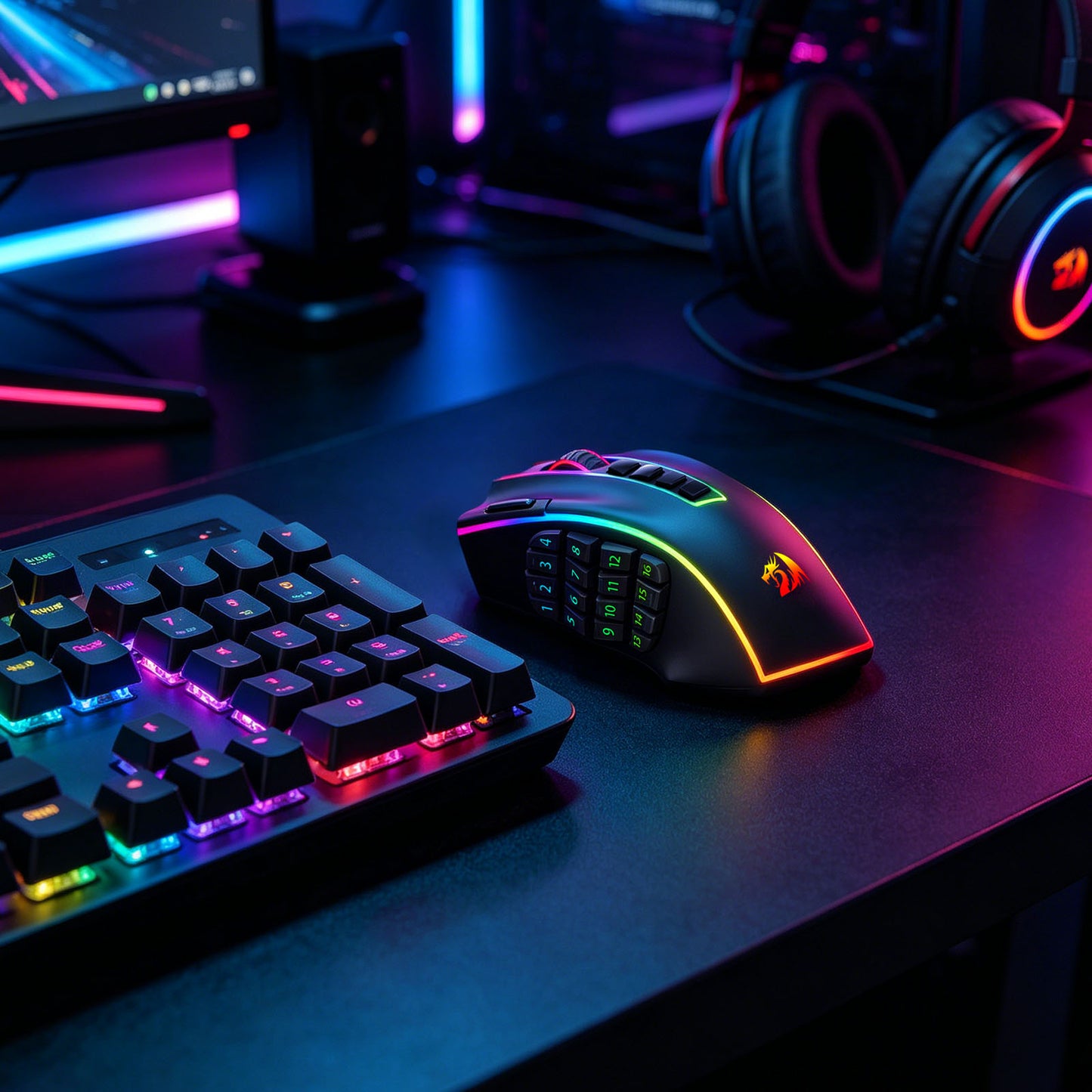


Power-Packed Performance
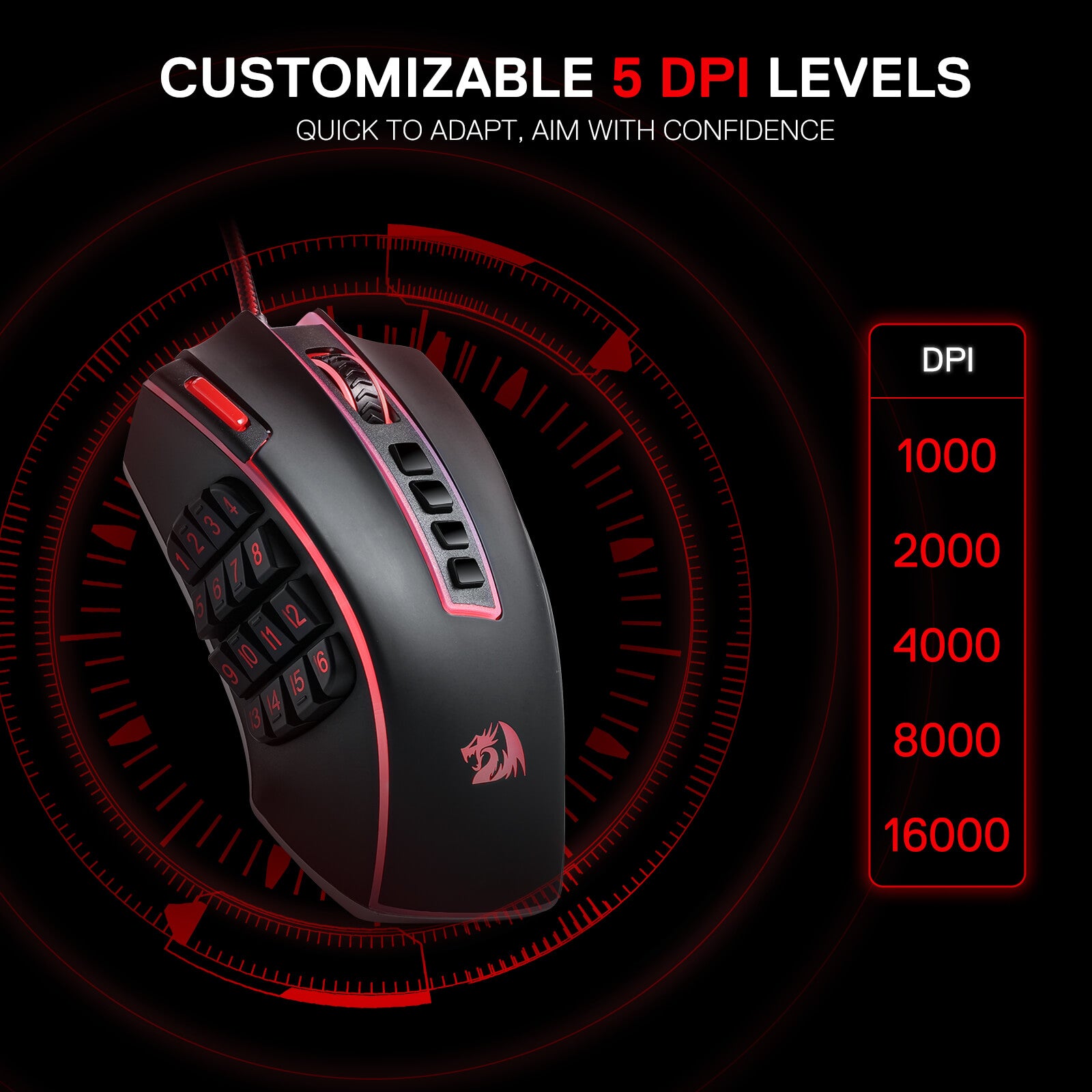
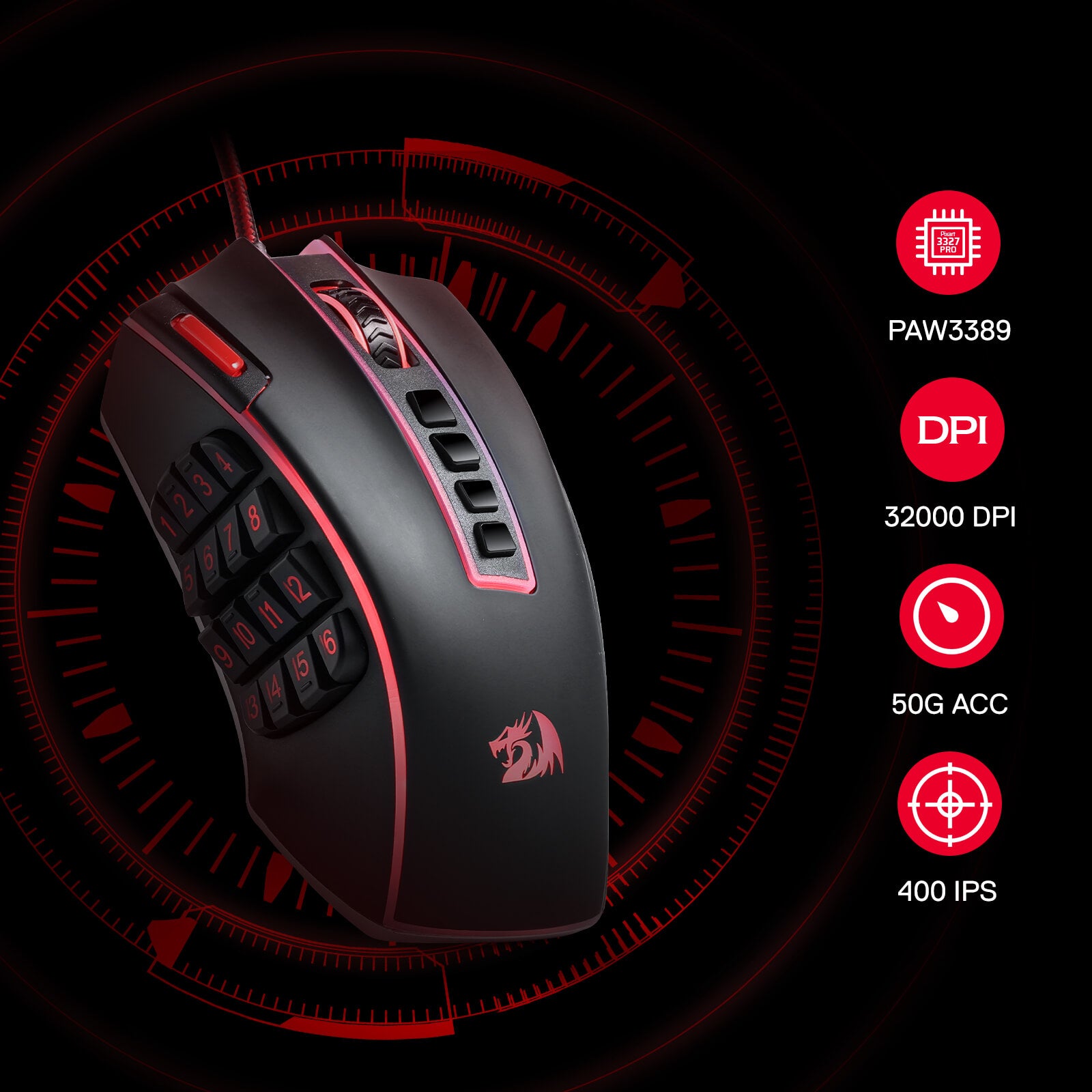
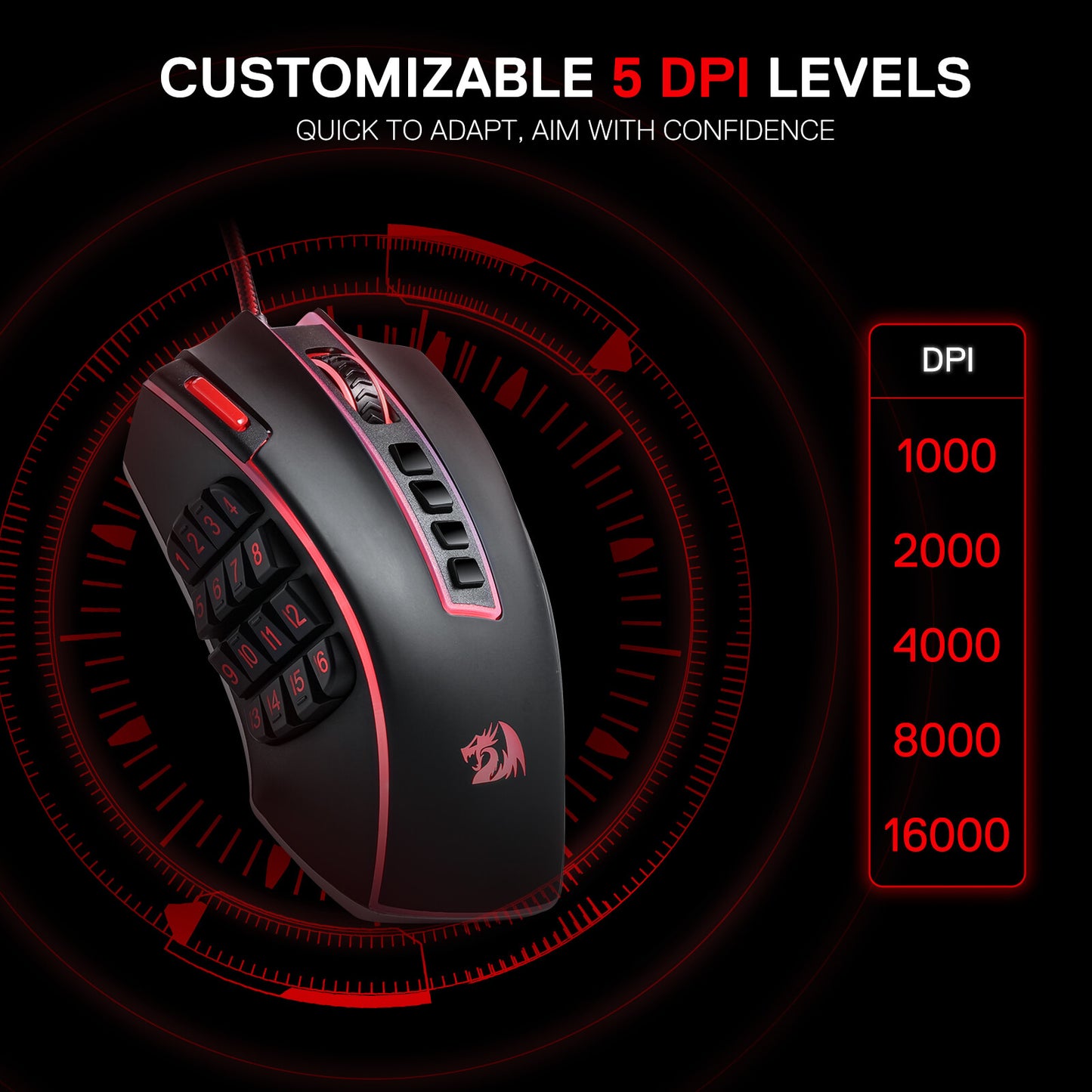
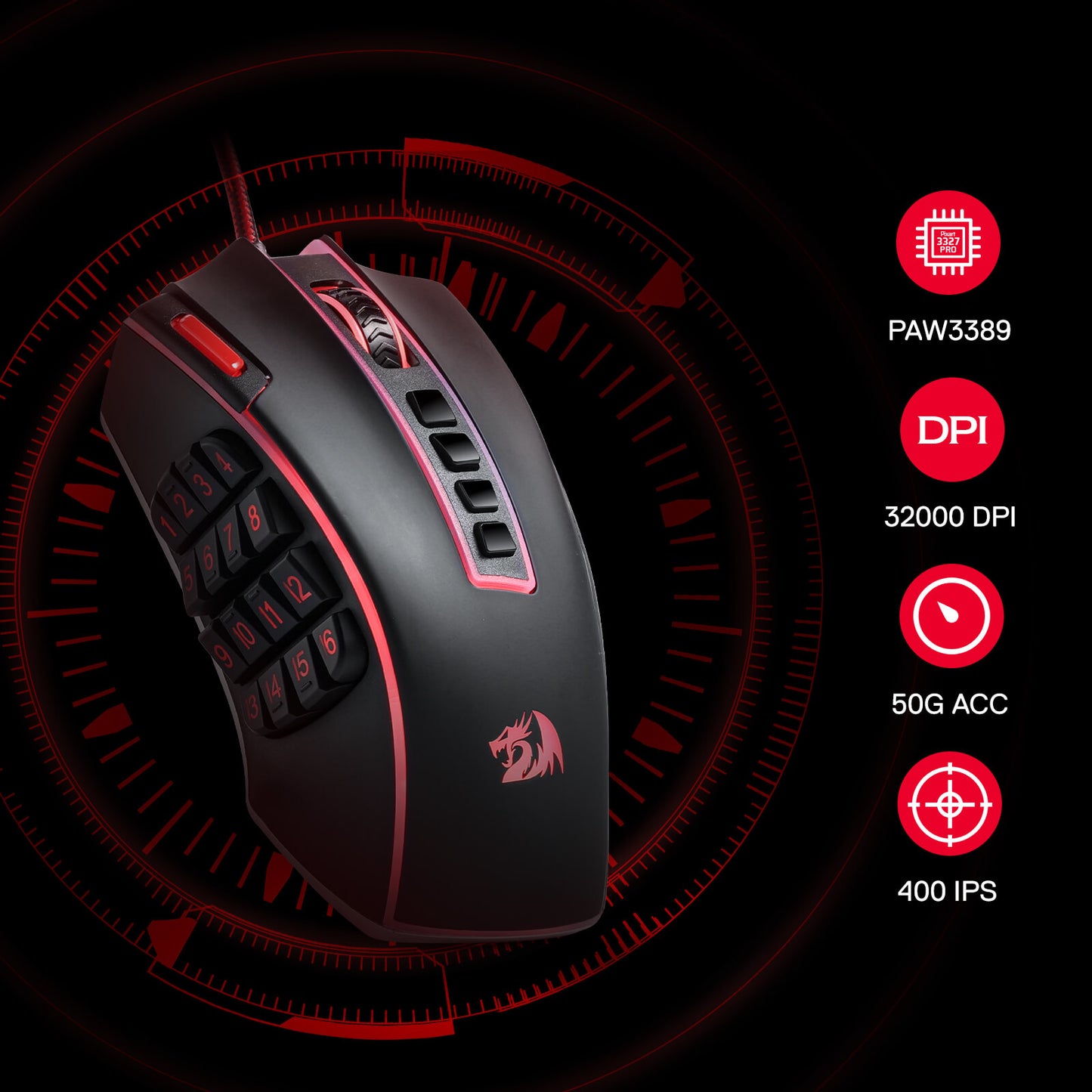
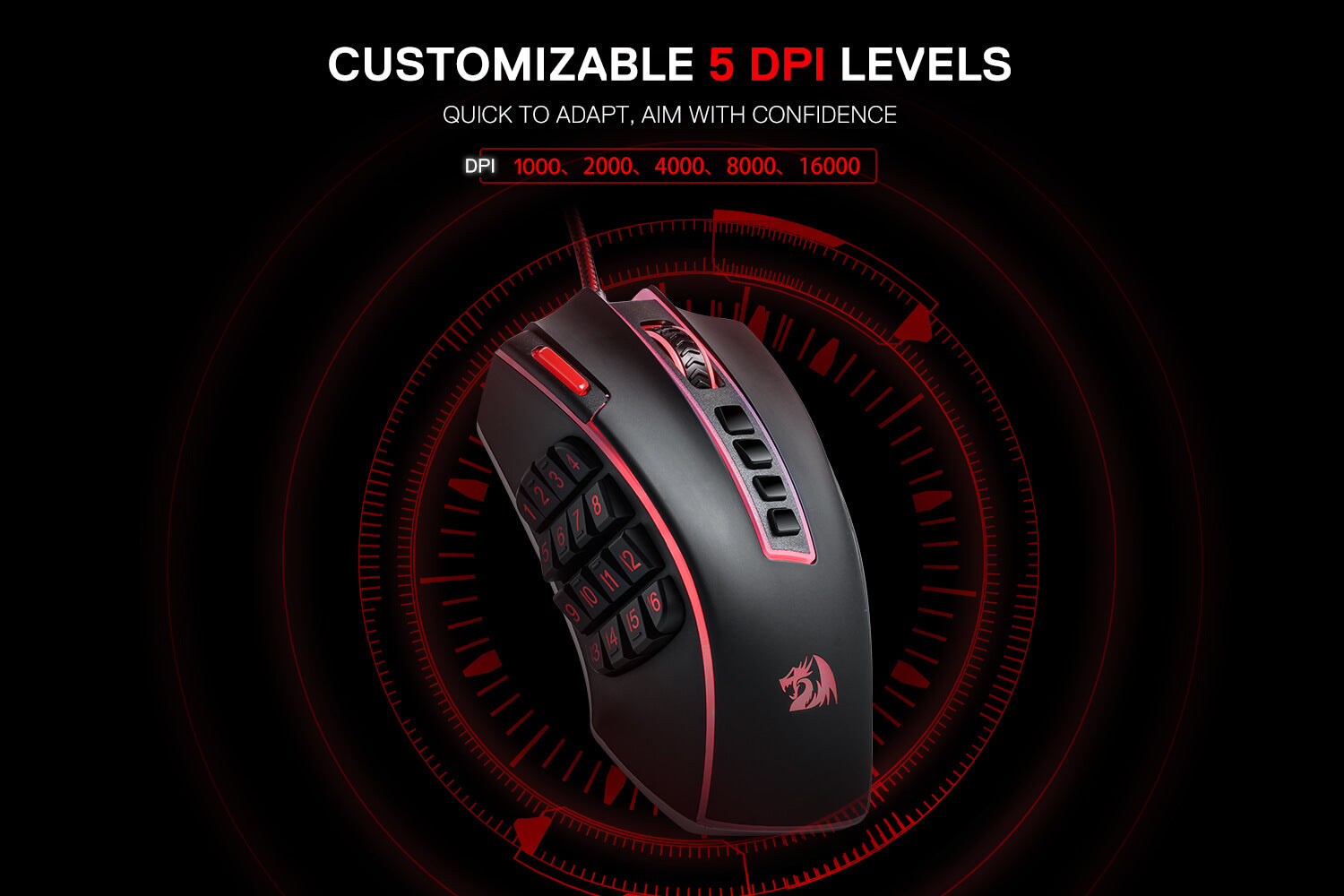
Geared with 5 redefinable DPI levels (default as: 1000/2000/4000/8000/16000), easy to switch between different game needs. Dedicated demand of DPI options between 100-32000 is also available to be processed by software.
Unleashing the Power of Customization
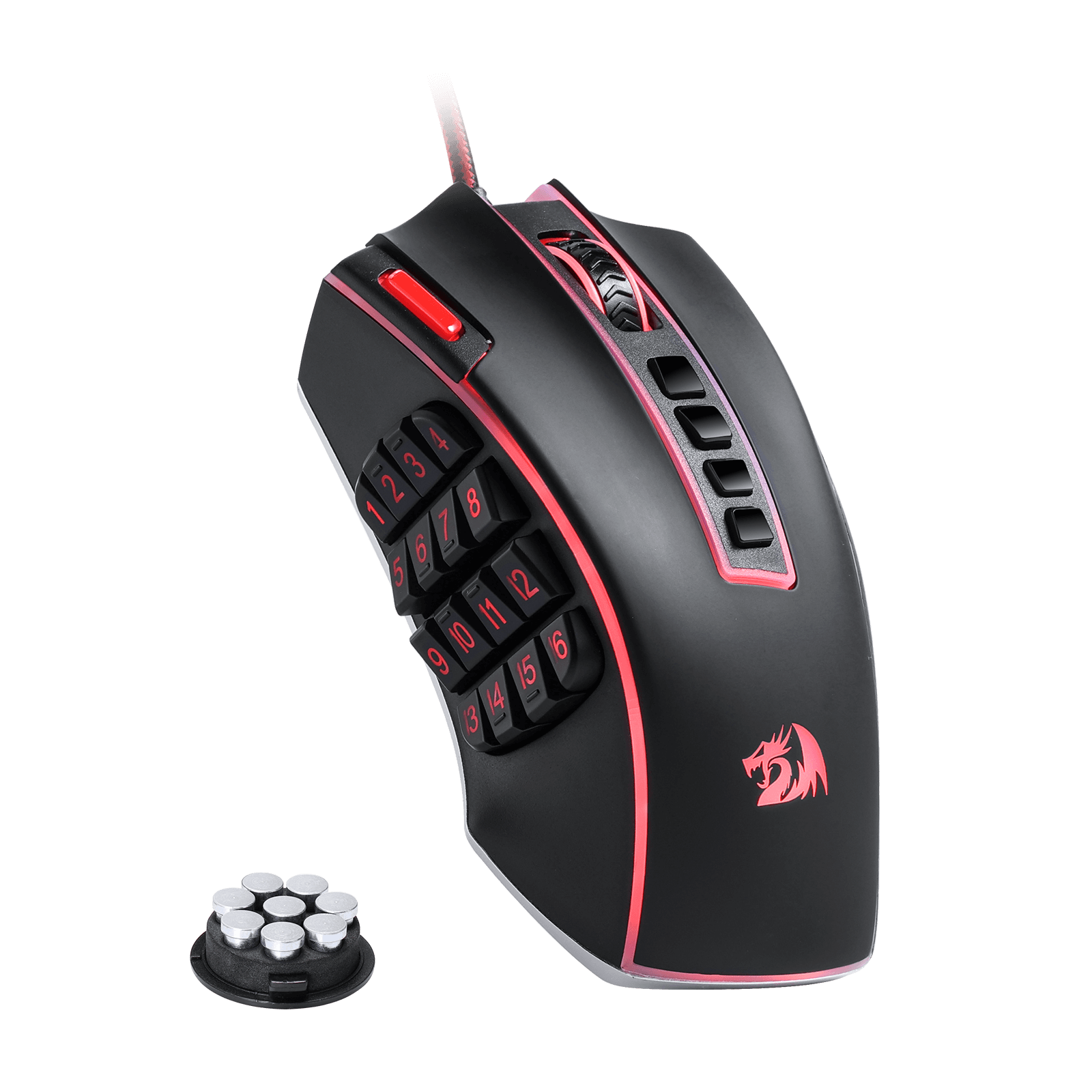
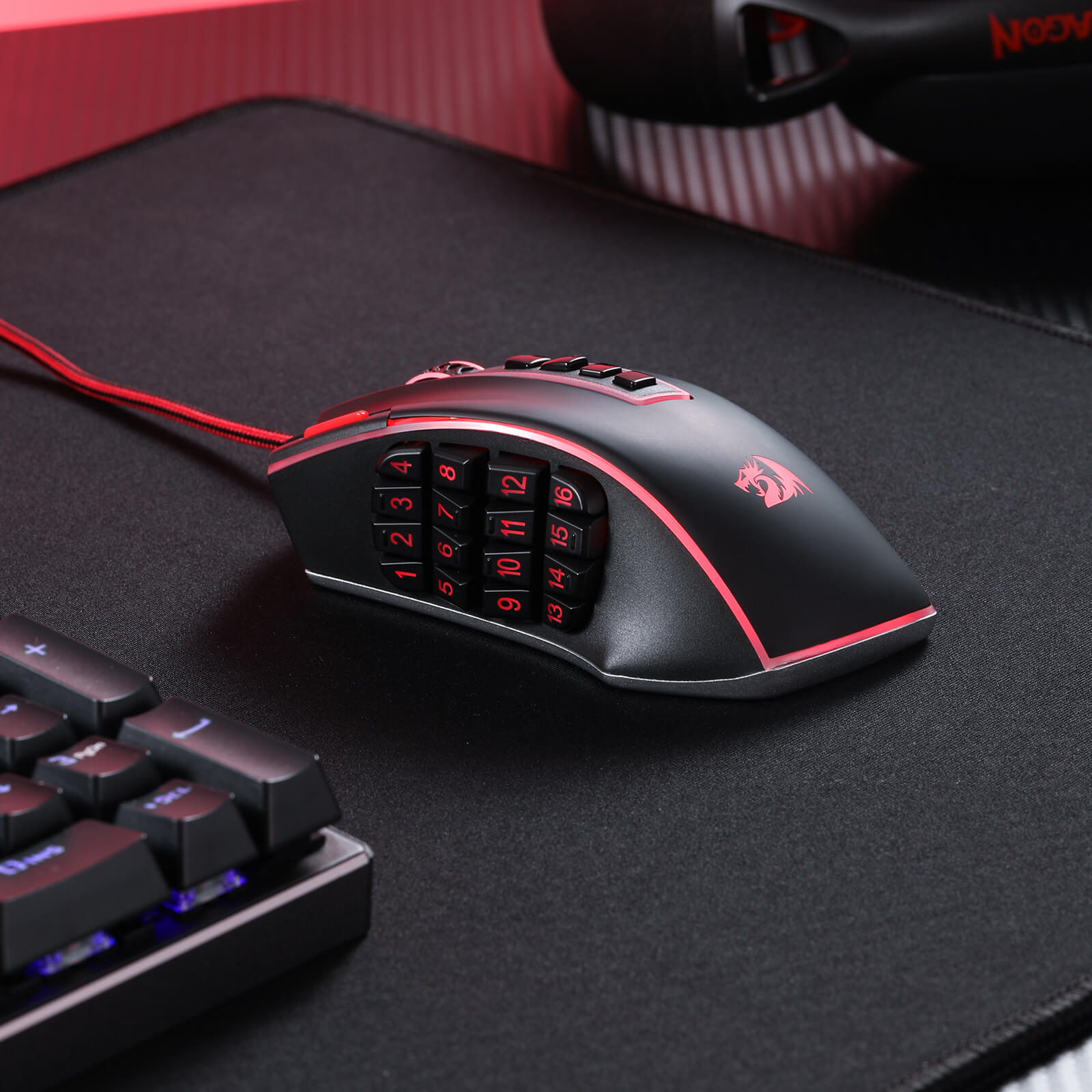
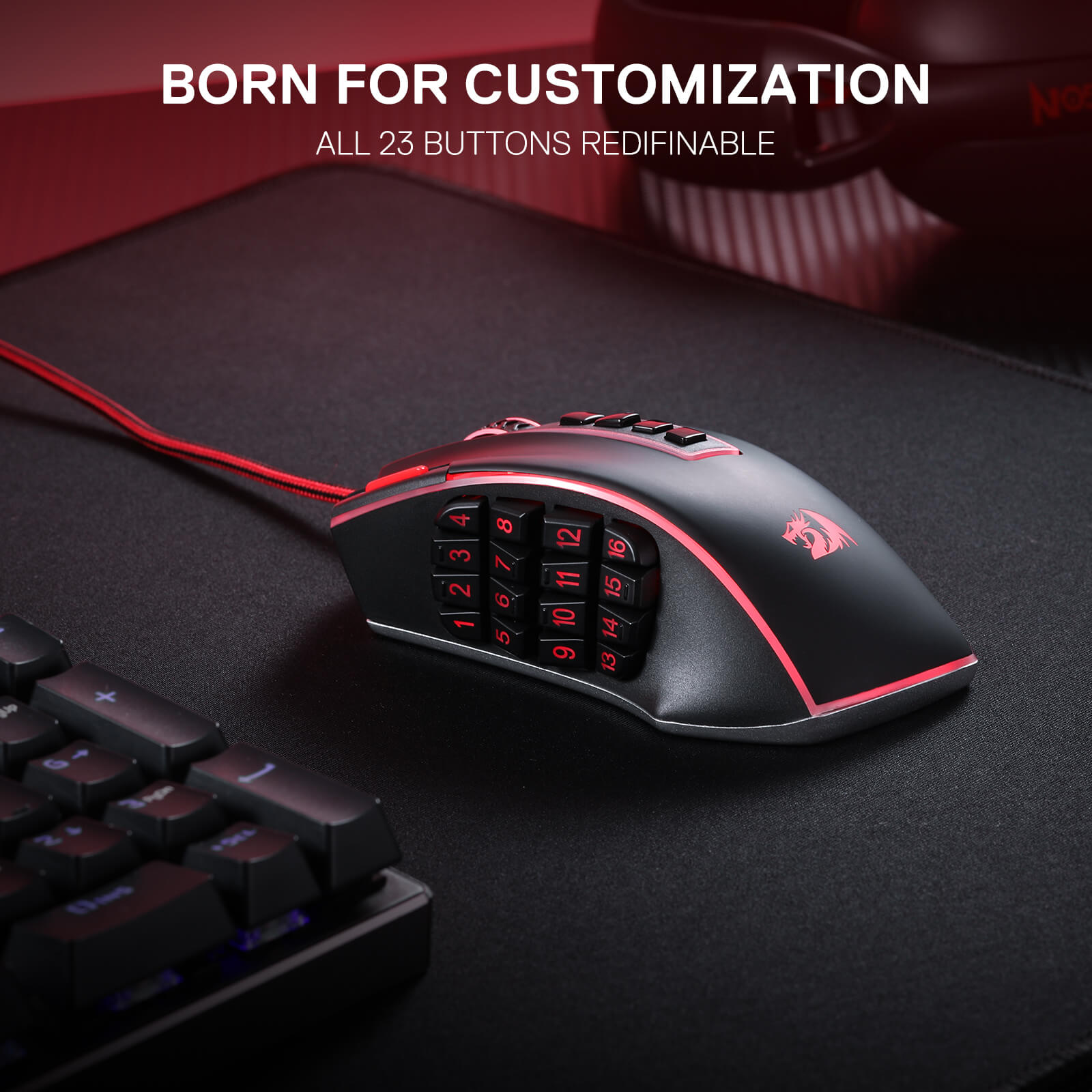
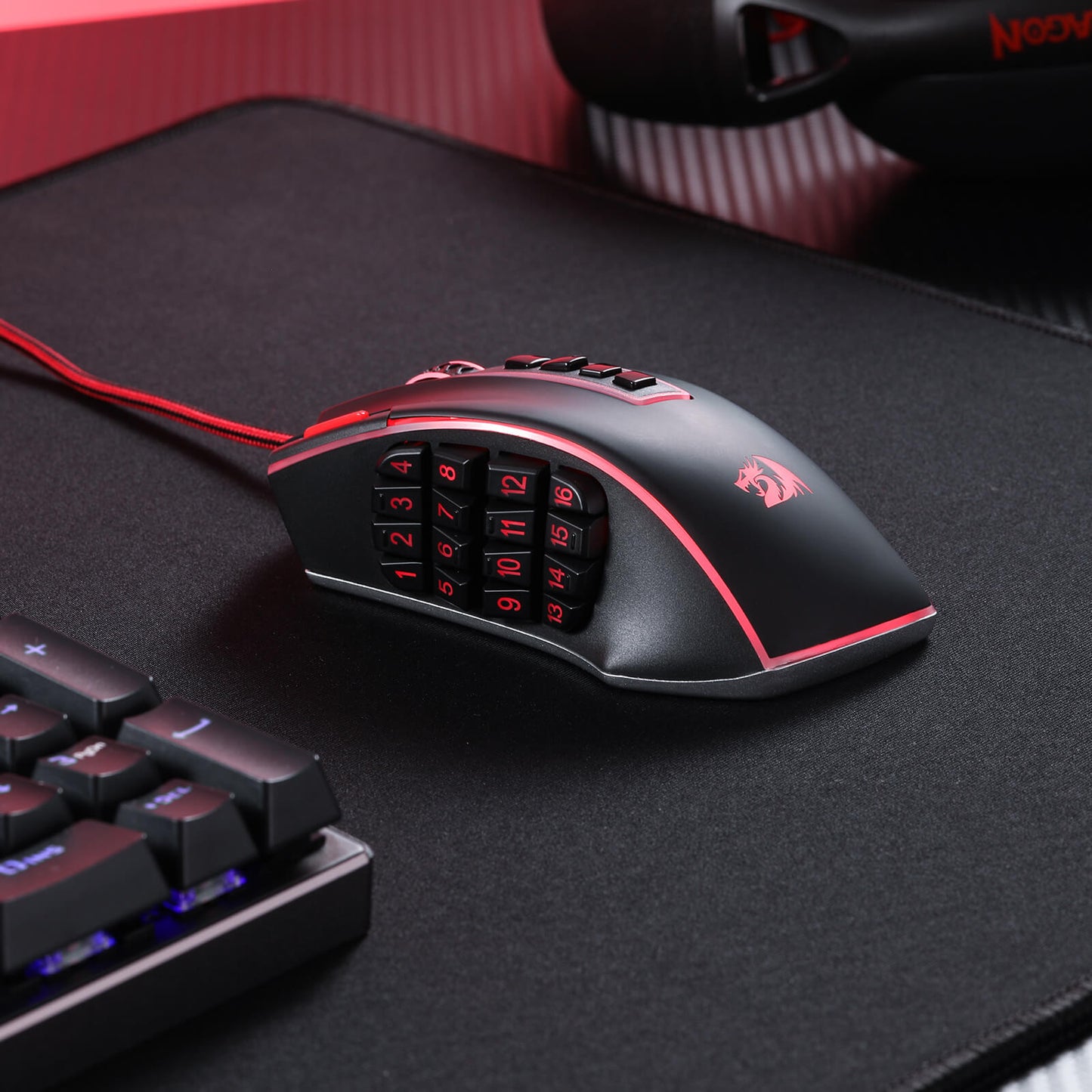
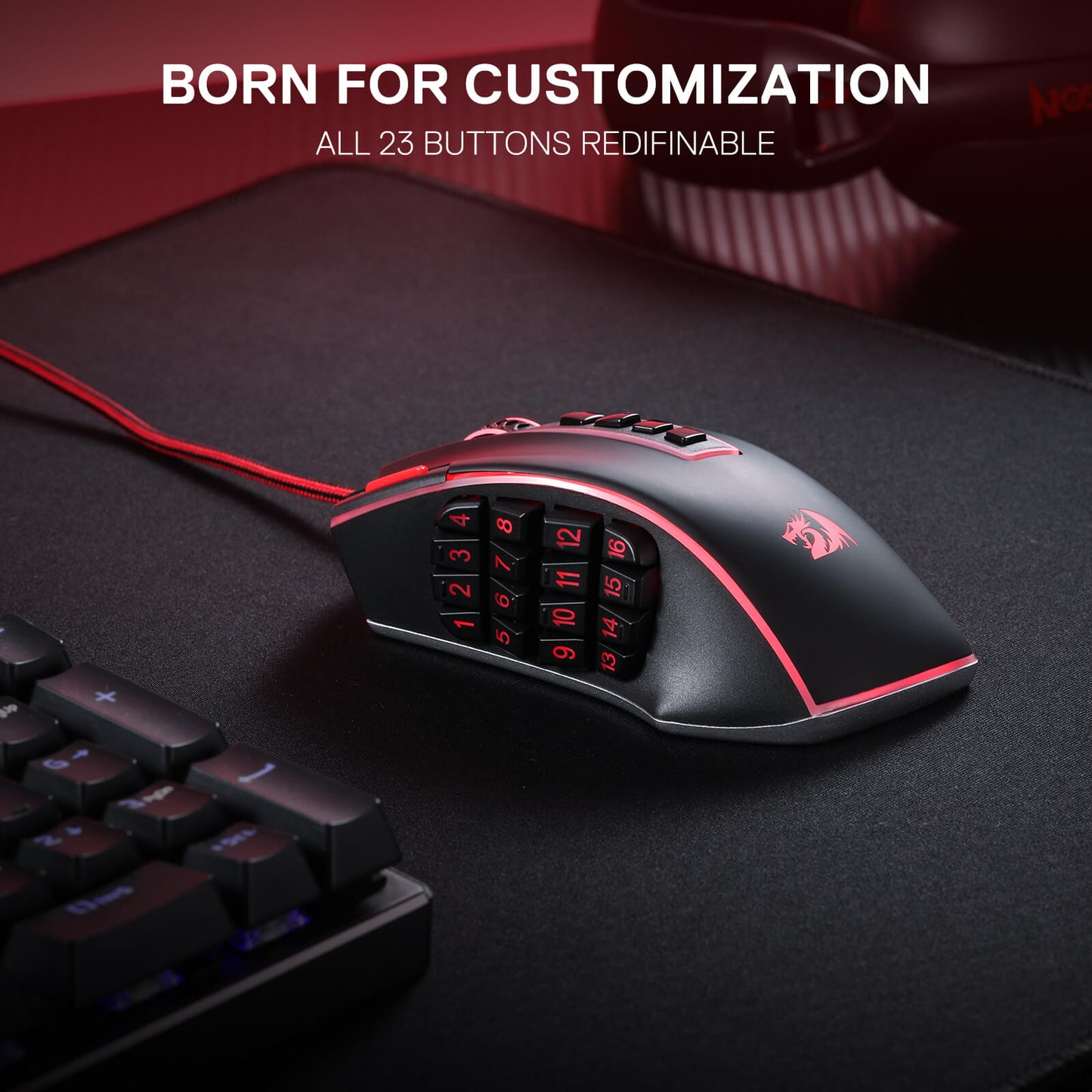
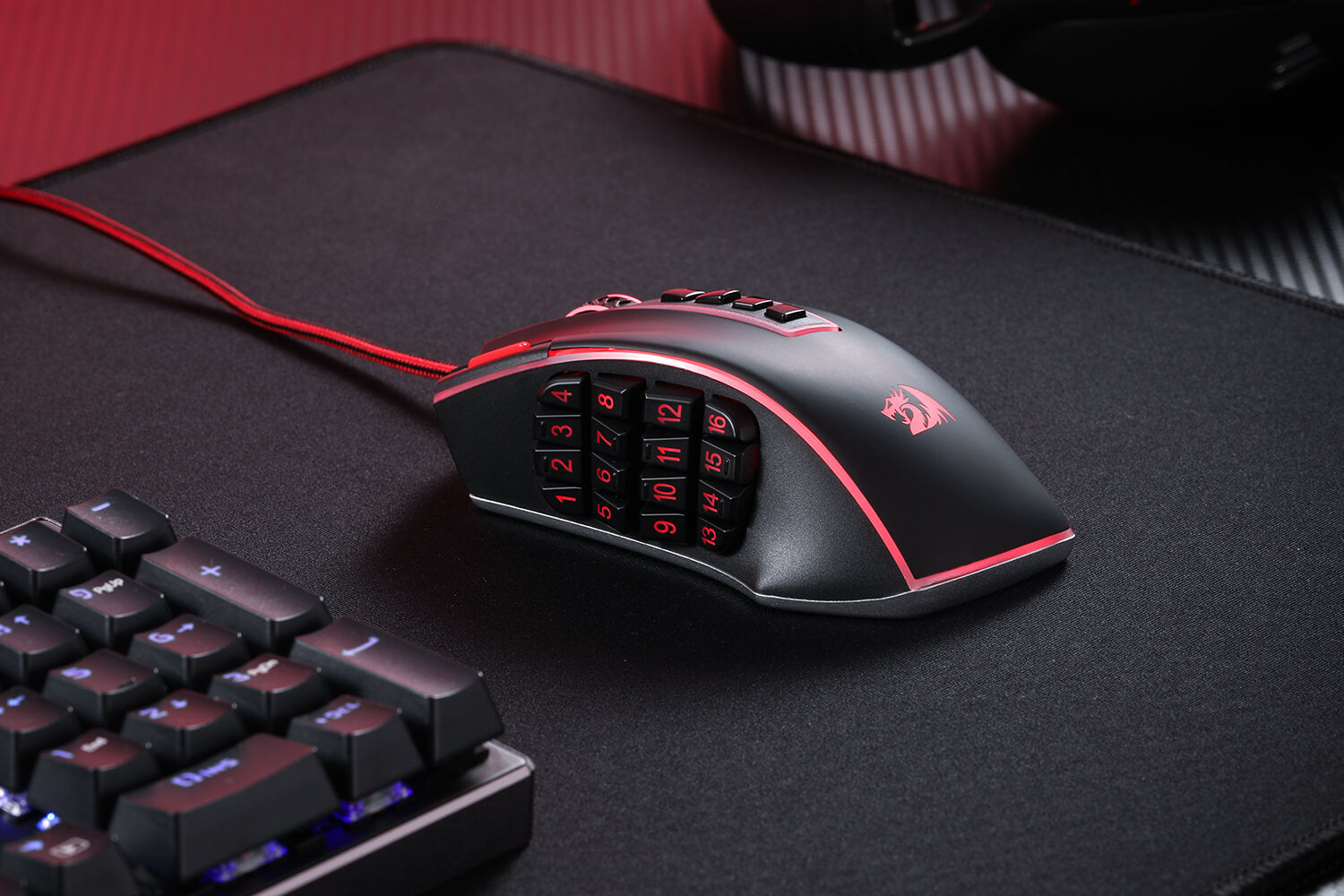
The Redragon M990 MMO Gaming Mouse goes beyond standard gaming mice with its impressive array of 23 programmable buttons and 16 side macro keys. This means you have the power to fully customize your gaming experience, assigning keybinds and macros to suit your playstyle. Never again will you be caught off-guard in the heat of battle; with just a simple click, you can execute intricate combos and strategies with ease.

Built for Comfort and Style
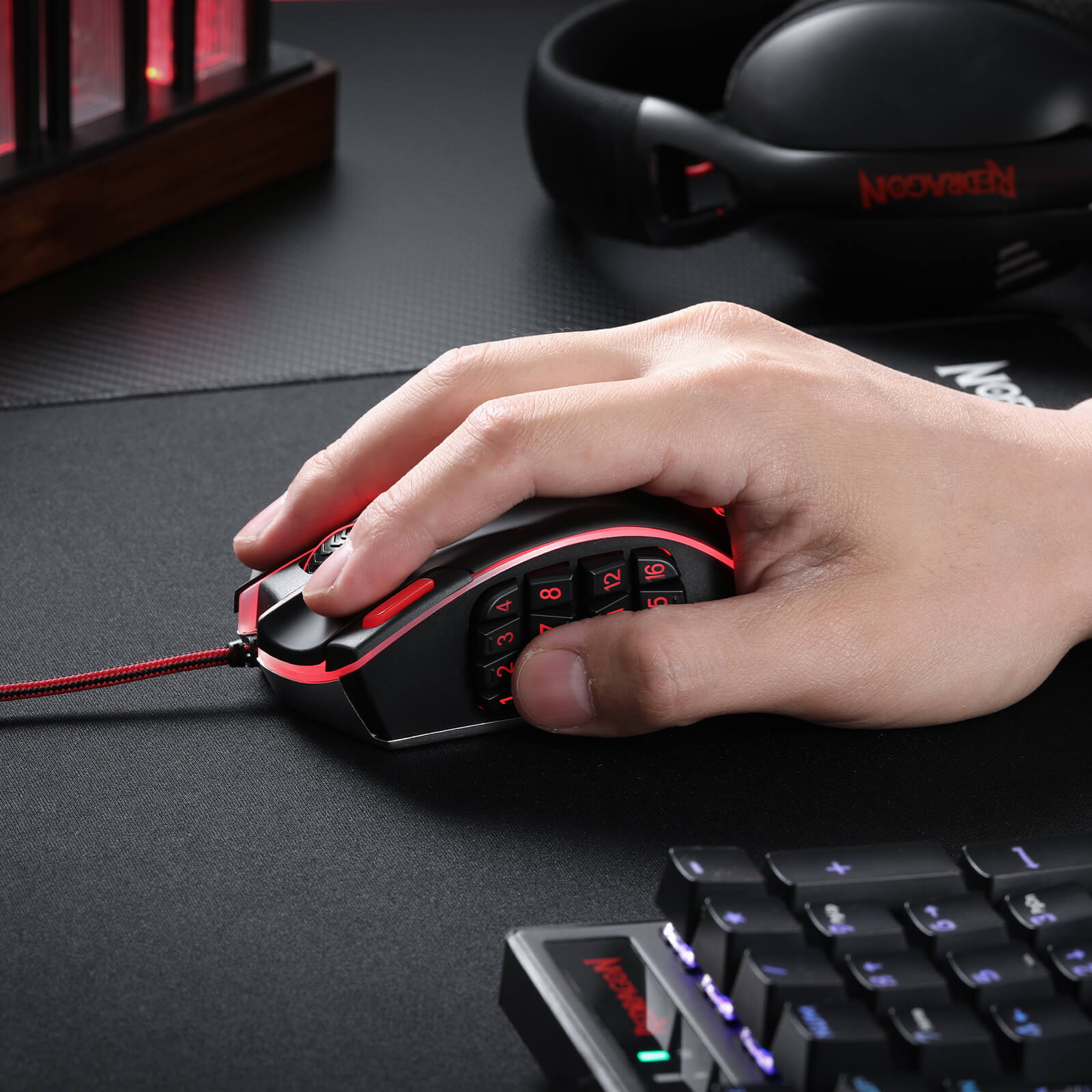
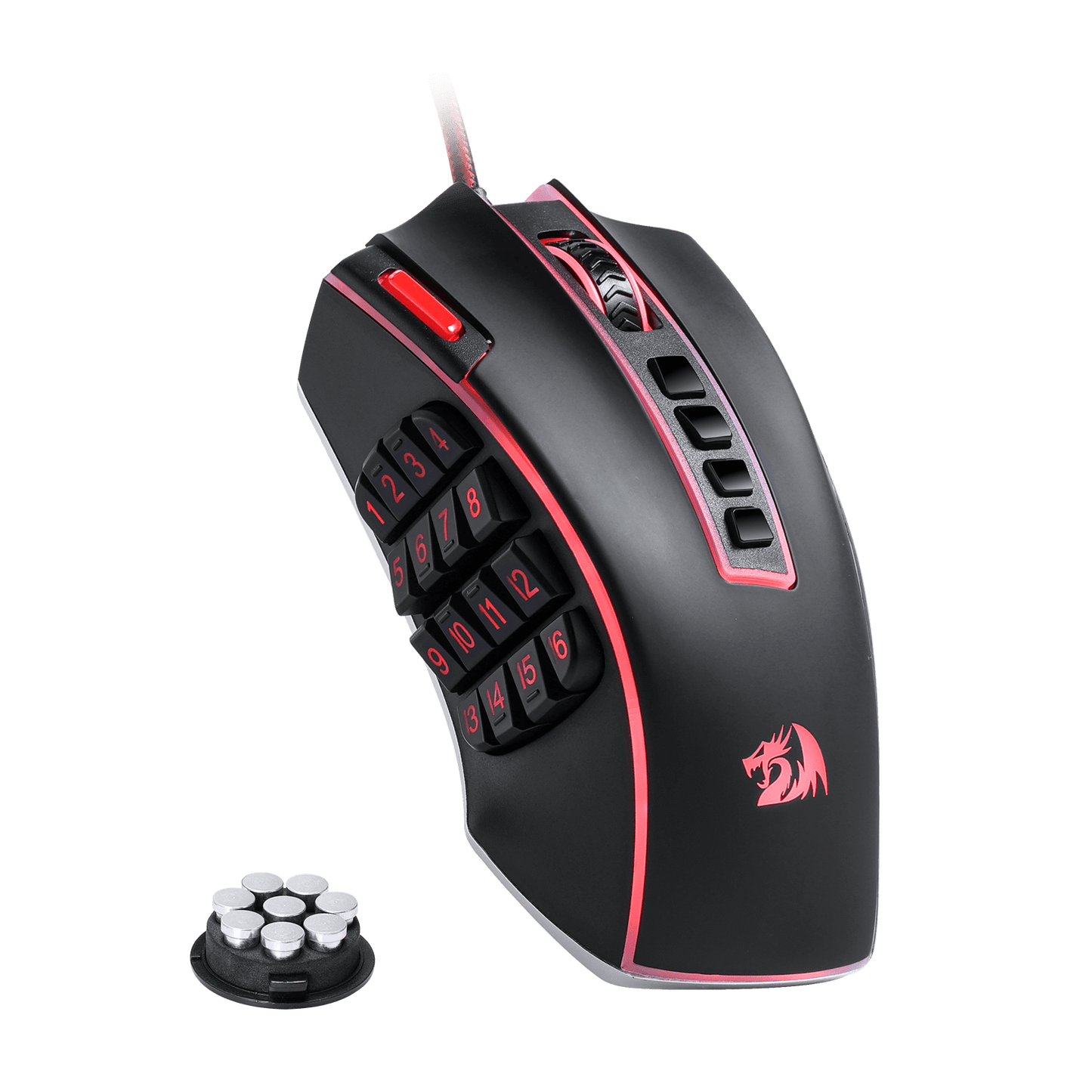
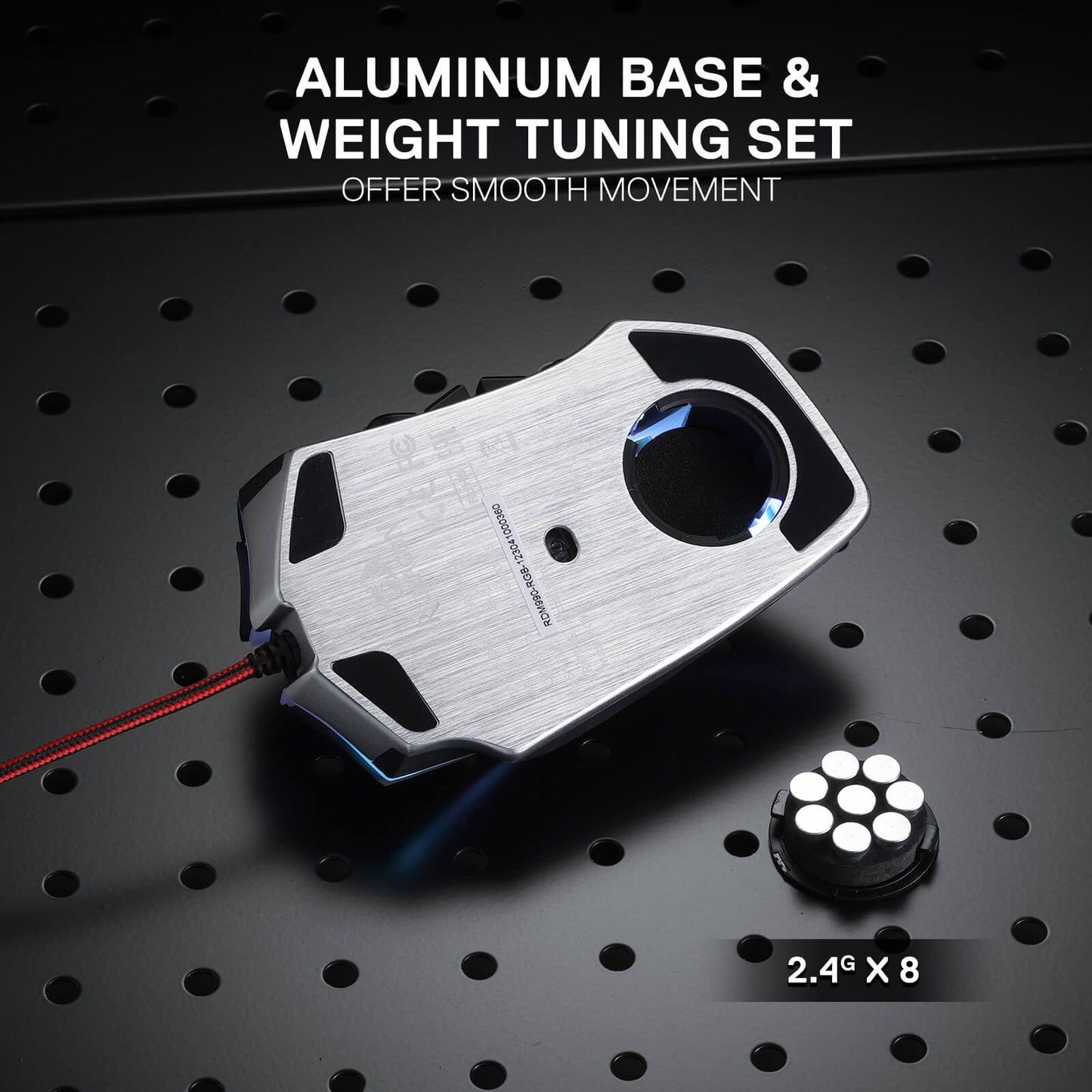
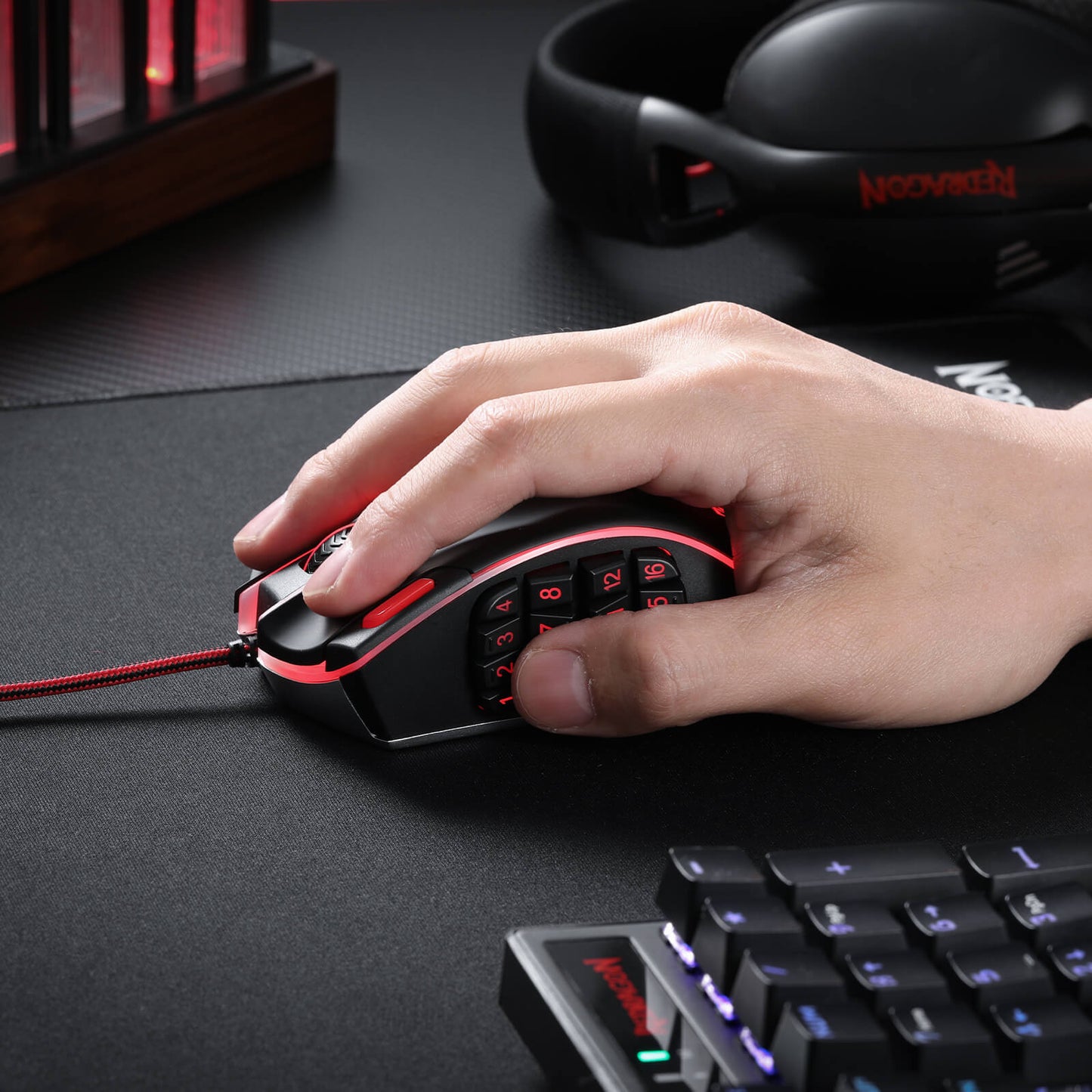
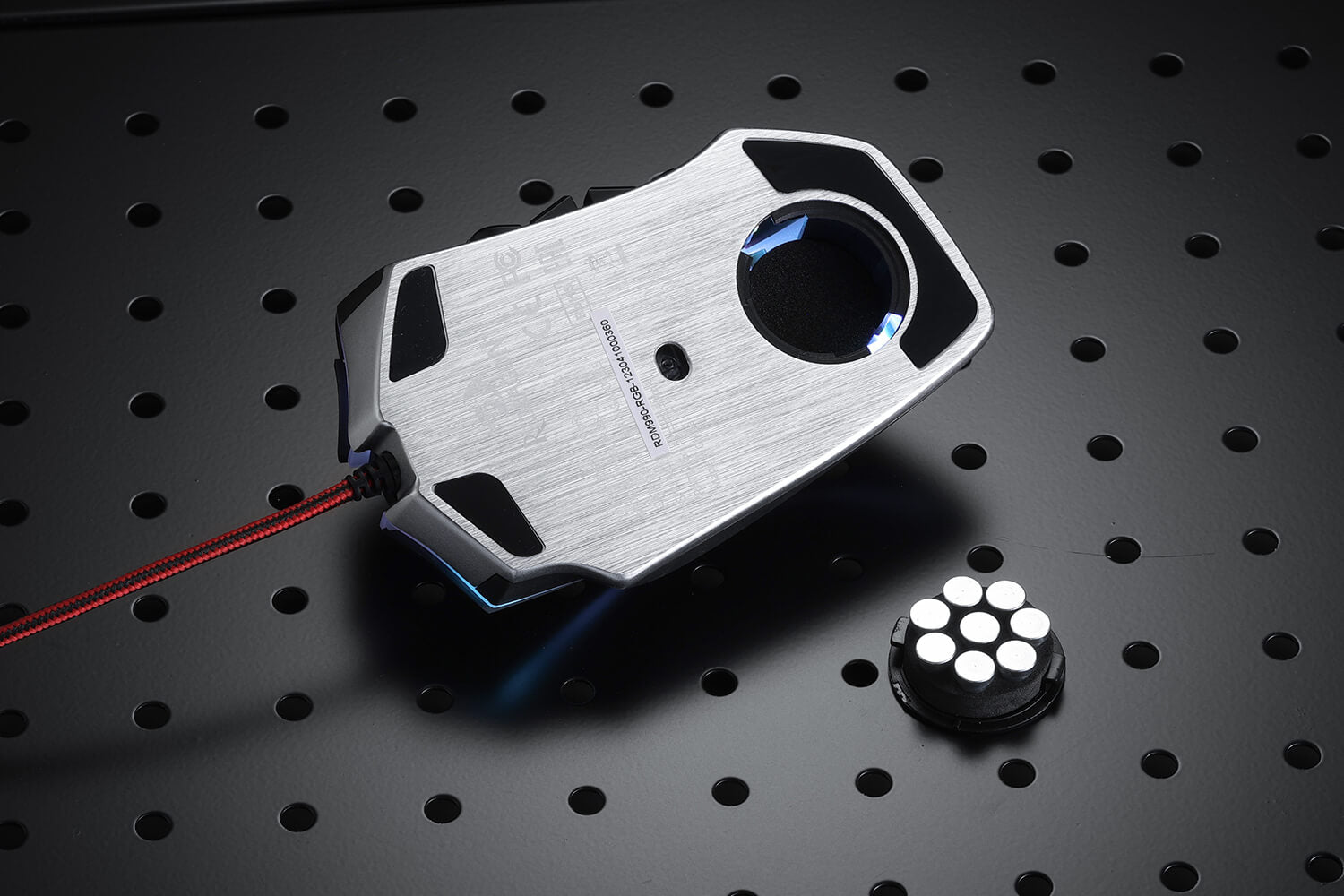
This gaming mouse doesn't just function excellently; it also feels fantastic in your hands and looks incredible on your desk. With an ergonomic design and an 8-piece weight tuning set, the Redragon M990 can be customized to your liking, ensuring long hours of comfortable gaming. Its 16.8 million RGB LED color options and 5 memory profiles add a touch of personal style to your gaming setup, making each gaming session truly your own.
Illuminate Your Battle Station
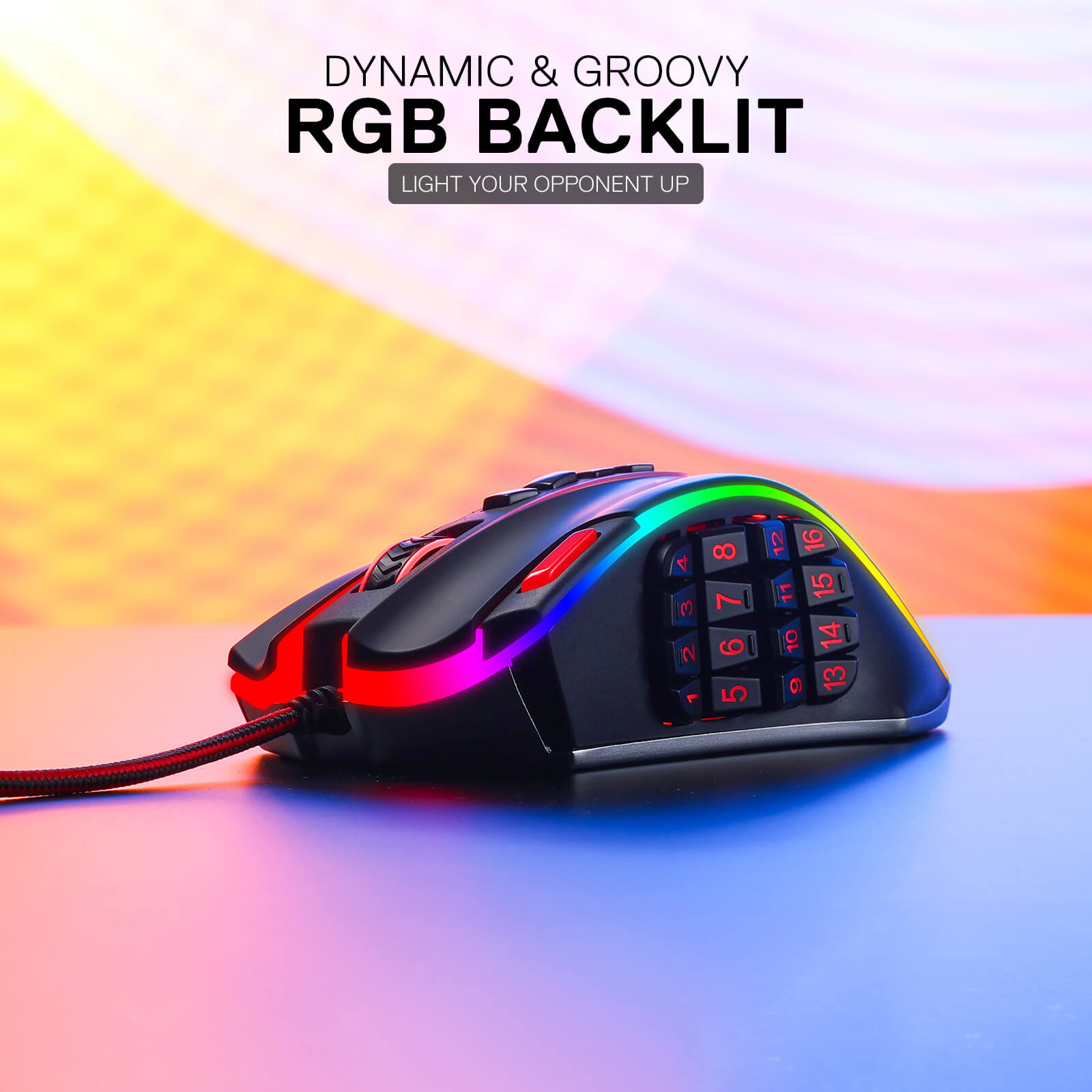
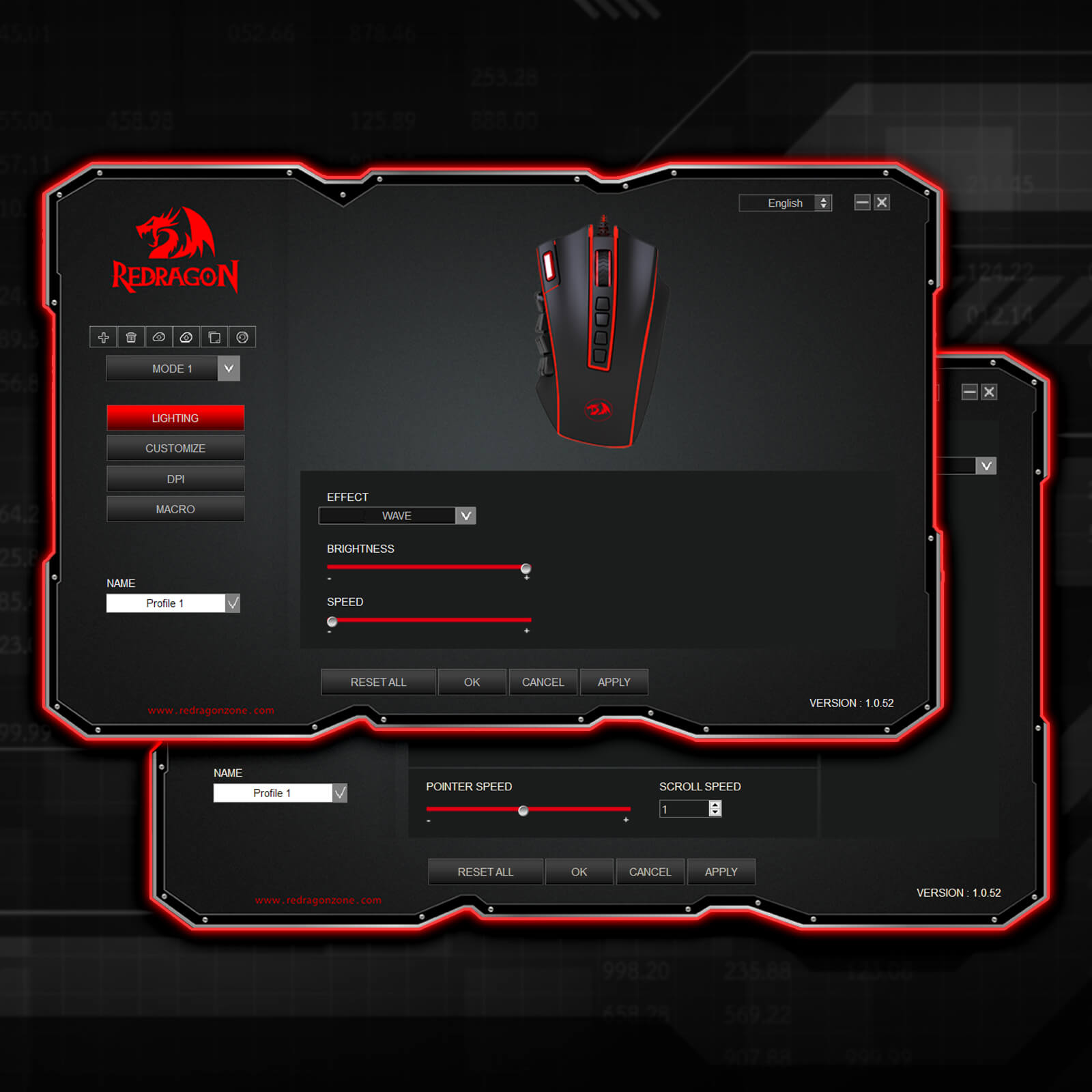
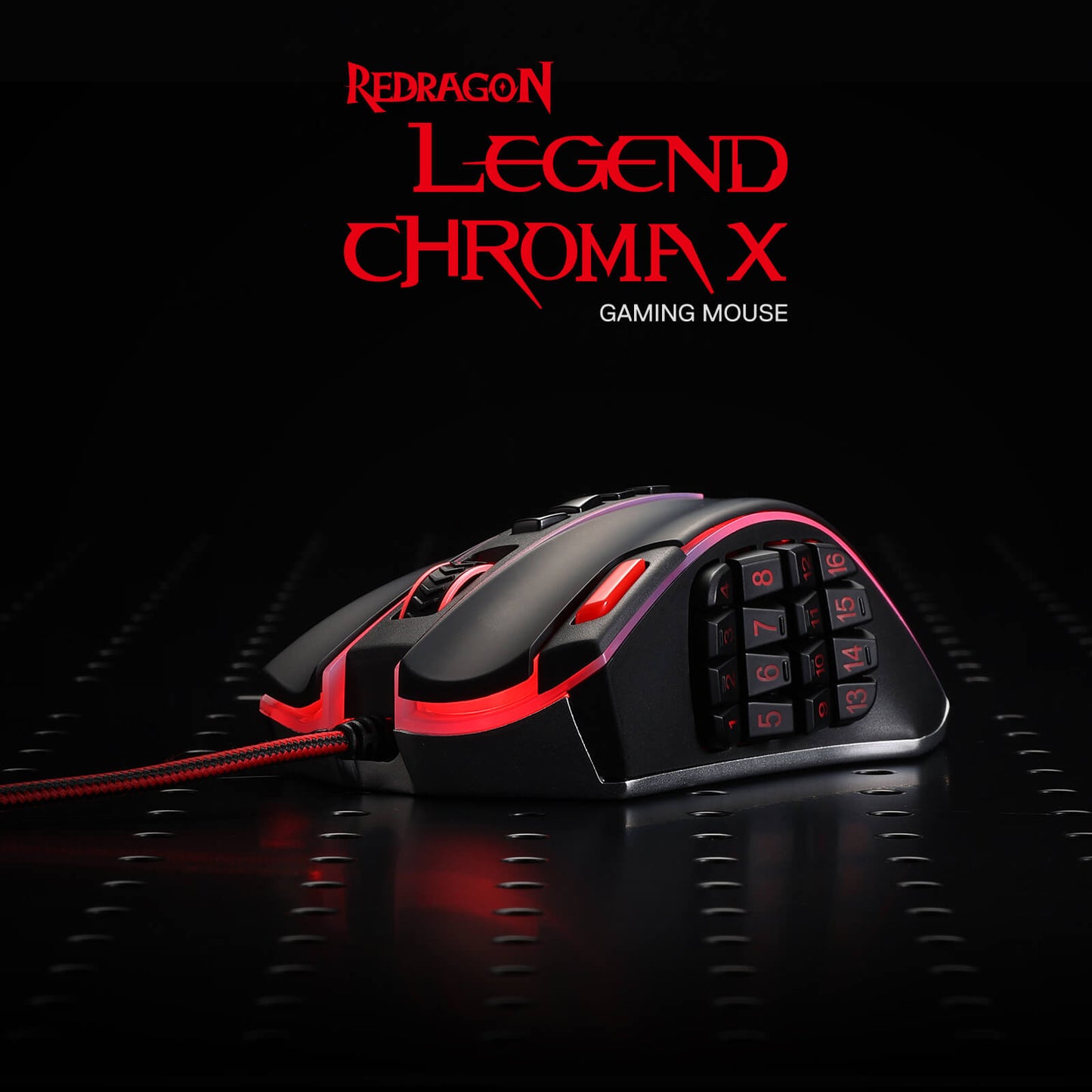
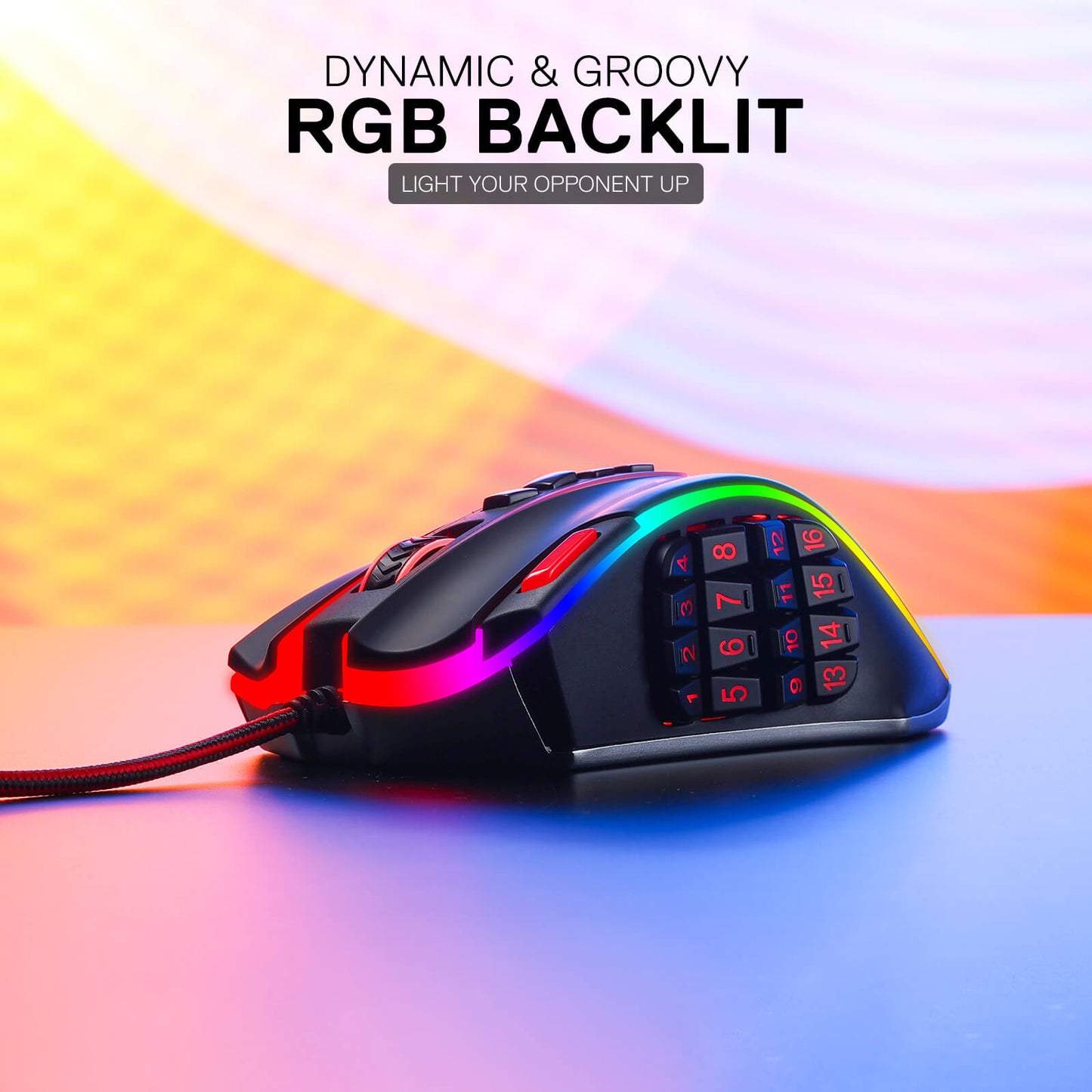
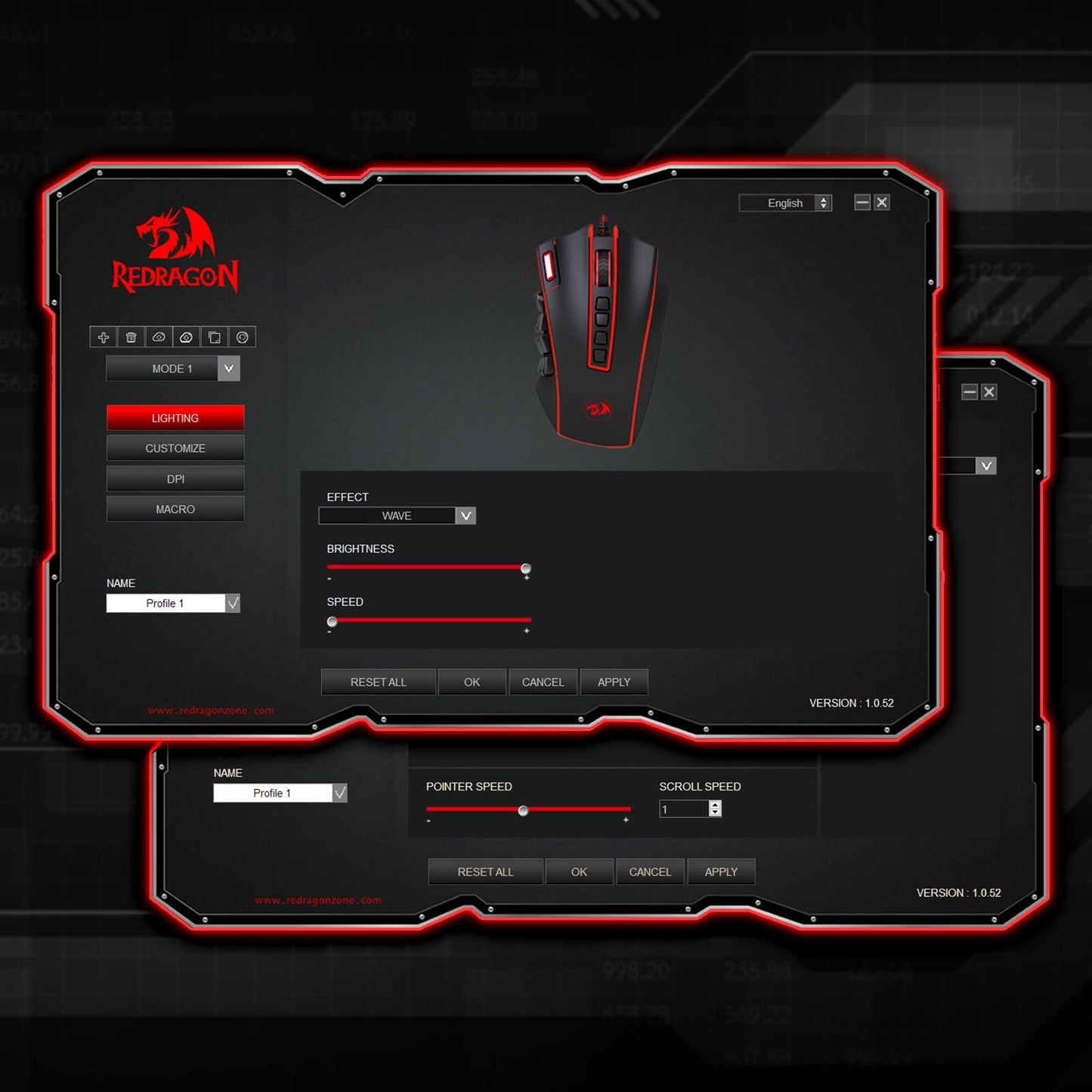
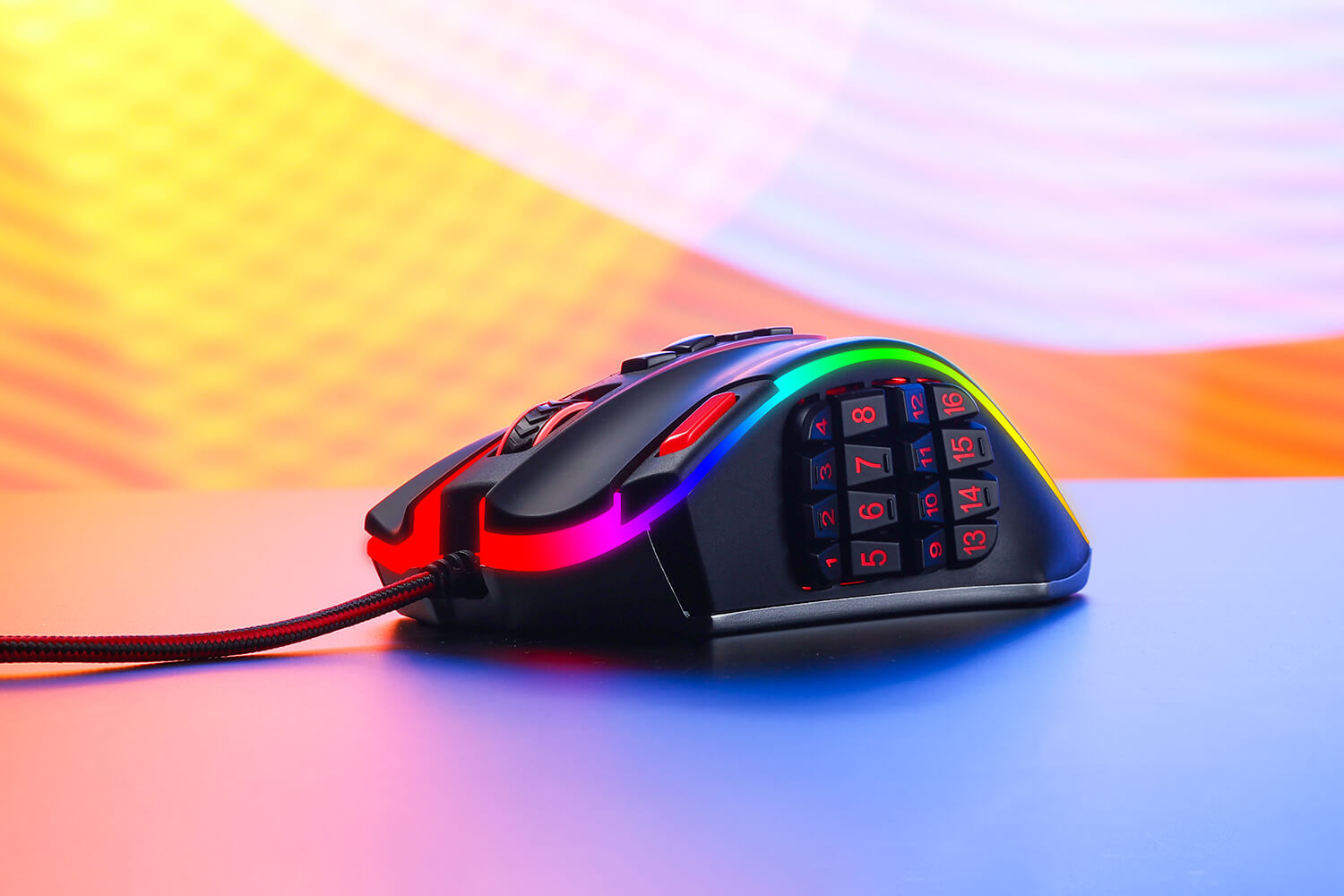
The Redragon M990 MMO Gaming Mouse isn't just about high-octane performance - it's also about style. With five distinct backlit modes and a breathtaking palette of 16.8 million RGB LED color options, this mouse transforms your gaming station into a dazzling display of lights. Each of the 5 memory profiles comes with a unique light color, making it easy for you to quickly identify the profile you're using.

The Ultimate Weapon for Die-Hard Gamers
When the battle gets intense, you need a gaming mouse that can keep up - and the Redragon M990 is more than up to the task. Whether you're sniping from a distance, launching a full-frontal assault, or maneuvering with stealth and precision, this mouse is your trusty companion. Its compatibility with Windows XP/VISTA/7/8/10/11 for programmable usage and Mac OS for normal usage makes it an excellent choice for gamers of all types.
Perfect Balance with Aluminum Base and Adjustable Weight Tuning
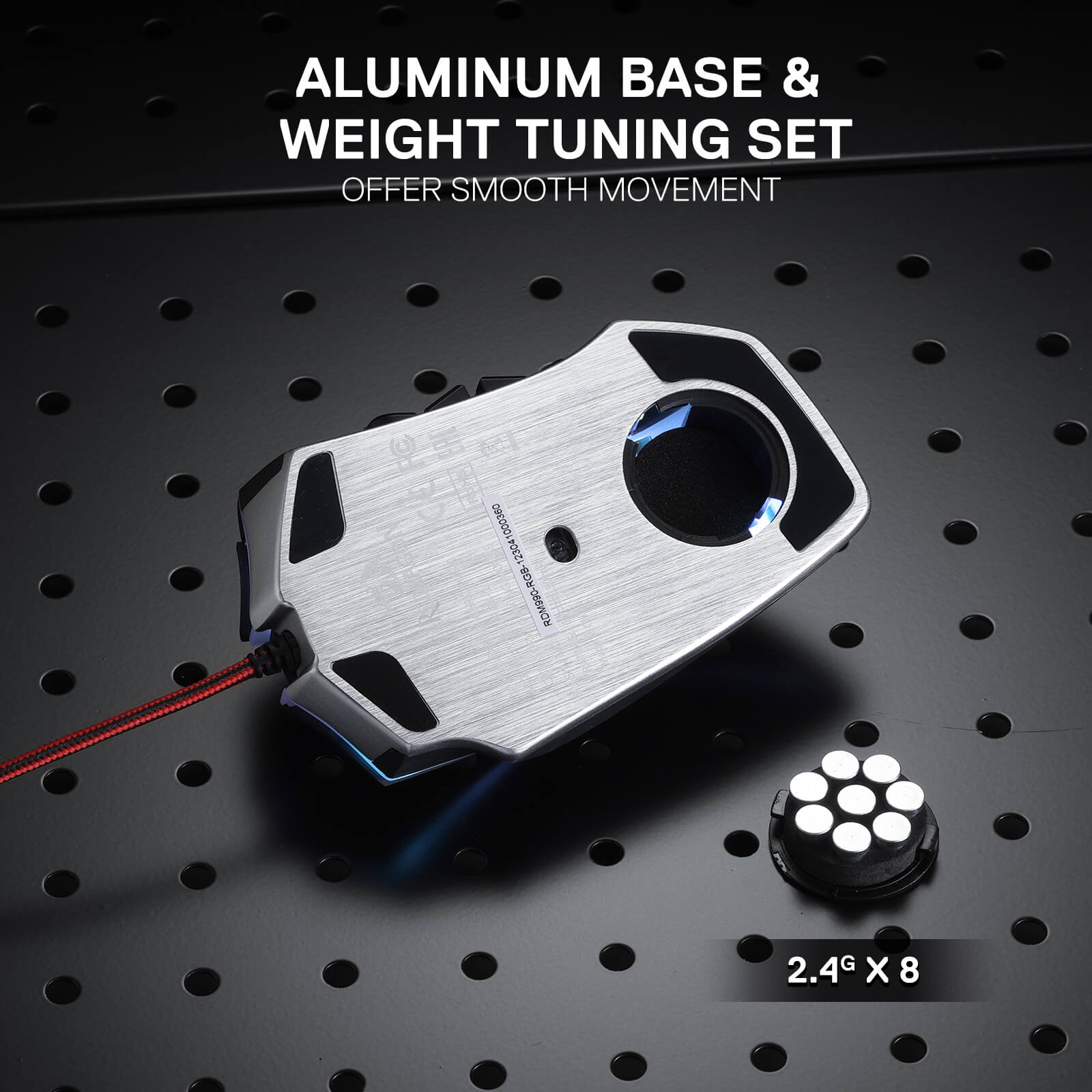
The aluminum base provides a solid foundation, while the user-adjustable 8-piece balance weight tuning set allows you to fine-tune the mouse's weight to your preference. Achieve the perfect balance and enjoy effortless control, enabling you to game with precision and endurance.

Reviews
I had the original Legend (not marked RGB or Chroma) for a long time until I wore out all the top buttons completely, which are rated for like a million clicks, so a REALLY long time. Main gripes with it were the weight, the quickly wearing out side-buttons, and lack of linux software. Got new Chroma edition, and within a few months the rubber completely disintegrated, like, there is none left, while the old one wore out but never as bad as this one. Also, the top cracked, so I had to transplant one from the old mouse, but it didn't quite fit so I still had to file down even though the P/N stamped is identical on both suggesting high variance and poor production quality, but the top is still fine to this day. While changing it out, I noticed they used a new board for chroma, which gave me hope that it'd last longer... NOPE! Wore out even quicker. For the software, the new one is kinda supported by community g502 driver up to 12th button, old one was not at all, so I'll give them that. Lighting now is consistent across the mouse and there are few more lighting modes, but the cost of that is that you can't switch profiles quickly. Old one had three separate LED's, scroll one indicating DPI, logo one indicating profile, and main one just for style, so you could figure out and adjust each at a glance. But now when changing profiles the entire mouse lights up in random colors so it's impossible to tell which one it currently is, just have to switch and try each time, or just forget about profiles and clone one in each slot.
Thank you for taking the time to share such detailed feedback. We're truly sorry to hear that your experience with the Chroma edition has been disappointing, especially considering how long you enjoyed using the original Legend.
We appreciate you pointing out these issues, including the rubber coating, build quality, button durability, and profile switching experience. Your feedback is valuable to us and will be shared with our product team for further review and improvement.
If you need further assistance with your mouse, please take some photos or a short video showing the issues and contact our customer support team. They'll be happy to investigate the matter and help you find a solution.
We sincerely apologize for falling short of your expectations and appreciate you giving Redragon another chance. Thank you for helping us identify areas where we need to do better.
I've been using the wired version of the LEGEND CHROMA M990 for several years now across all 4 of my workstations. Deciding to get the wireless version for my laptop, I found myself wanting to return it after just 2 hours of use. The whole point of using identical mice is consistency—it’s comfortable when they are all configured and function the exact same way on every computer. Unfortunately, the manufacturer doesn't seem to think so, which is a shame.
1 Why remove the ability to customize the fire button and the 4 top buttons?
2 The drivers themselves are extremely unstable. They crash constantly during setup and lose button configurations. I've never had such issues with the wired version's software.
3 It's impossible to map NumEnter and NumDel to the side buttons. As for Num+, it gets assigned initially but then changes to a regular + on its own. The utility for the wired version has no such problems—all buttons can be remapped smoothly.
5 Furthermore, what was the point of changing the settings export file format from .prof (wired) to .bin (wireless)? Why can't I just seamlessly transfer my entire button configuration from the wired to the wireless version in a couple of clicks?
Why ruin a great product with such strange decisions?
We're truly sorry to hear about your disappointing experience with the wireless LEGEND CHROMA M990. We understand how frustrating this must be, especially when you've relied on the wired version across multiple workstations and expected the wireless version to offer the same level of consistency and customization.
Thank you for taking the time to explain these issues in such detail. Your feedback regarding button customization, driver stability, key mapping, and configuration file compatibility is extremely valuable. We'll pass these concerns along to our product and software teams for further review.
If possible, please share some screenshots or a short video demonstrating the software issues and button mapping problems, and contact our customer support team so they can investigate further and assist you.
We sincerely apologize for the inconvenience and appreciate your long-term support of Redragon. Your feedback helps us understand where we need to improve.
I already had the wired mouse version years ago, but unfortunately the wires are too rigid for me. This time with this wireless version there isn't any problem with cables, BUT the software for now let's you only change the 16 side buttons and not buttons like fire button or the square dpi buttons (the screenshot of the software on the page doesn't exists, I think because it was only a demo). So please Redragon team, update the software to make possible to change these upper buttons!
LEGEND CHROMA M990
My think for upgrade:
-Better recognize the side buttons
-The weights in mouse for the different places
-I prefer USB C to USB A cable before solid soldered cable. like a Horus K619 usb C to usb A cable connection.
-I prefer settings straight from OS/MSWindows settings, i don´t like other unnecessary applications
I like this mouse because is comfortable for 3fingers style :D