





Power-Packed Performance
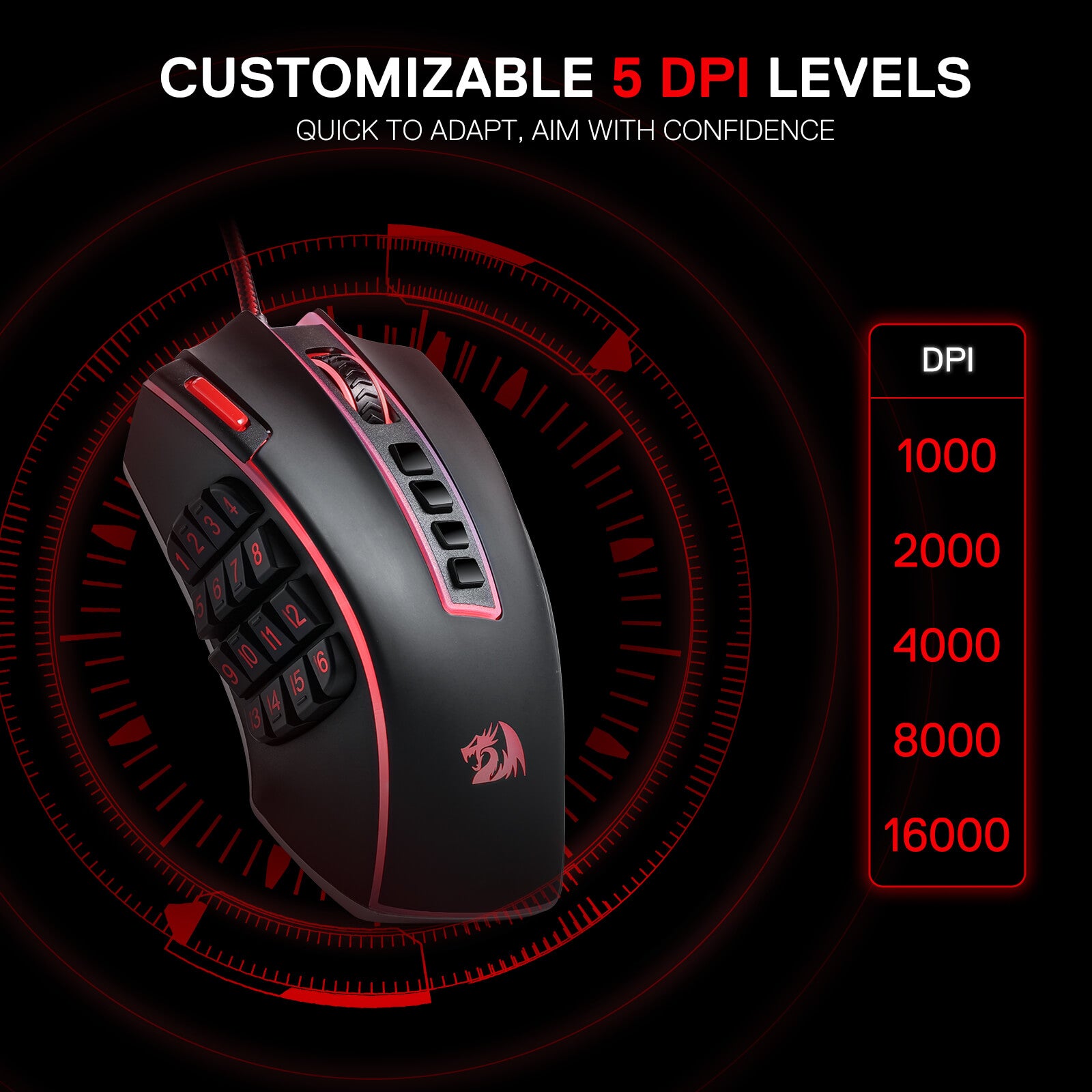
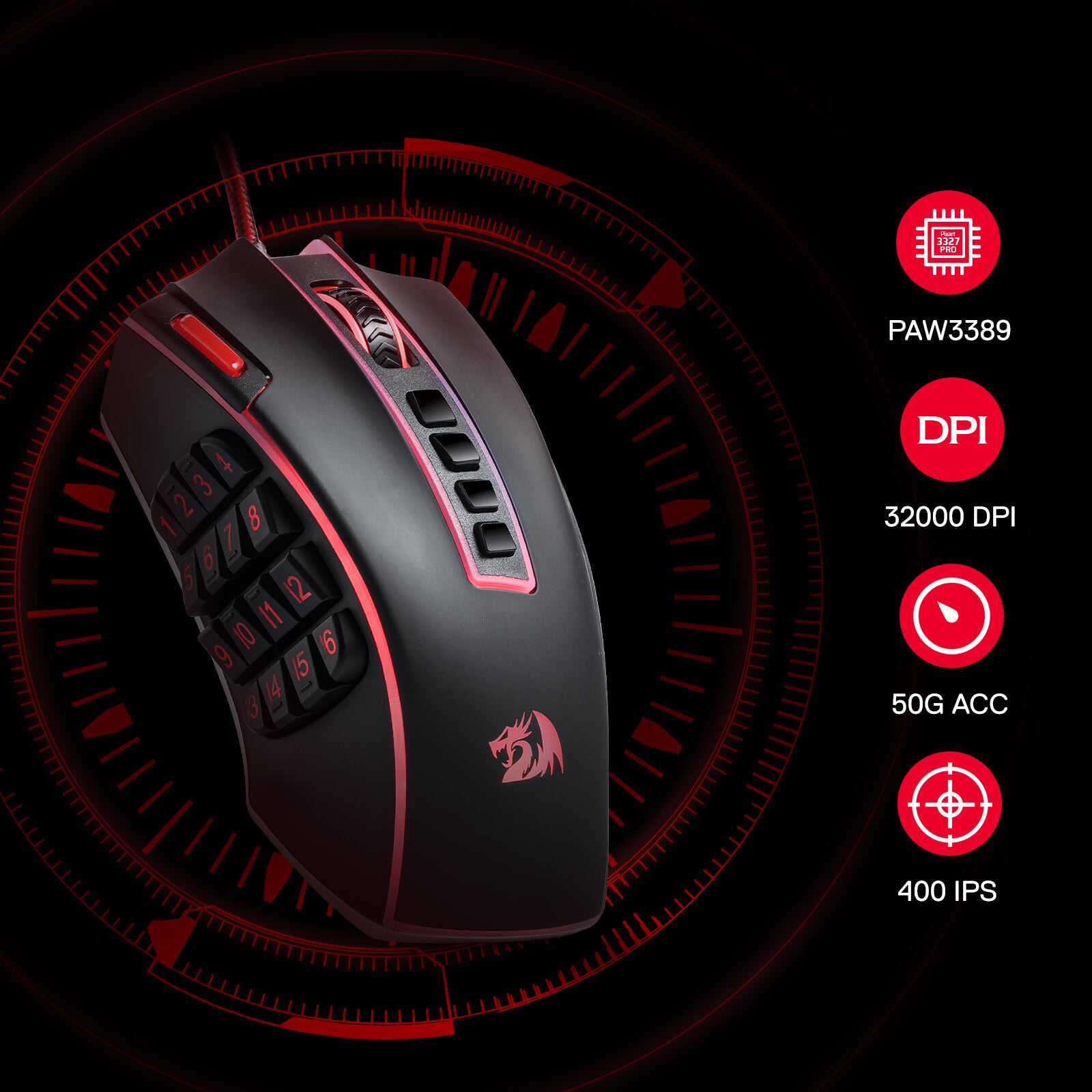
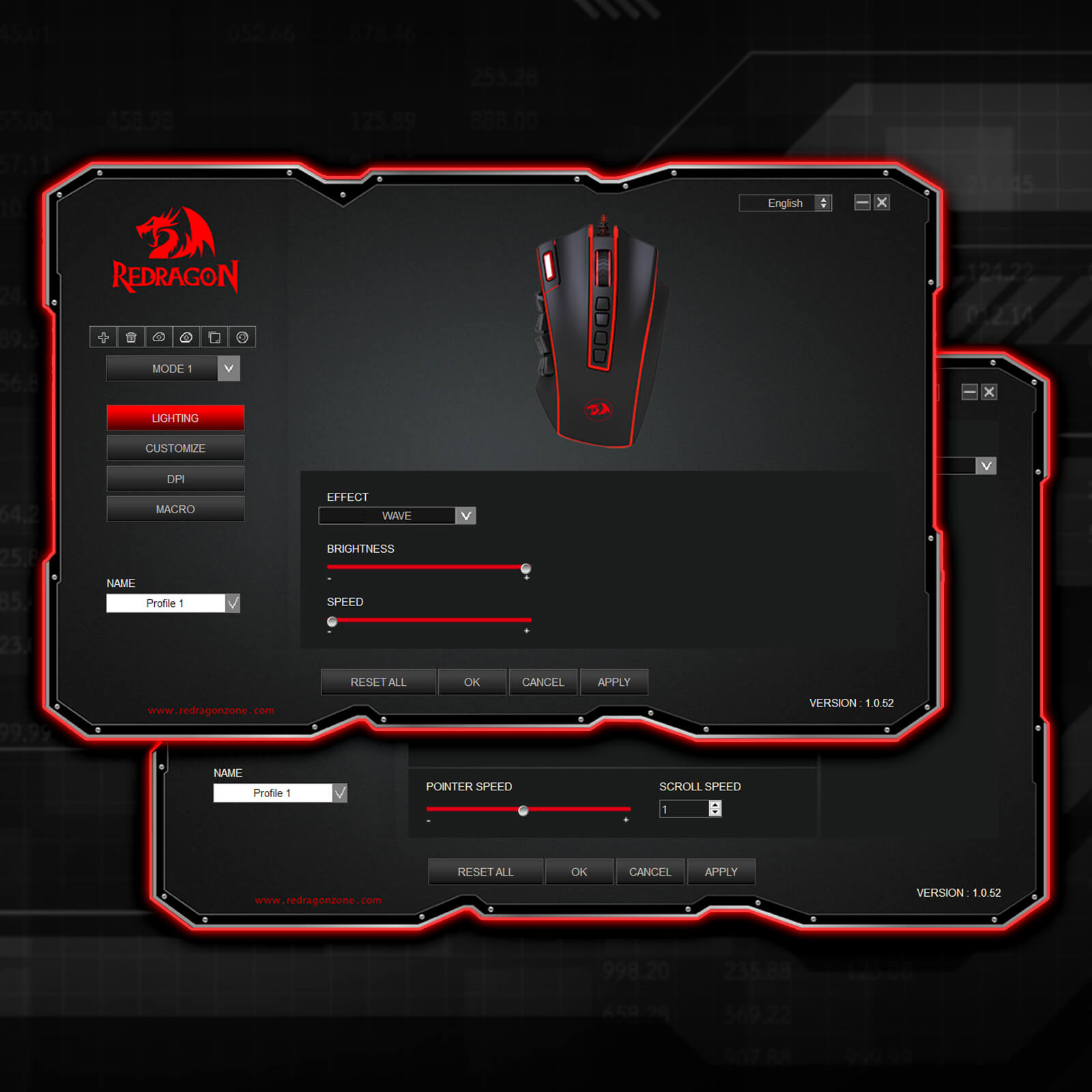
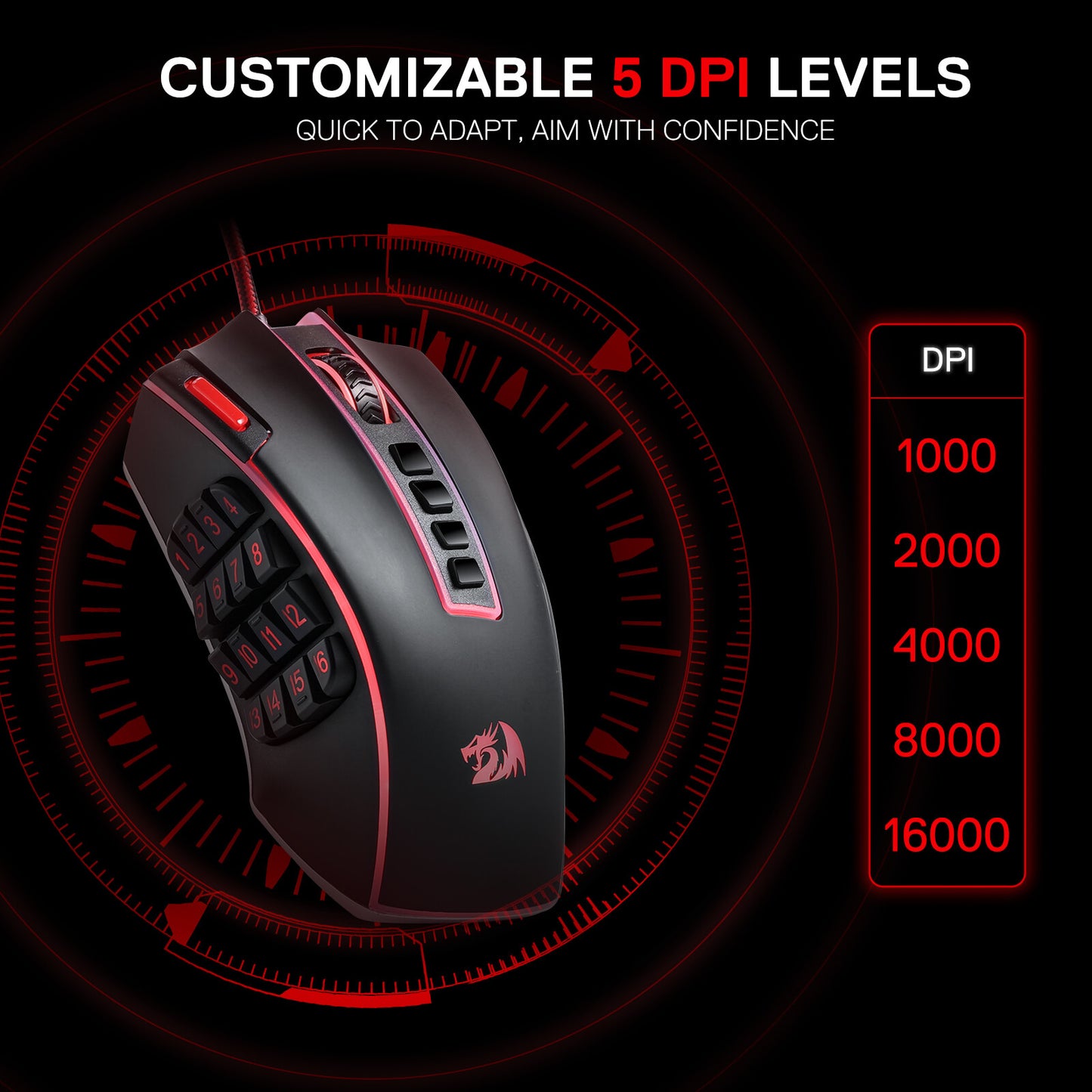
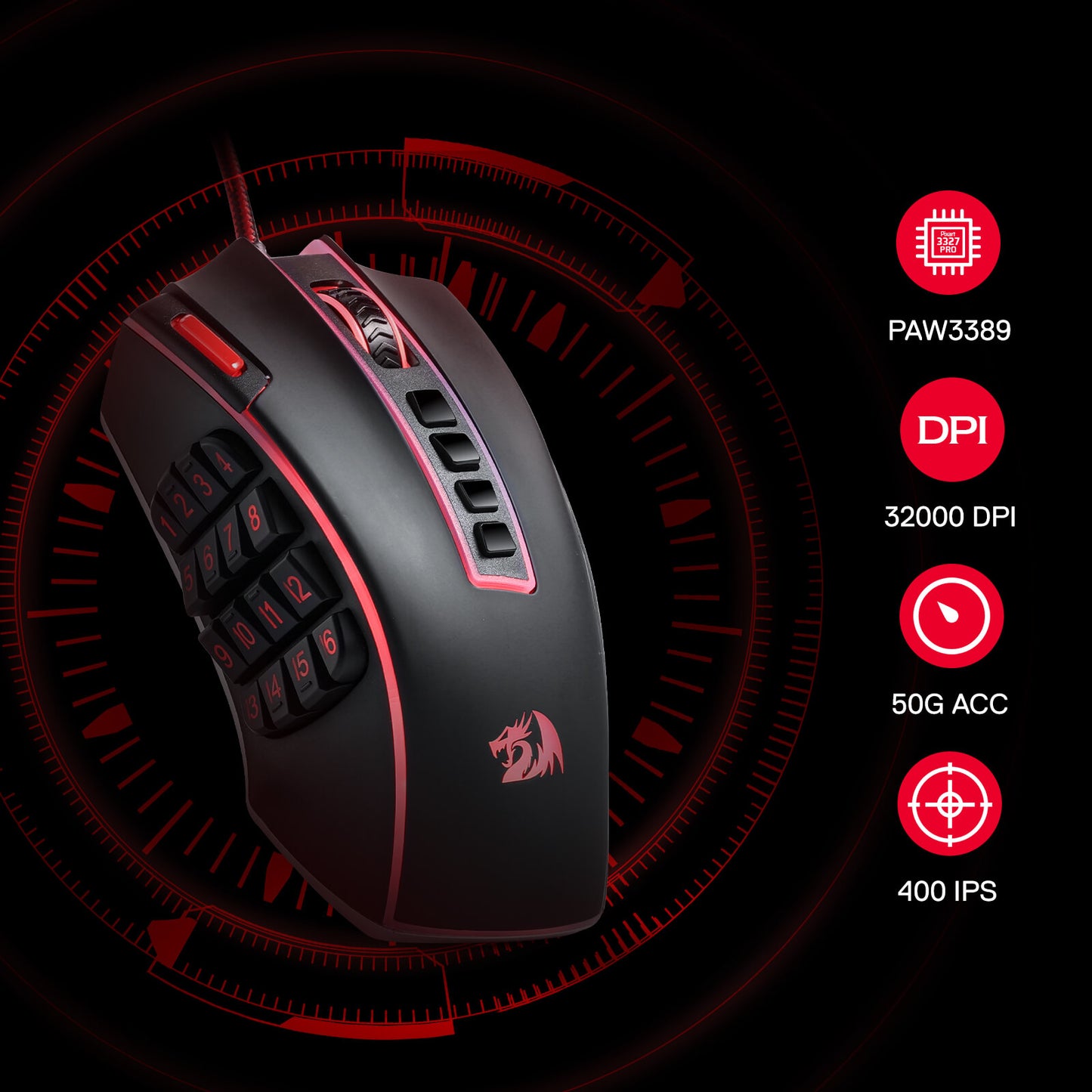
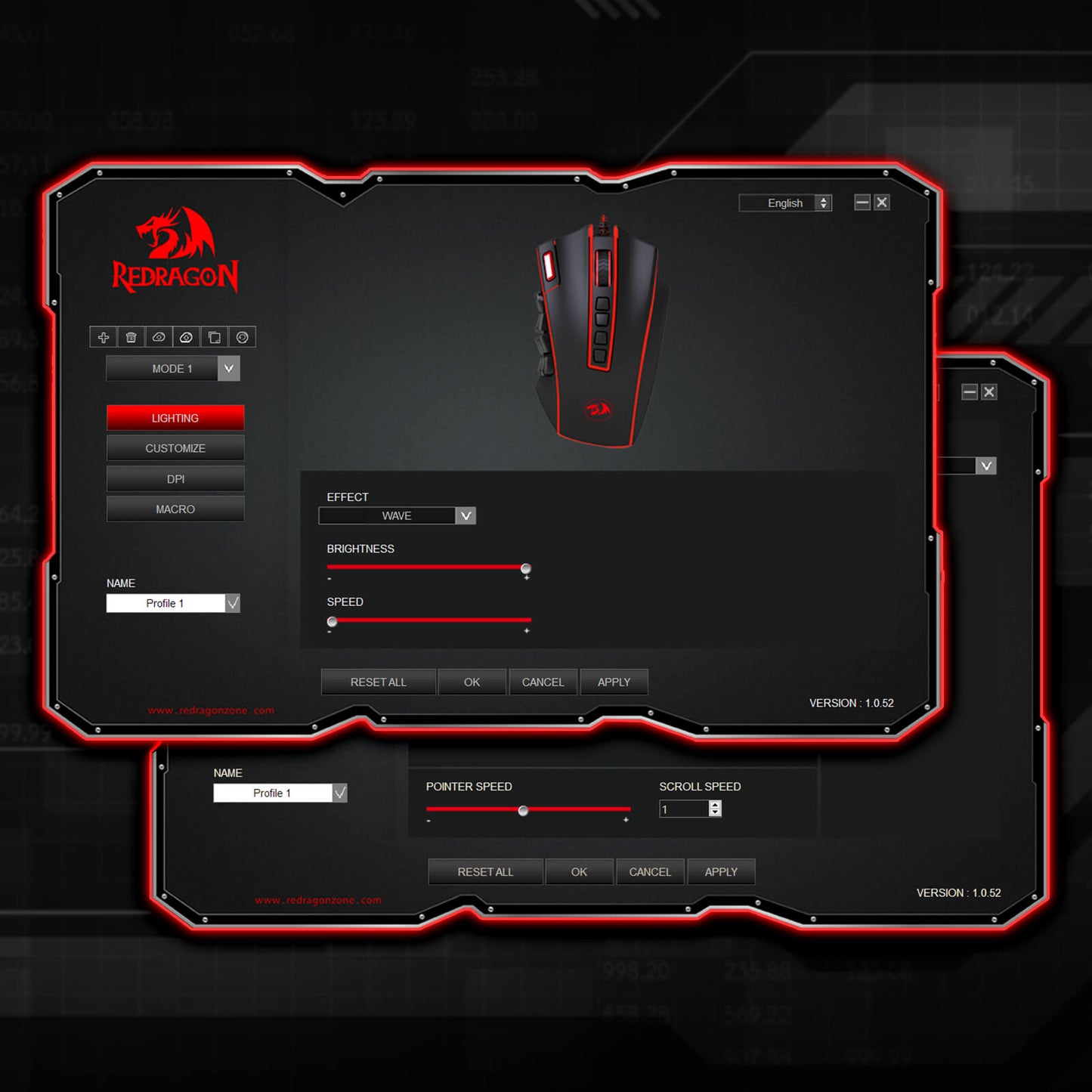
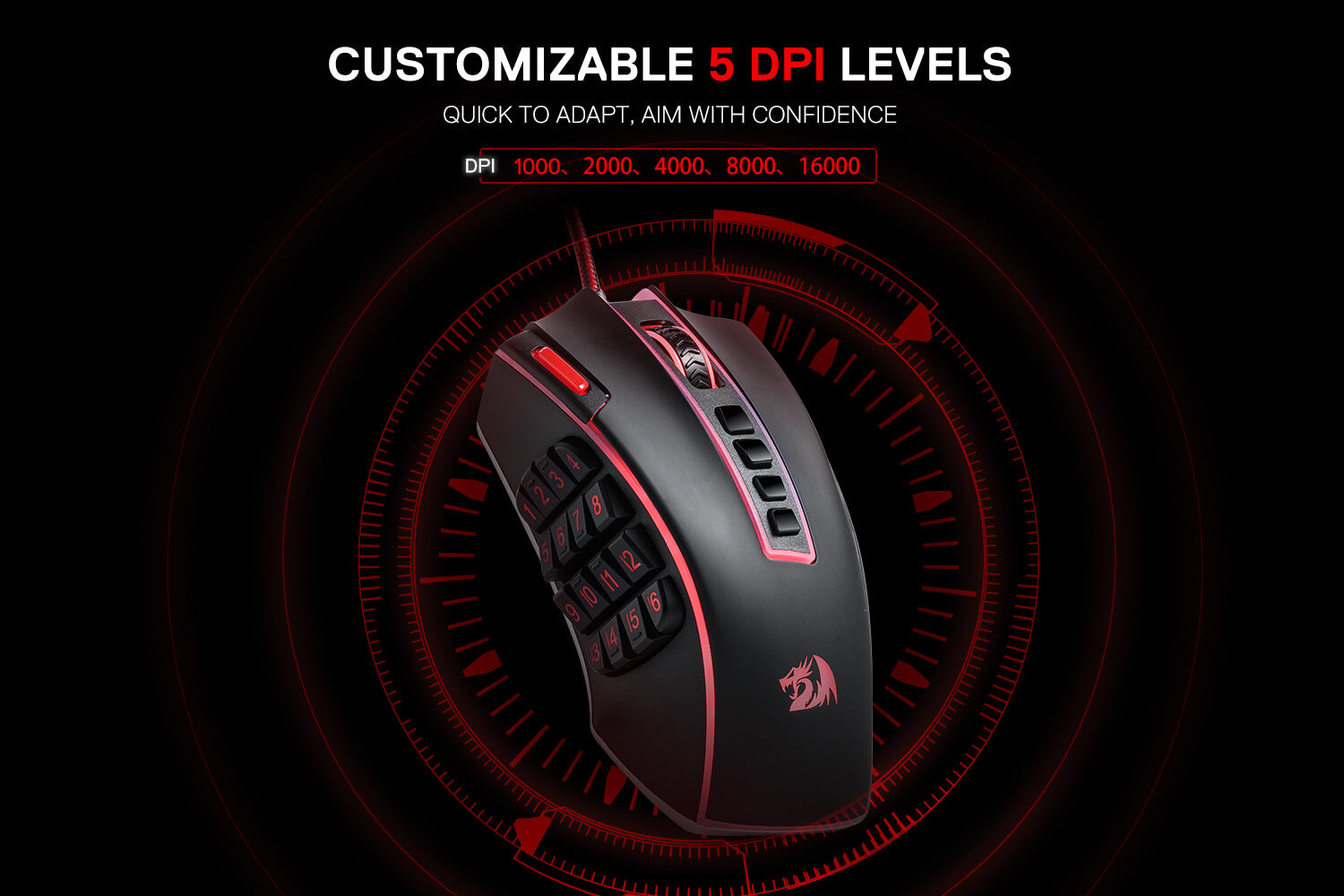
Geared with 5 redefinable DPI levels (default as: 1000/2000/4000/8000/16000), easy to switch between different game needs. Dedicated demand of DPI options between 100-32000 is also available to be processed by software.
Unleashing the Power of Customization
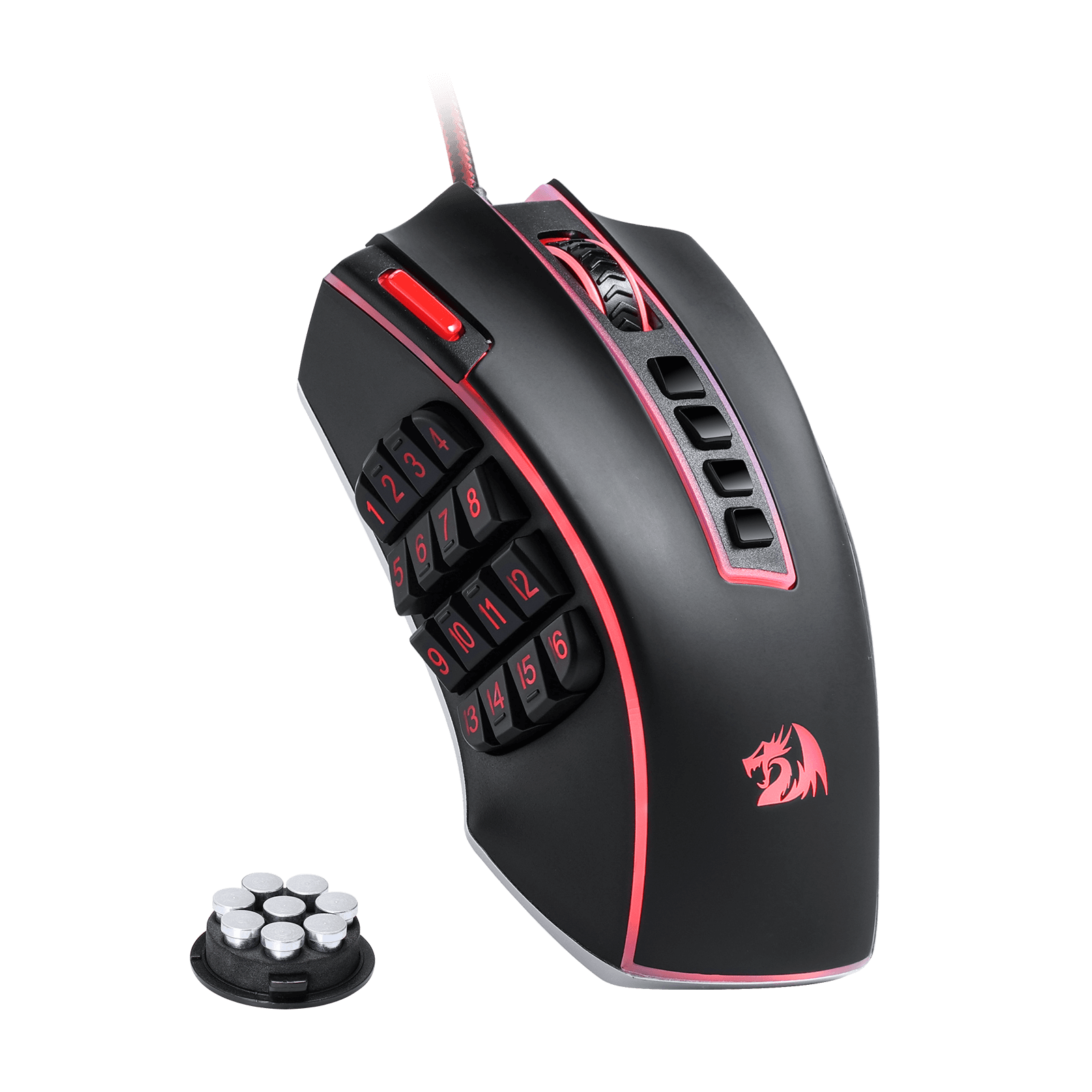
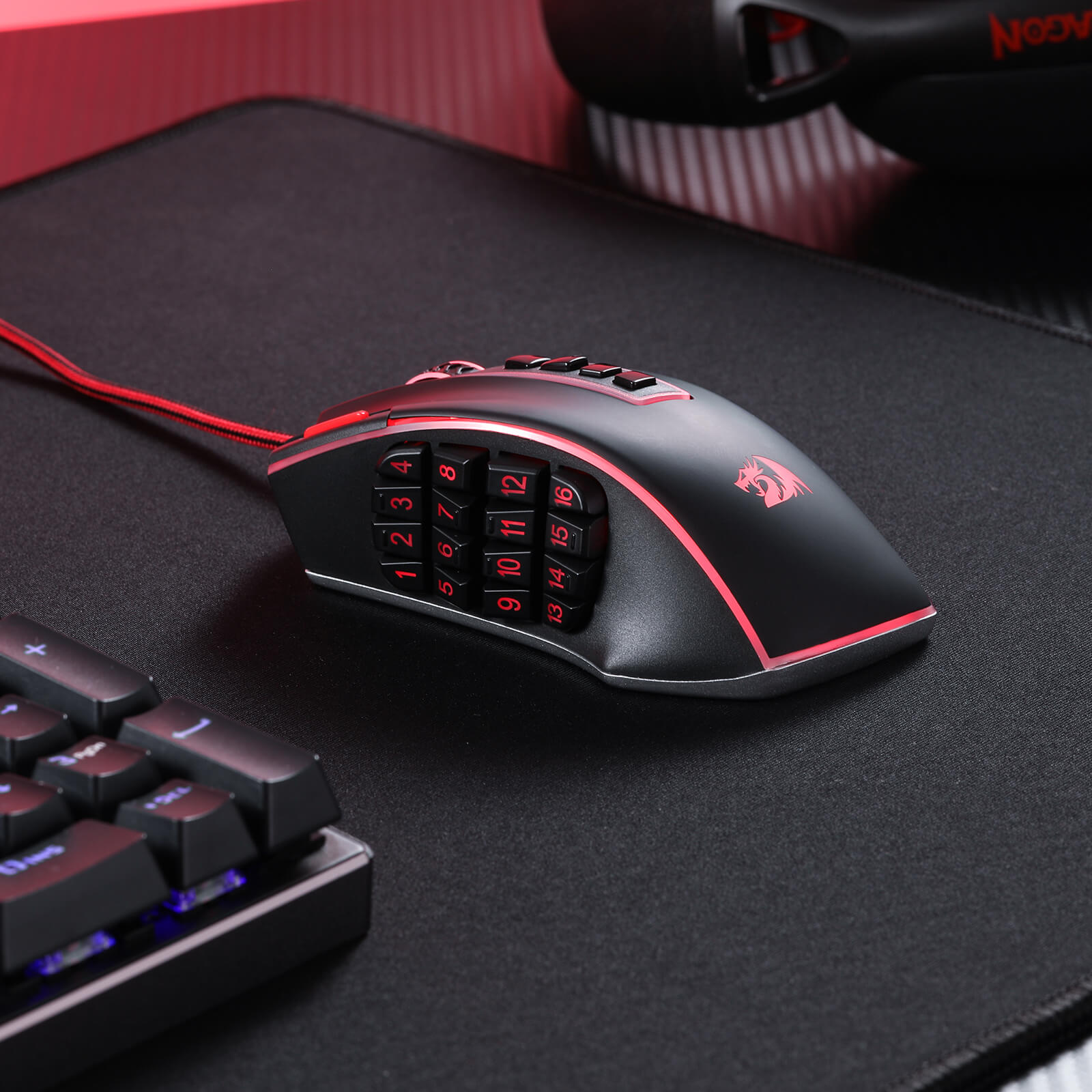
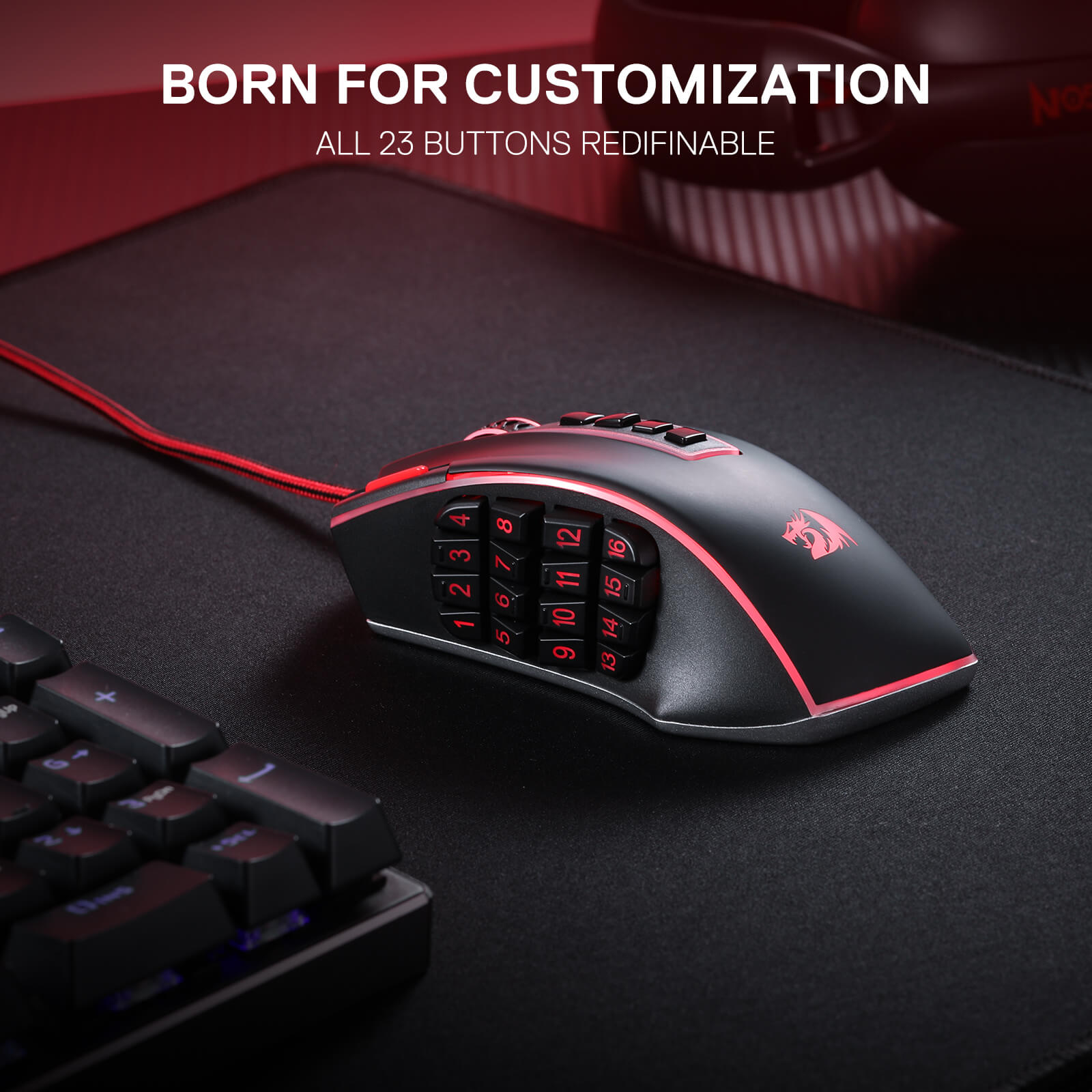
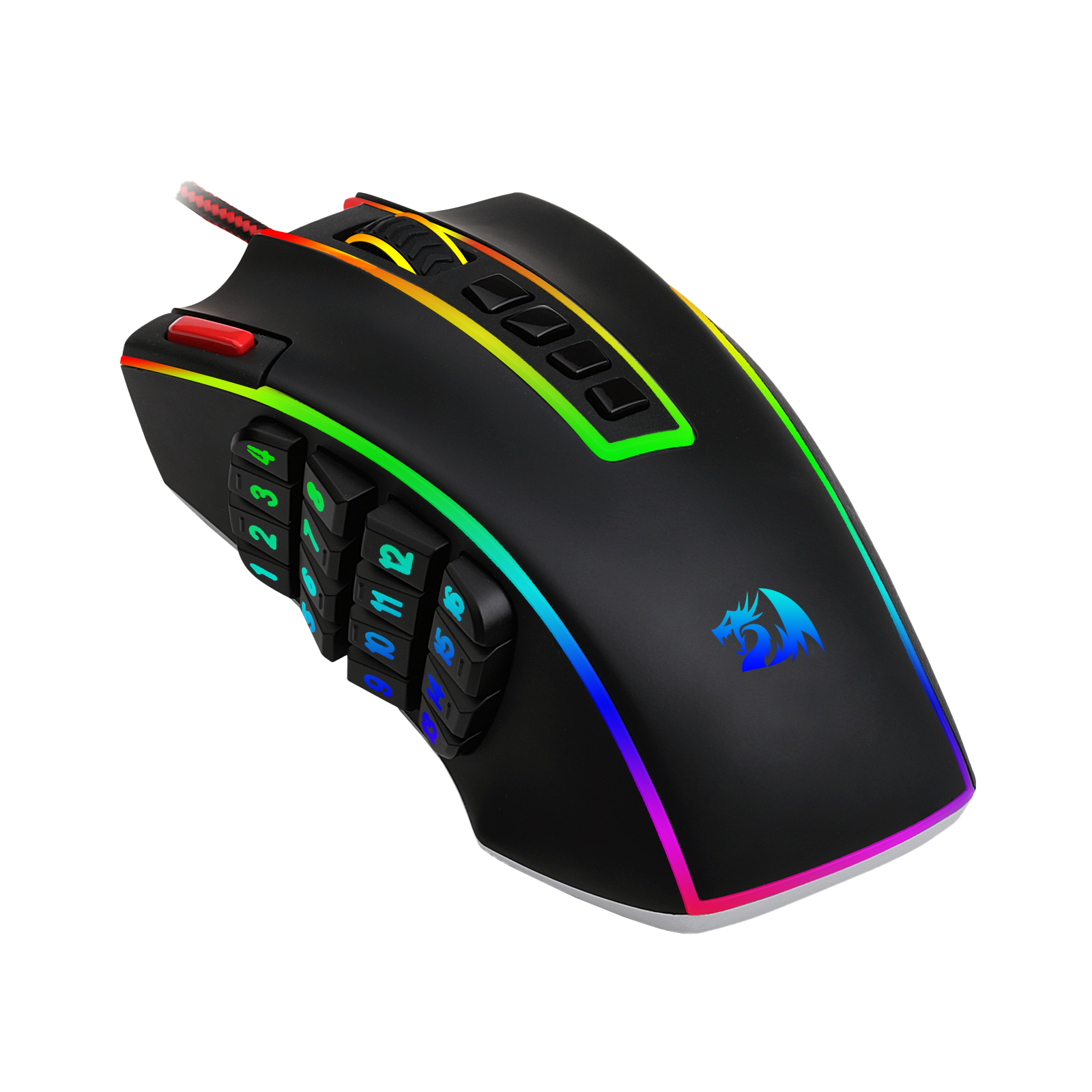
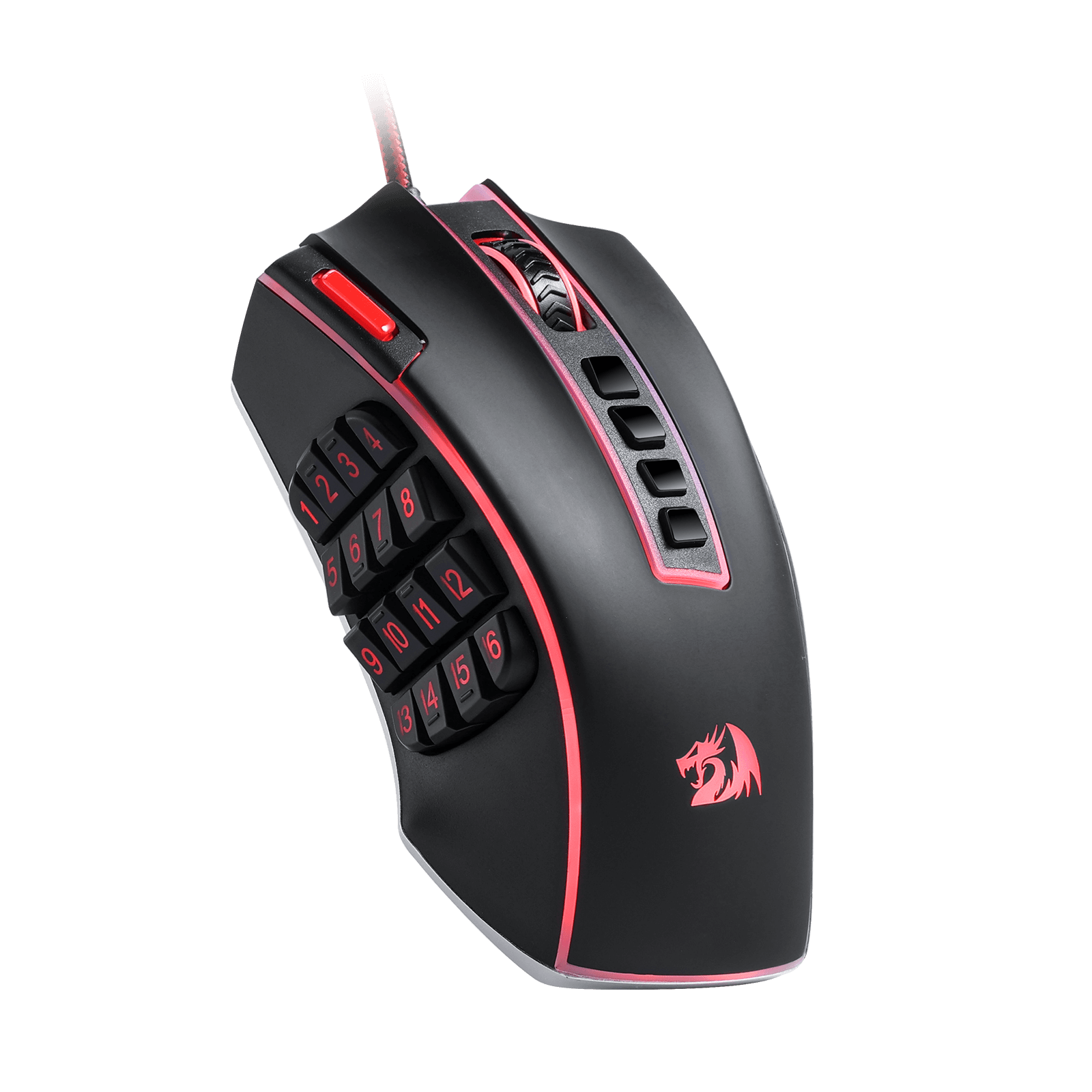
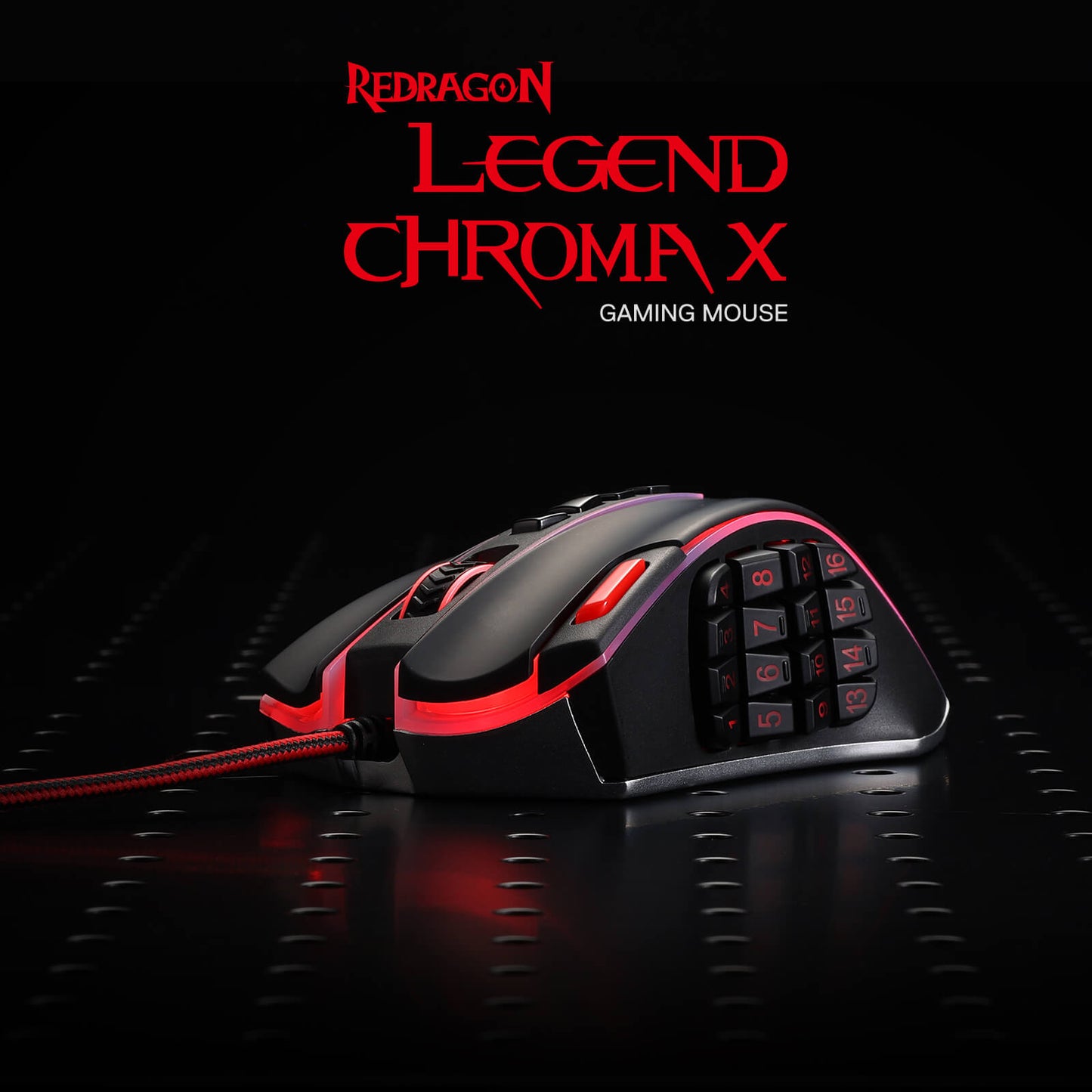
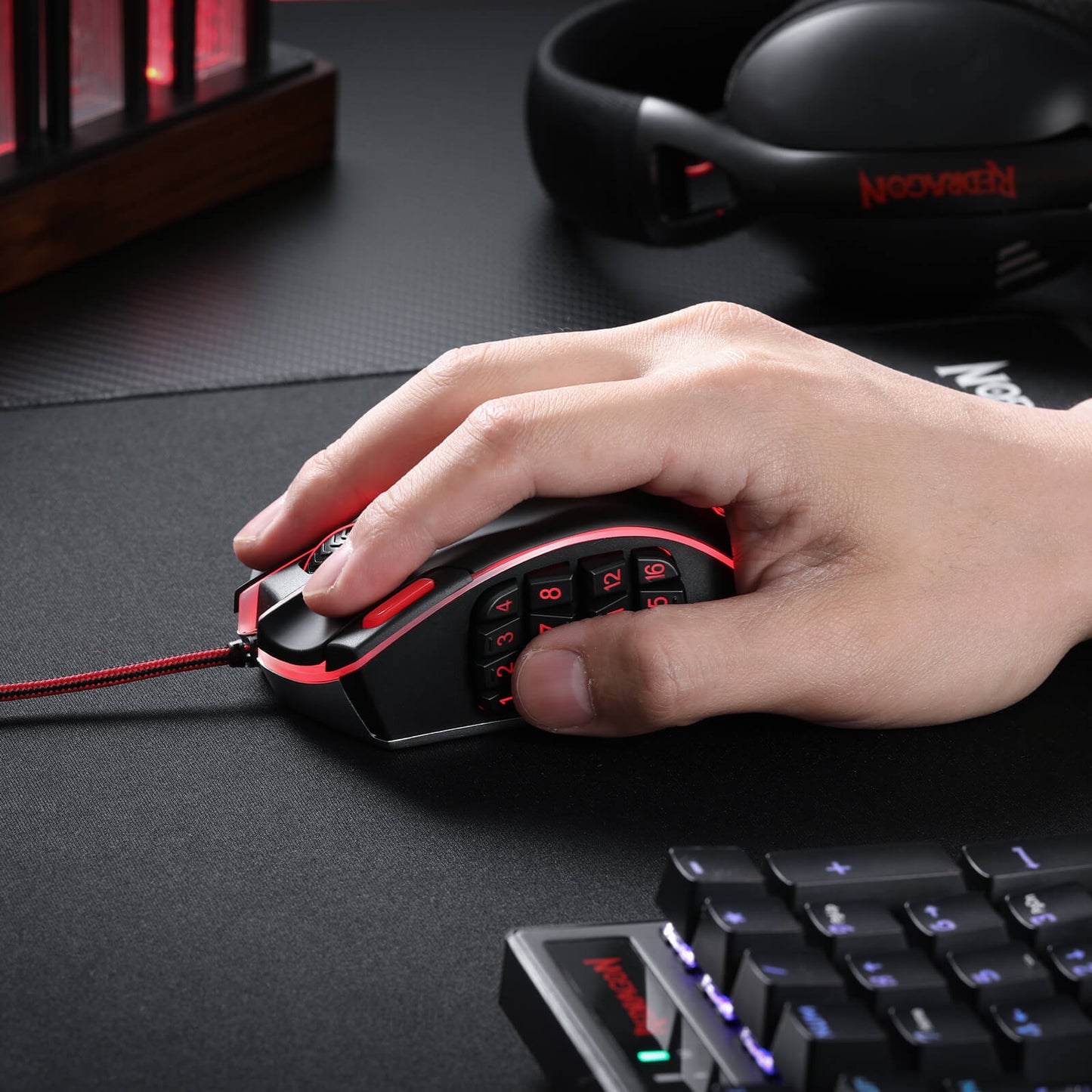
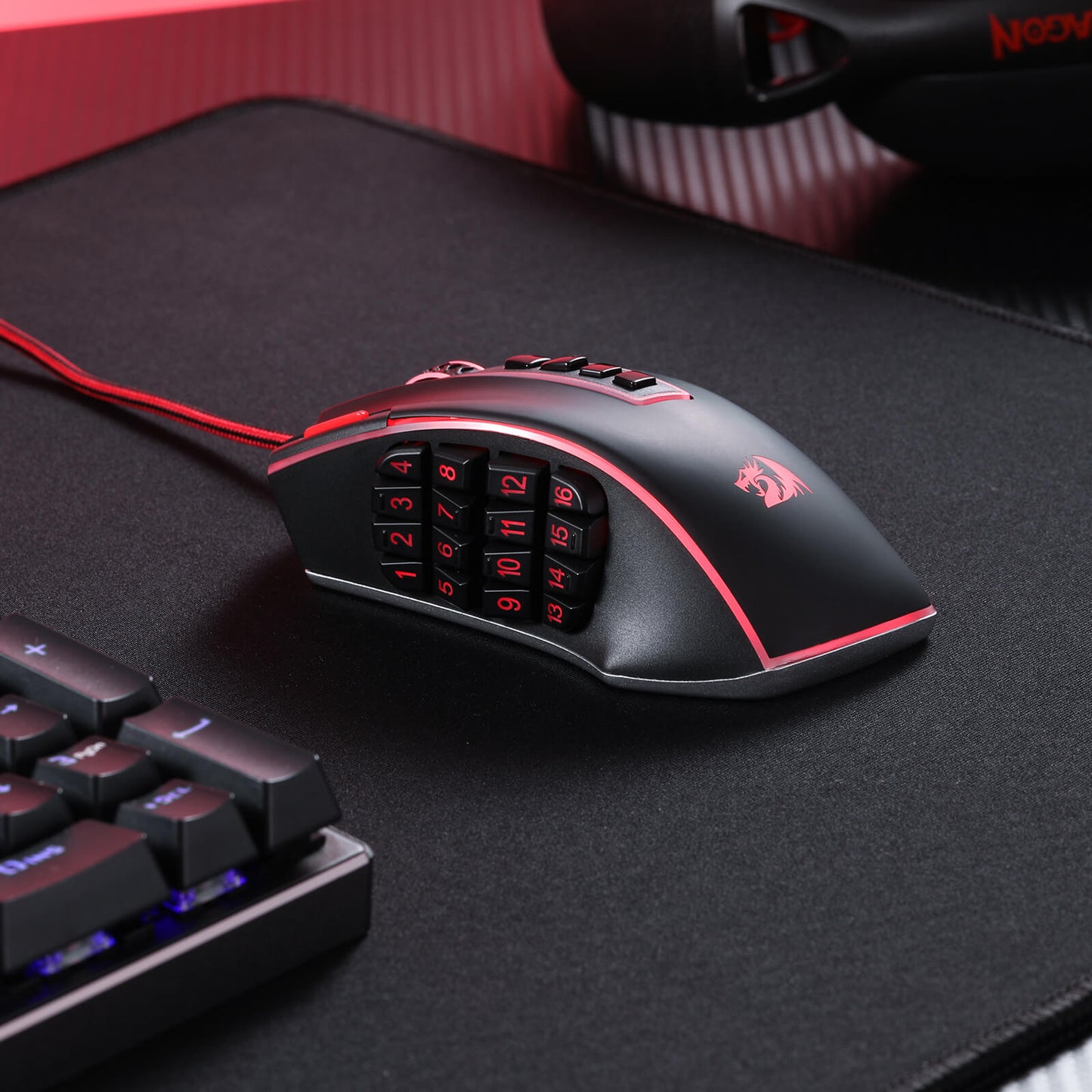
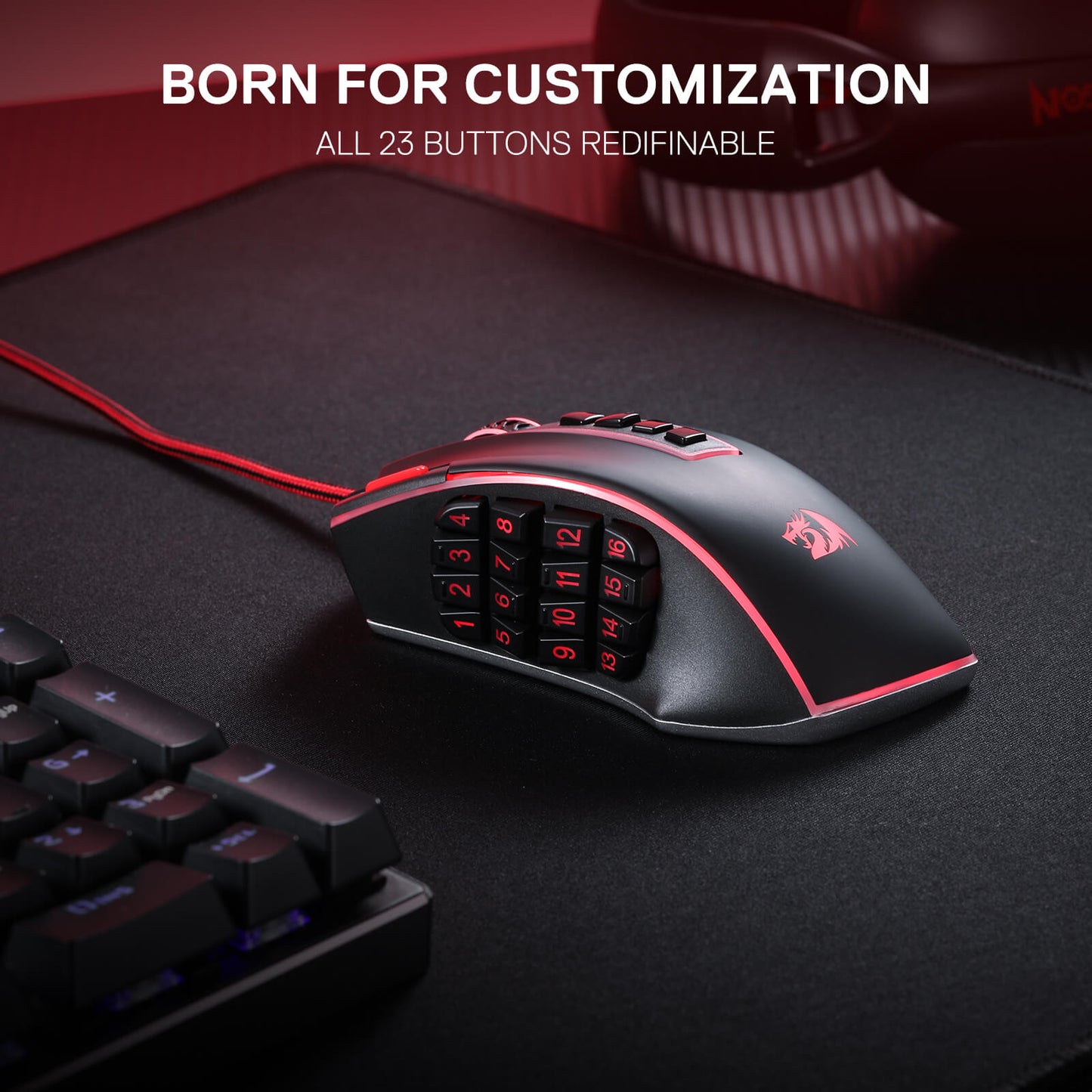
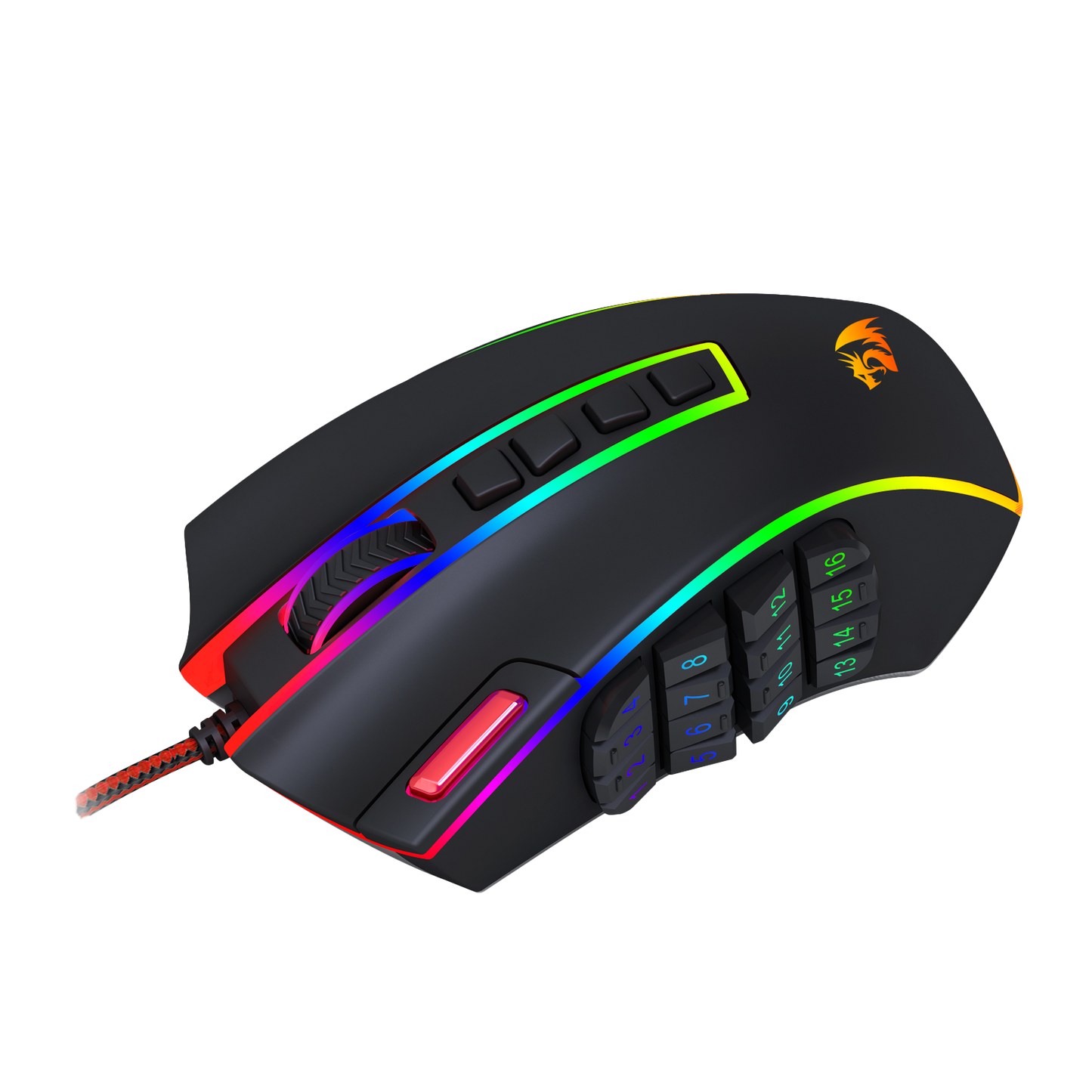
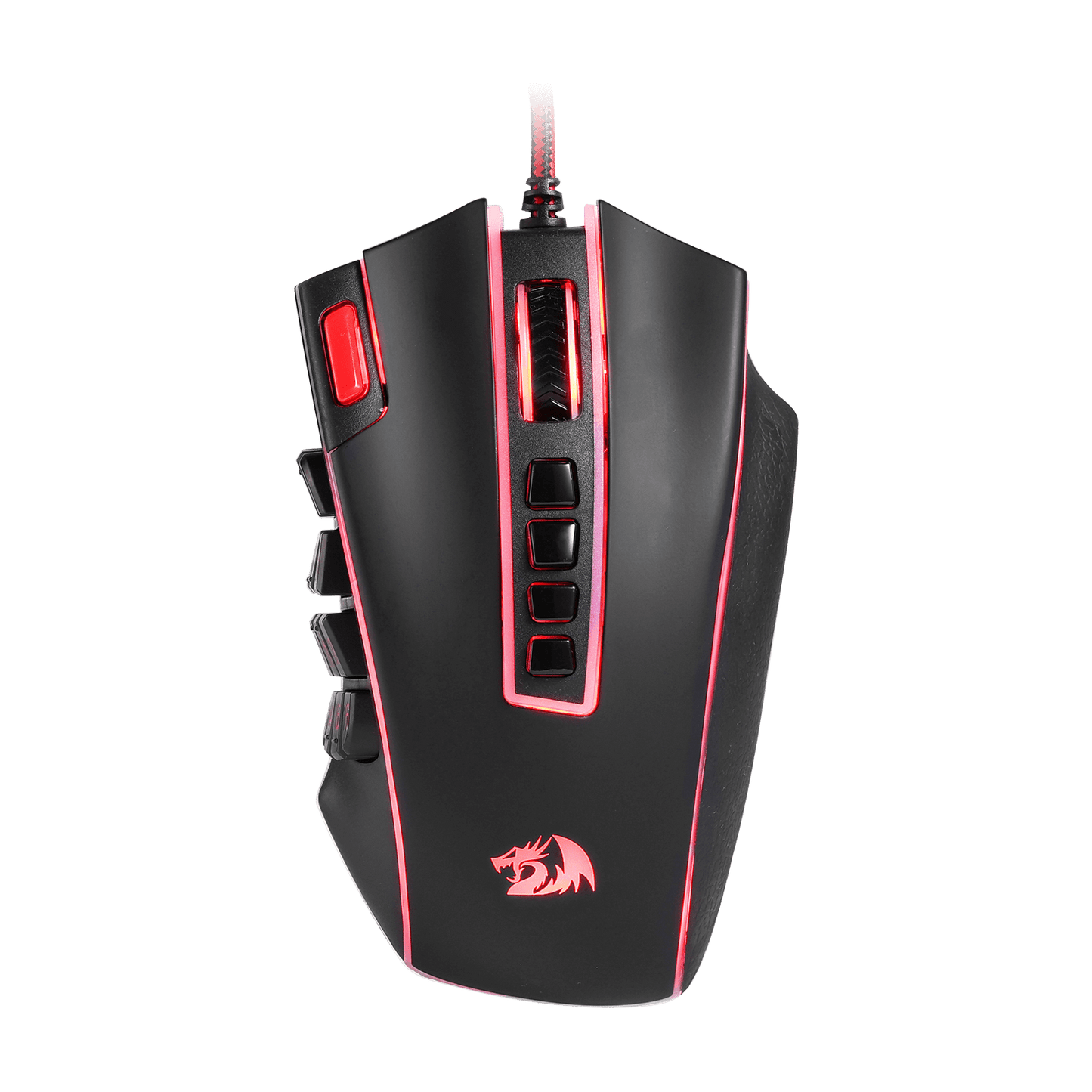
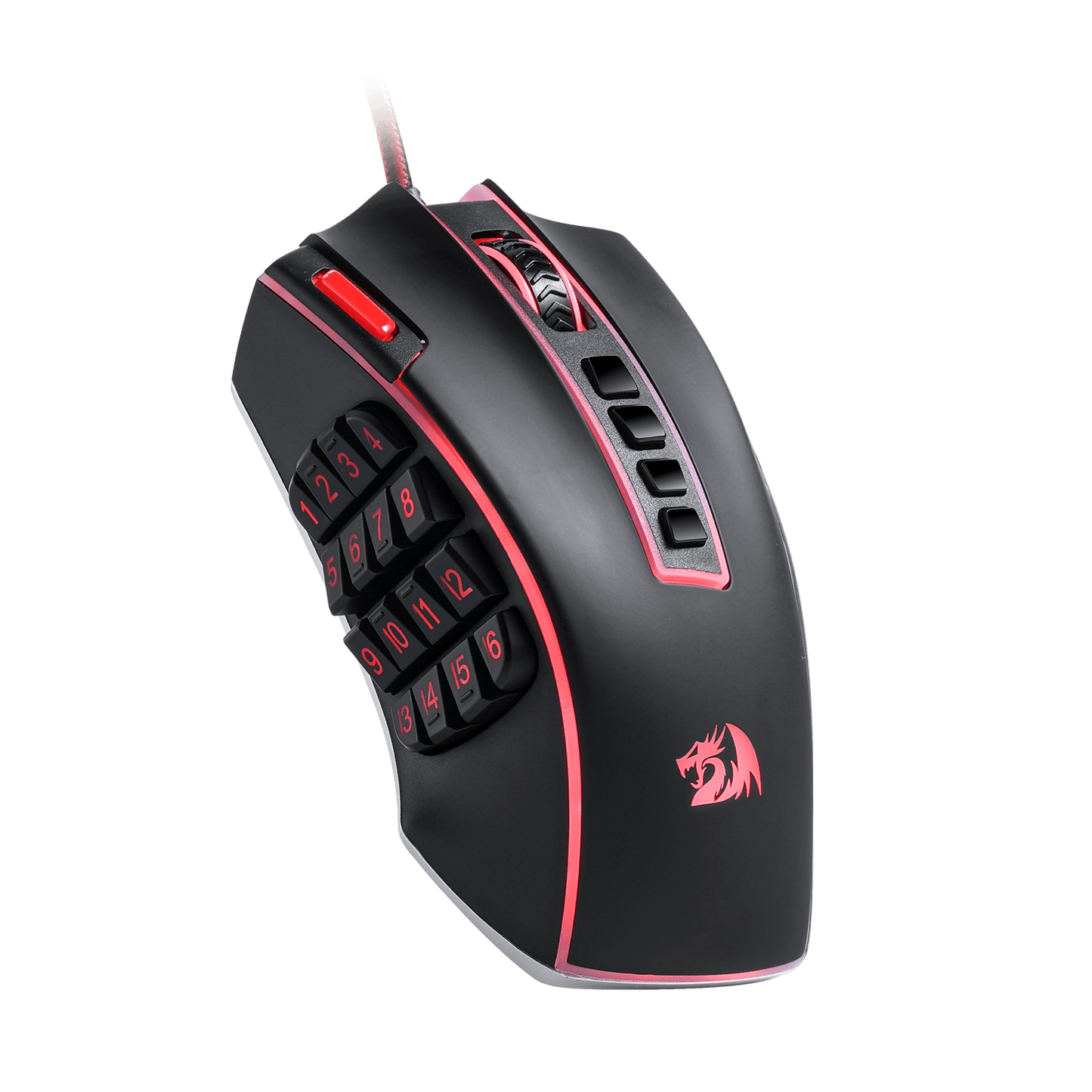
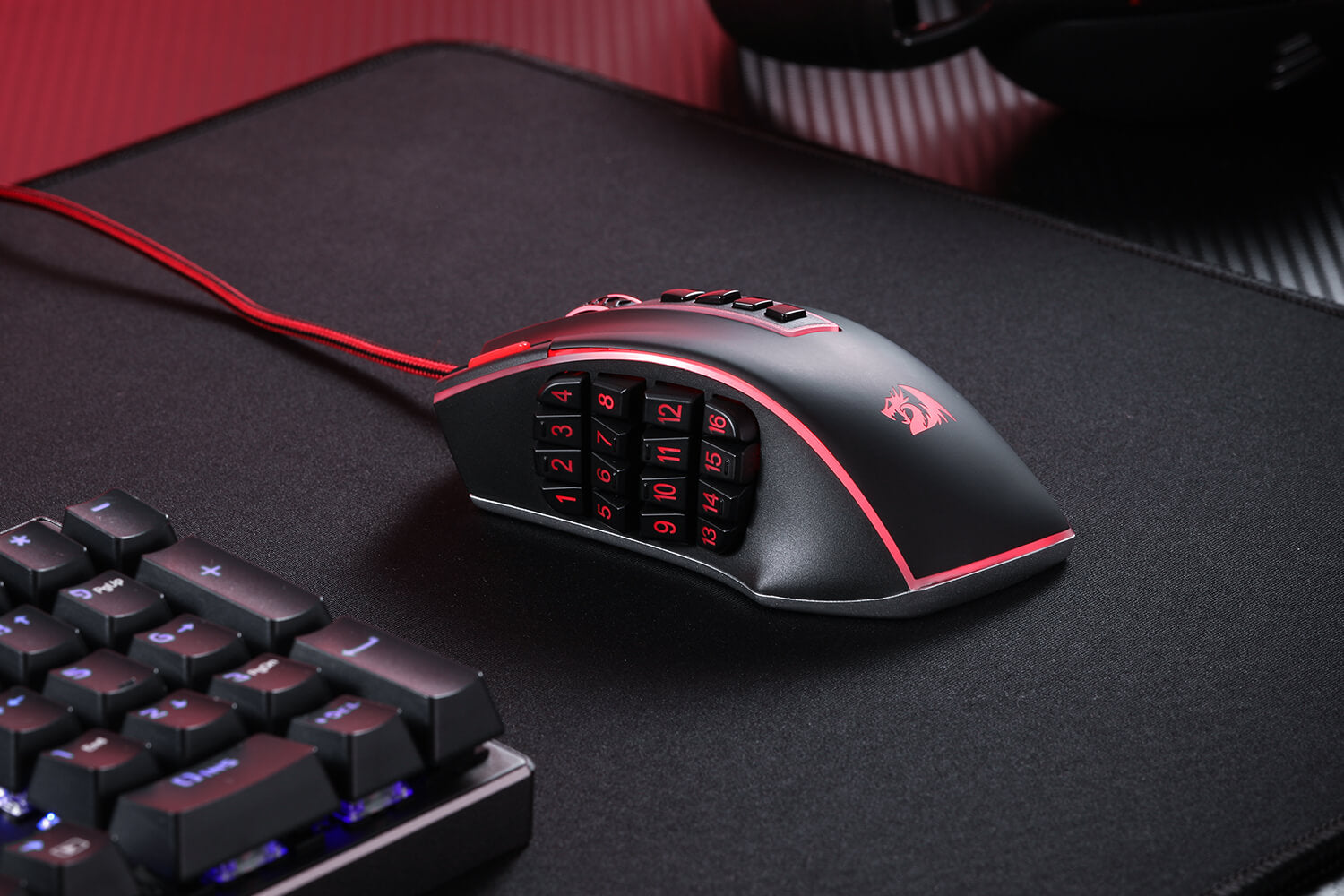
The Redragon M990 MMO Gaming Mouse goes beyond standard gaming mice with its impressive array of 23 programmable buttons and 16 side macro keys. This means you have the power to fully customize your gaming experience, assigning keybinds and macros to suit your playstyle. Never again will you be caught off-guard in the heat of battle; with just a simple click, you can execute intricate combos and strategies with ease.

Built for Comfort and Style
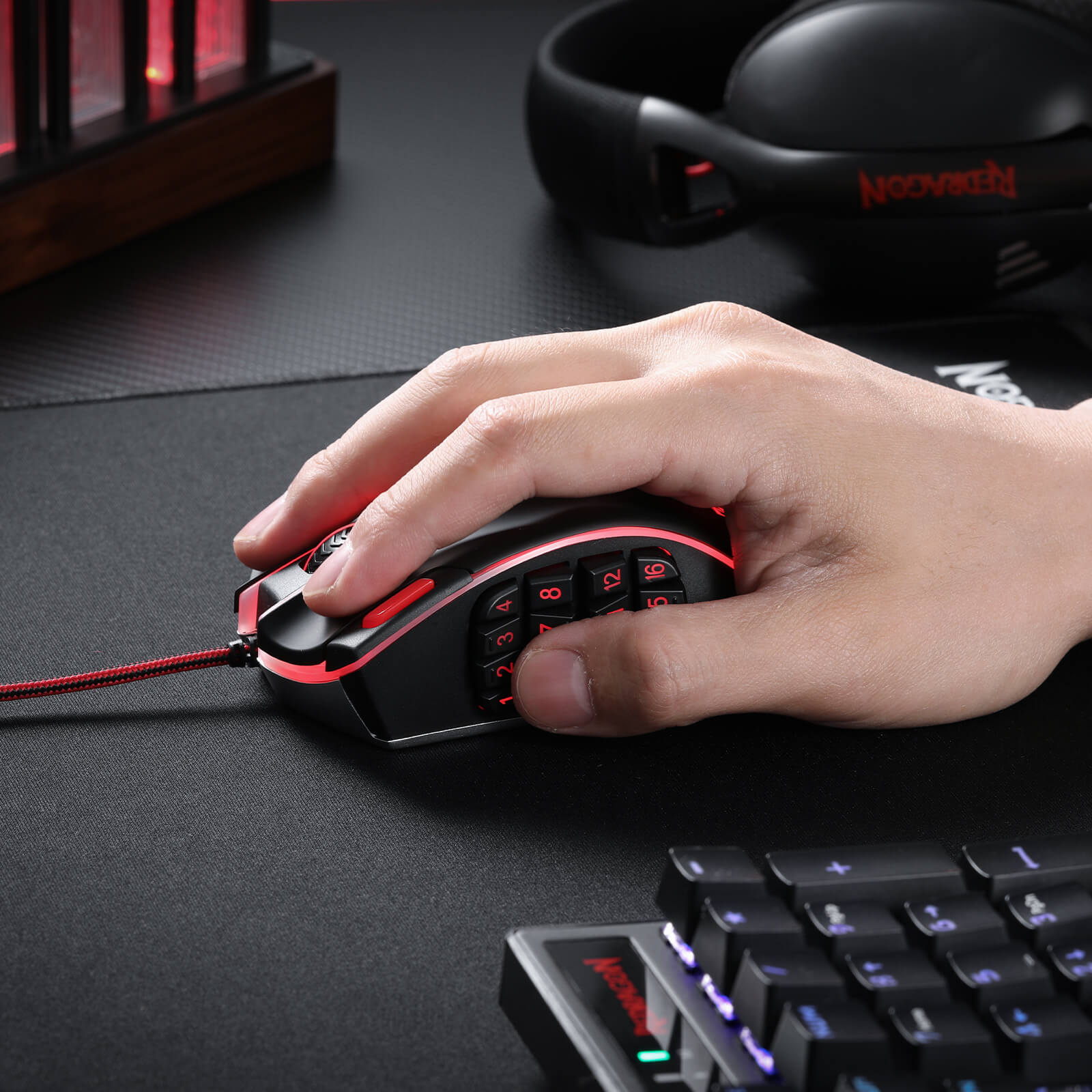
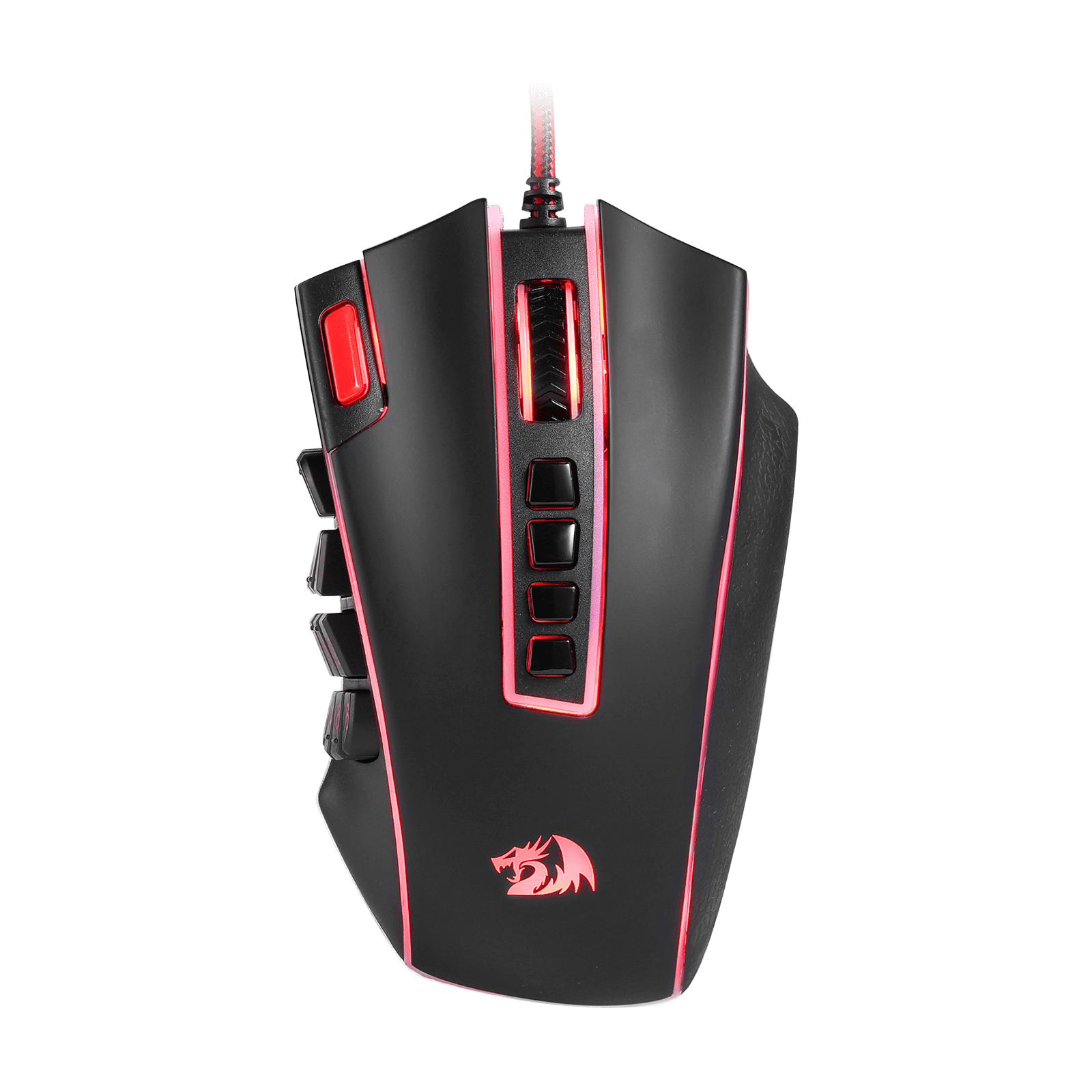
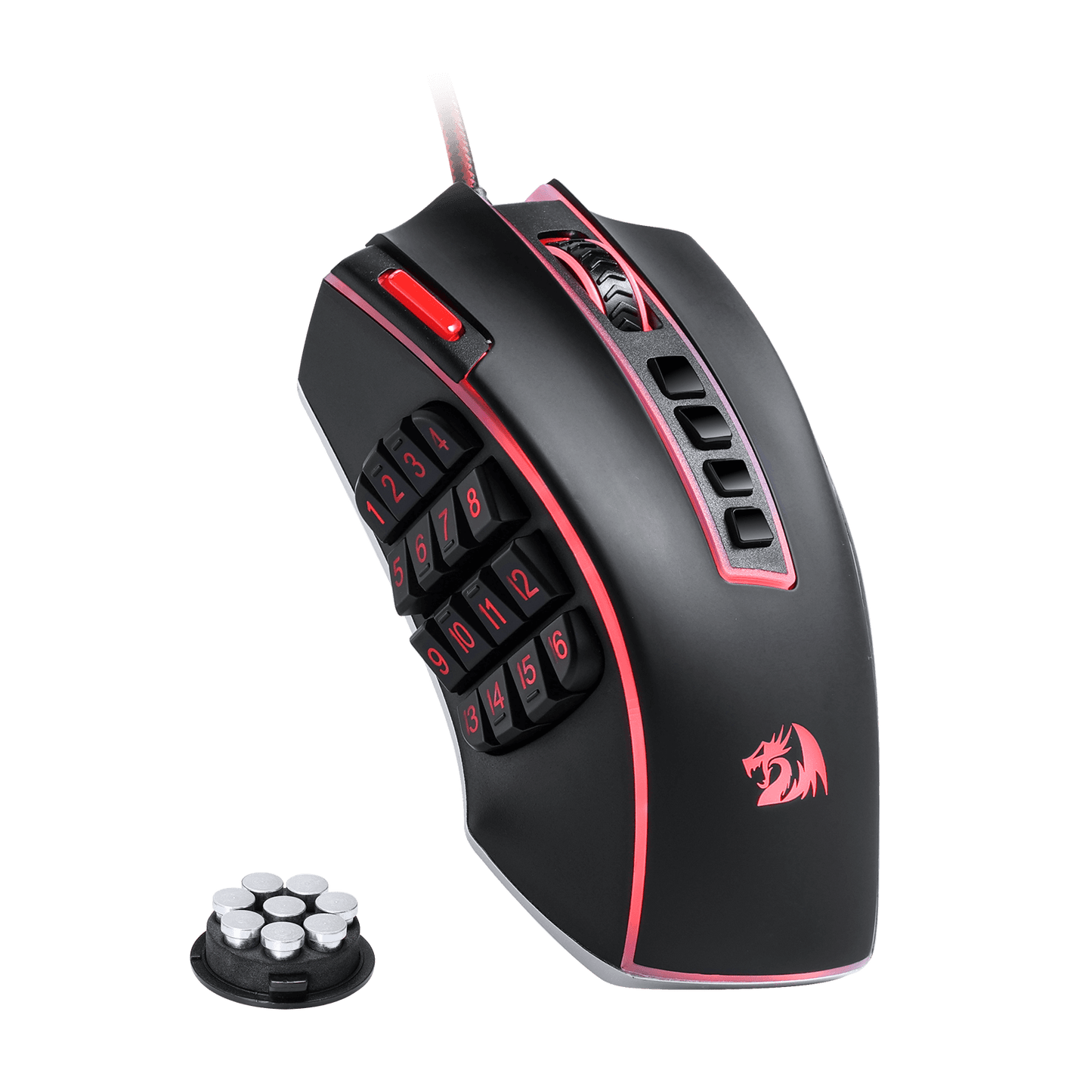
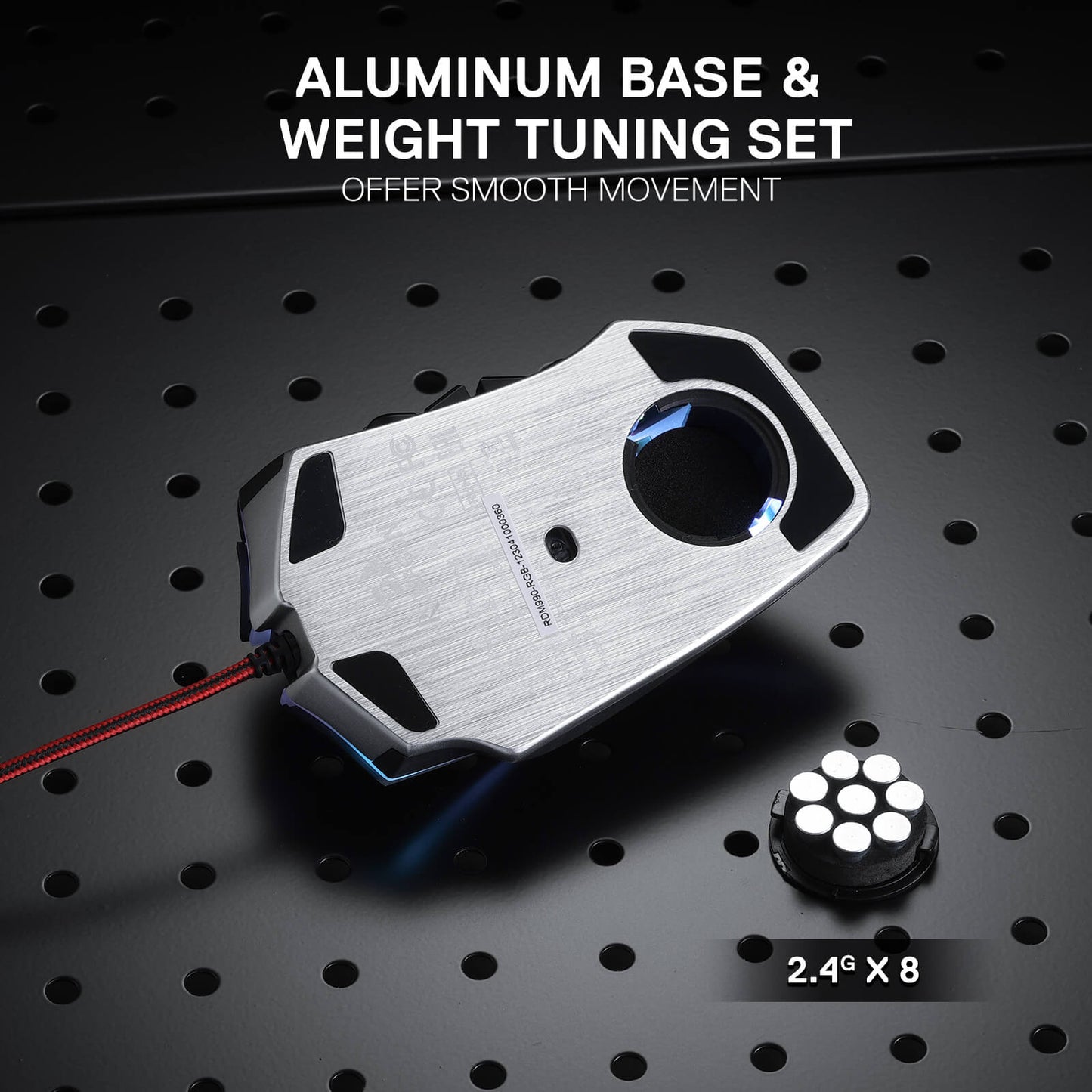
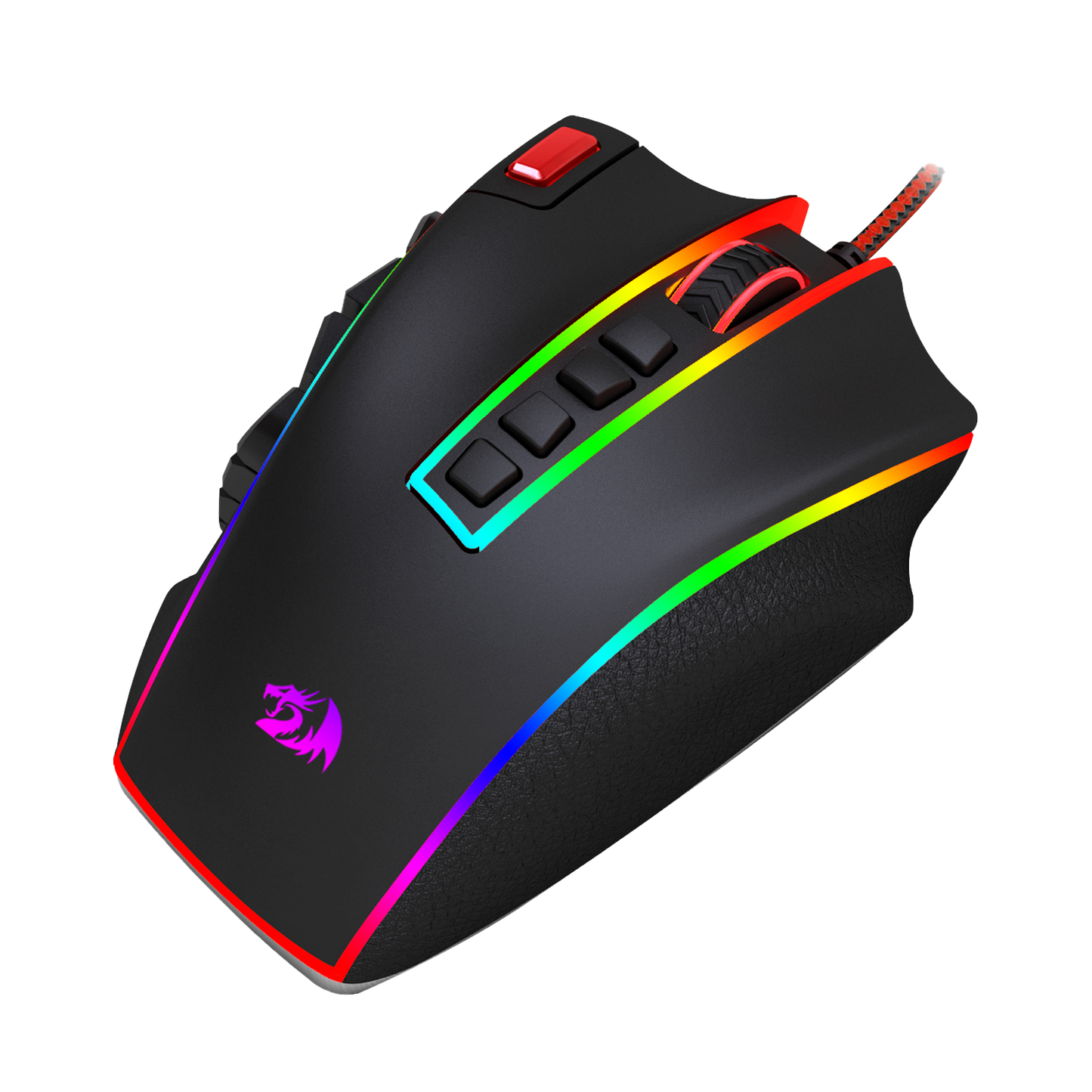
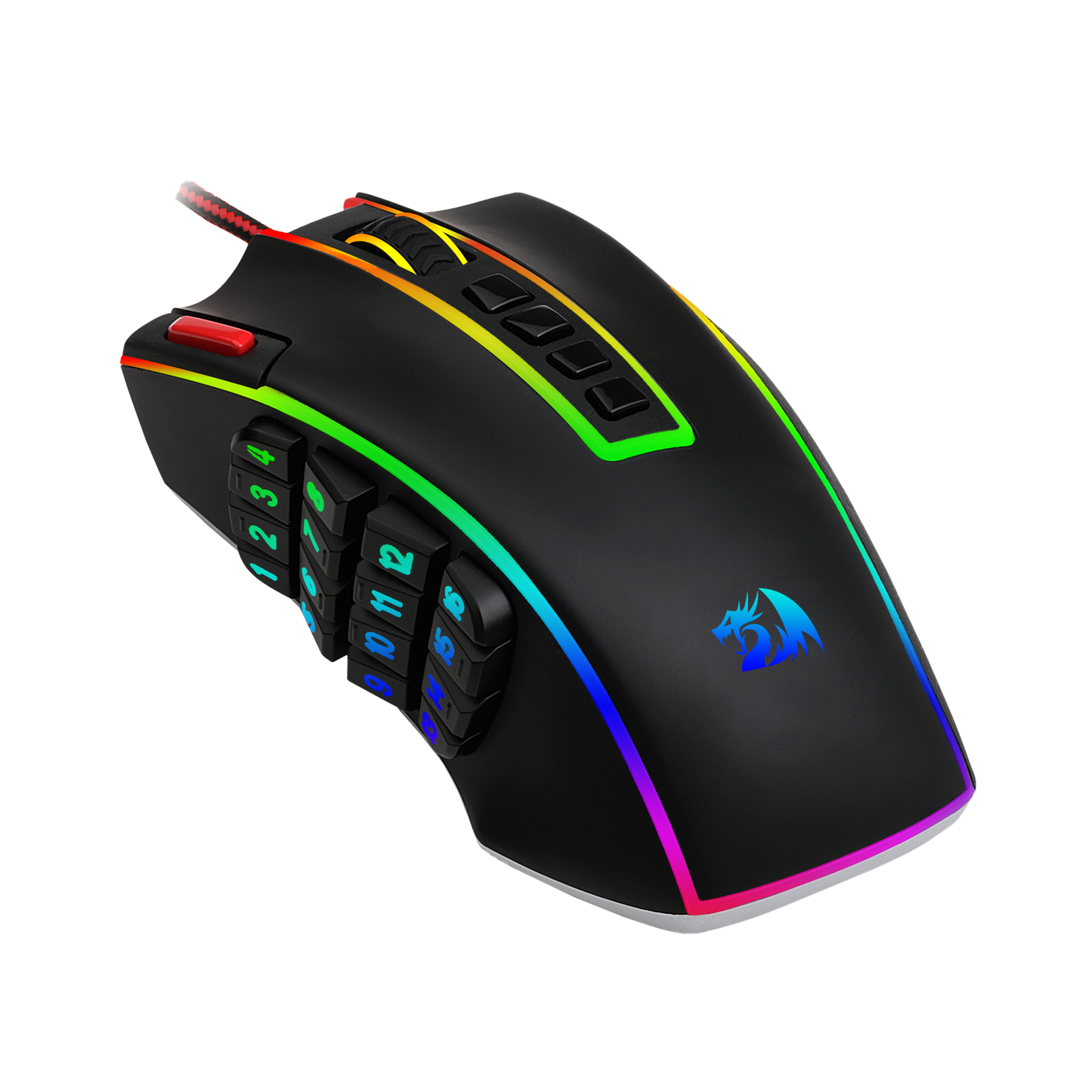
This gaming mouse doesn't just function excellently; it also feels fantastic in your hands and looks incredible on your desk. With an ergonomic design and an 8-piece weight tuning set, the Redragon M990 can be customized to your liking, ensuring long hours of comfortable gaming. Its 16.8 million RGB LED color options and 5 memory profiles add a touch of personal style to your gaming setup, making each gaming session truly your own.
Illuminate Your Battle Station
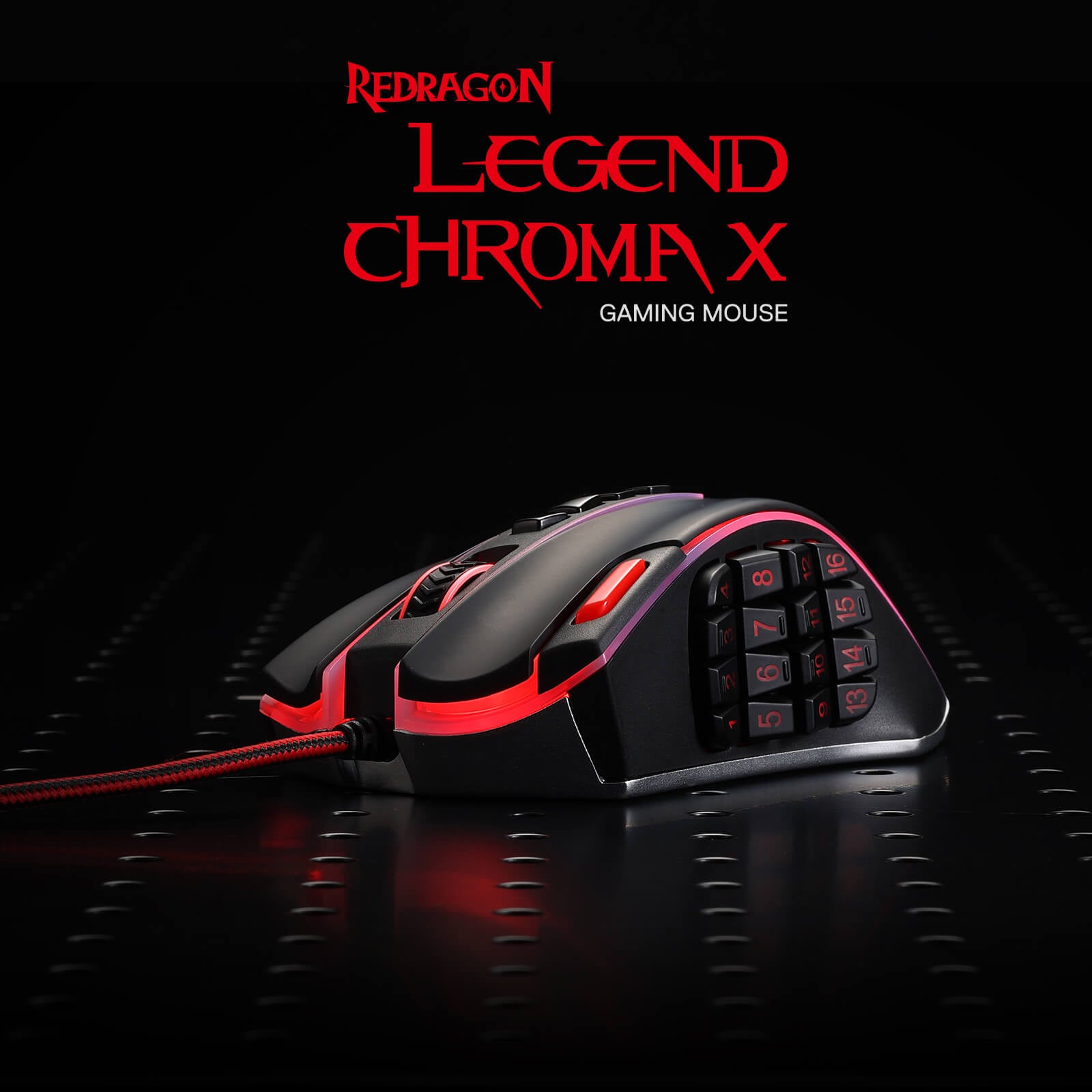
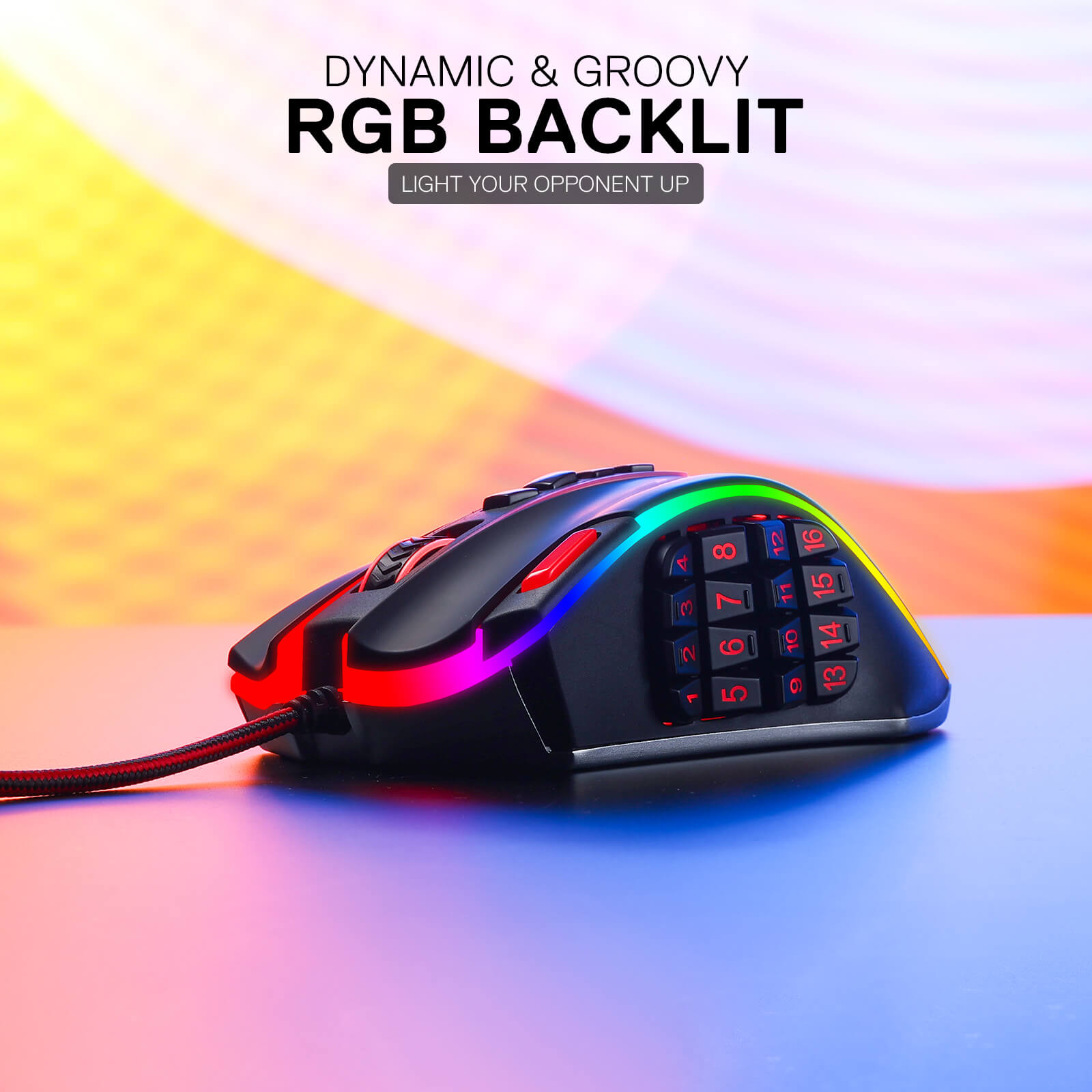
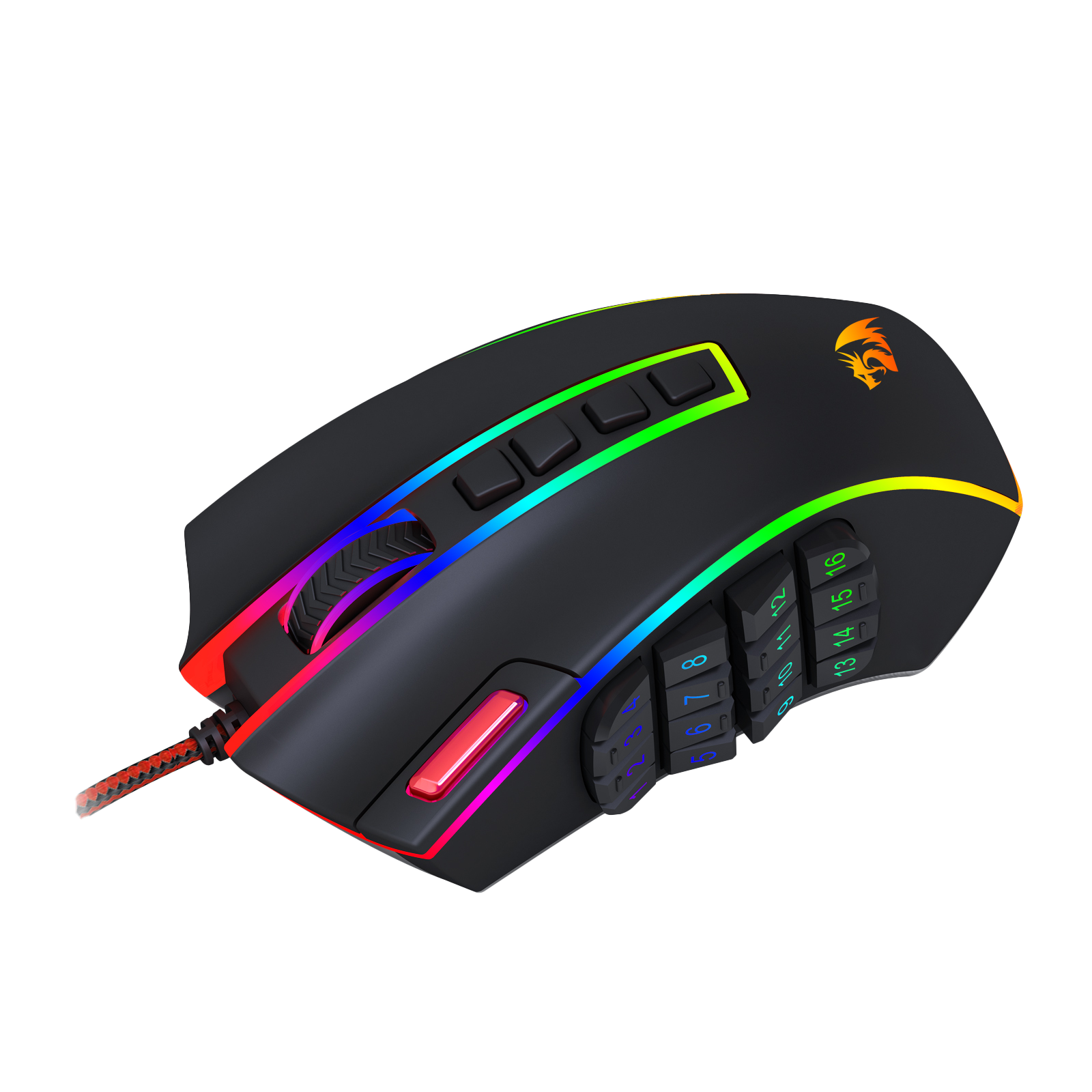
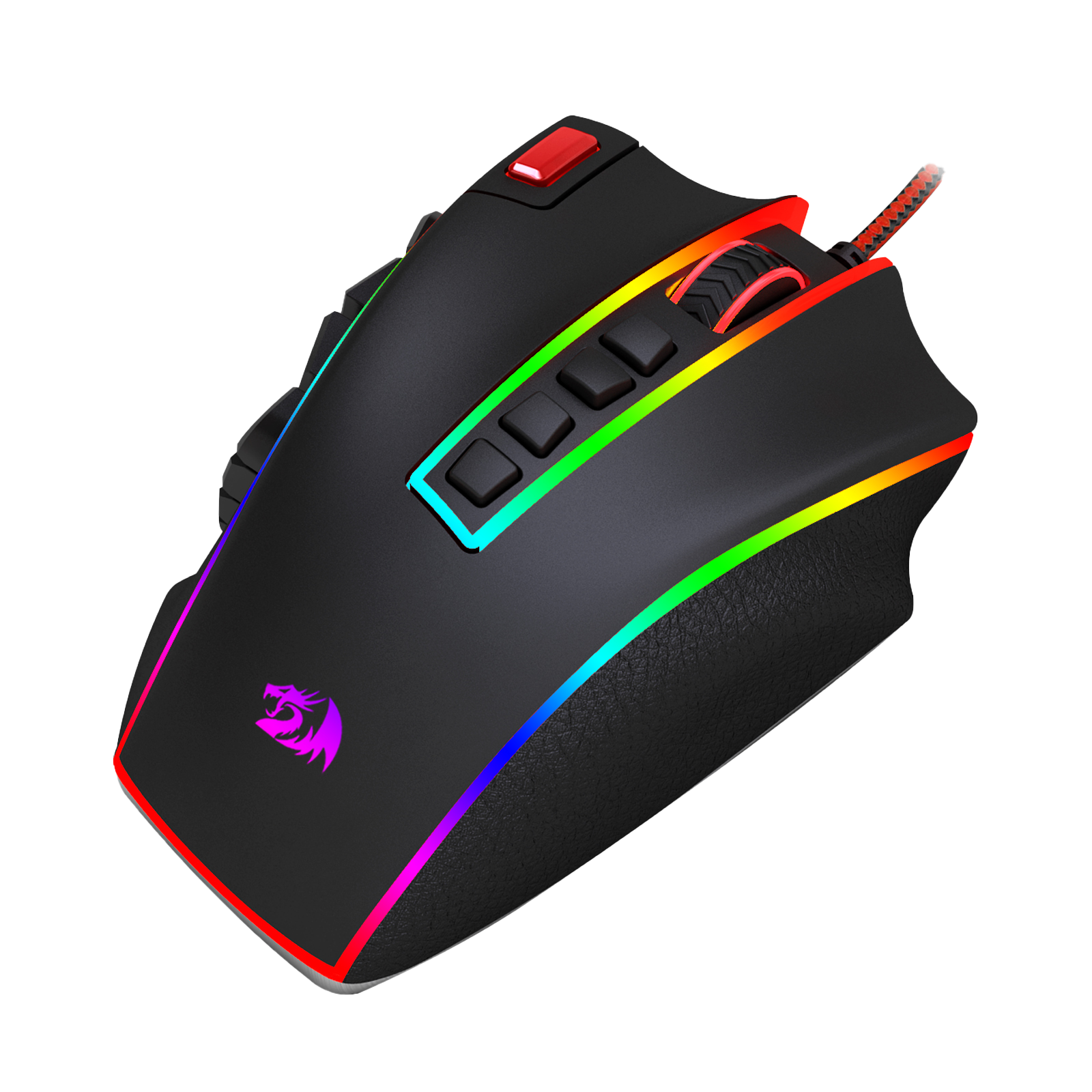
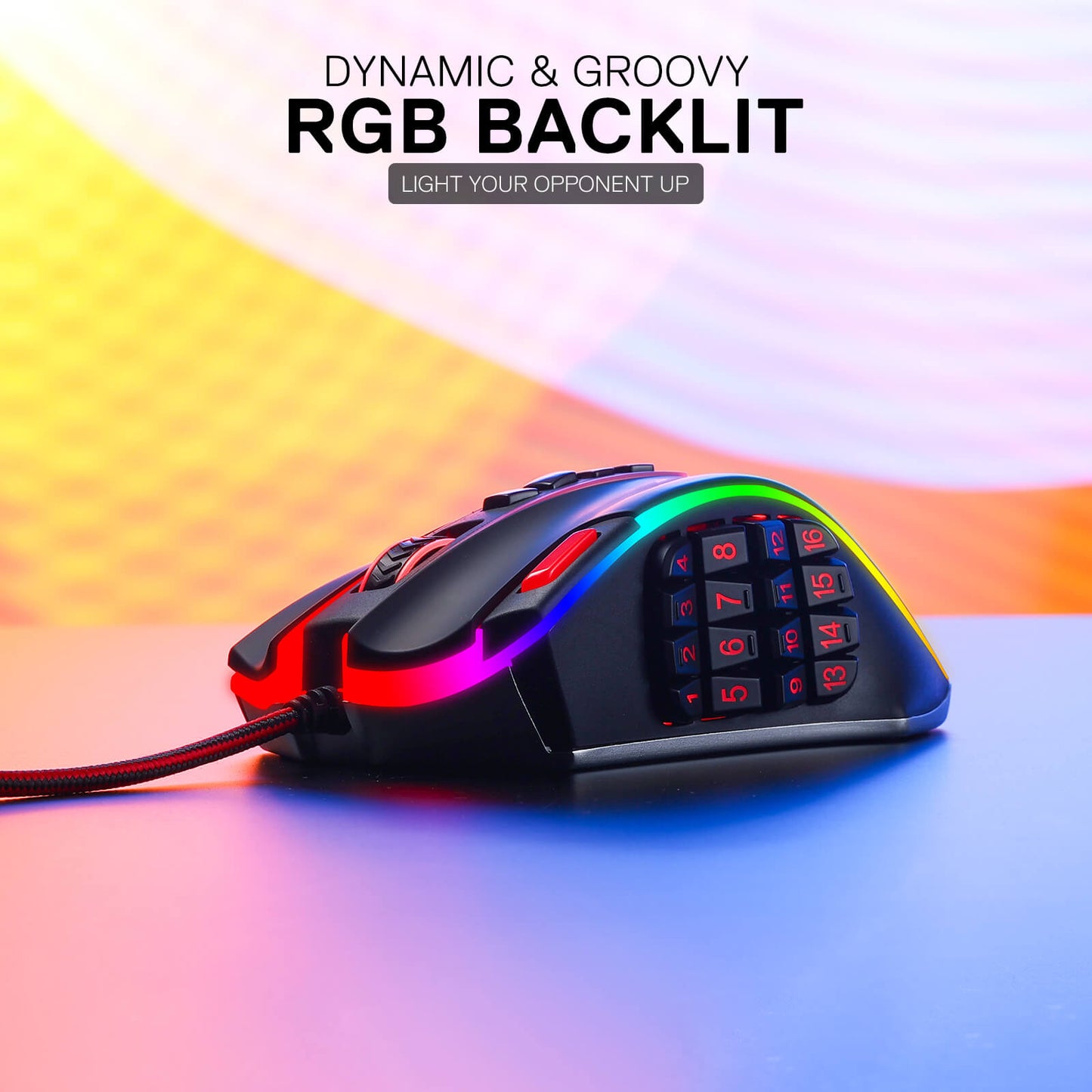
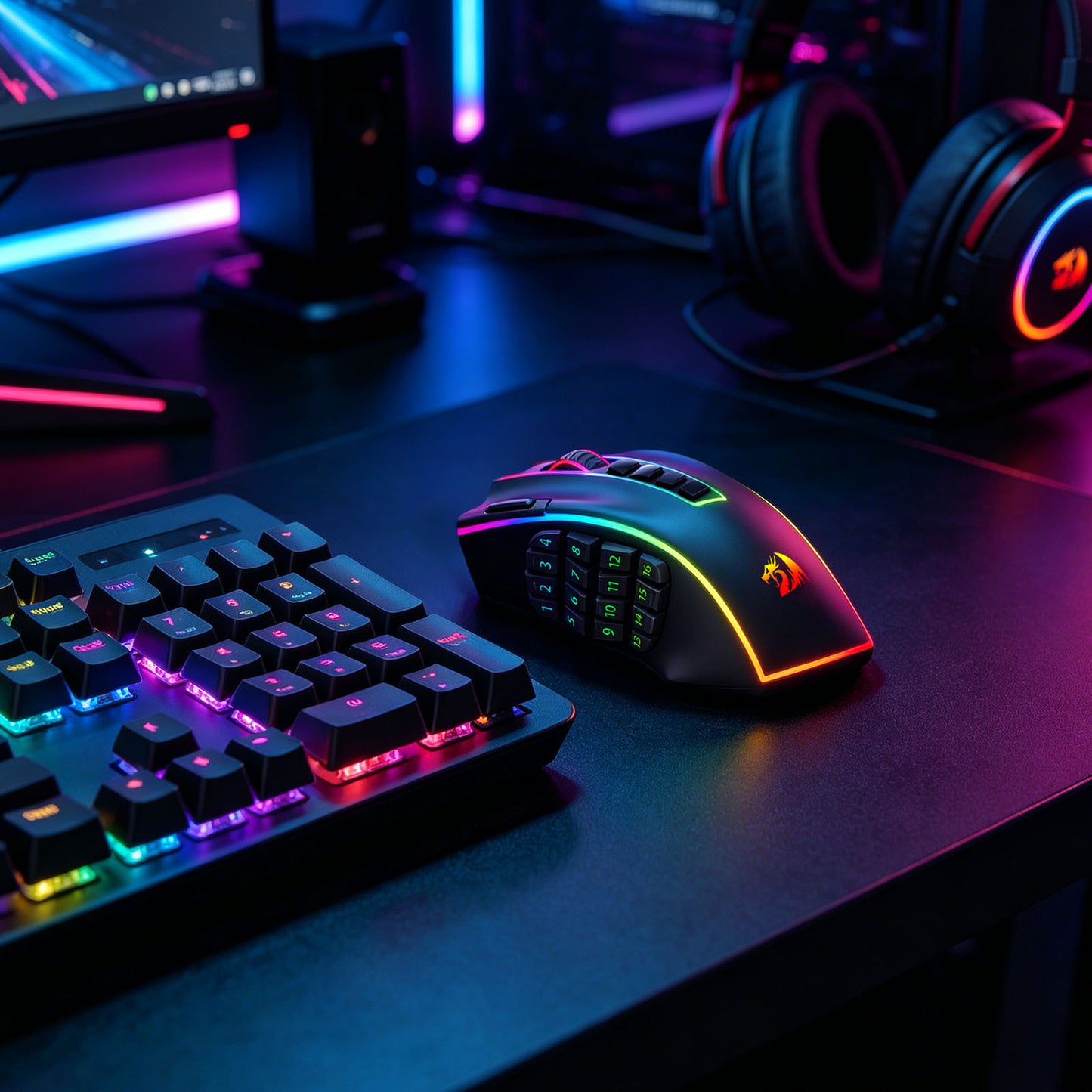
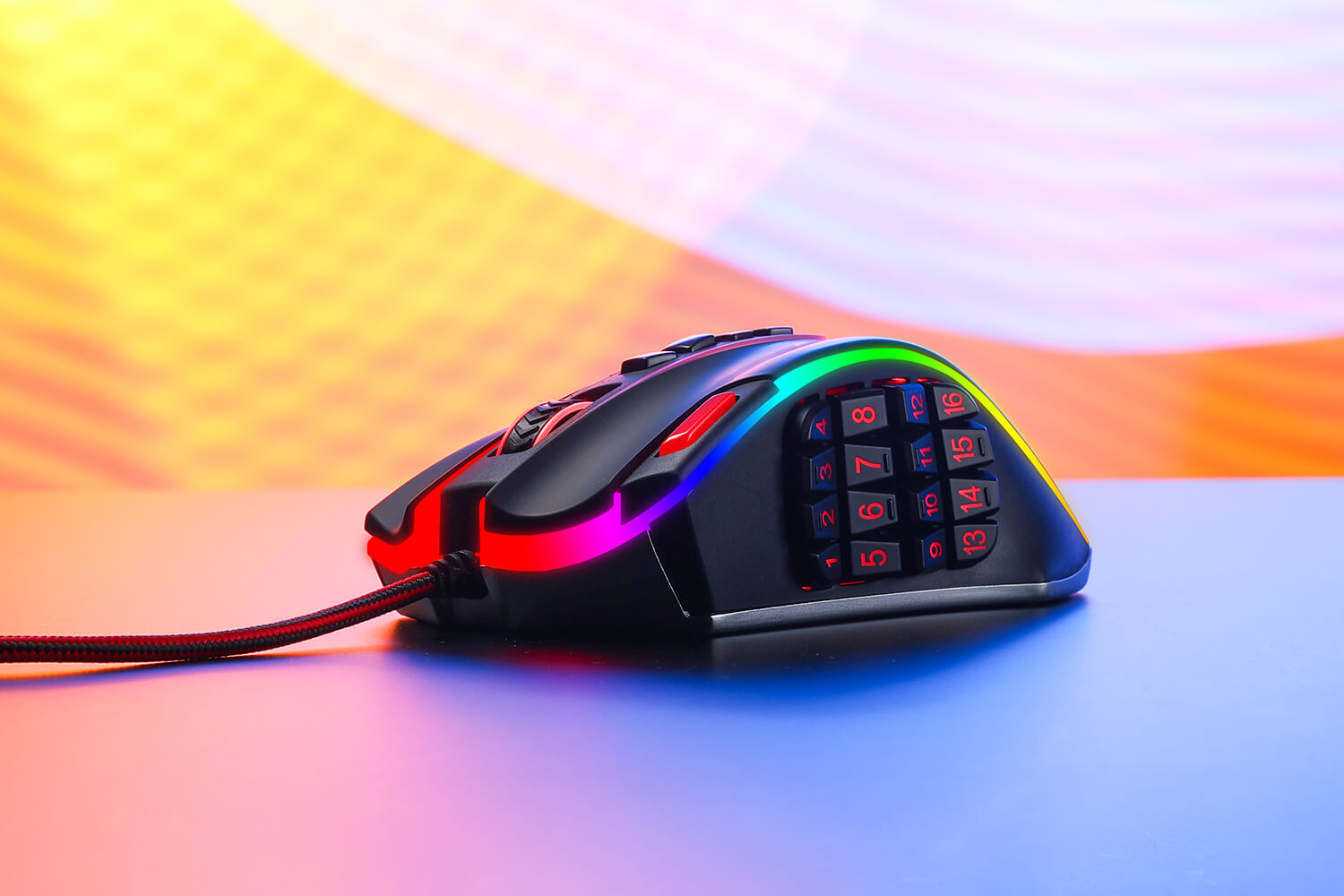
The Redragon M990 MMO Gaming Mouse isn't just about high-octane performance - it's also about style. With five distinct backlit modes and a breathtaking palette of 16.8 million RGB LED color options, this mouse transforms your gaming station into a dazzling display of lights. Each of the 5 memory profiles comes with a unique light color, making it easy for you to quickly identify the profile you're using.

The Ultimate Weapon for Die-Hard Gamers
When the battle gets intense, you need a gaming mouse that can keep up - and the Redragon M990 is more than up to the task. Whether you're sniping from a distance, launching a full-frontal assault, or maneuvering with stealth and precision, this mouse is your trusty companion. Its compatibility with Windows XP/VISTA/7/8/10/11 for programmable usage and Mac OS for normal usage makes it an excellent choice for gamers of all types.
Perfect Balance with Aluminum Base and Adjustable Weight Tuning
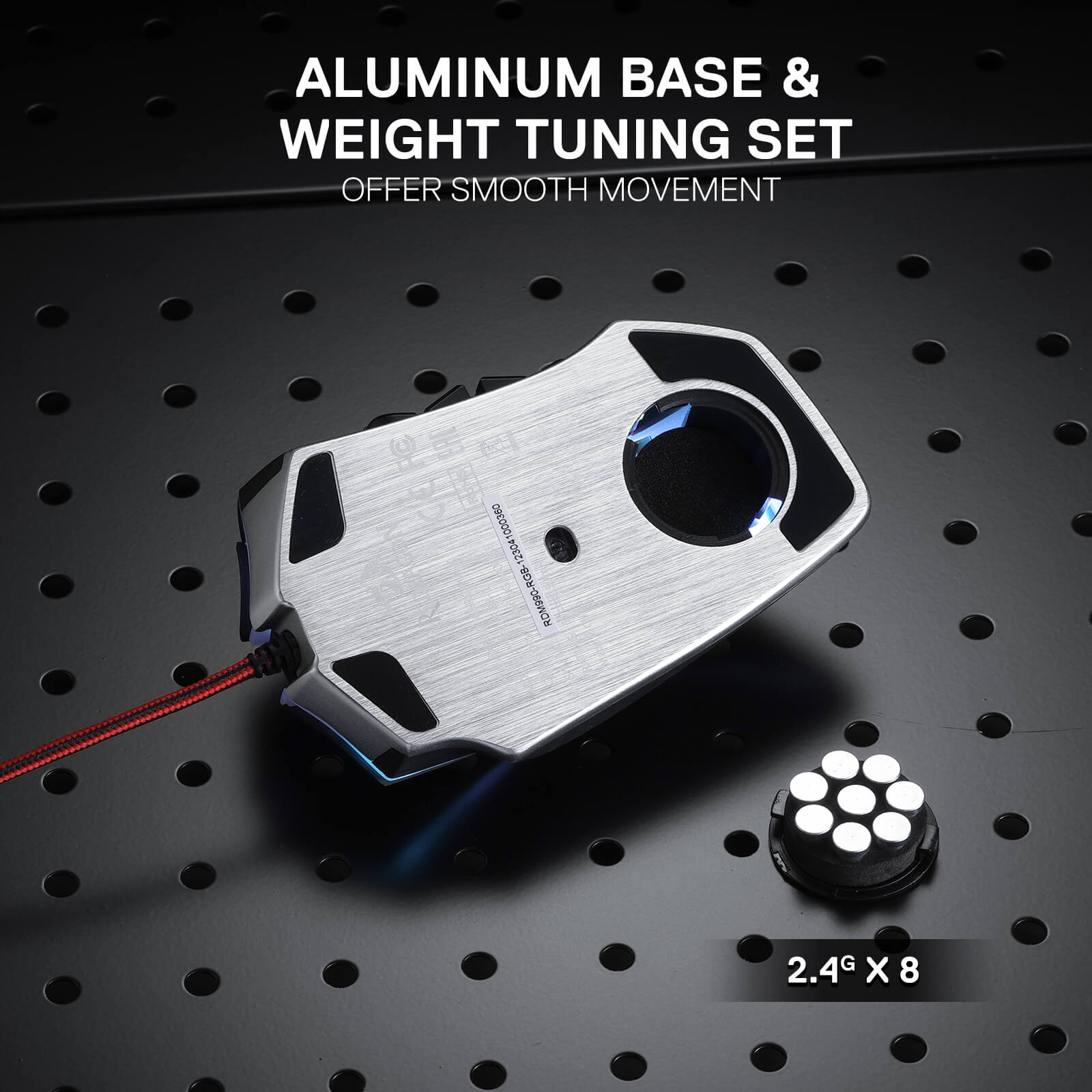
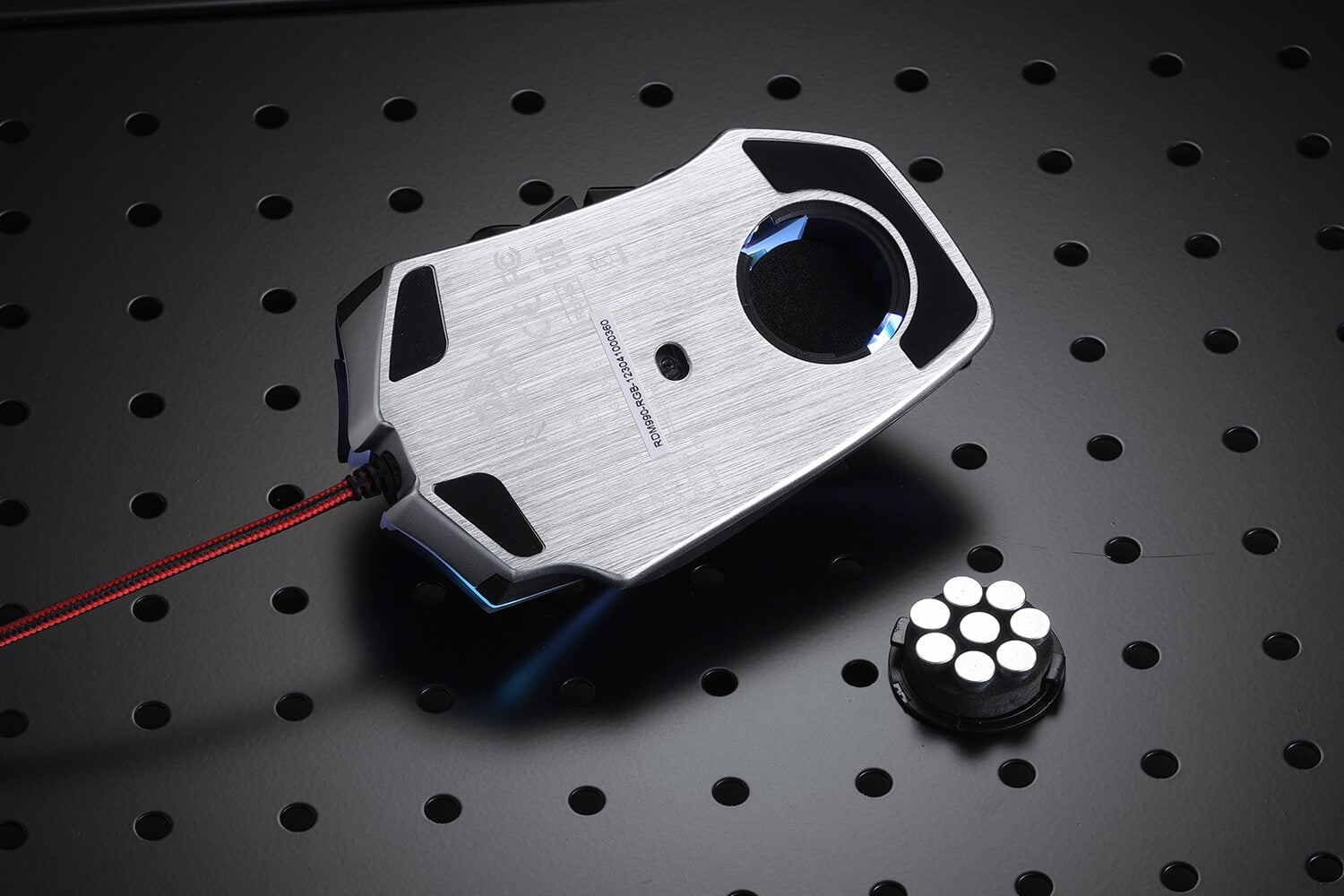
The aluminum base provides a solid foundation, while the user-adjustable 8-piece balance weight tuning set allows you to fine-tune the mouse's weight to your preference. Achieve the perfect balance and enjoy effortless control, enabling you to game with precision and endurance.

Reviews
LEGEND CHROMA M990
My think for upgrade:
-Better recognize the side buttons
-The weights in mouse for the different places
-I prefer USB C to USB A cable before solid soldered cable. like a Horus K619 usb C to usb A cable connection.
-I prefer settings straight from OS/MSWindows settings, i don´t like other unnecessary applications
I like this mouse because is comfortable for 3fingers style :D
Rapidos y en buenas condiciones me entregaron el mejor raton del mundo actualmente
i bulk bought this model because as the title says its nearly perfect
it is one of if not the only mouse with a 4x4 thumb grid most mice are 3x3 or 3x4 i want the 4 x3 or 4x4
now the problems there are 3 that need revising
1. the worst offender is the placement for the dpi buttons is horrendous 4 buttons pushes the last one down so far its bumped far to often the best place for dpi buttons is on the bottom of the mouse
2. the shell design is built to fail by the dpi buttons, having it be square shaped causes it to sheer the plastic over time and crack down the L R mouse buttons this should always be rounded for integrity the worst offender in the redragon catalog is the m908 impacts as their shell comes to a point even worse than a 90 deg
3. there is no software for the m990 on site even off site i cant find one the one i found shows the m990 mouse exactly as it is but only has the option to program 3/4 of the dpi buttons leaving the last one (the one in the worst place) untouchable so i can't disable all of them
to make a perfect mouse all they need to do is take the m990 more (or remove) the dpi buttons to a better spot, round the shell for integrity (or make the case out of metal) and load their own mice software to their website, perfect mouse would pay razer prices gladly
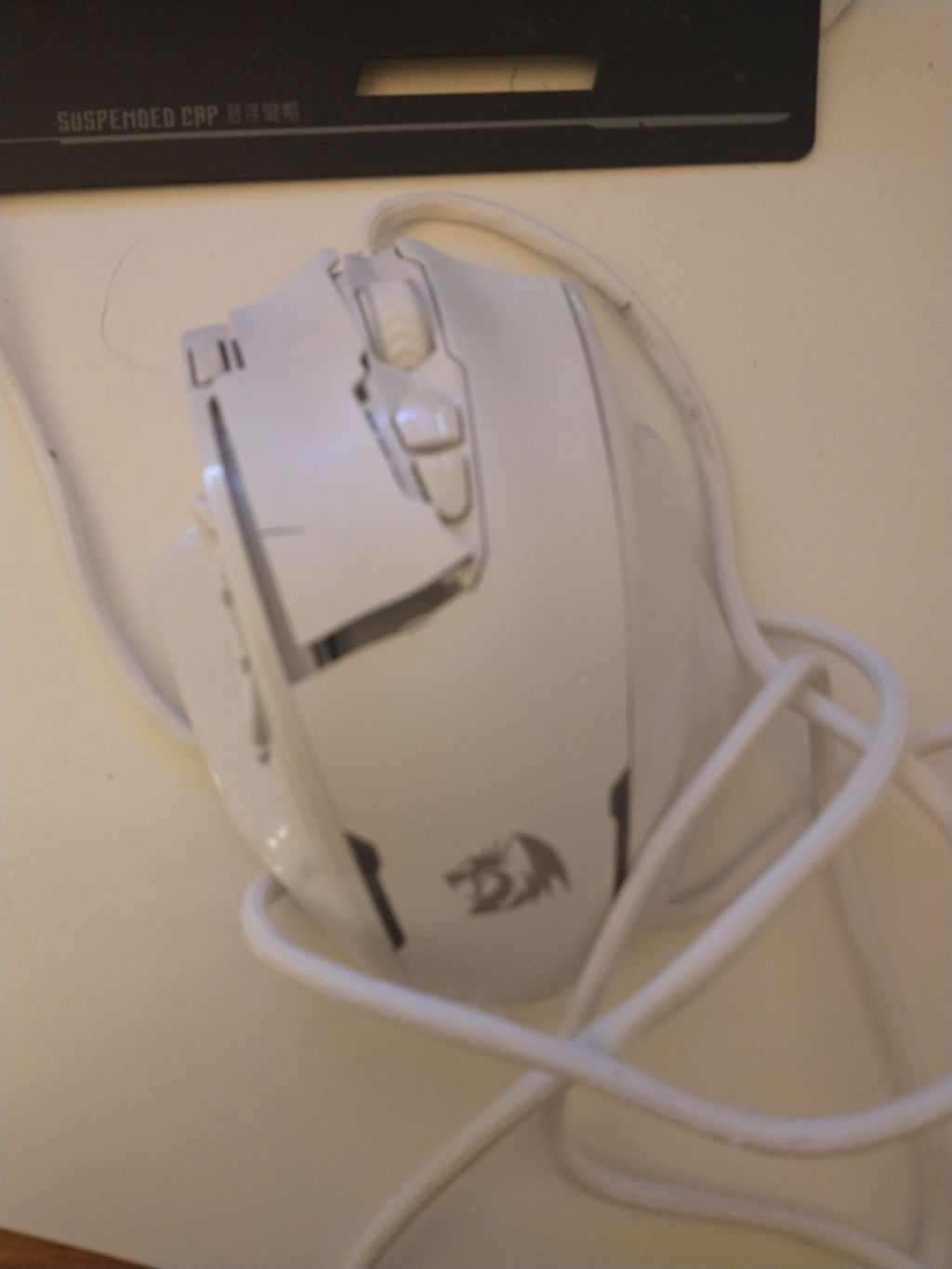
Don't think I will ever need another mouse. Perfect in all ways. feels great. clicks well, GUI needs winrar at first but its neat. I feel like I can use it as a weapon if need be.
you may be interested

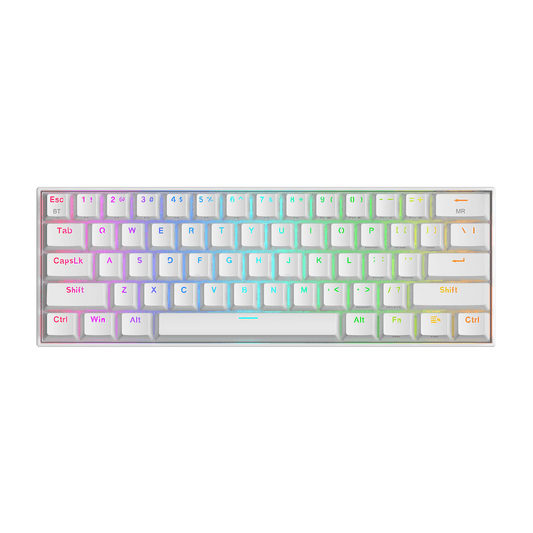
DRACONIC K530 PRO WHITE (Brown Switches)


H510 ZEUS WHITE & PINK

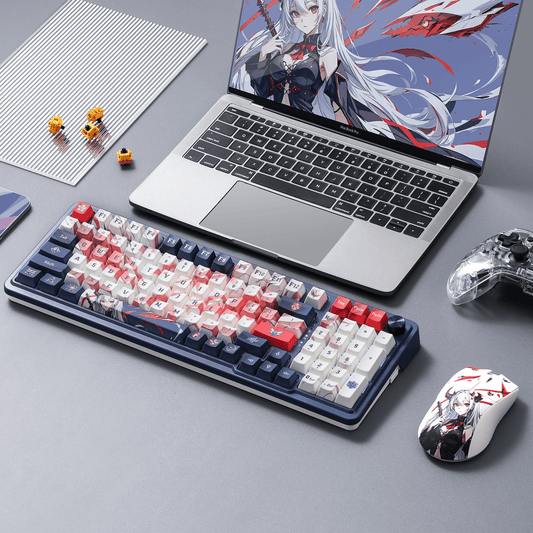
EISA K686 PRO SE Anime Keyboard


ORPHEUS GS550