
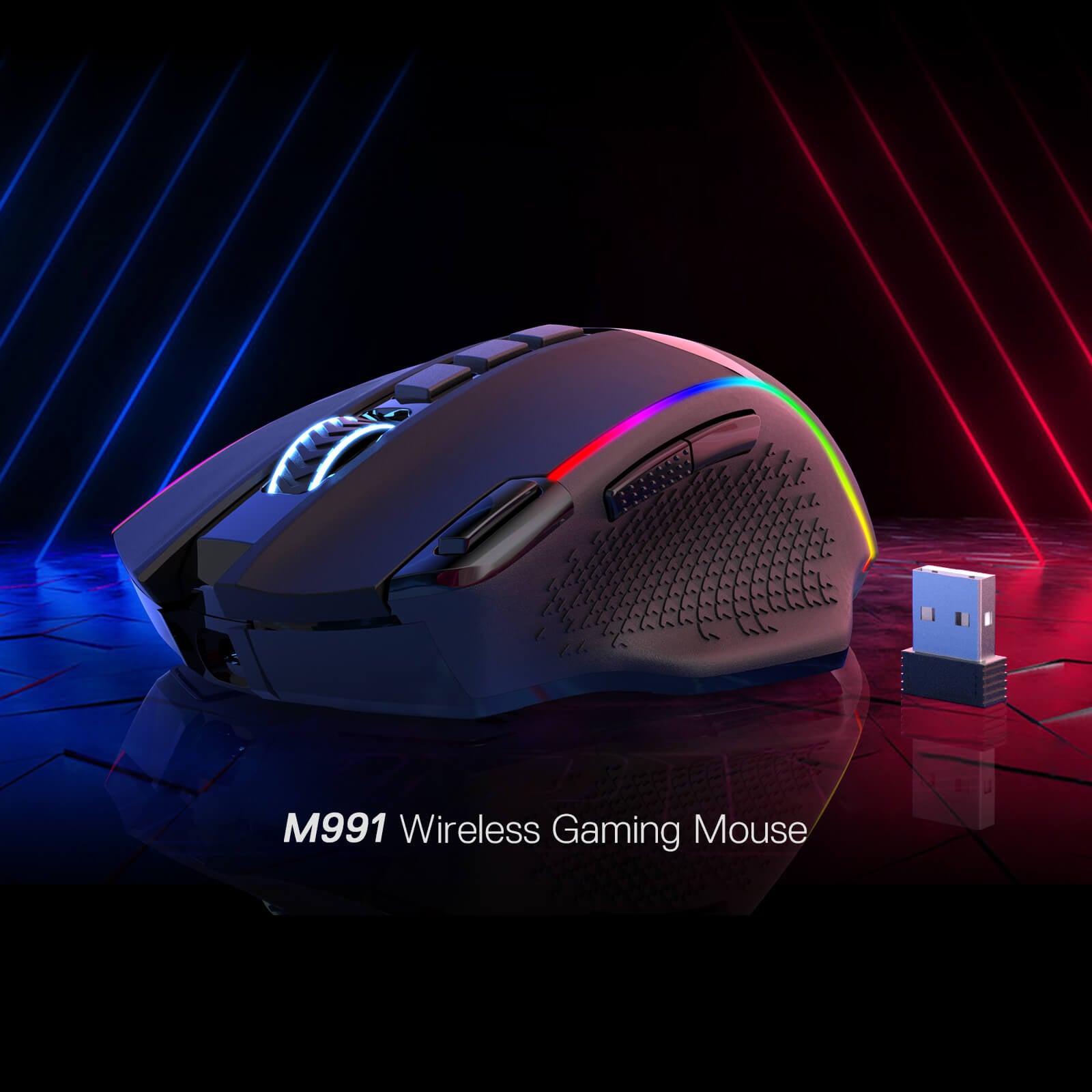



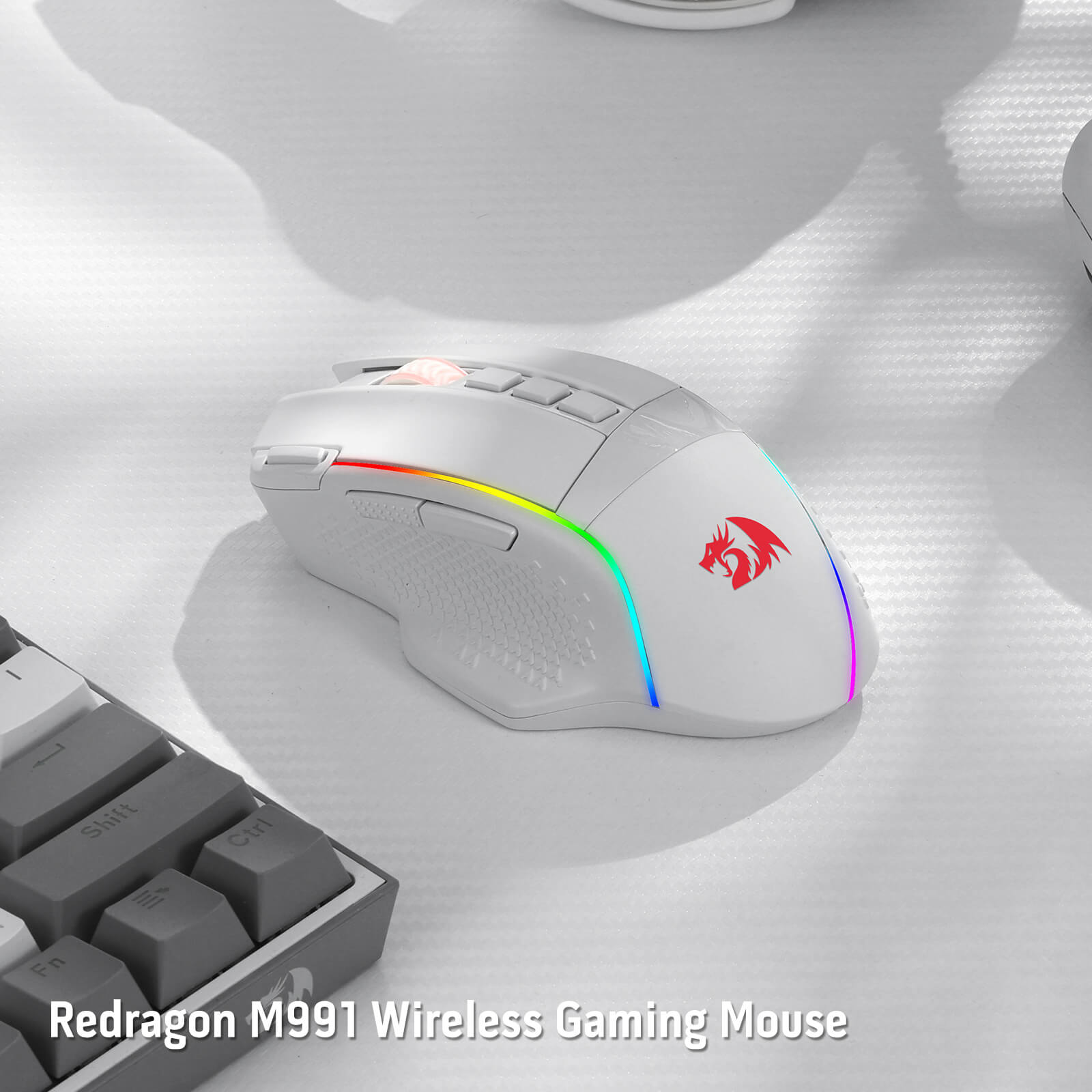
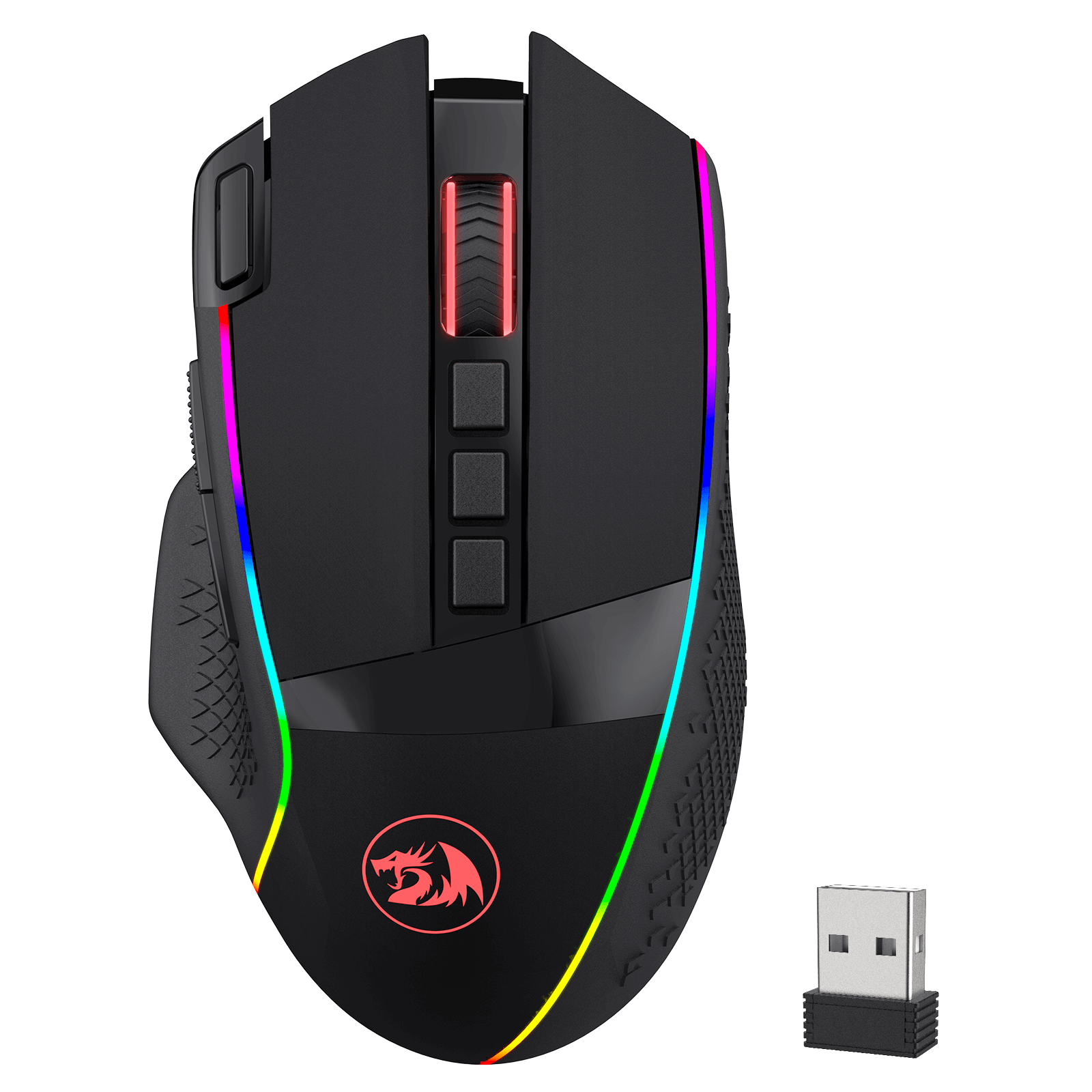
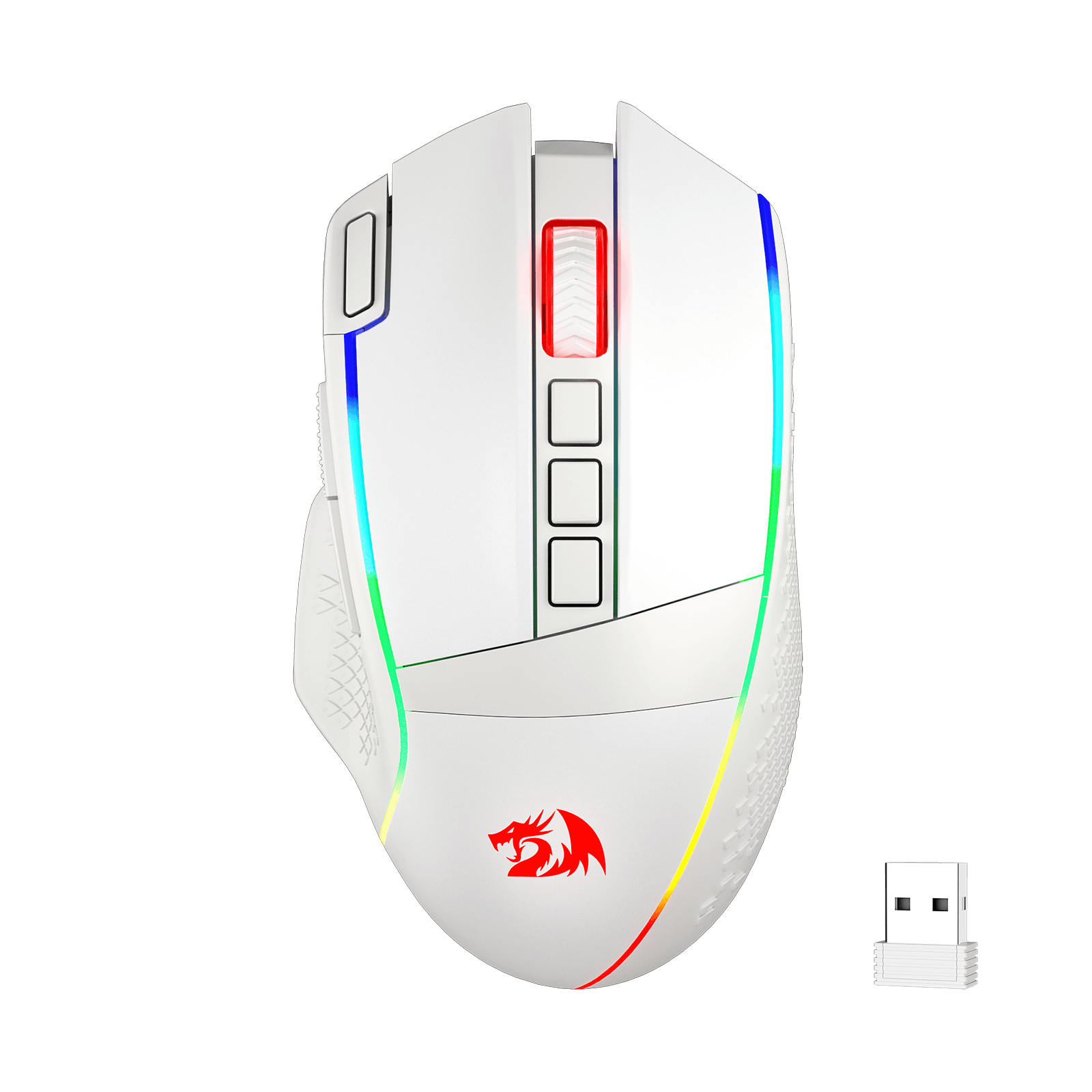
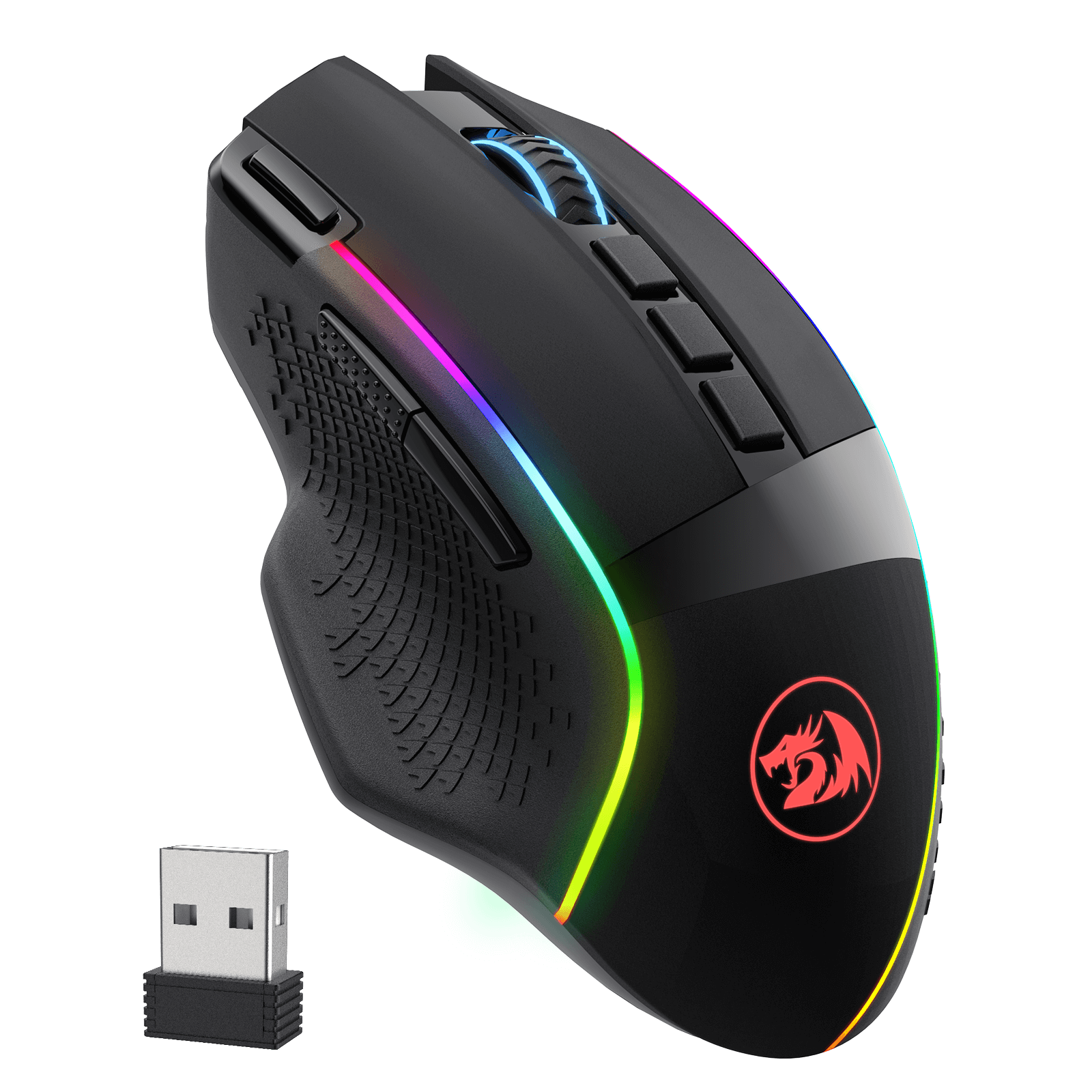
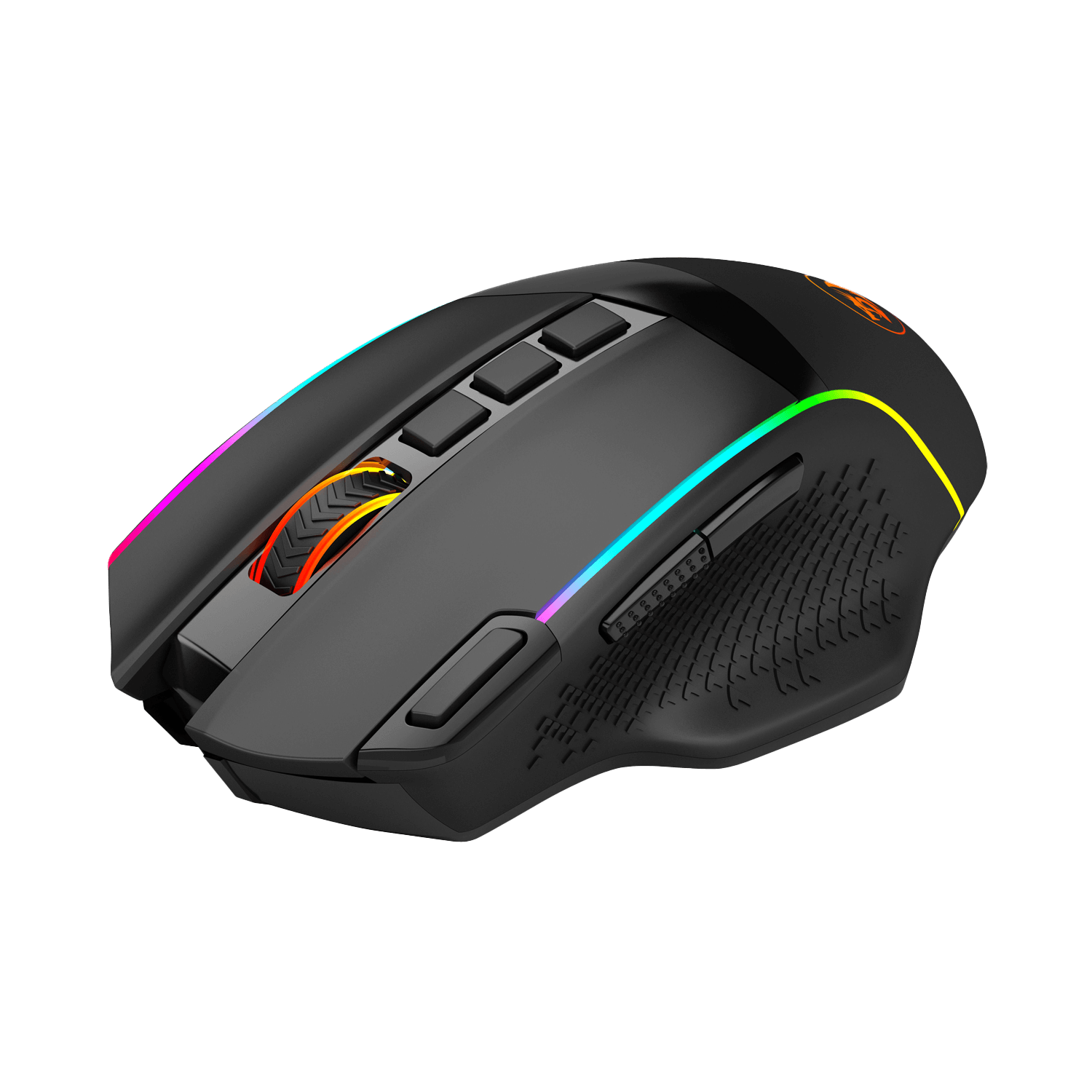
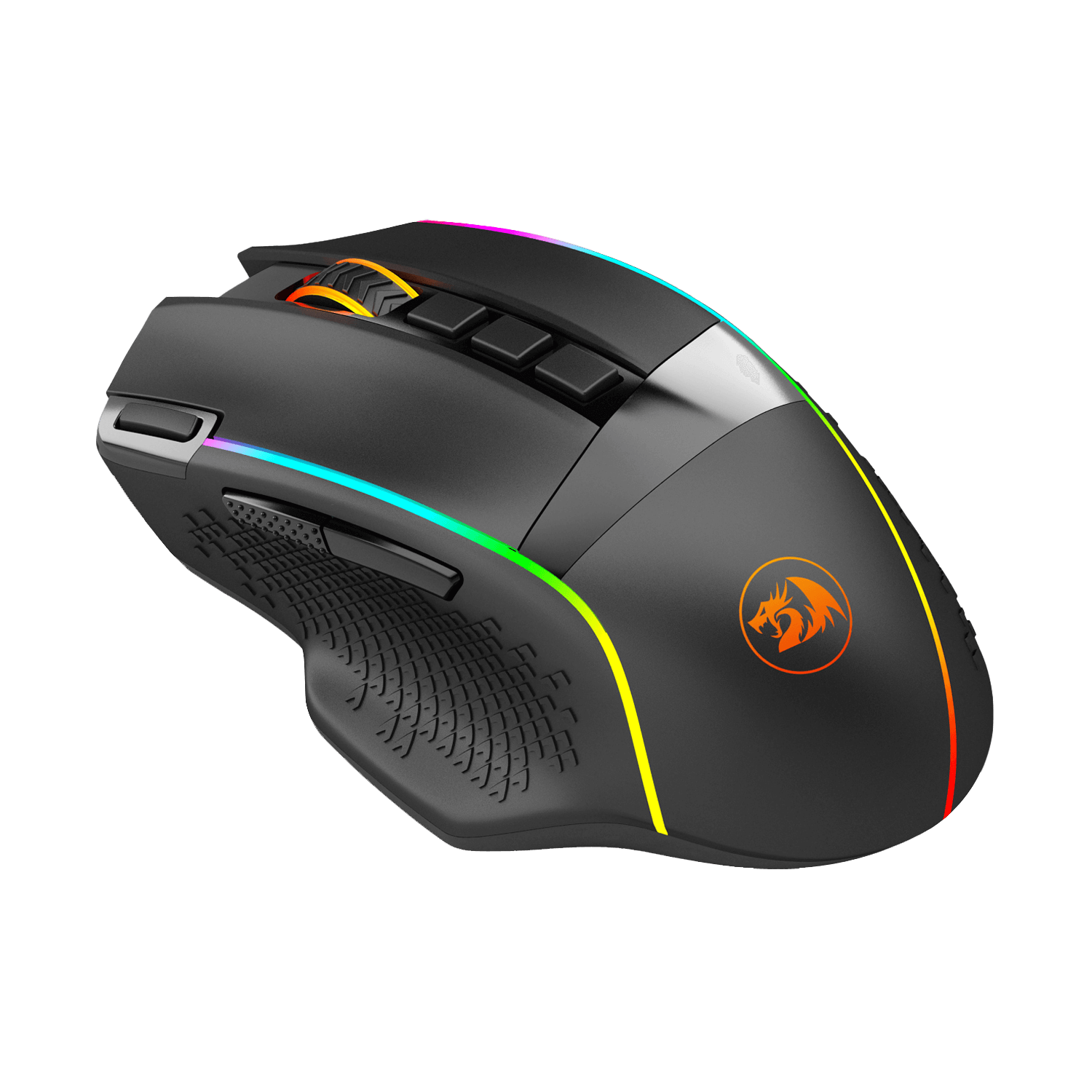
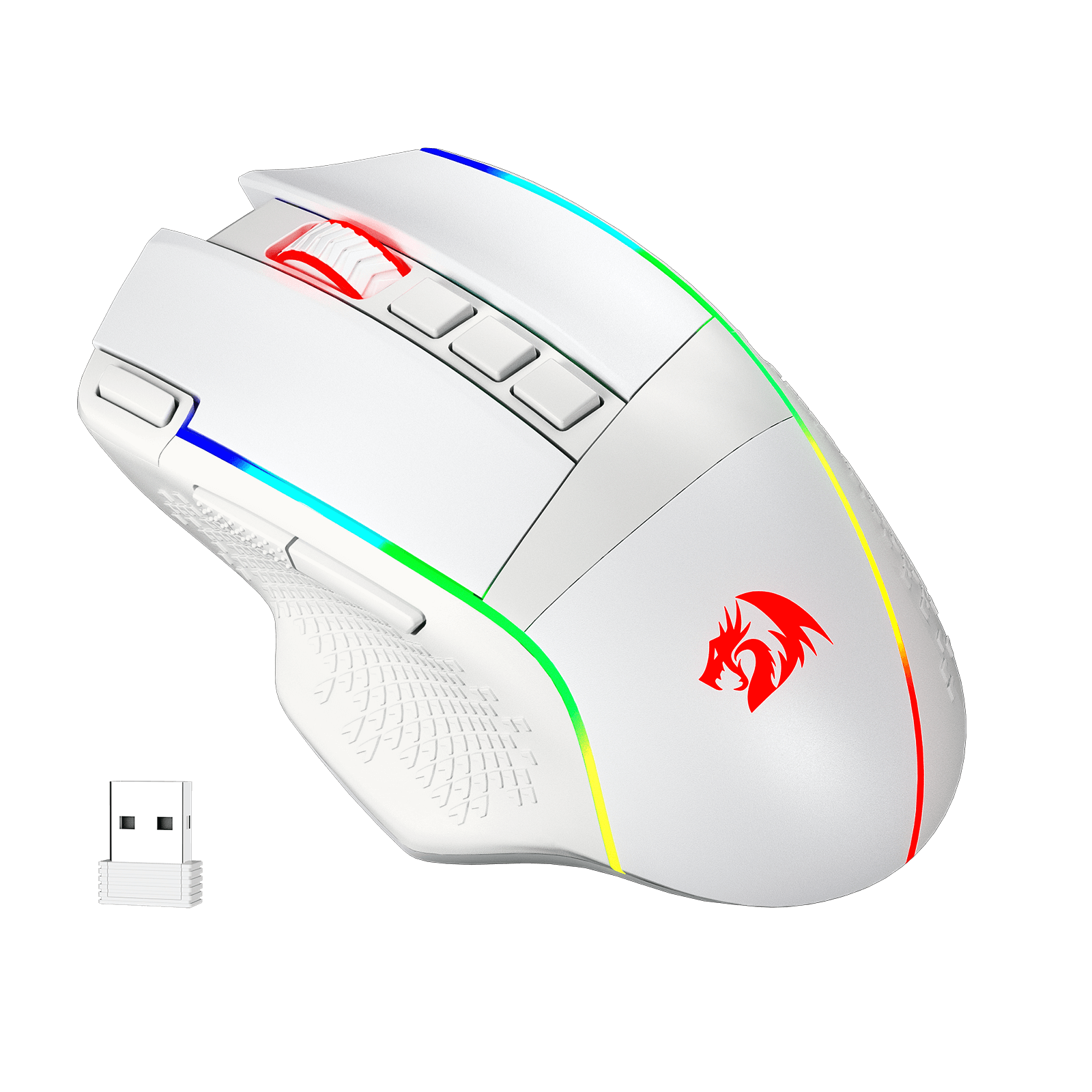
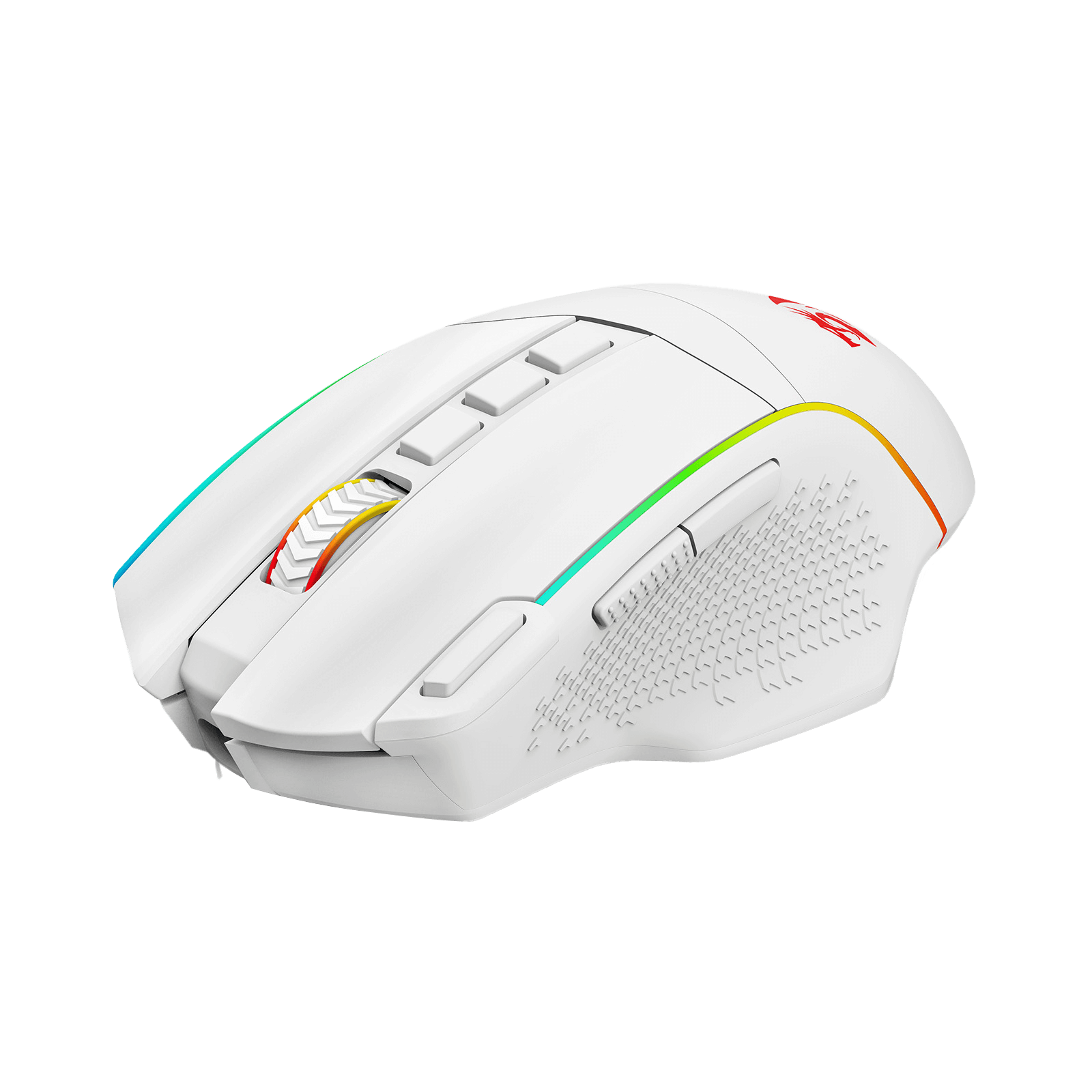
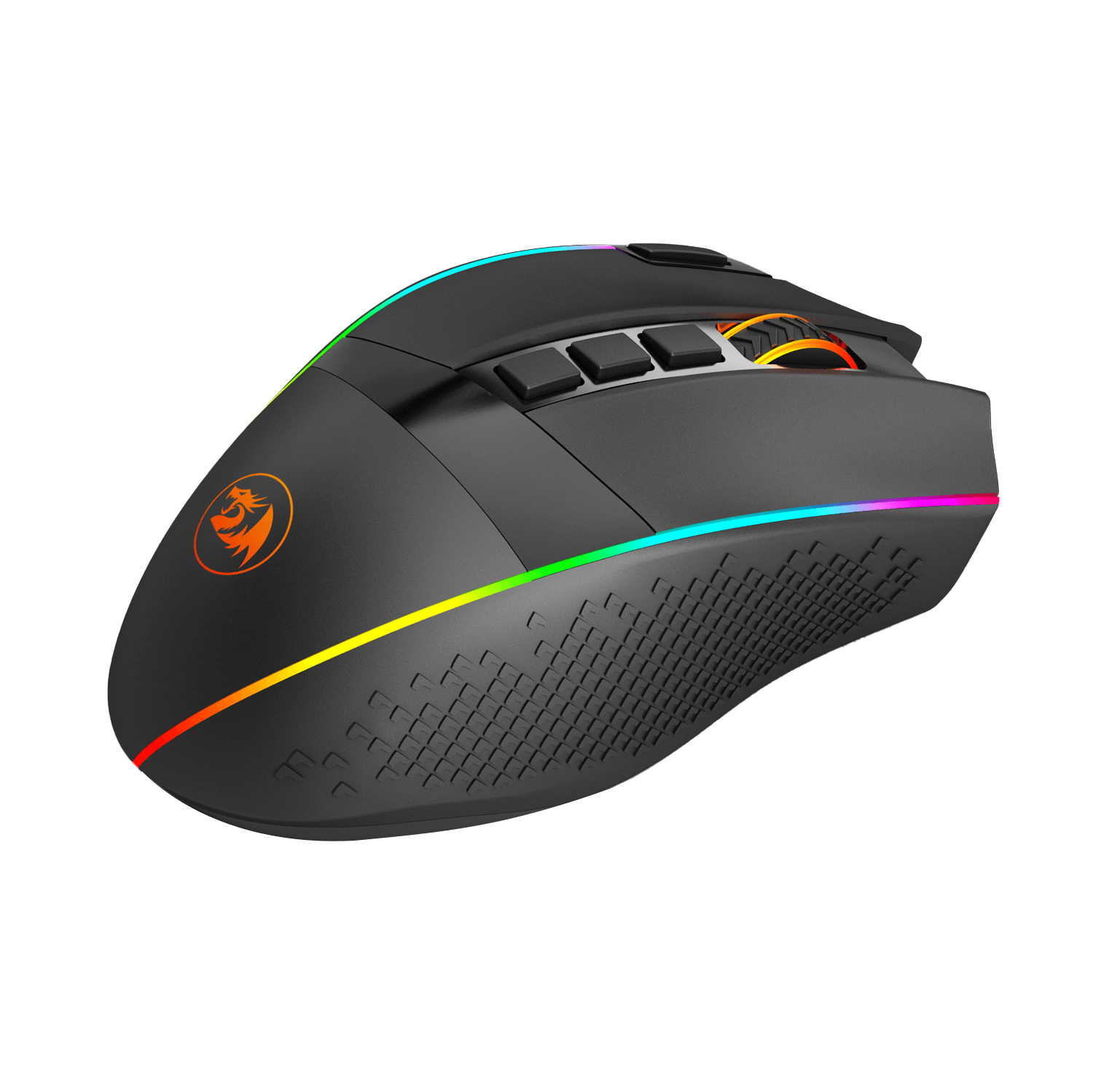

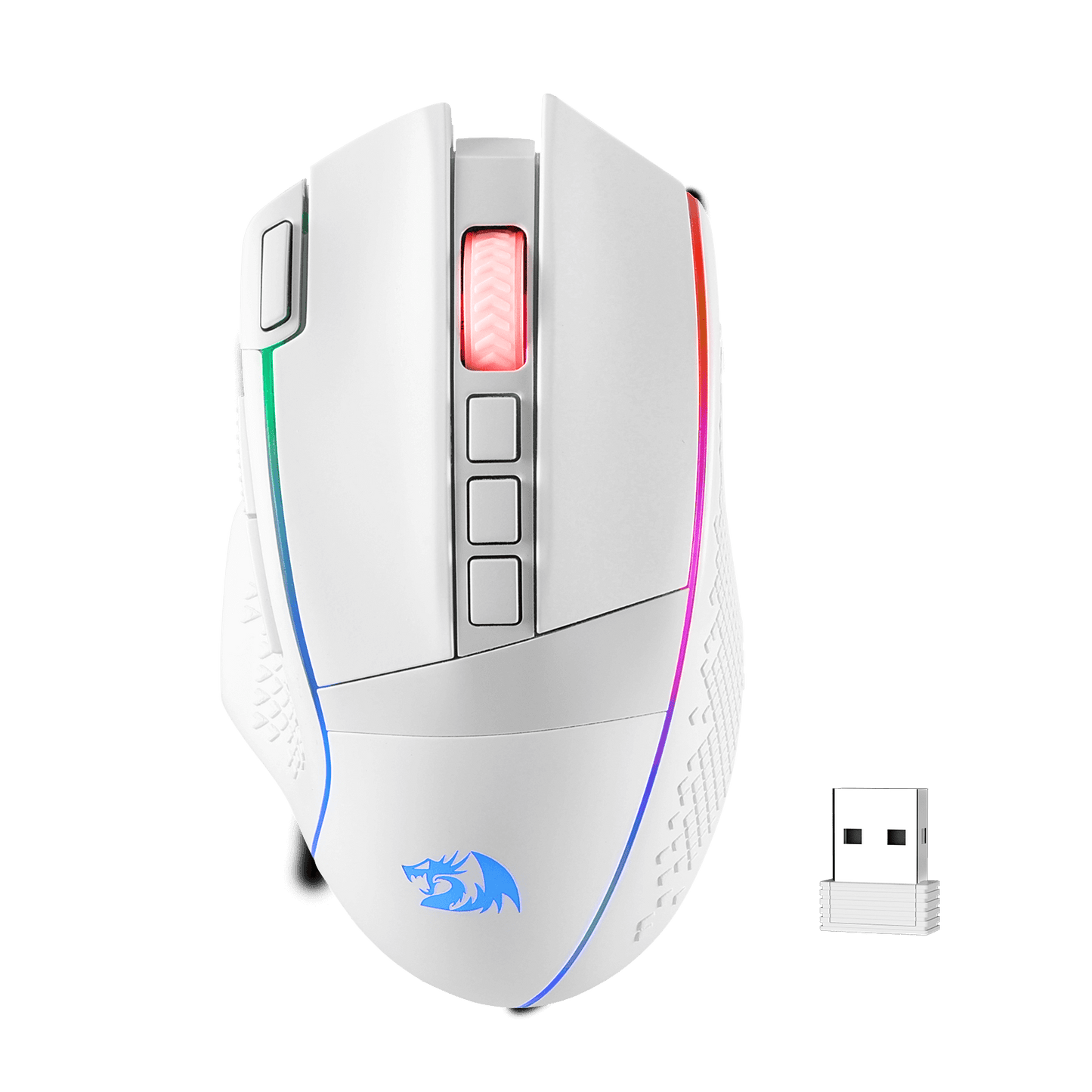
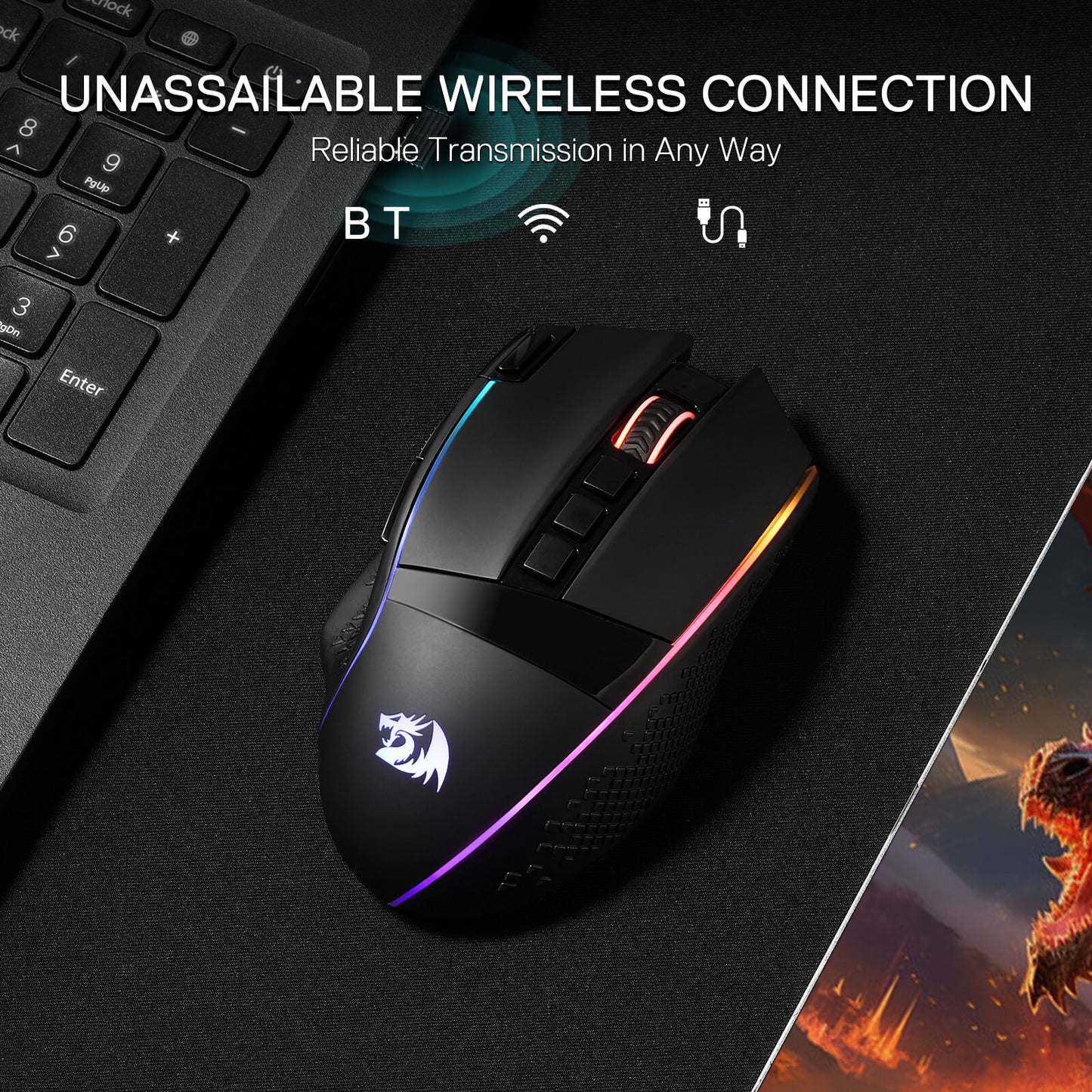

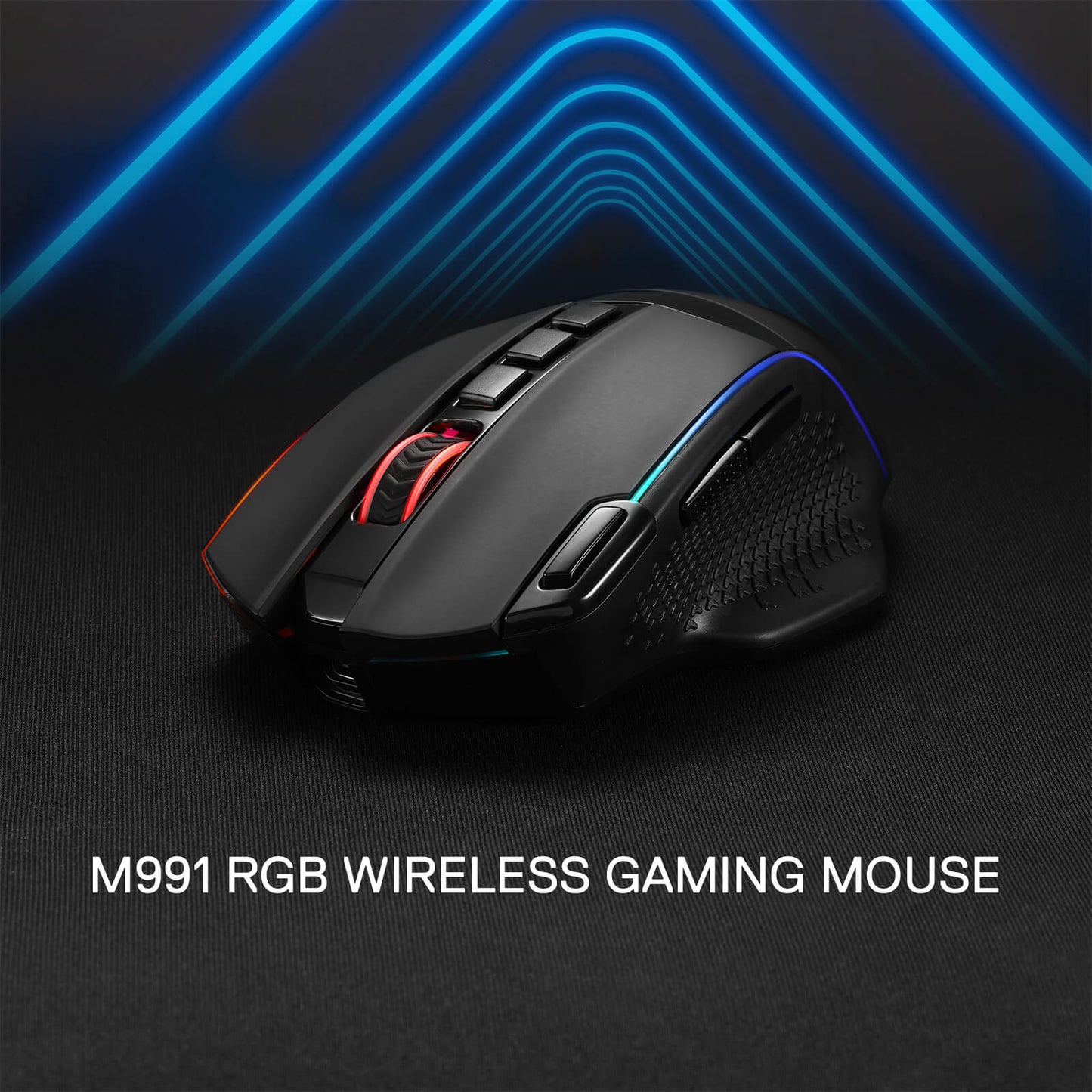
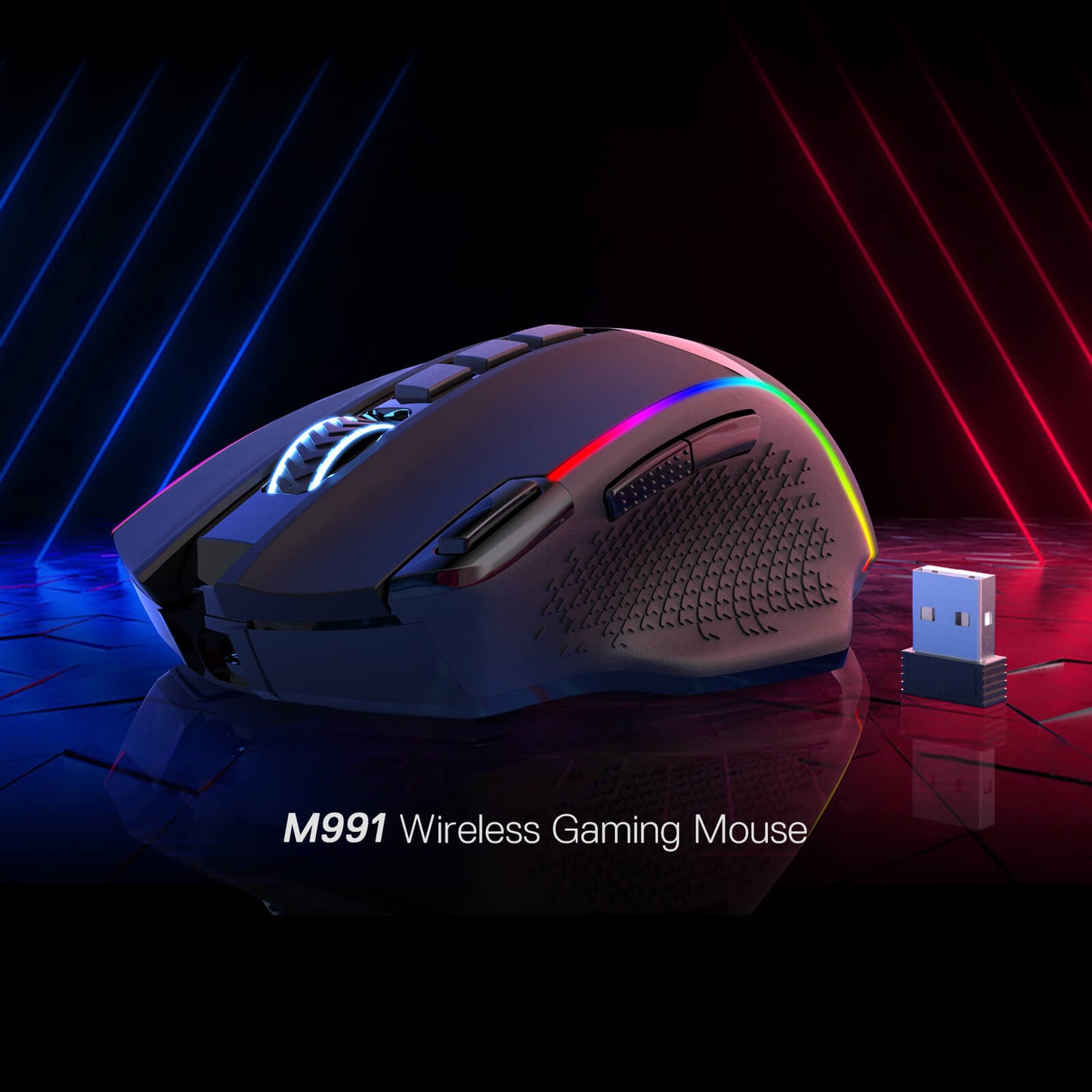


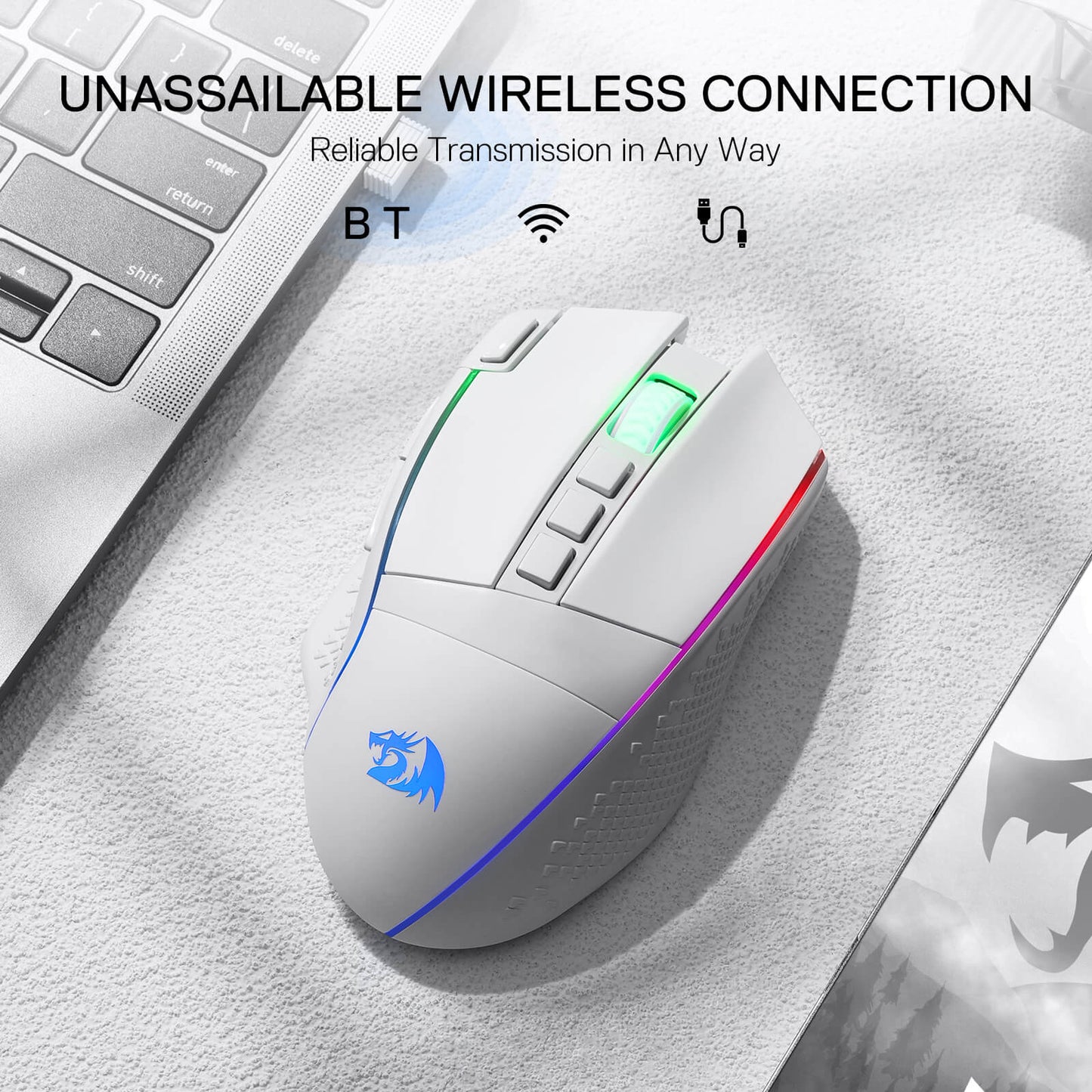

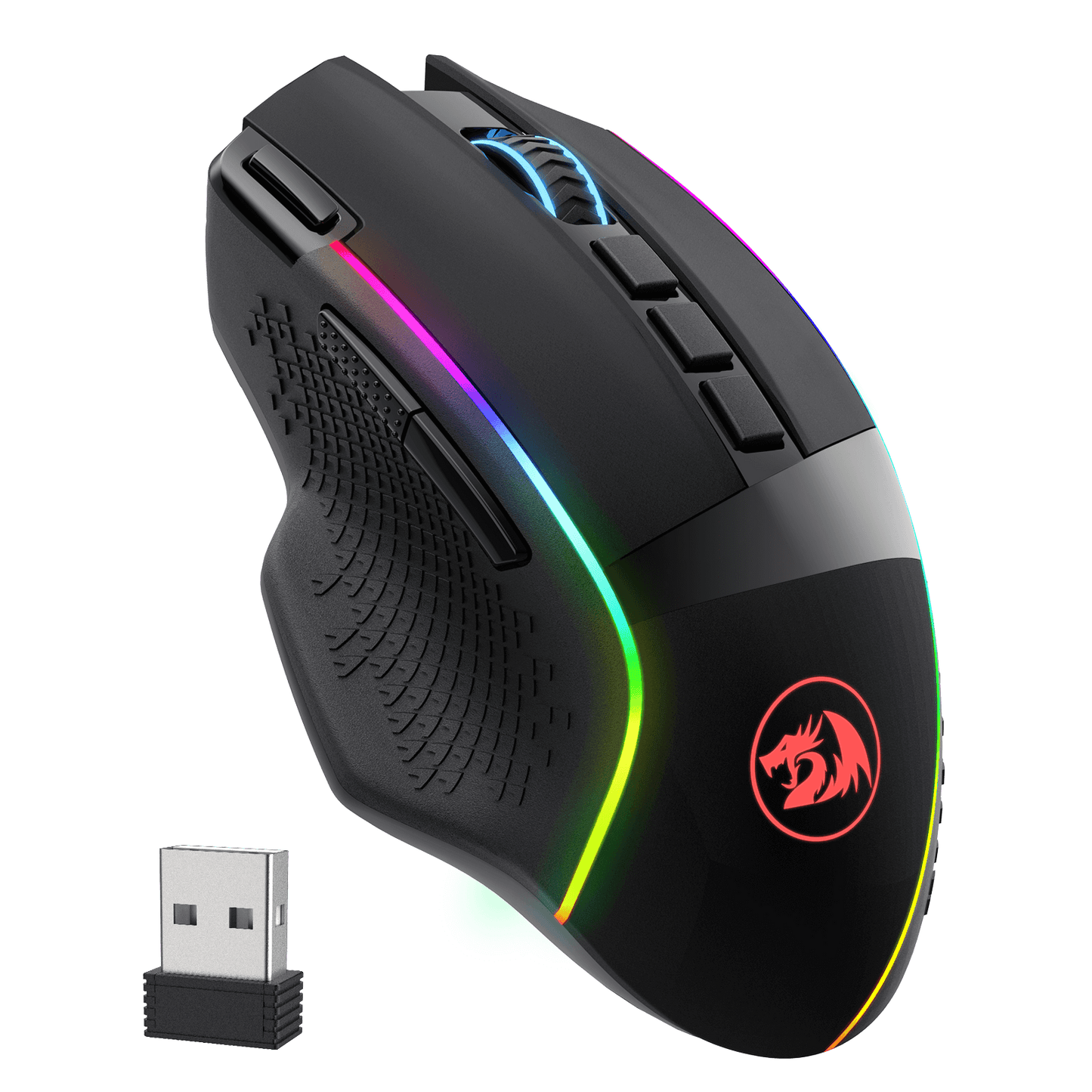
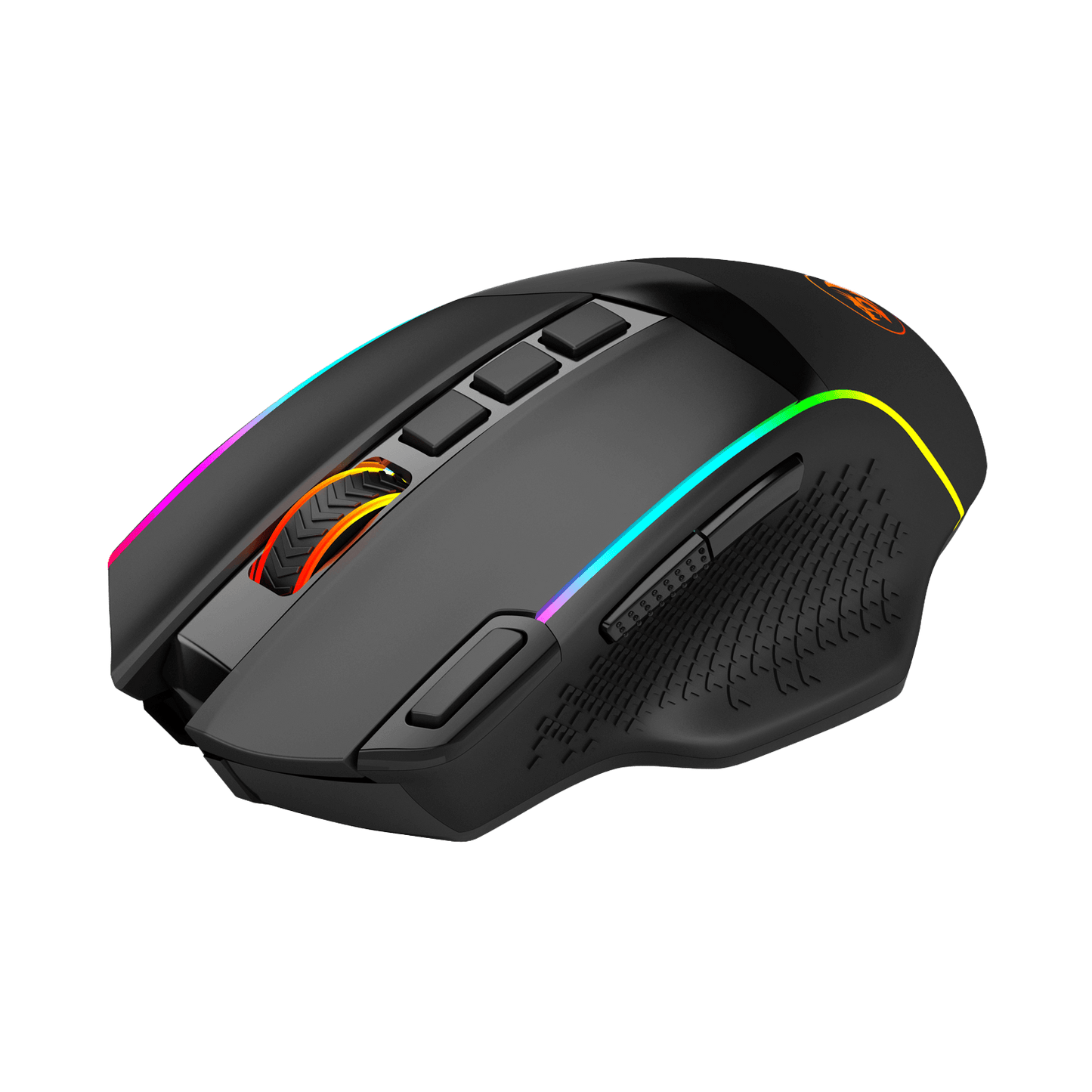
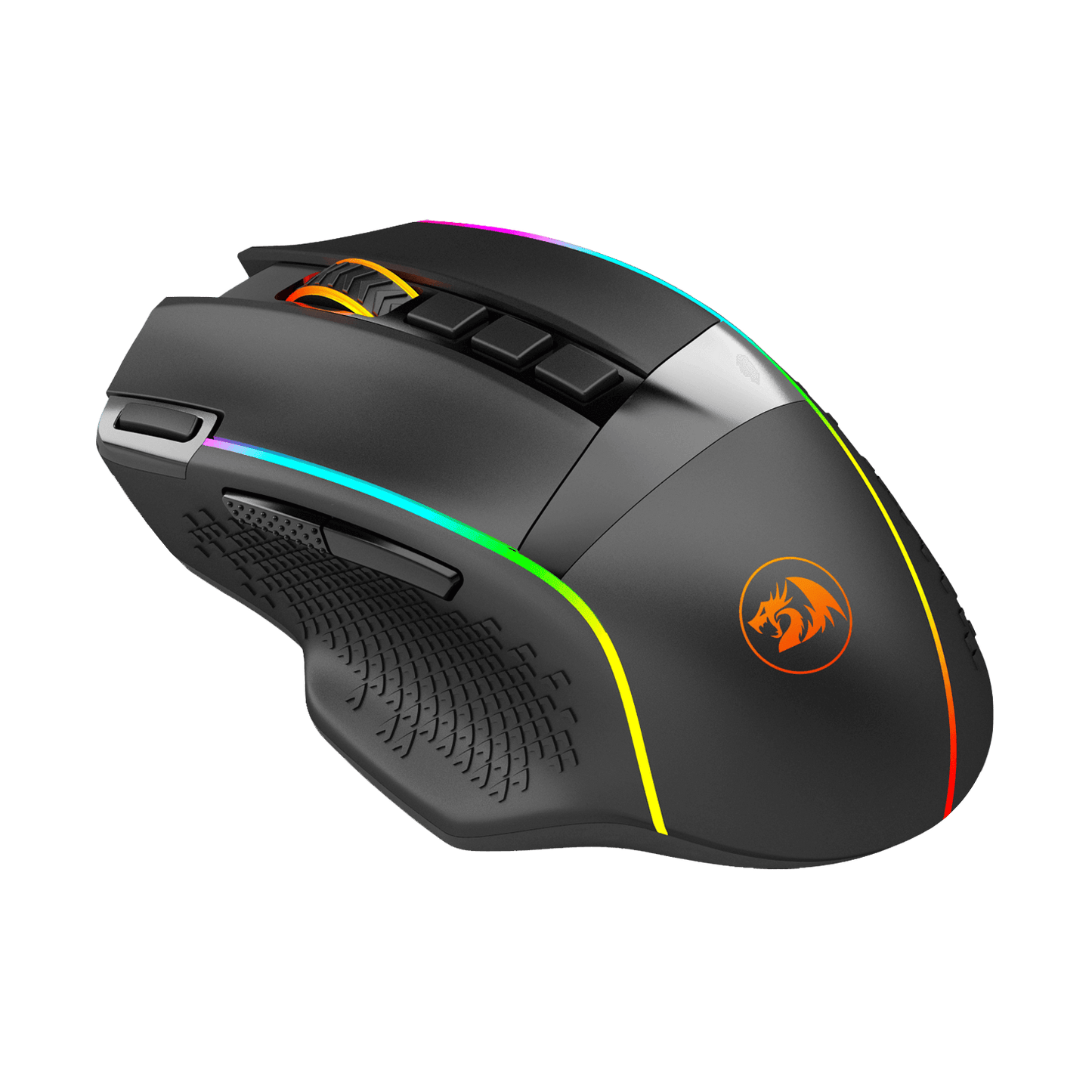
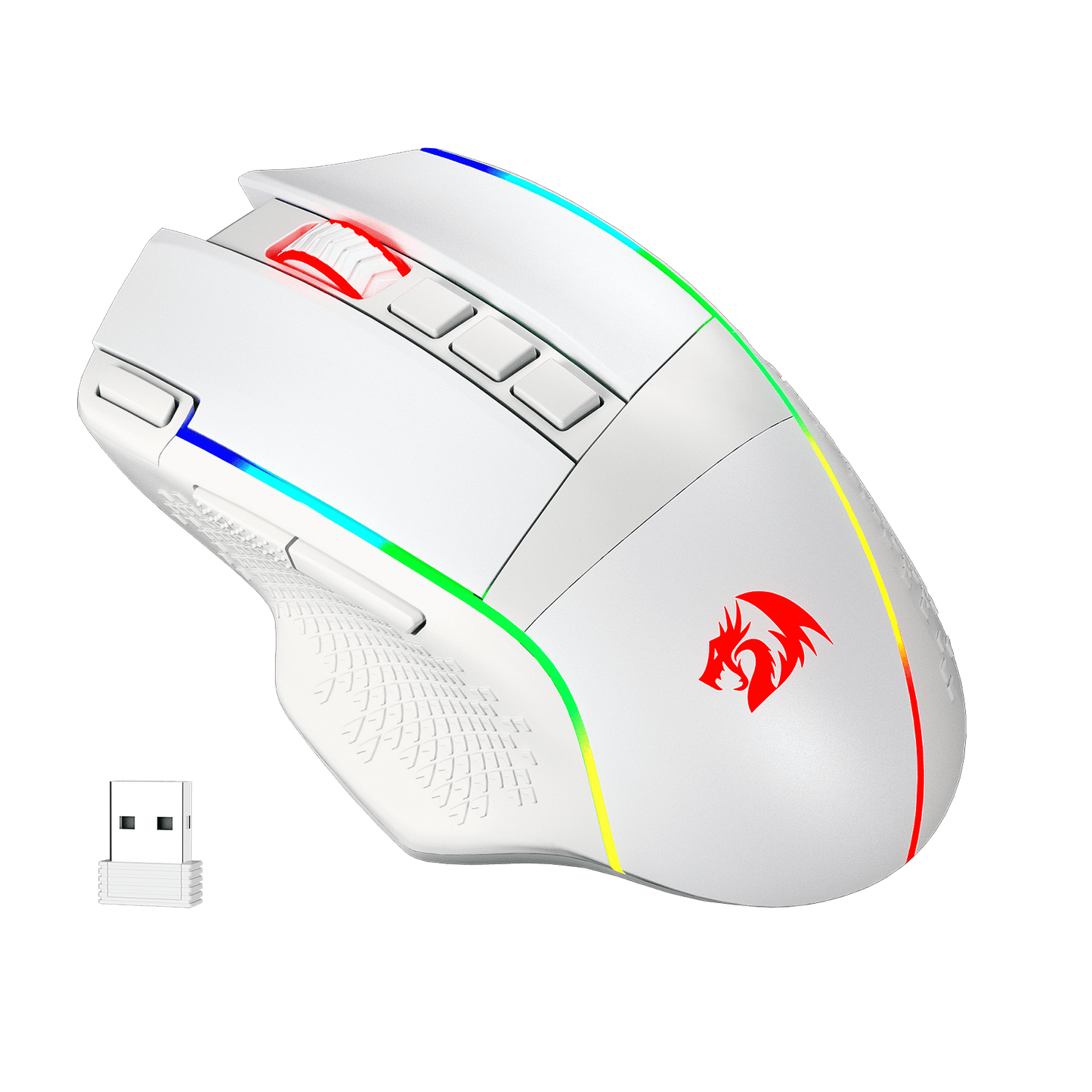
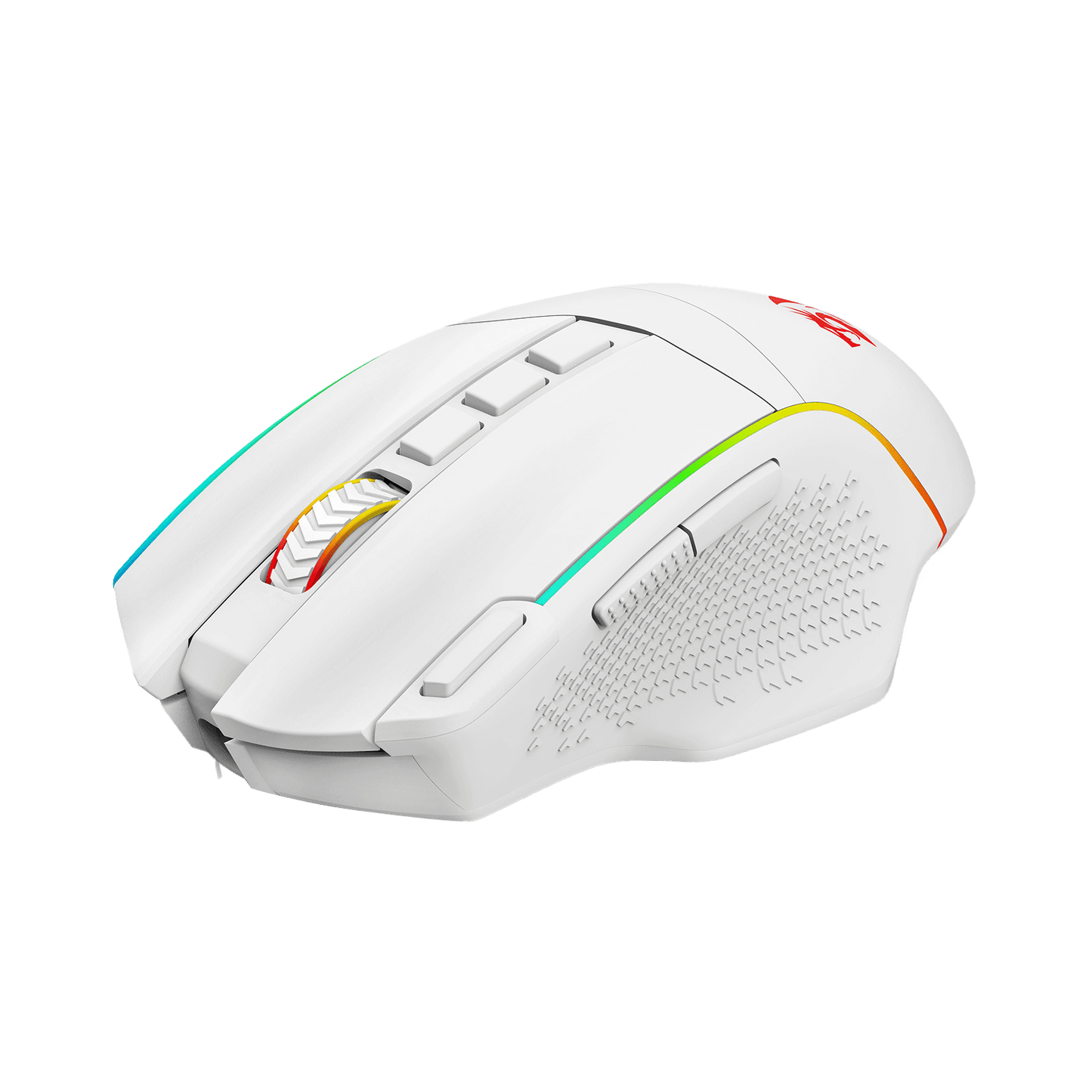
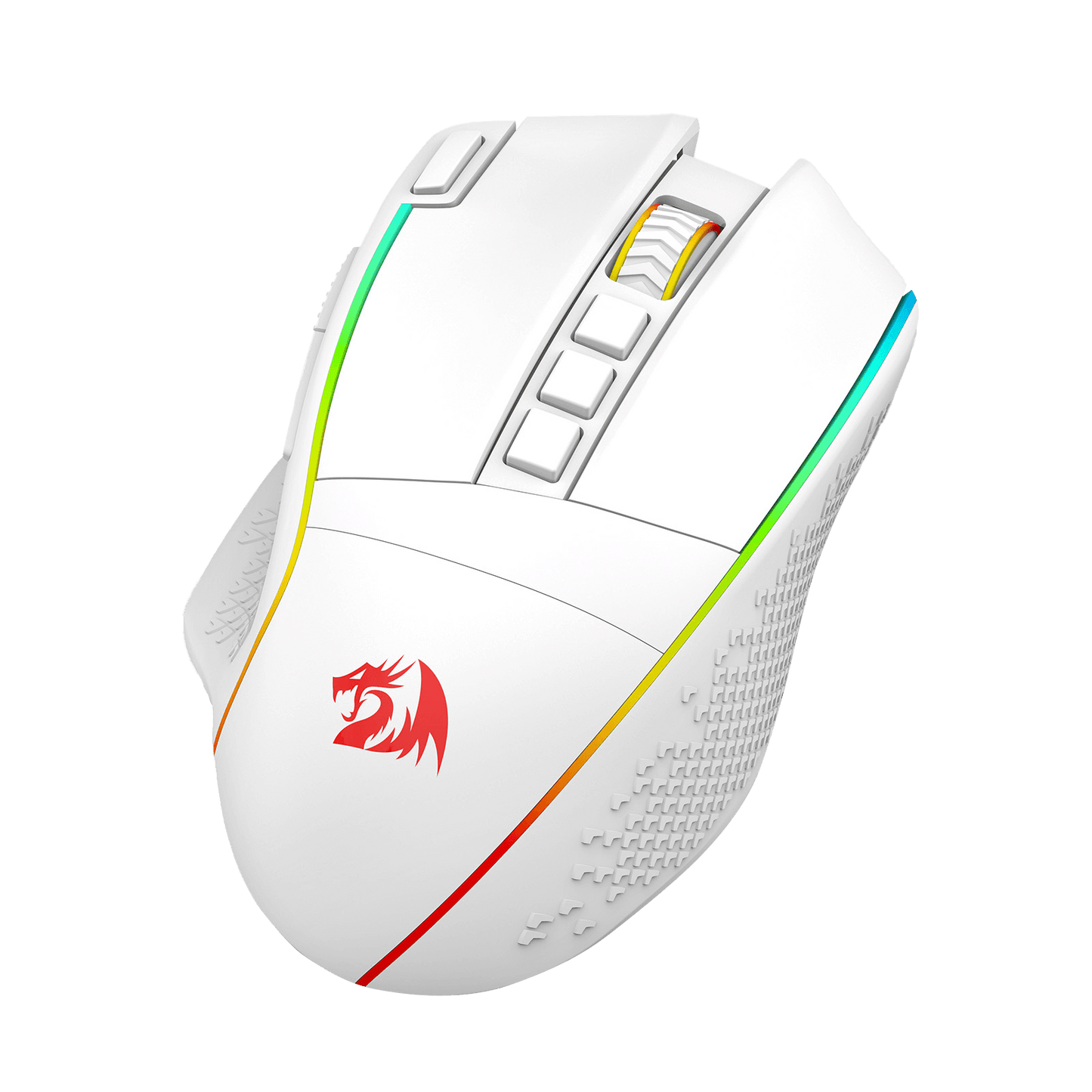
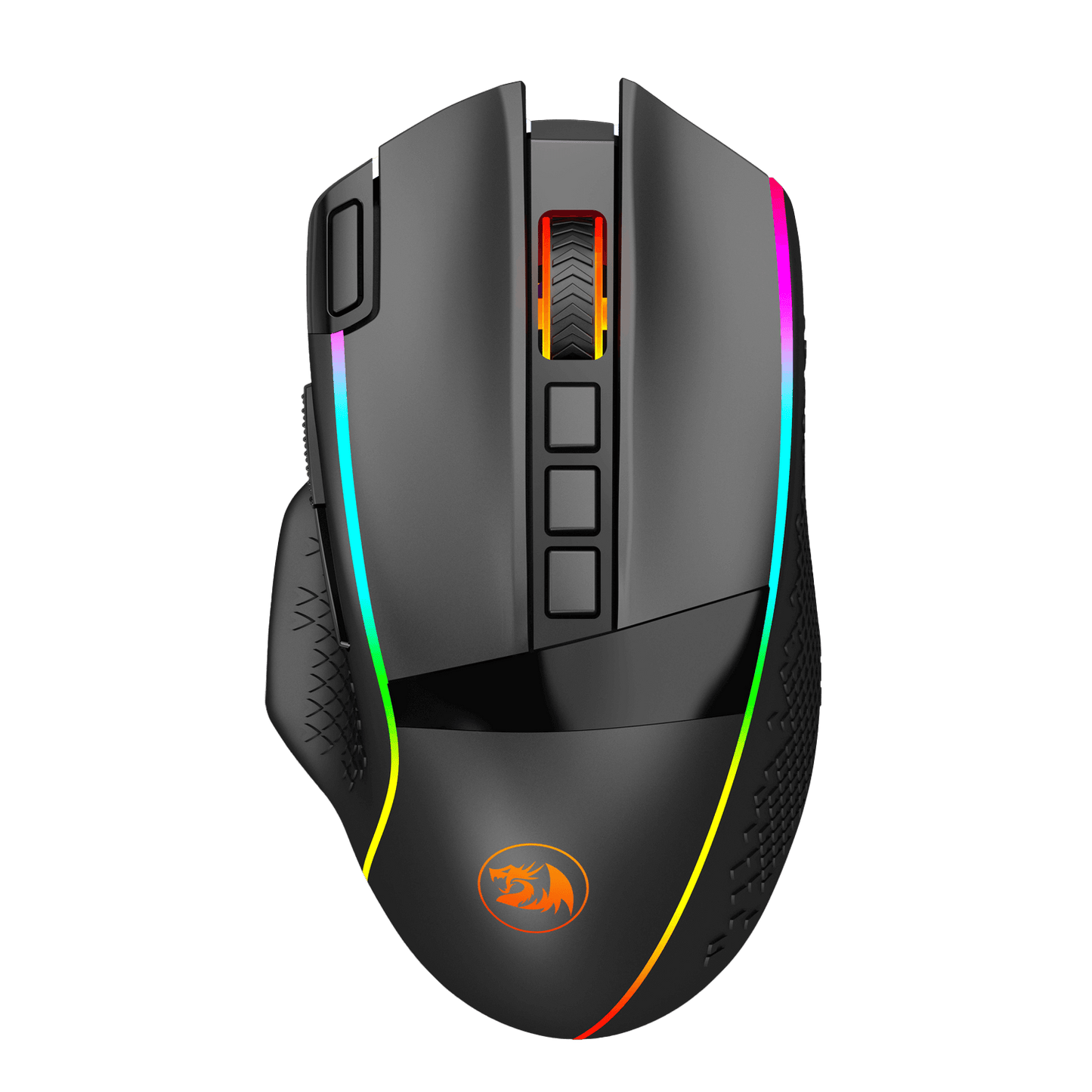
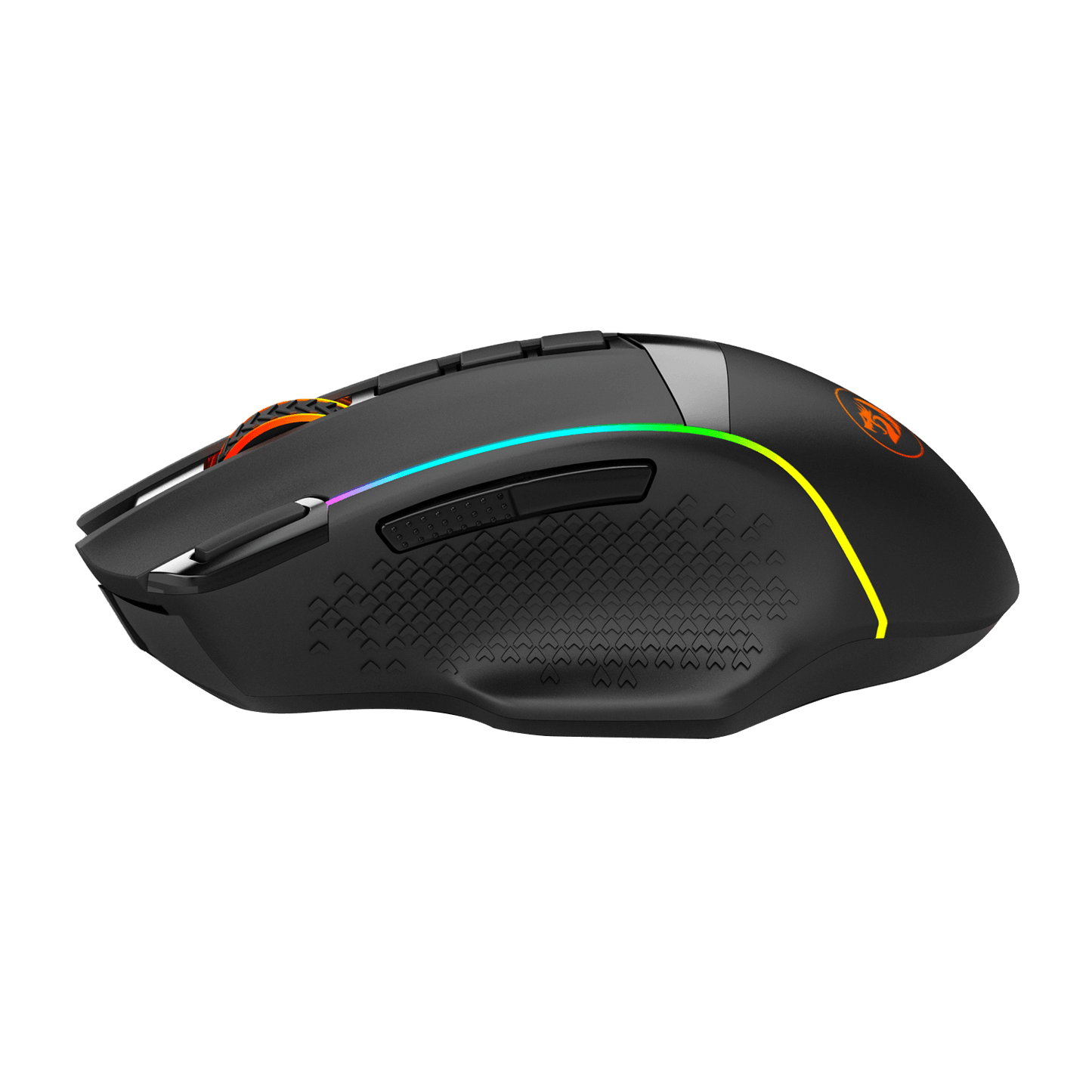
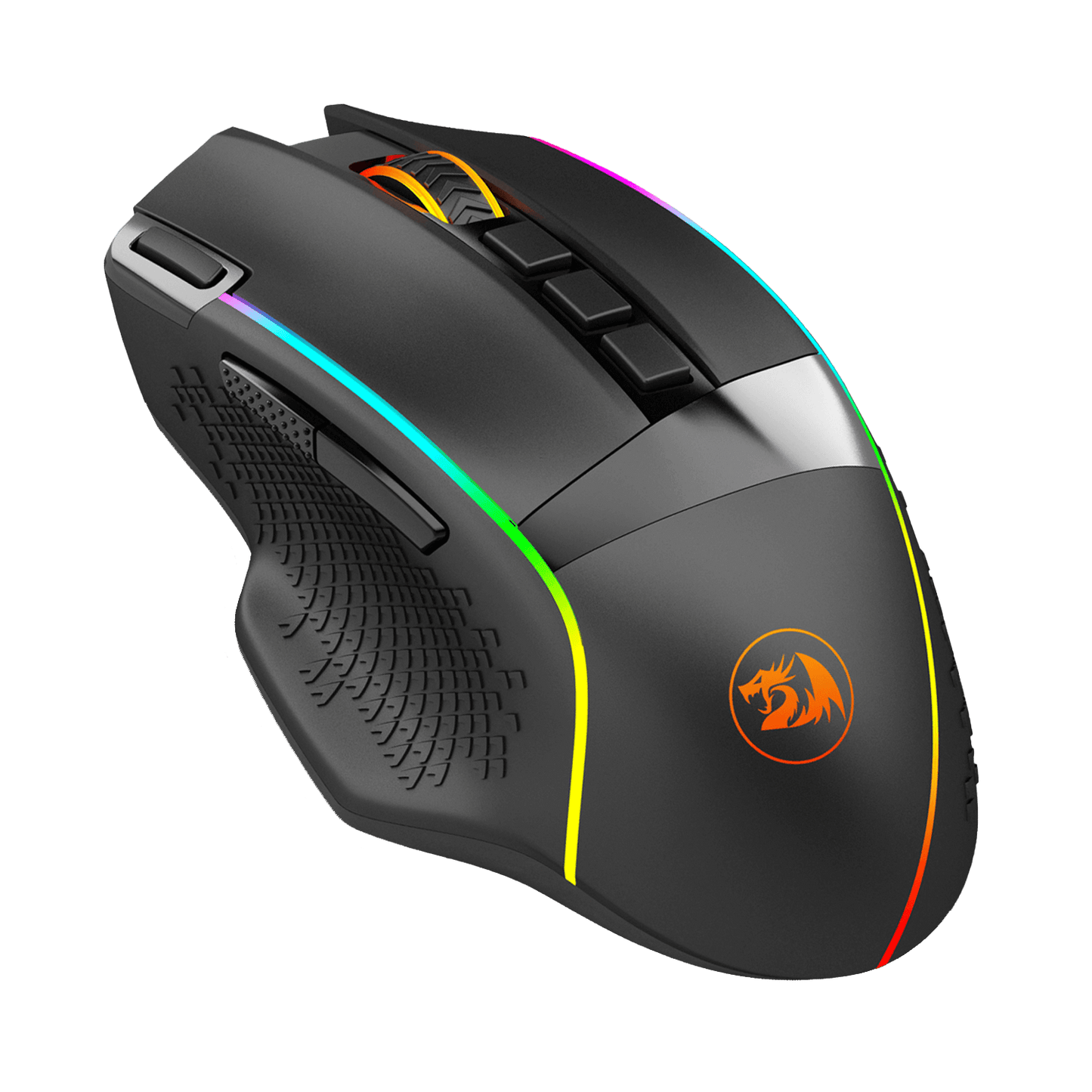
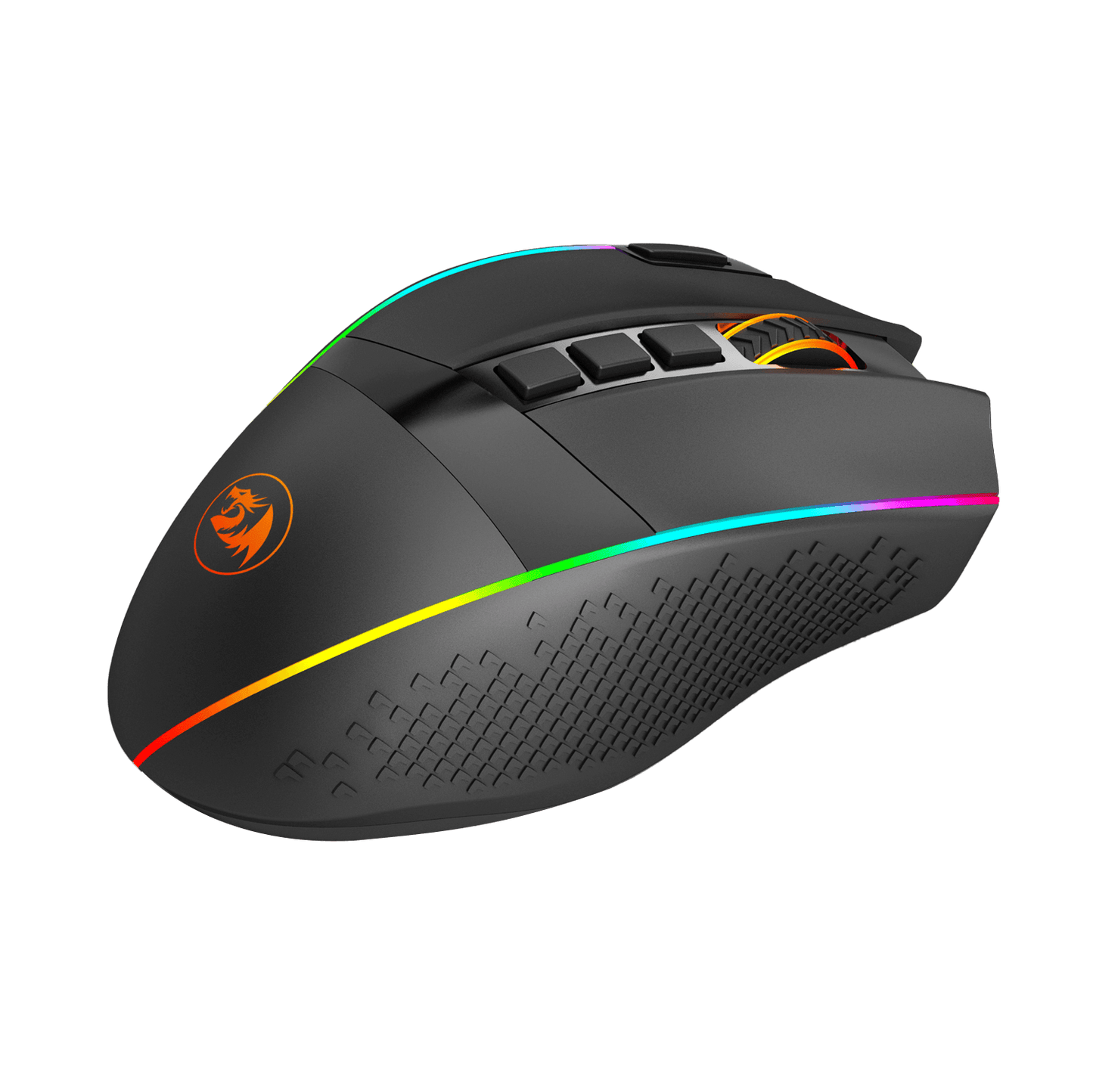


3 Modes Connect Tech
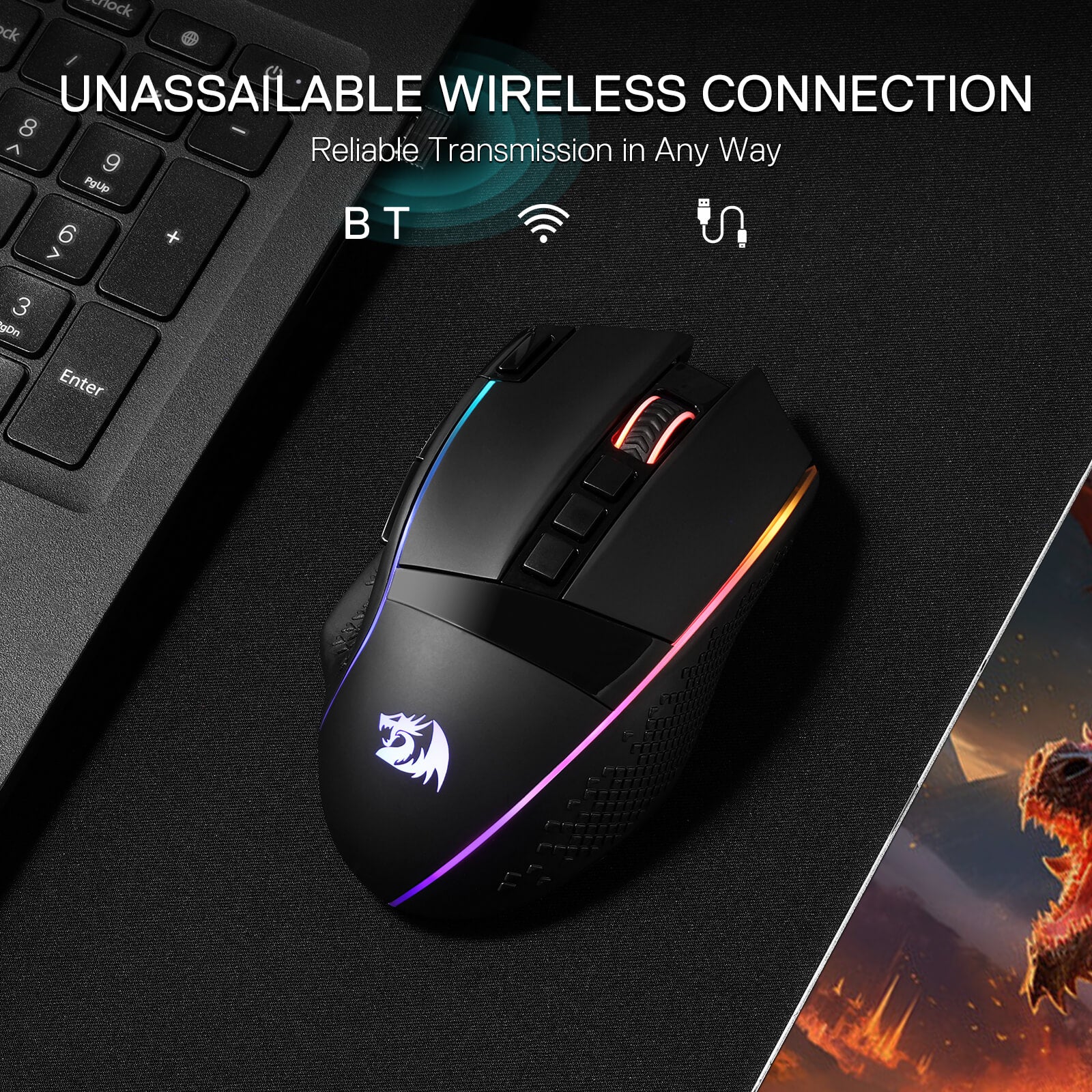
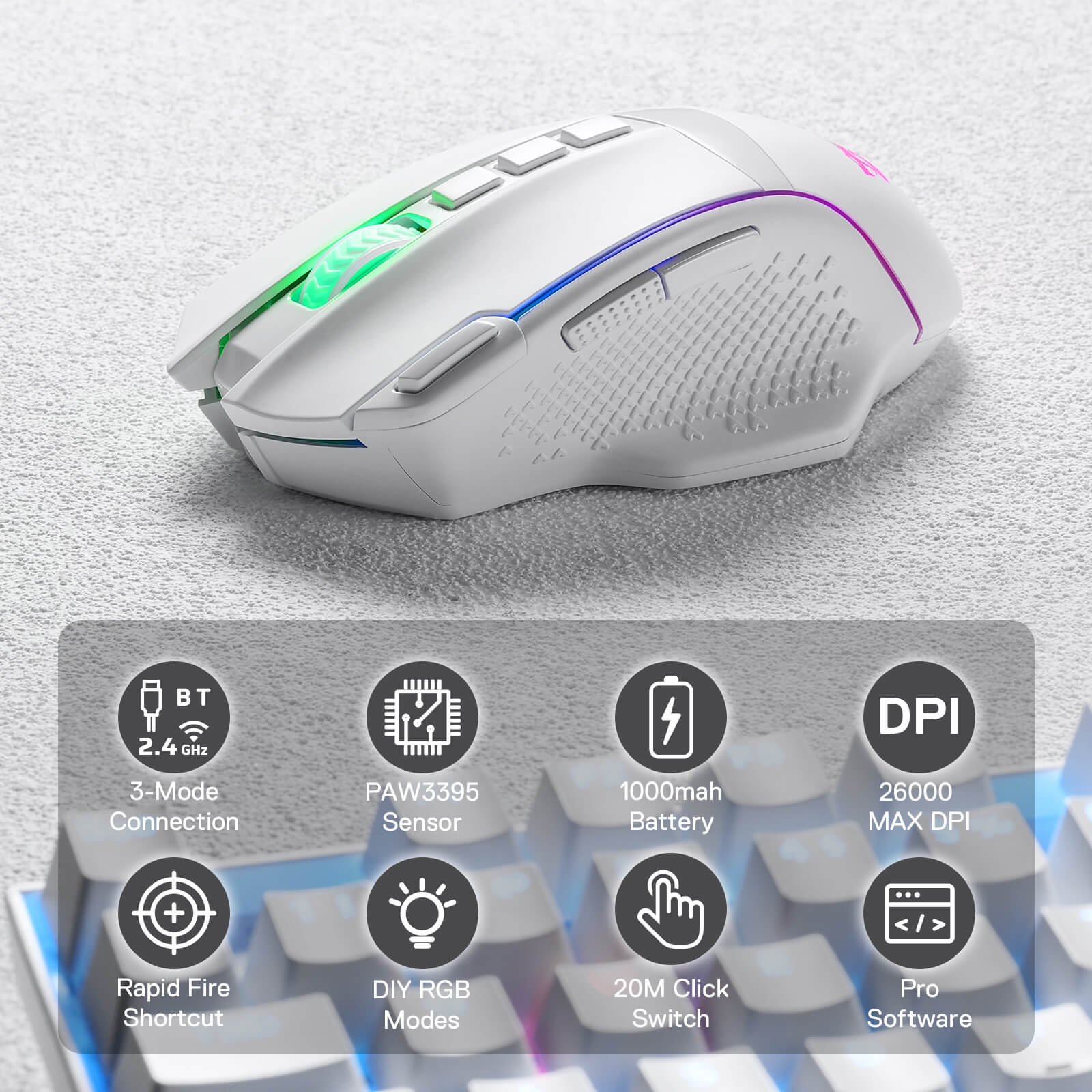
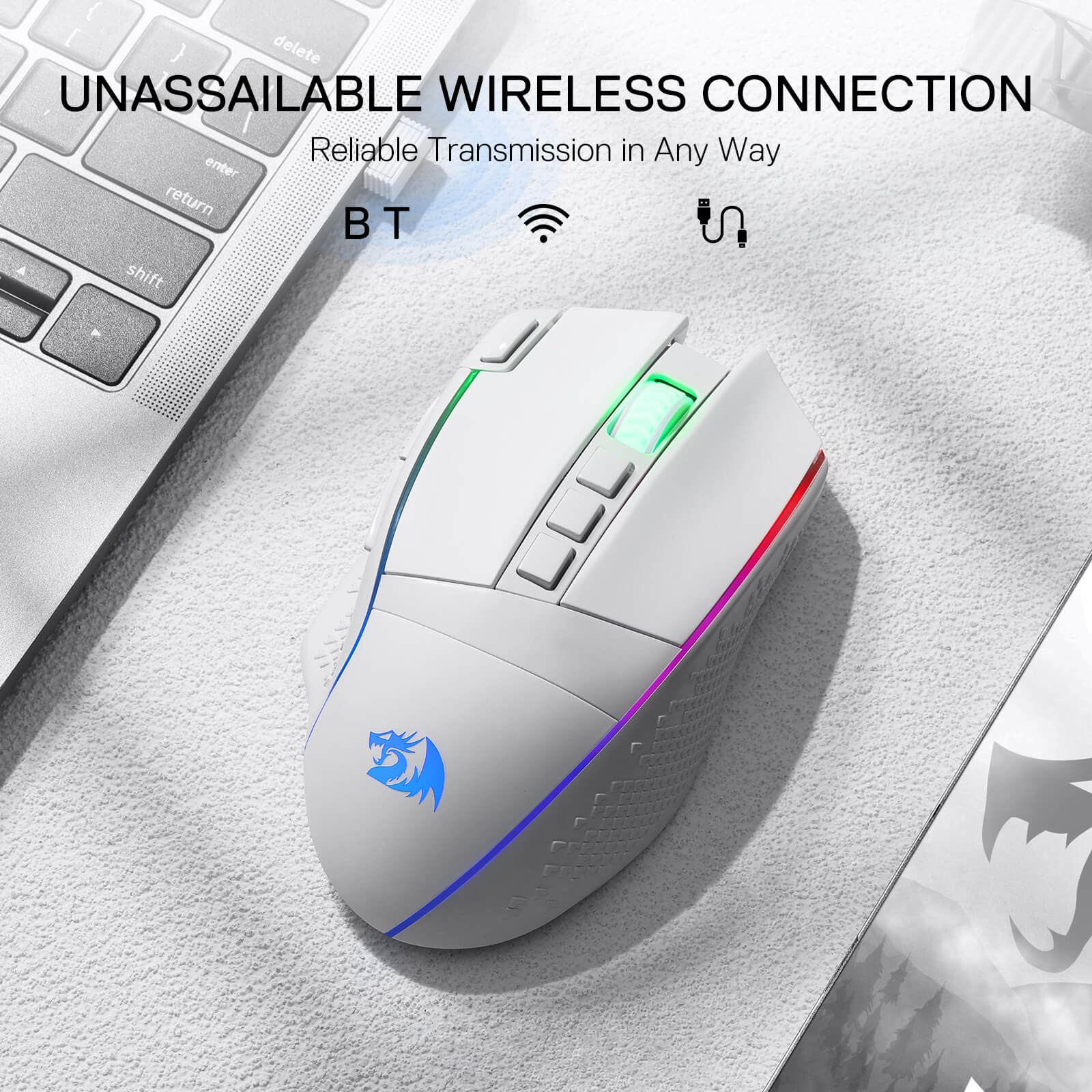
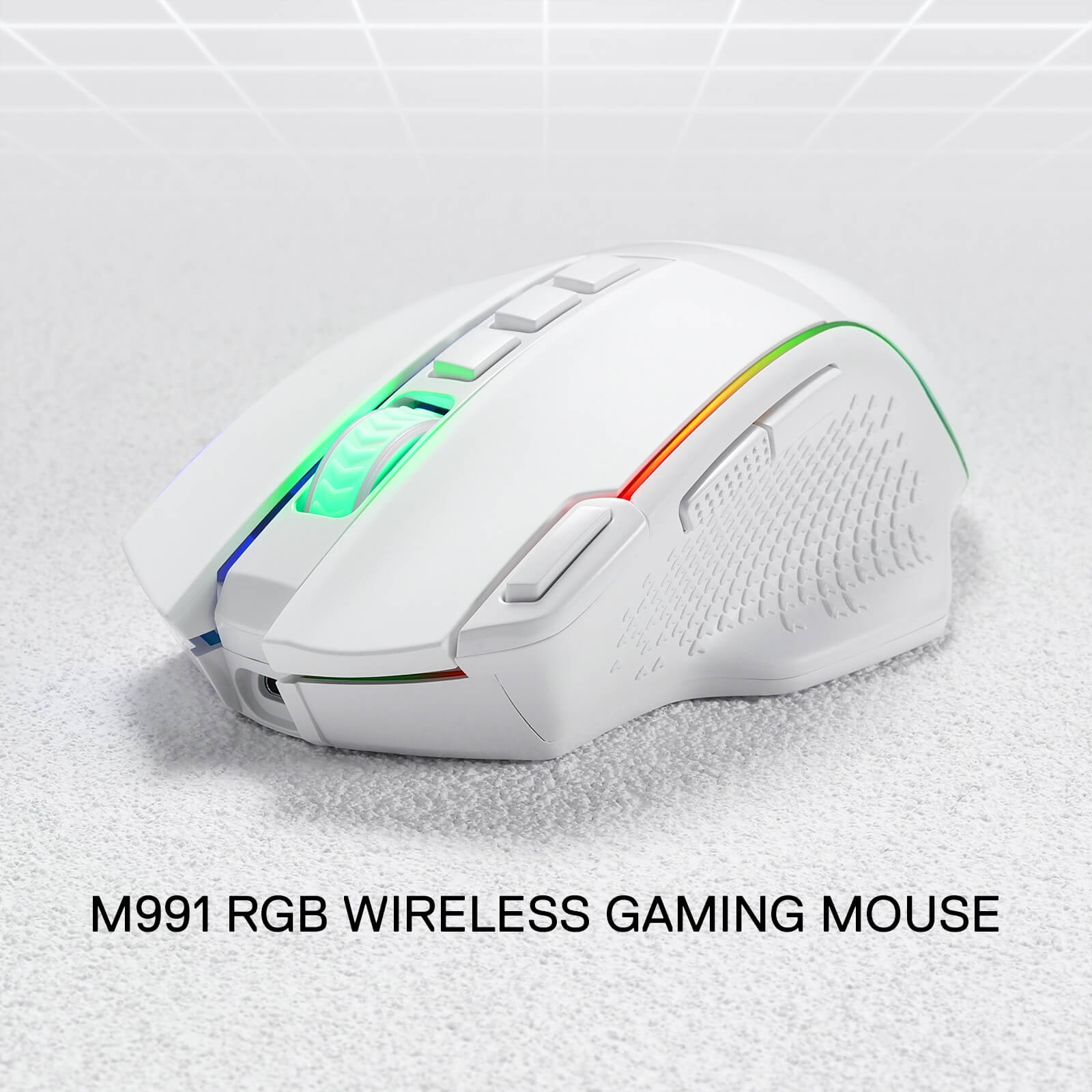
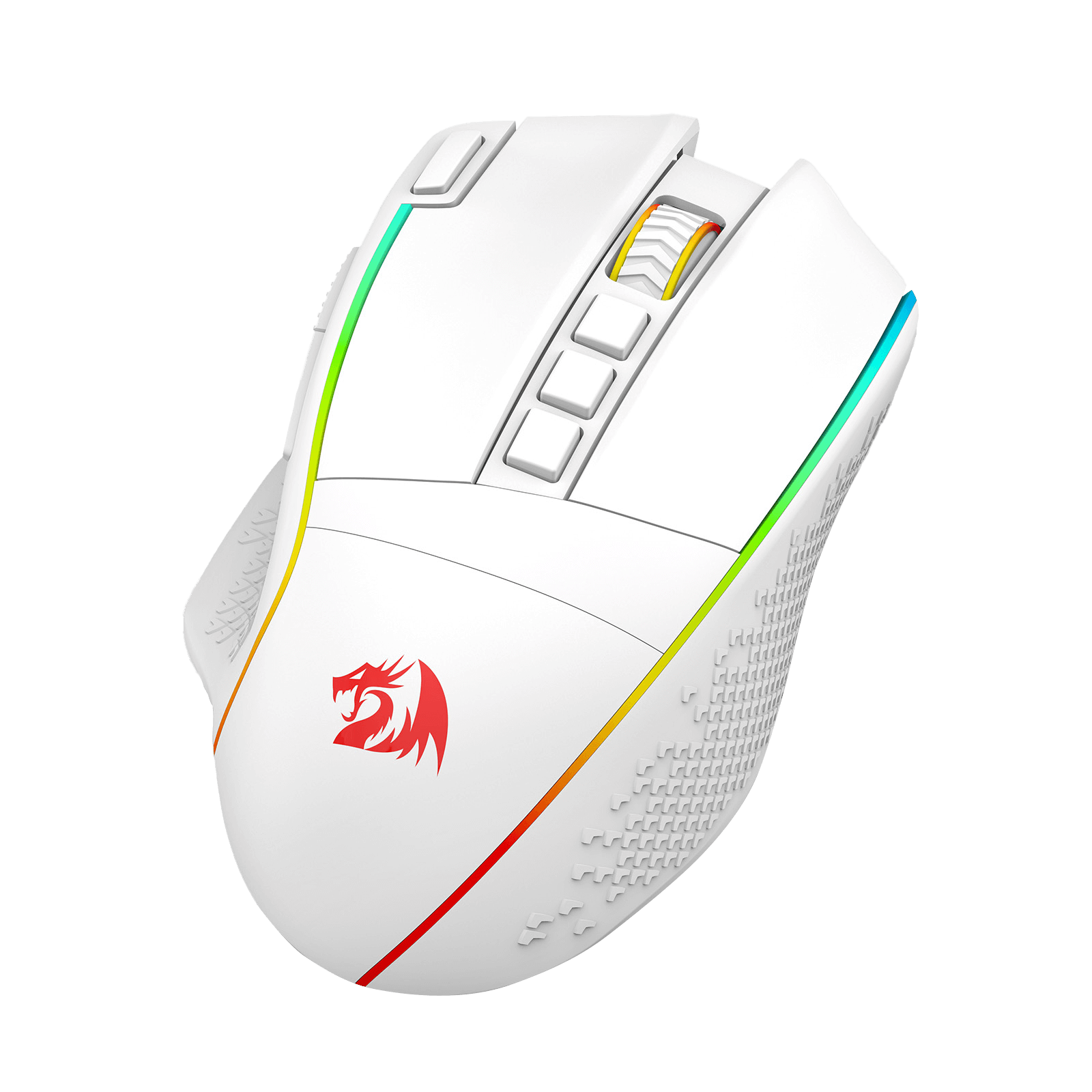
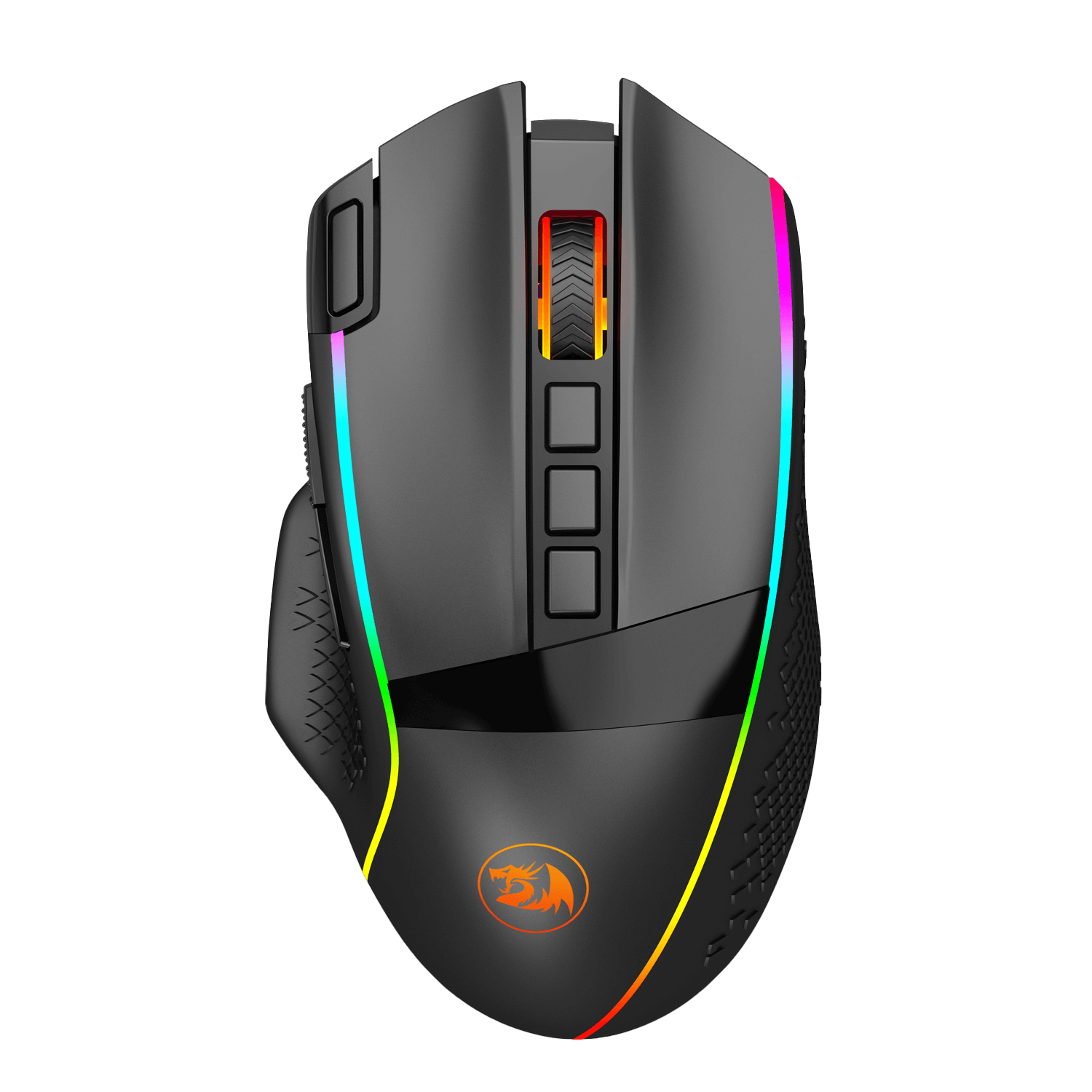
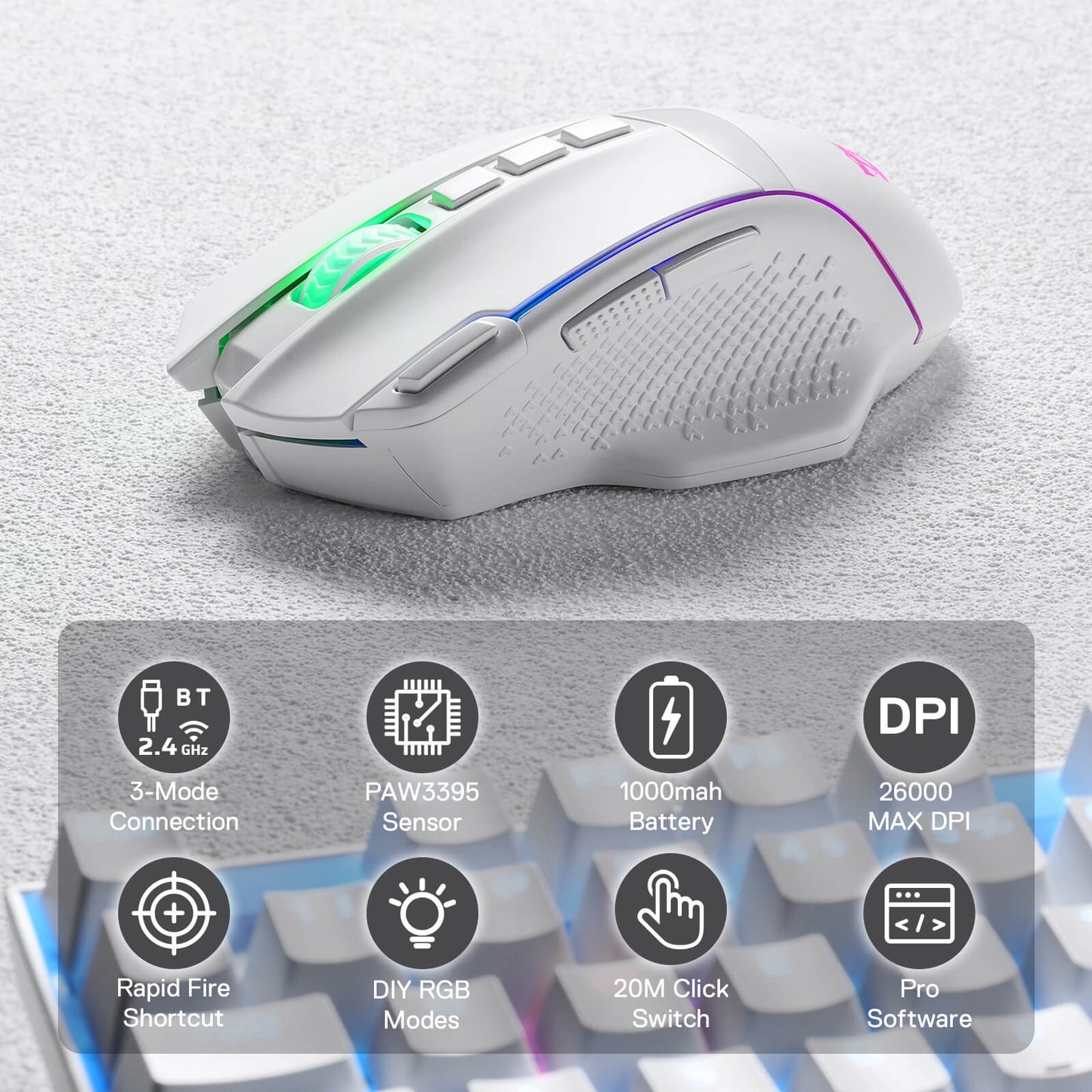
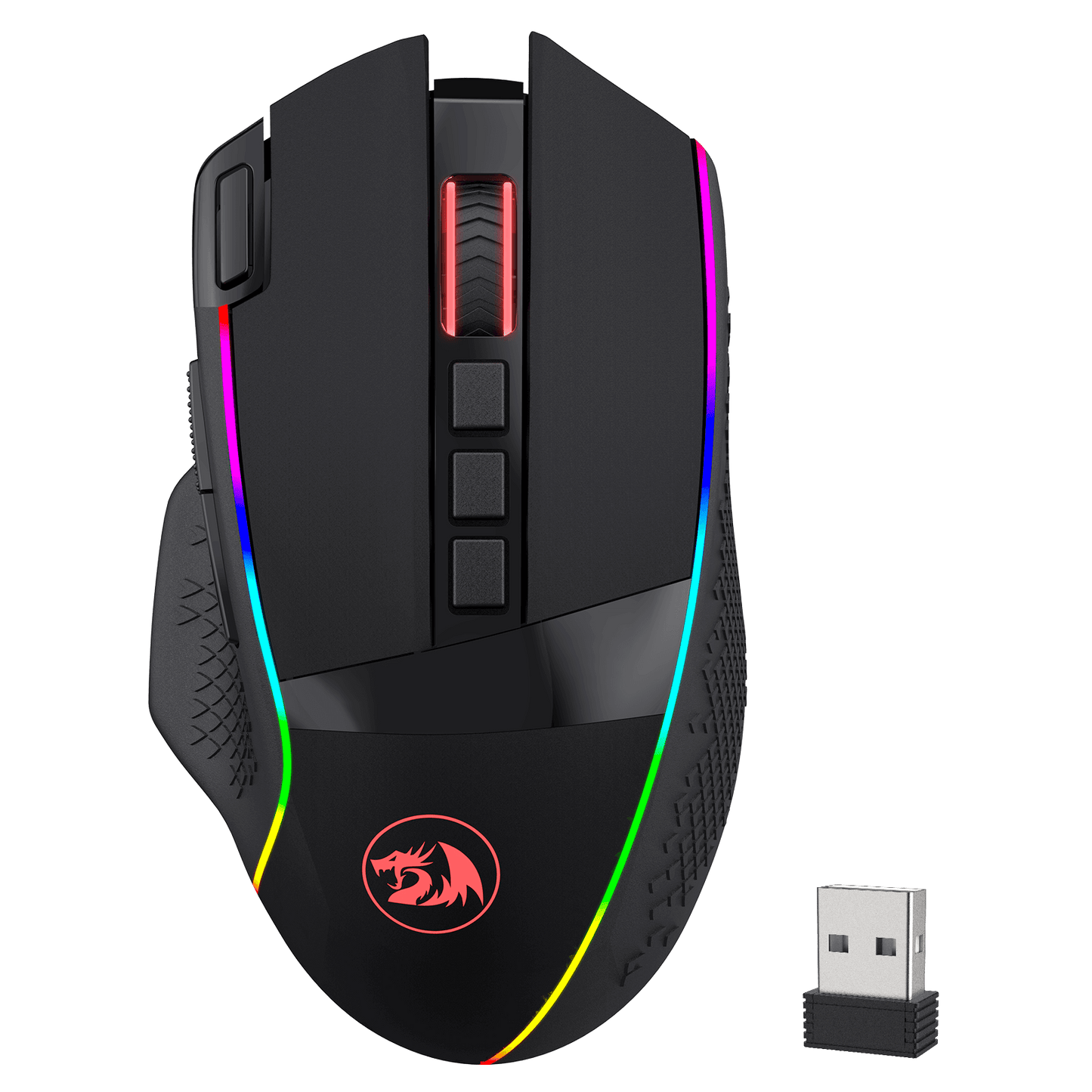
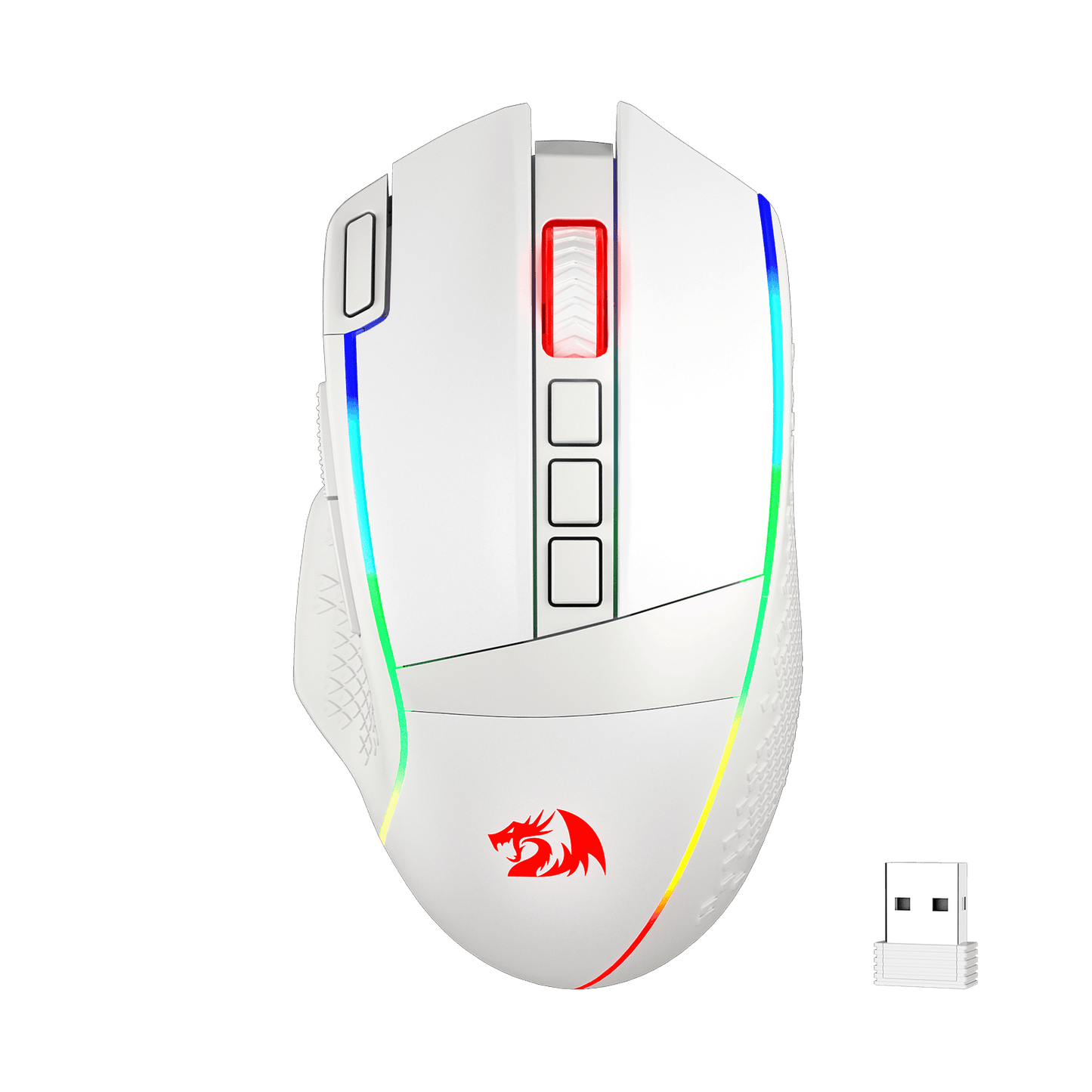
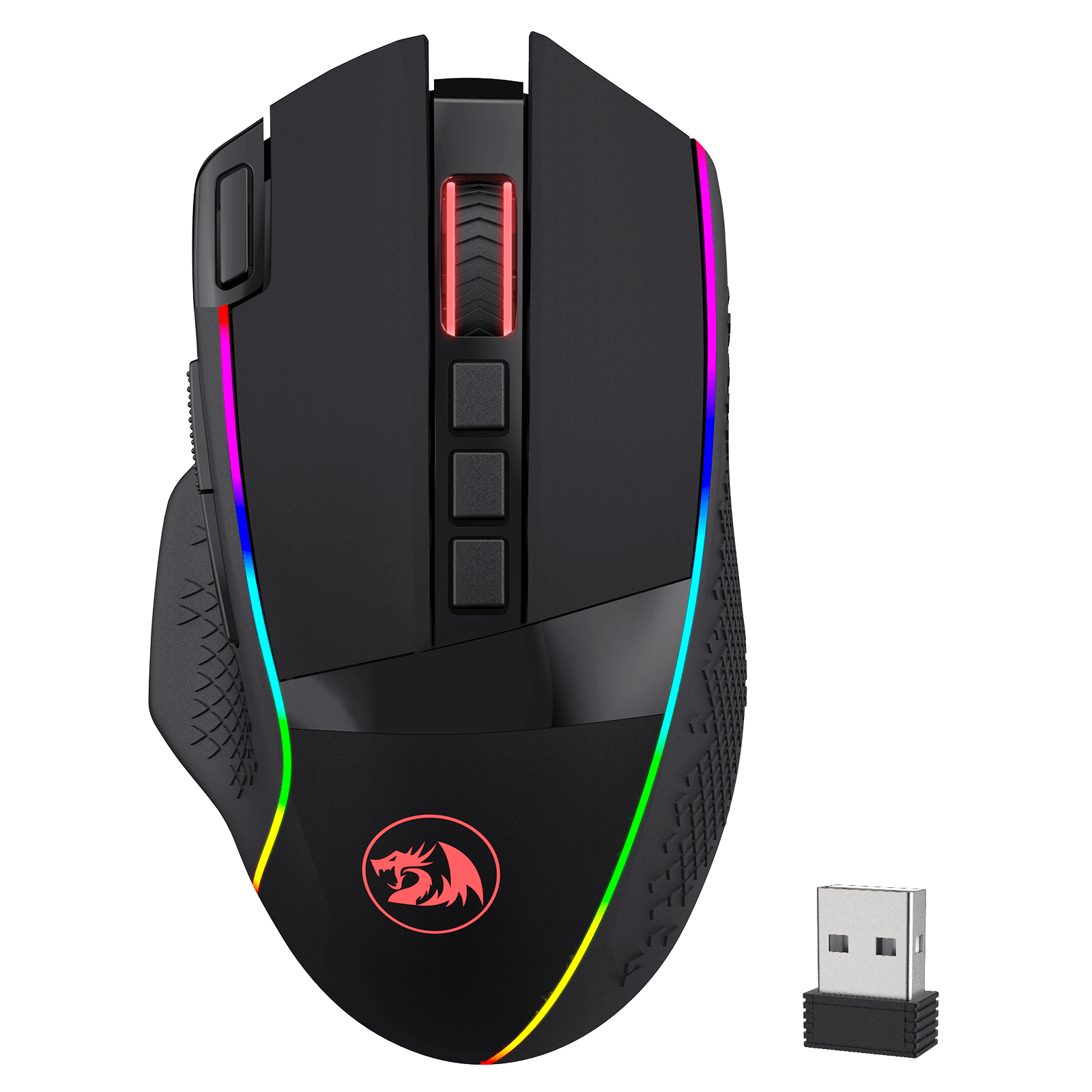
Cables truly will affect your detailed battle reaction, M991 geared with BT and 2.4Ghz nano receiver offers you the purest and preciser mouse moving experience and hype your KDA rise again.
Acme Adjustable DPI to 26000
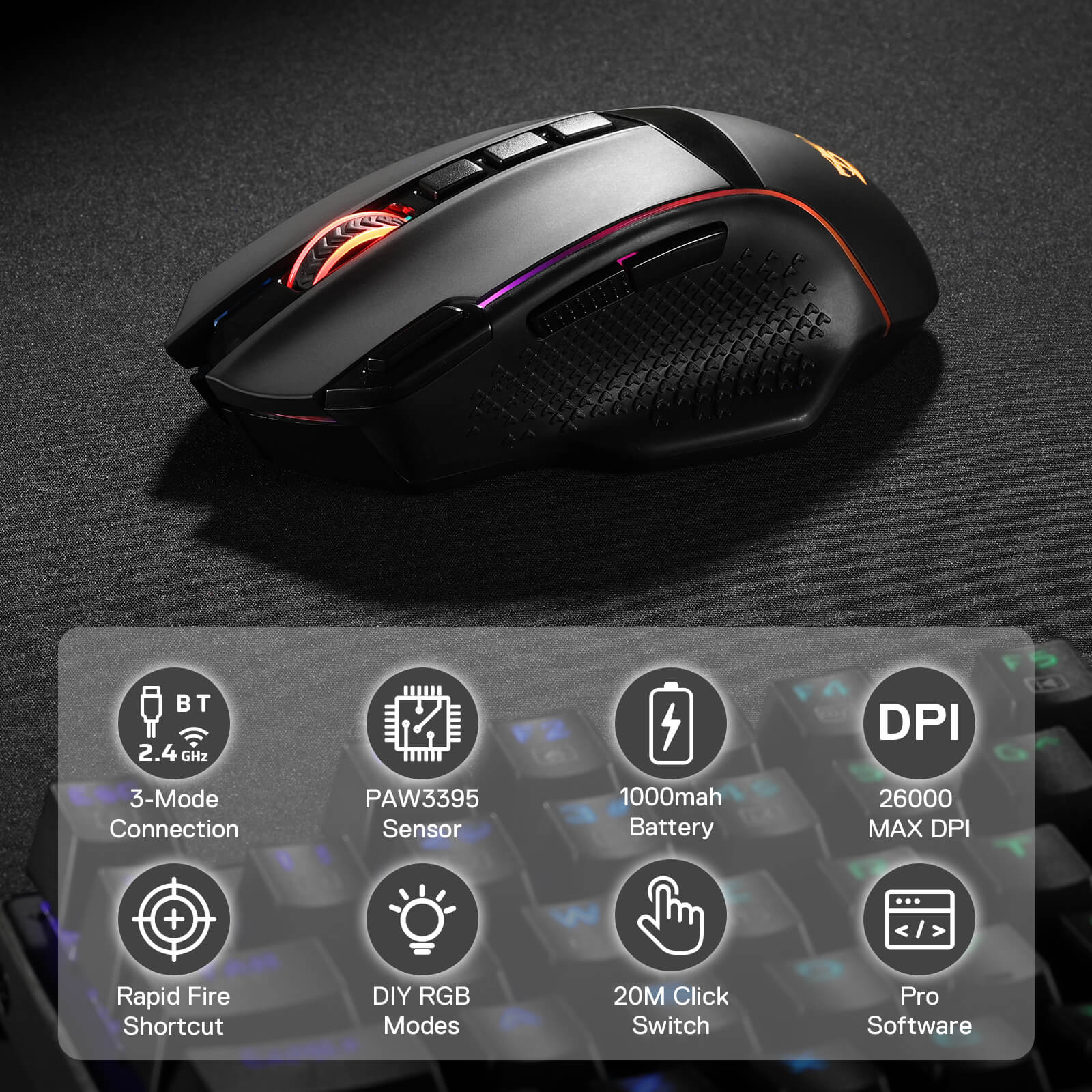
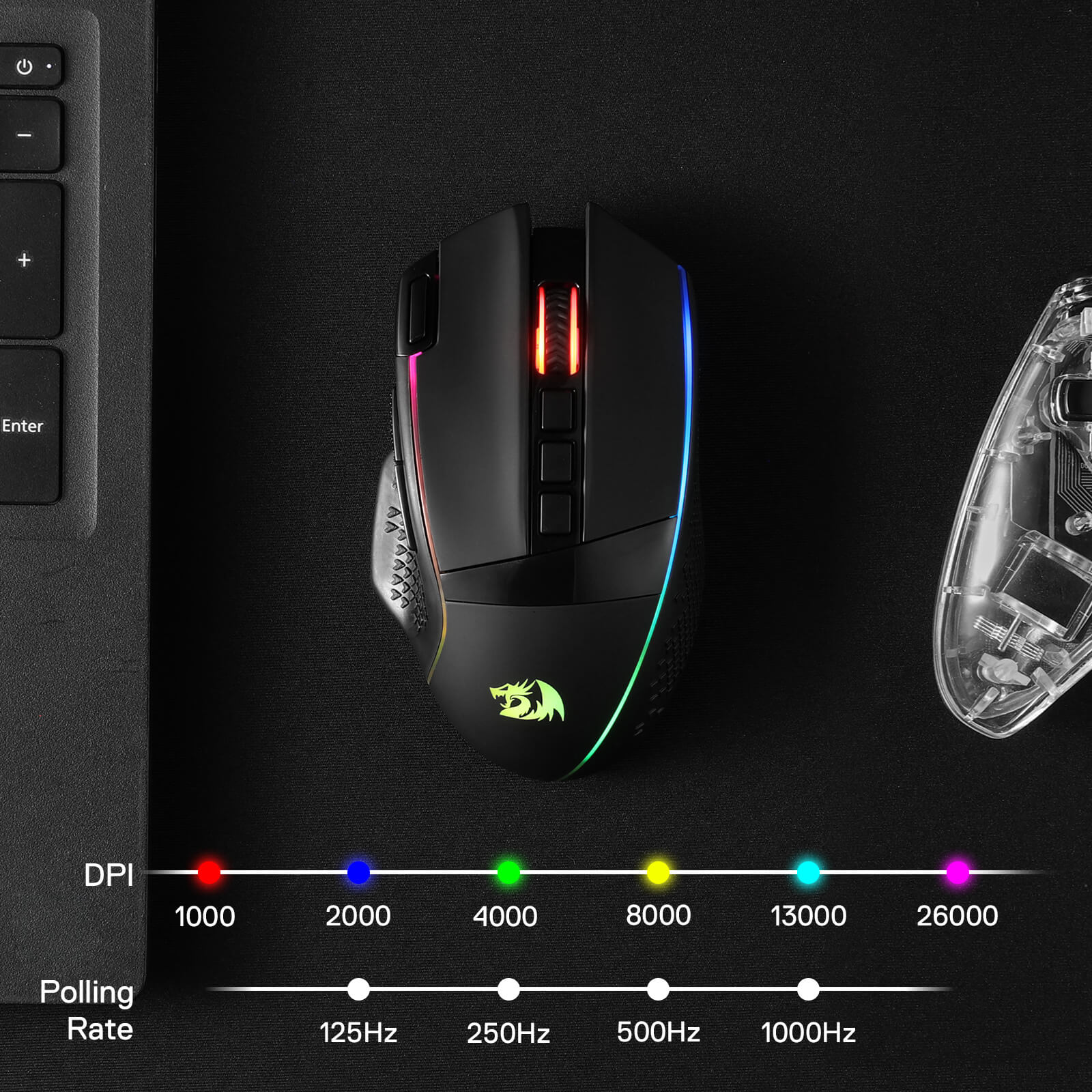
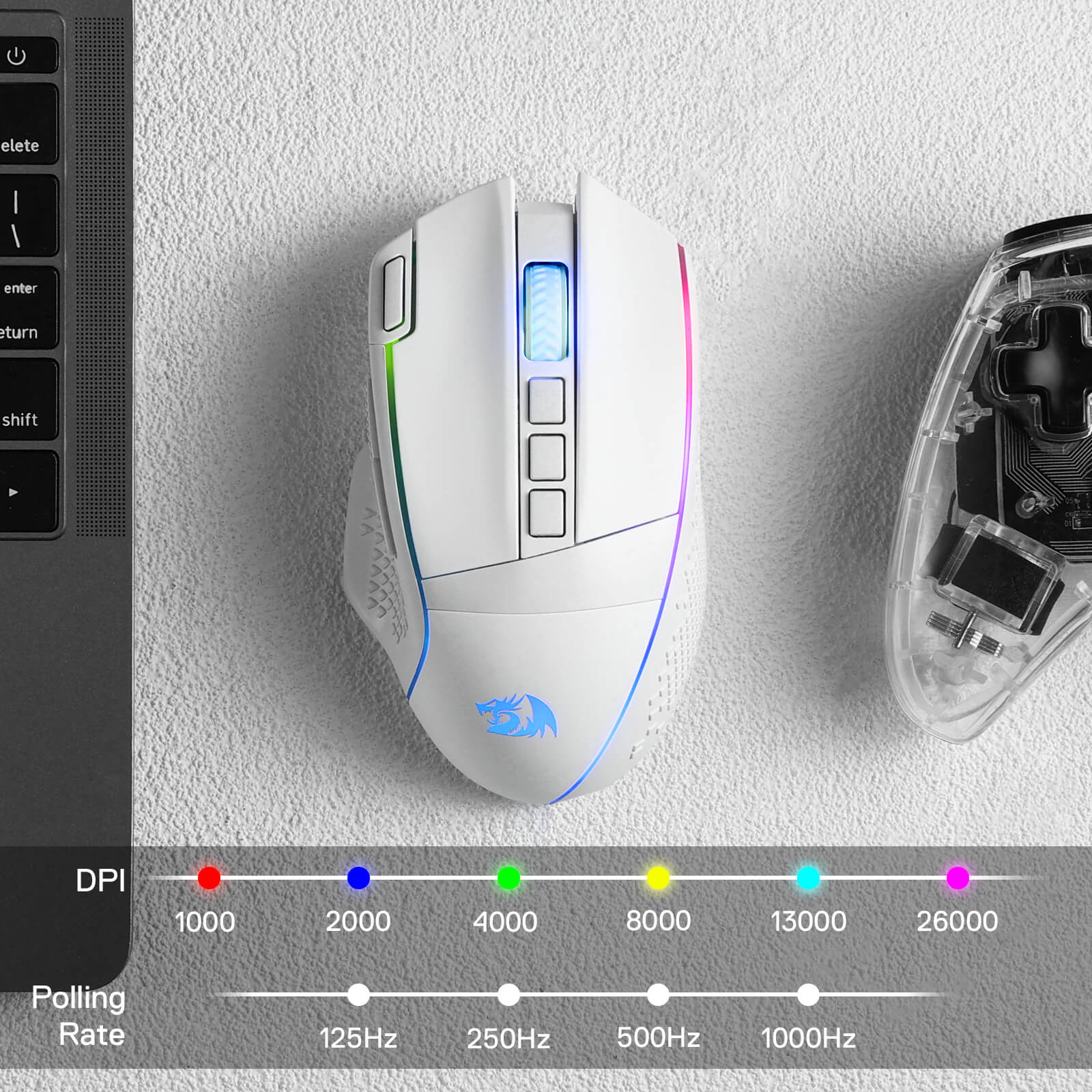
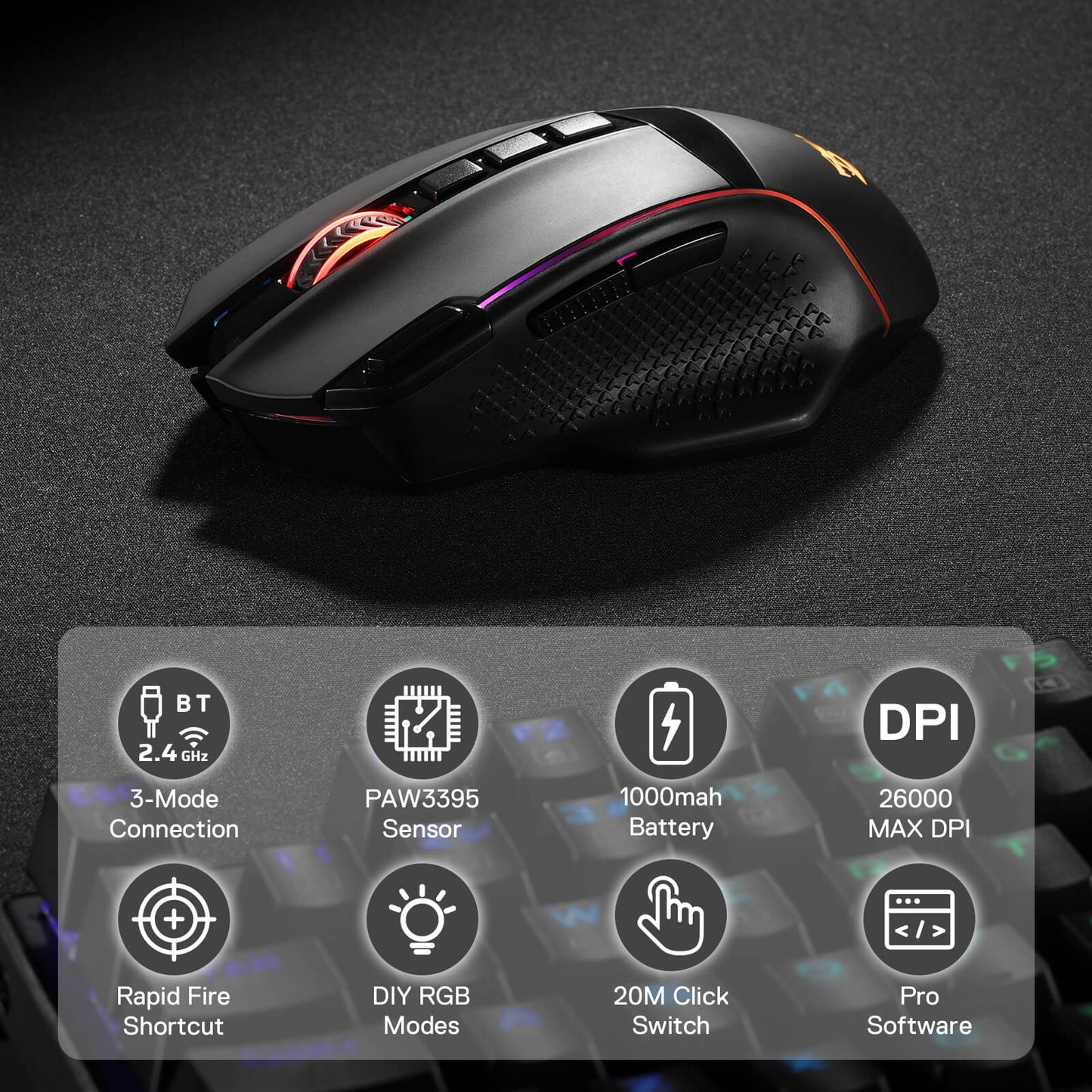
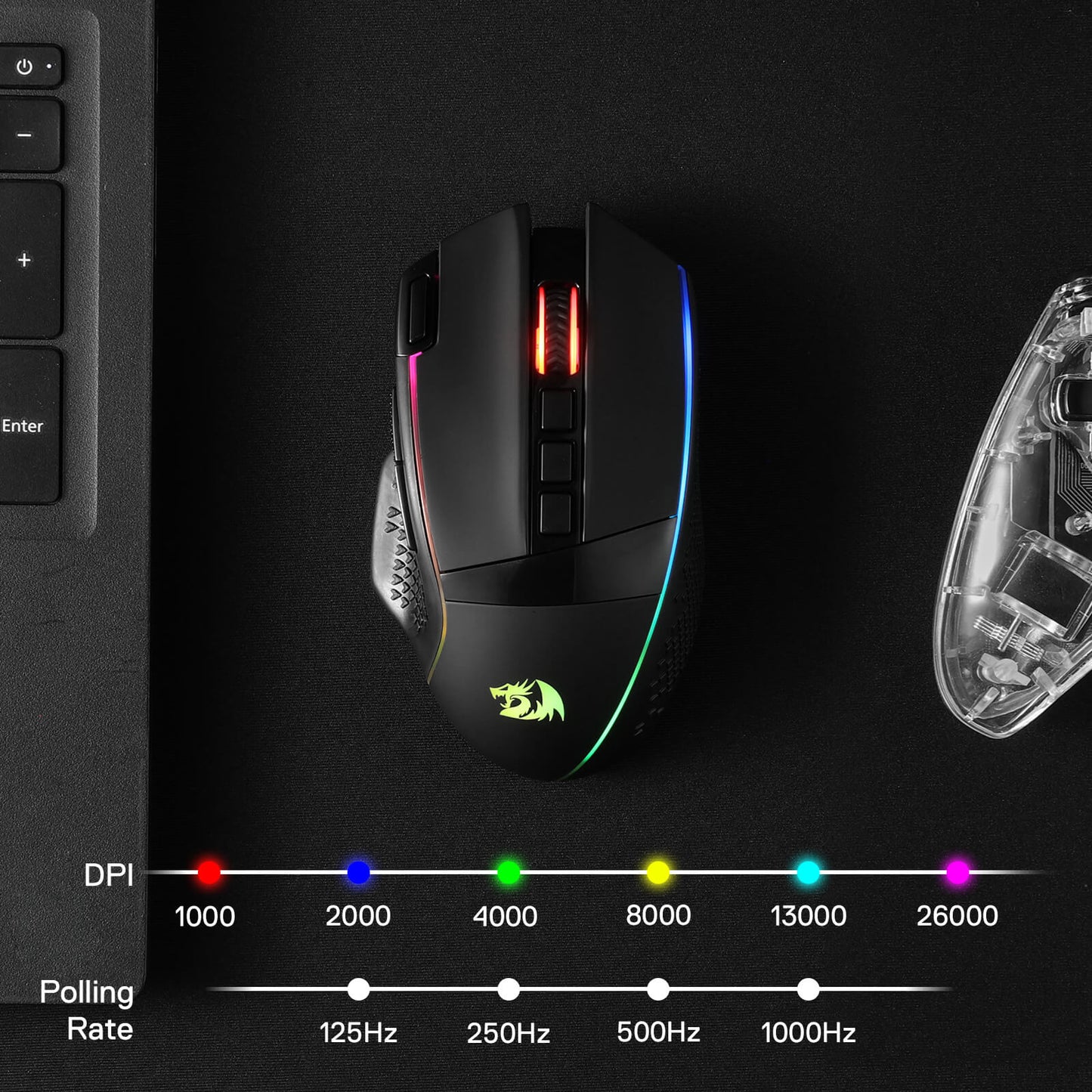
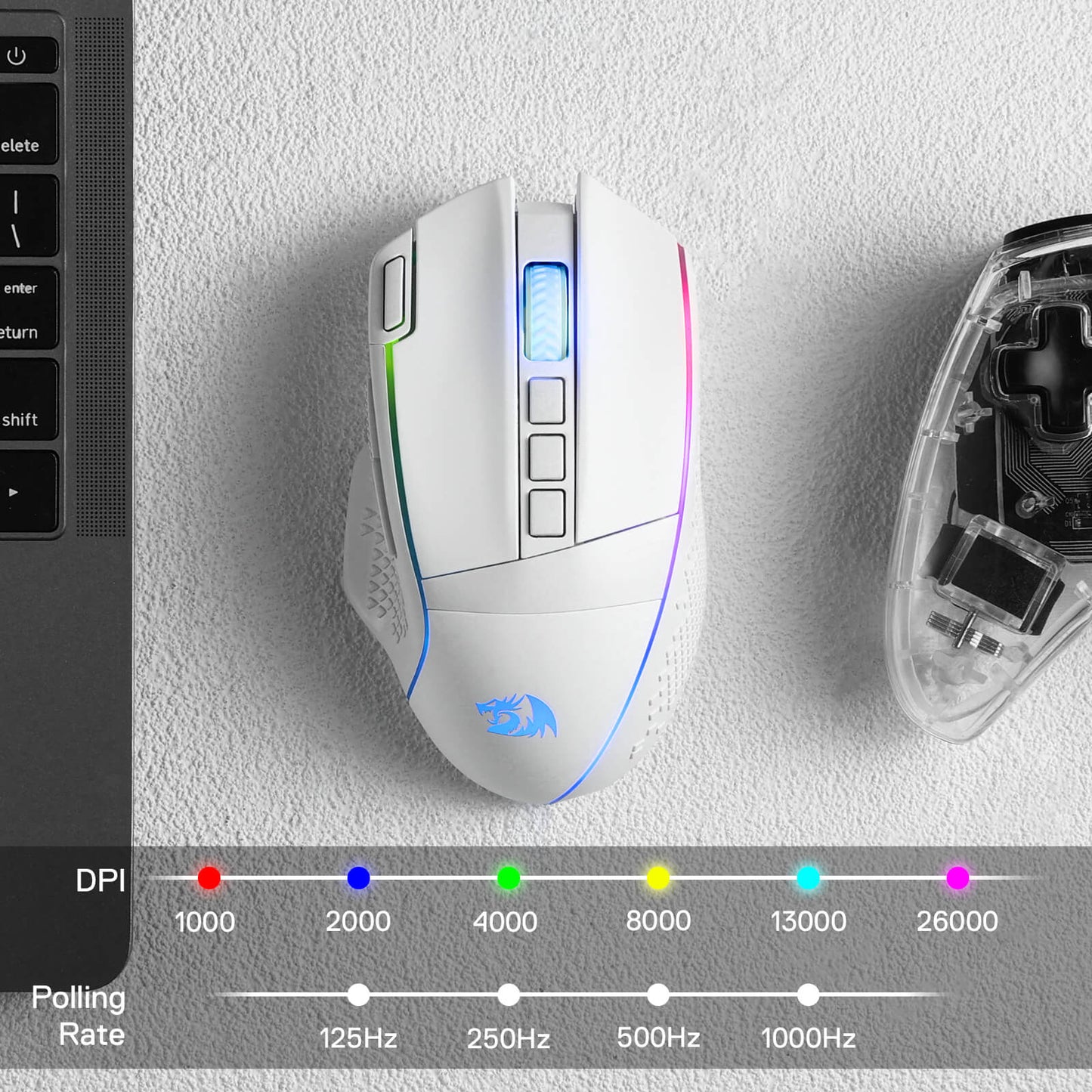
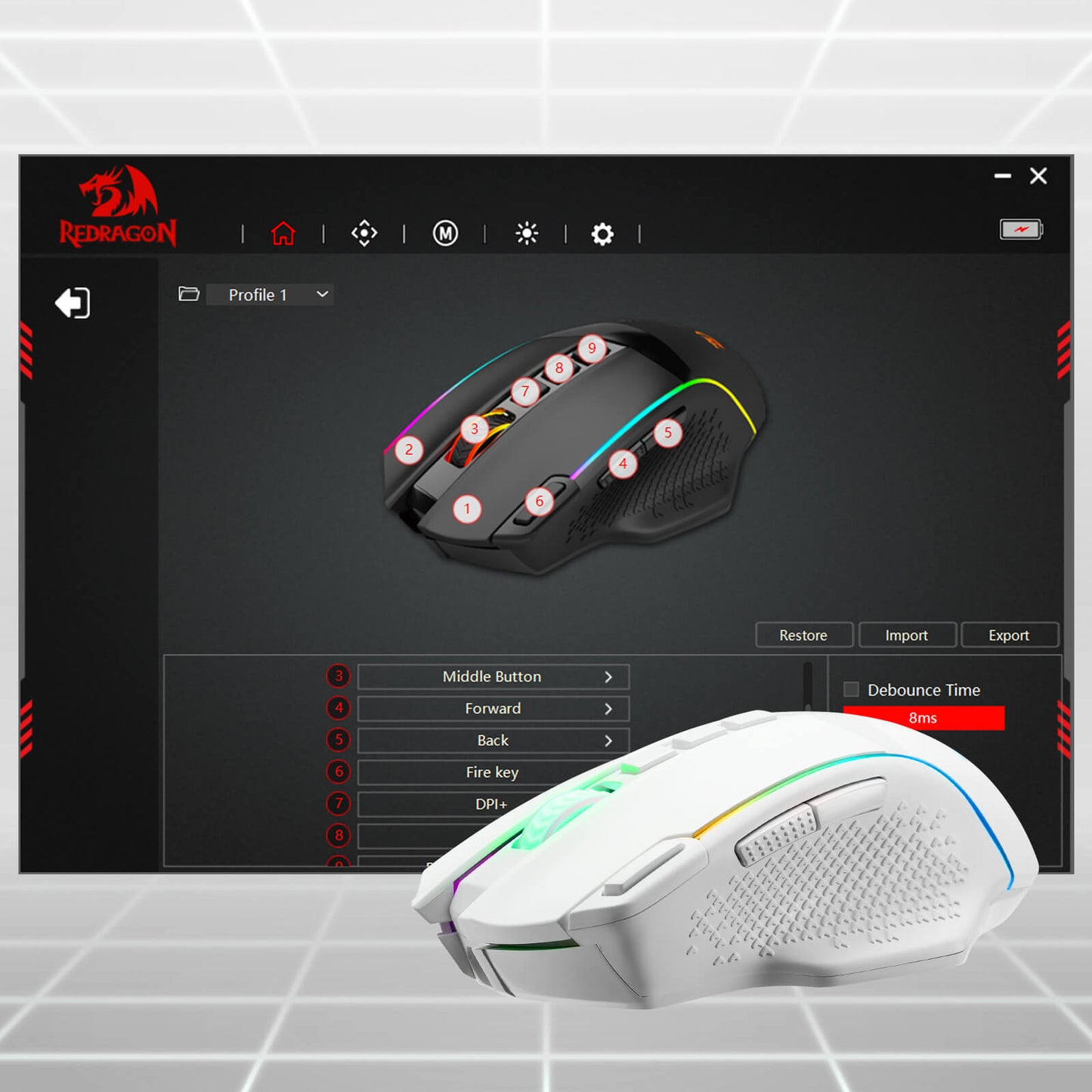
Geared with 6 on-board DPI levels (1000/2000/4000/8000/13000/26000) which allow your mouse movements to be registered to each pinpoint location. 6 DPI levels are free to DIY with software, enable gamers to switch swiftly in game.


Easy Keybinding with Macro
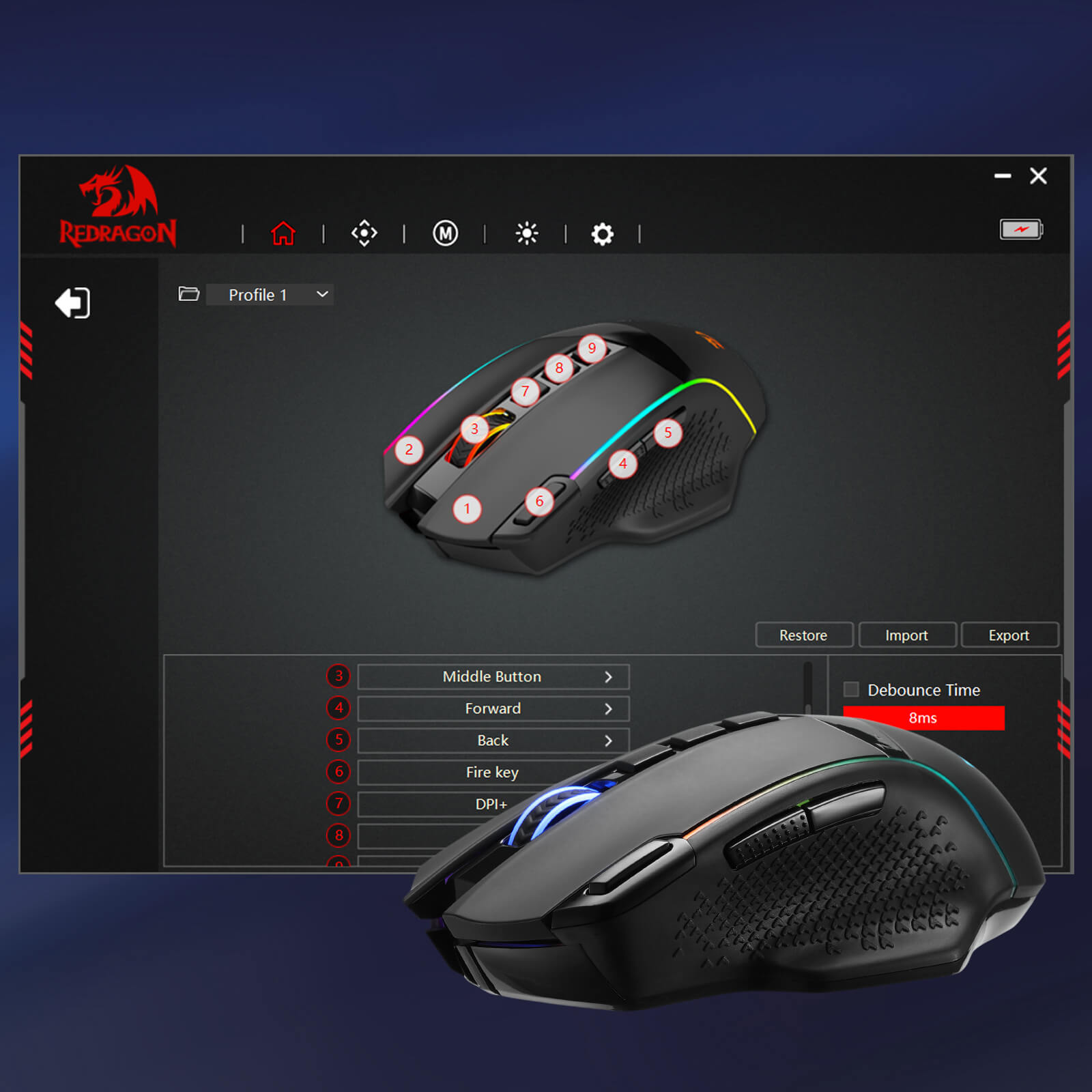
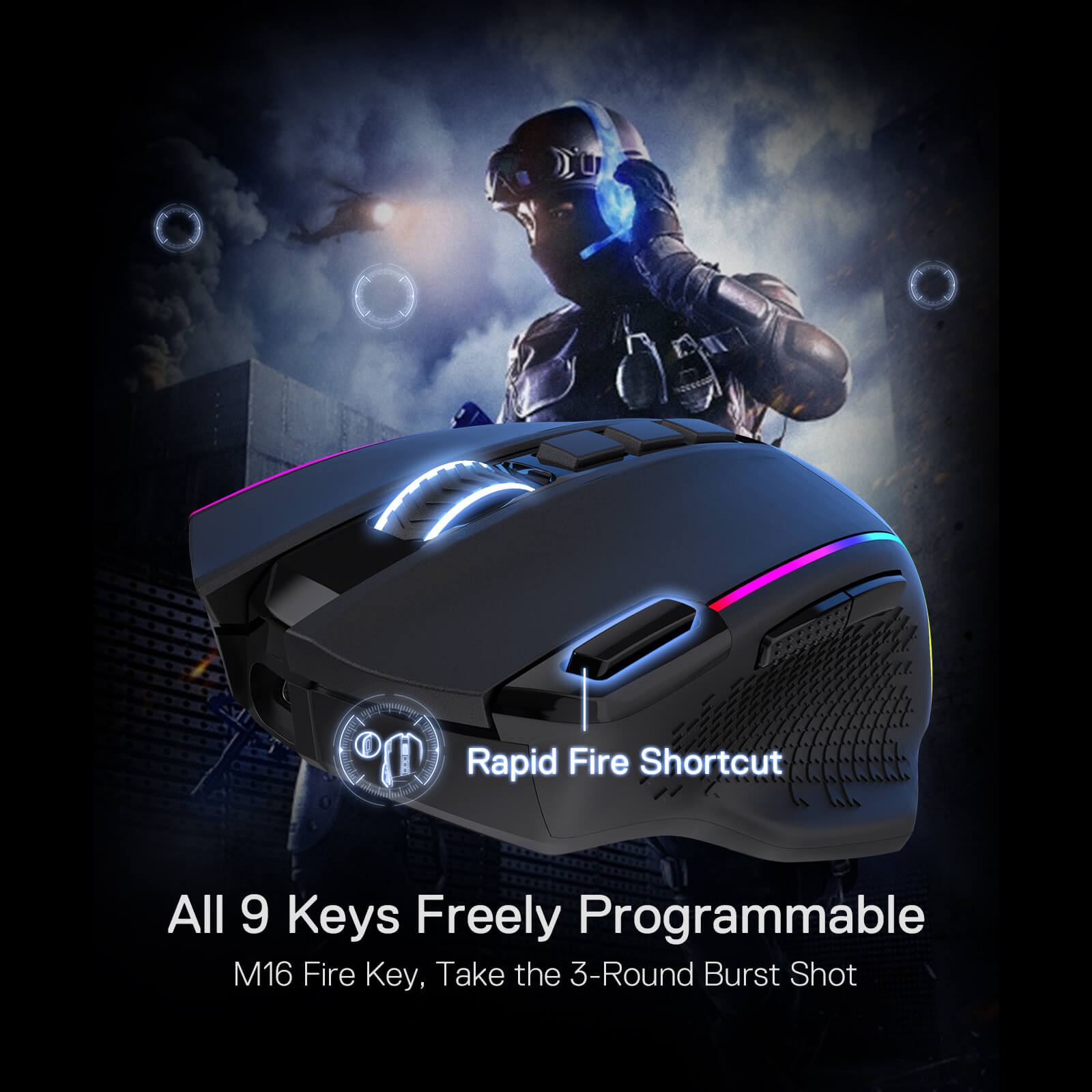
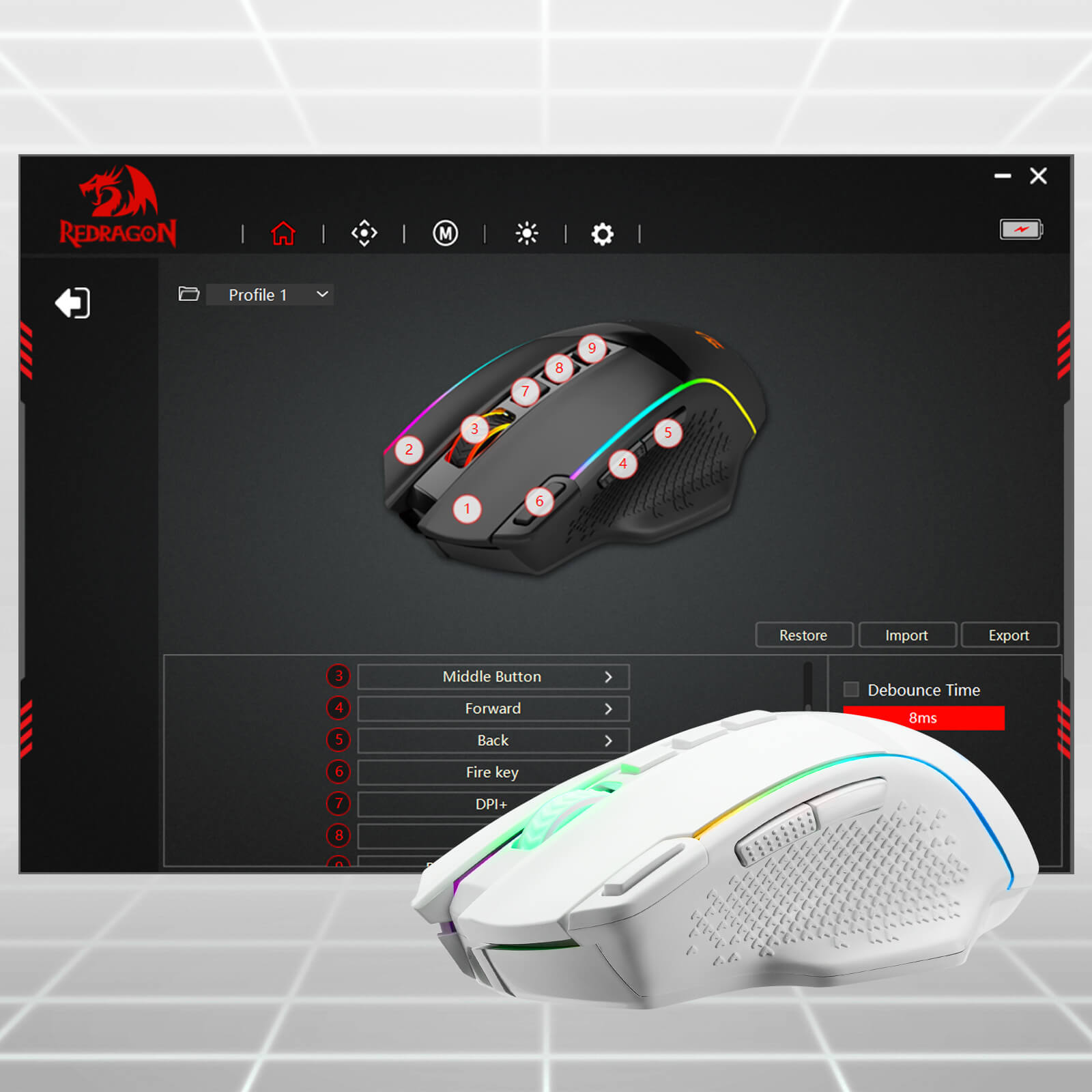
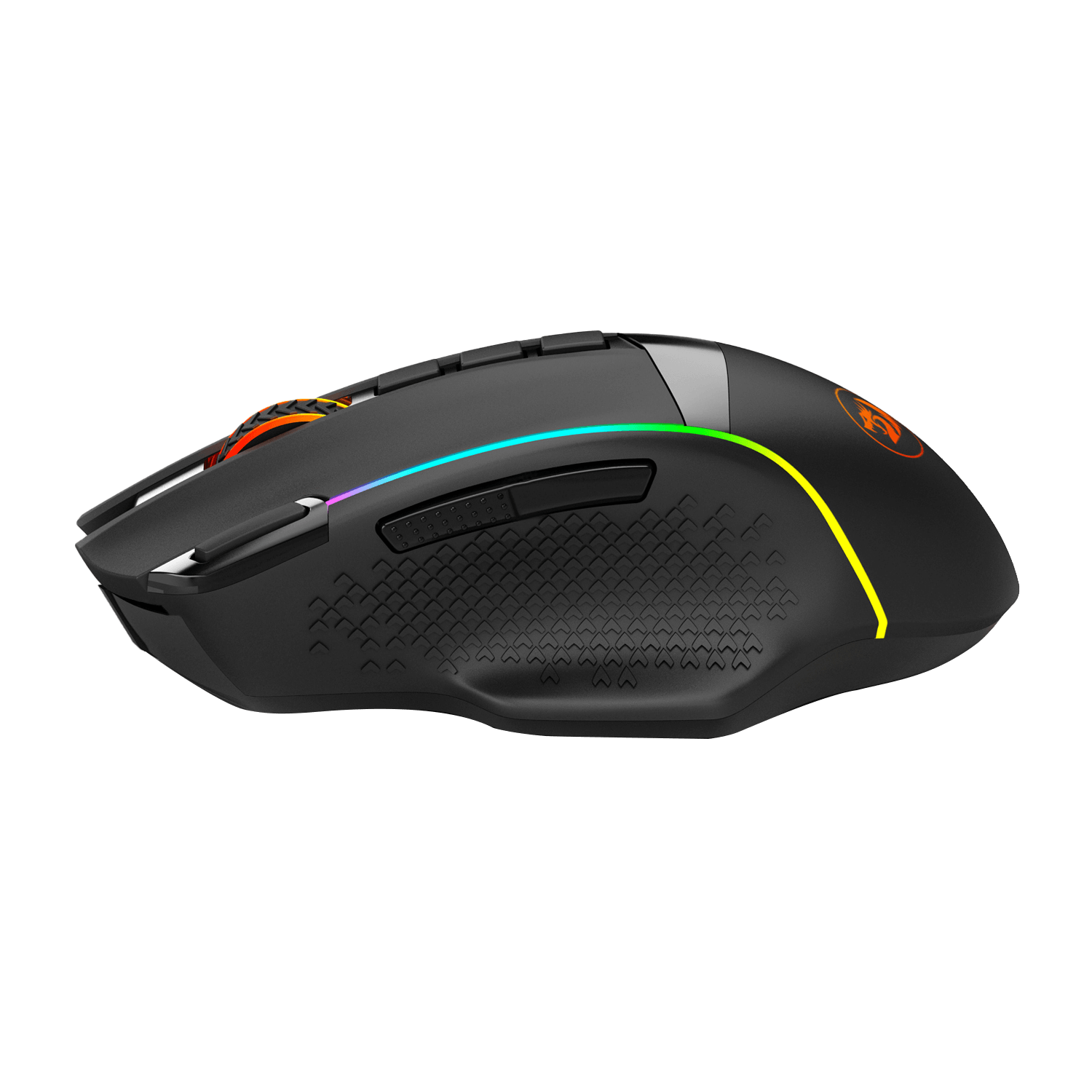
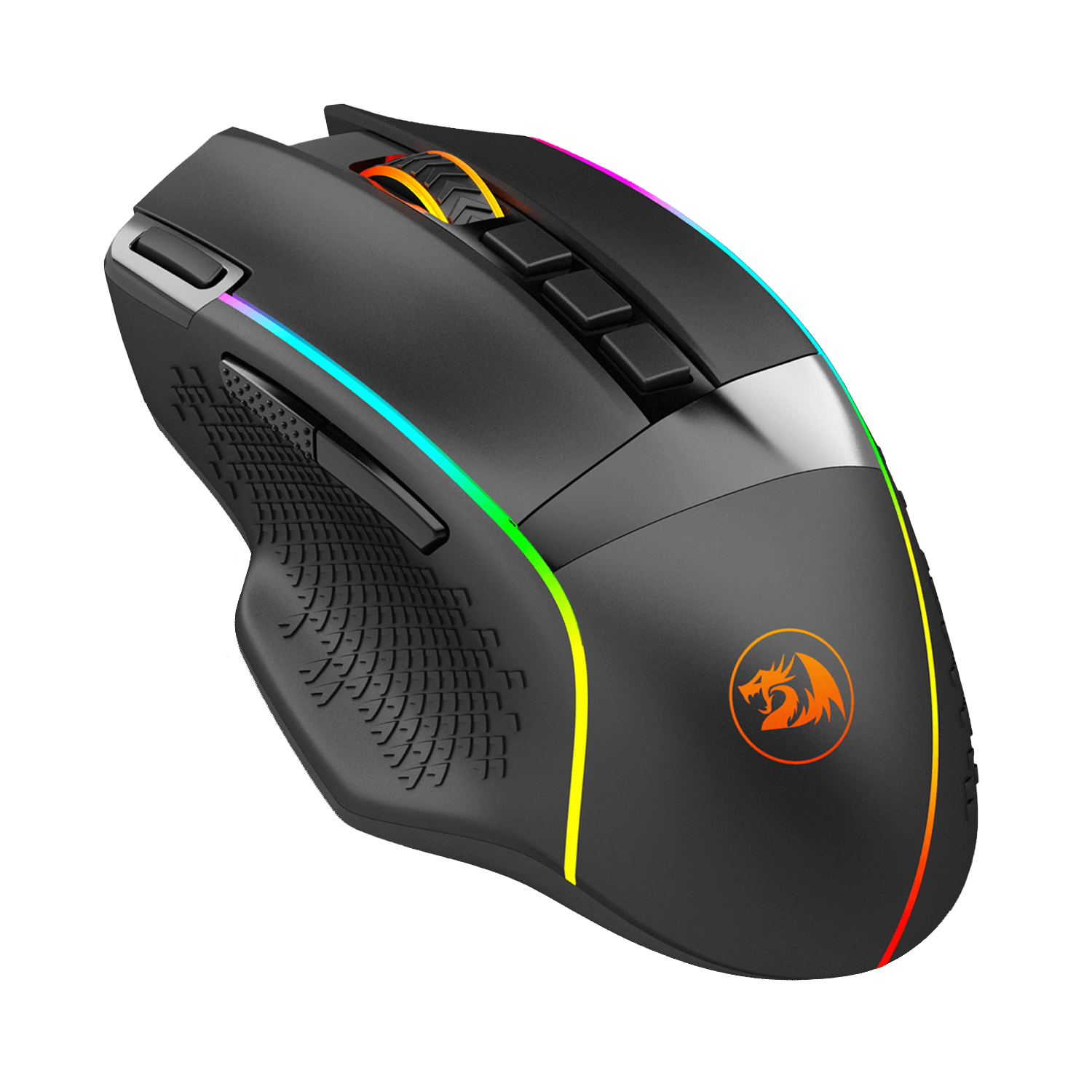
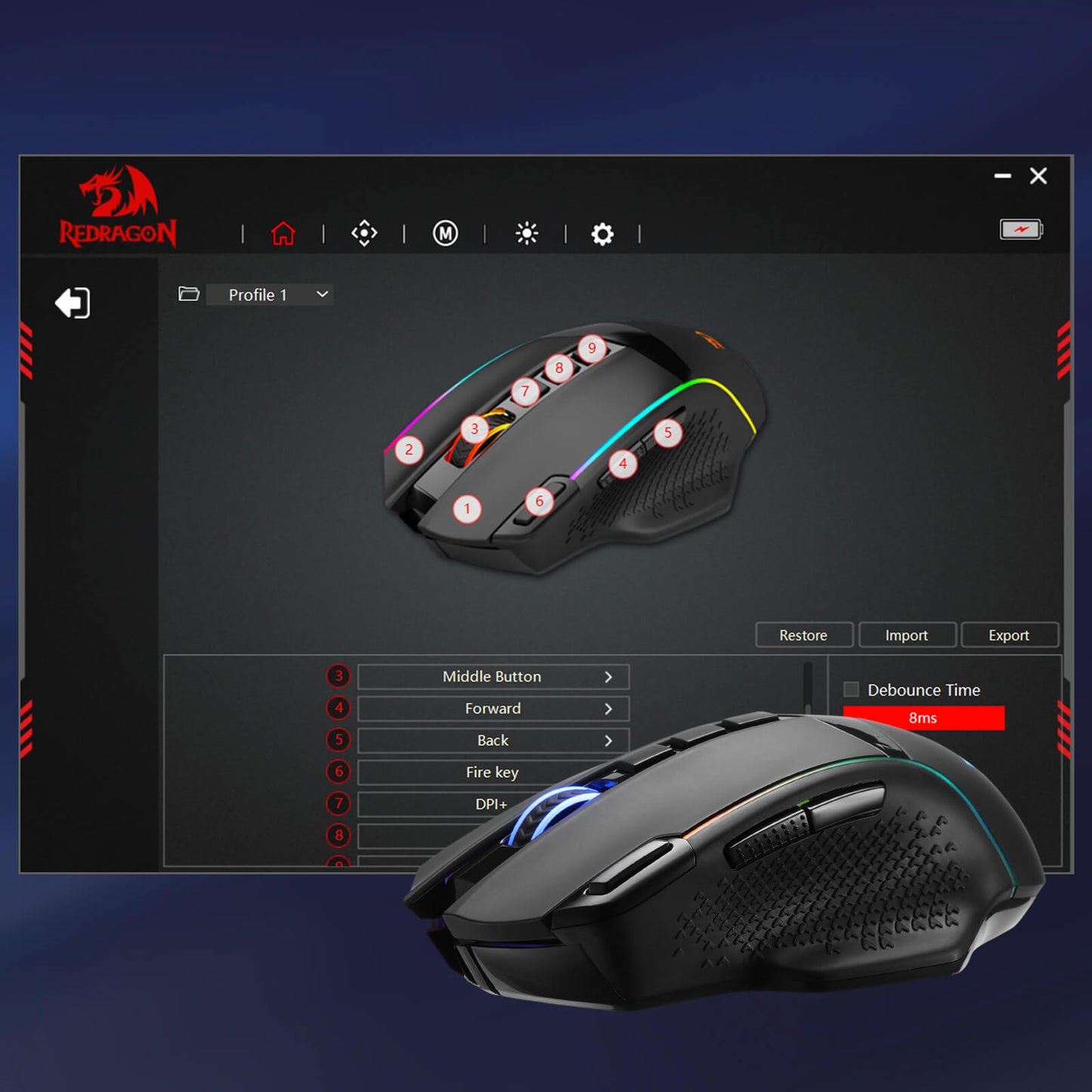
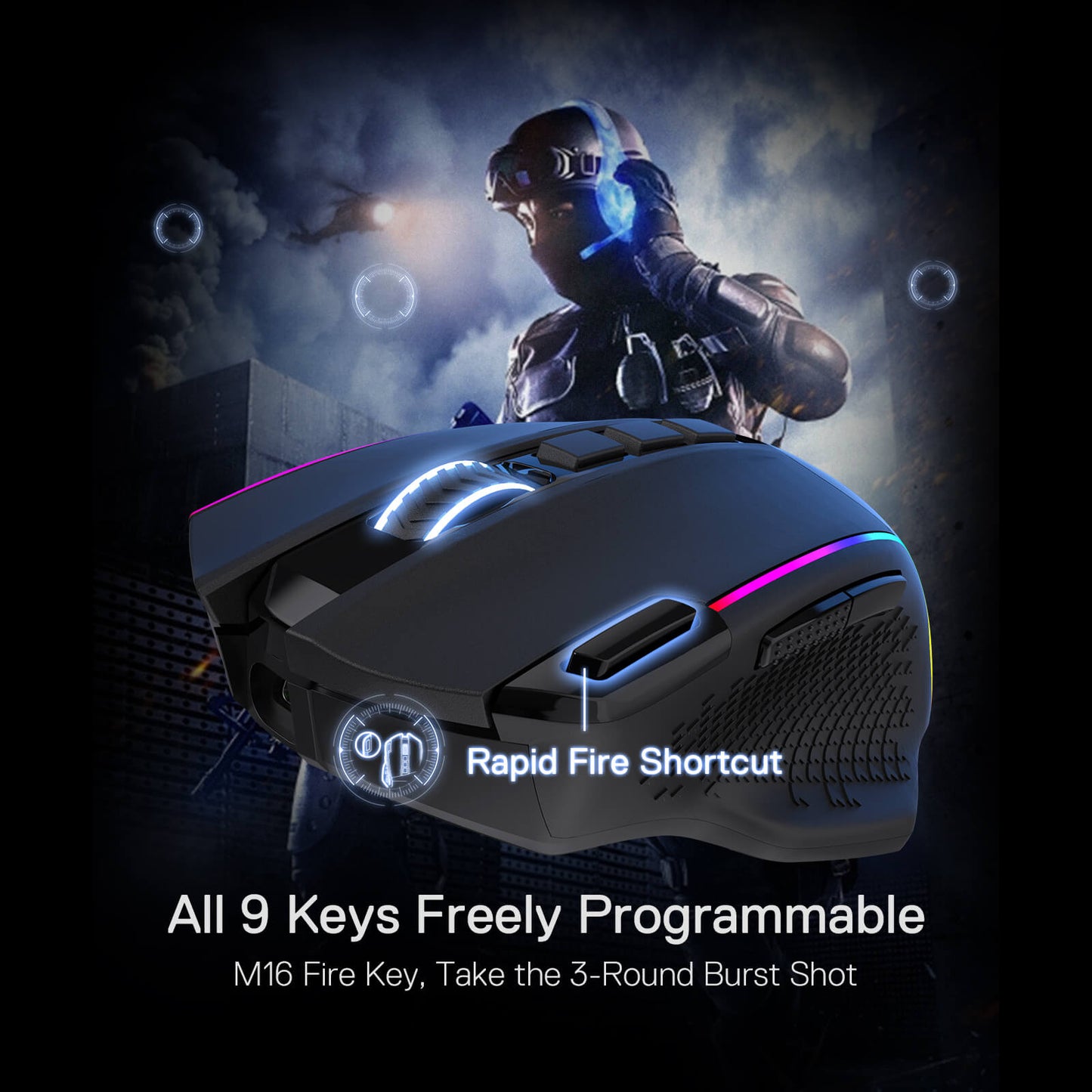
All 9 programmable buttons are all editable with customizable tactical keybinds in whatever game or work you are engaging. 1 rapid fire + 2 side macro buttons offer you a better gaming and working experience.
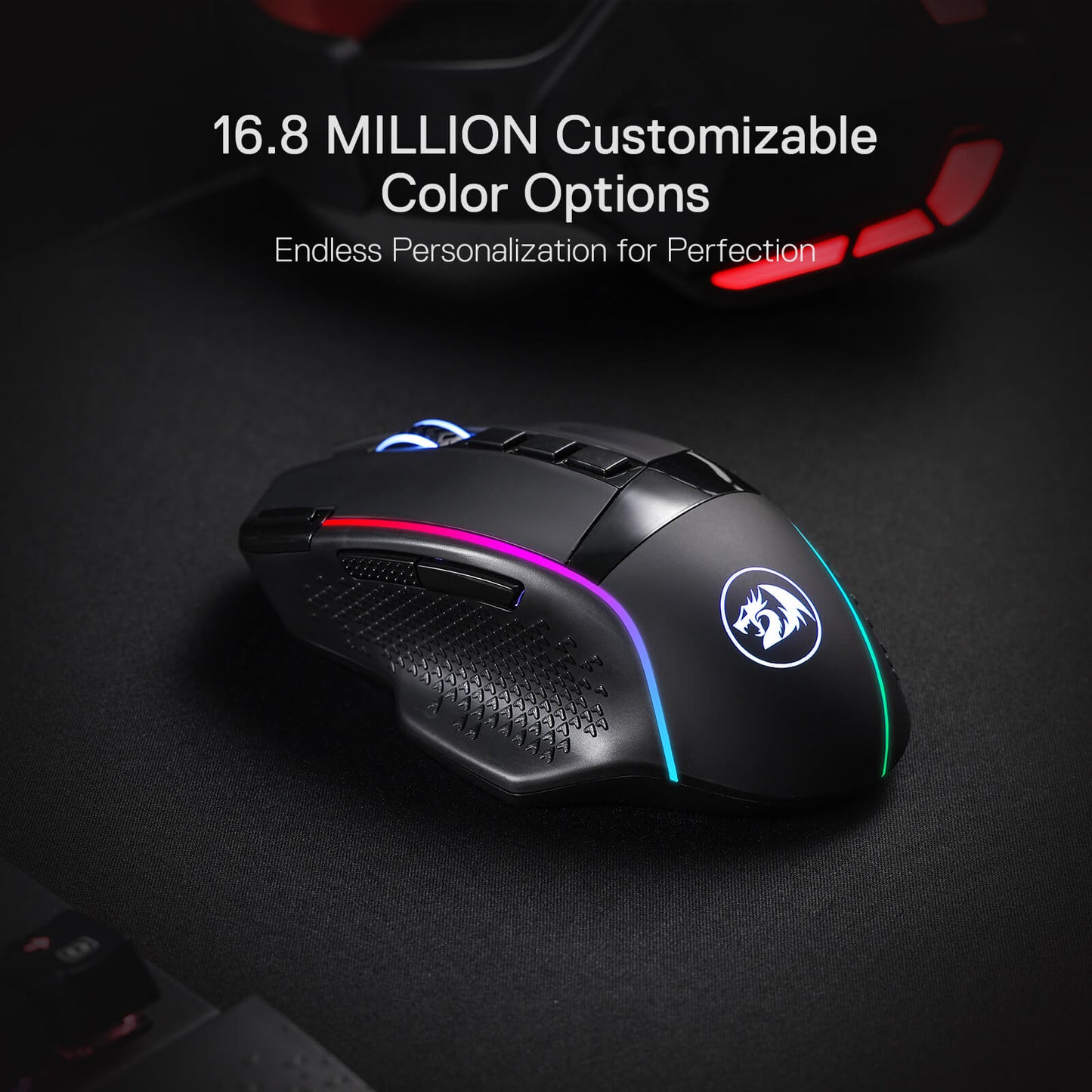
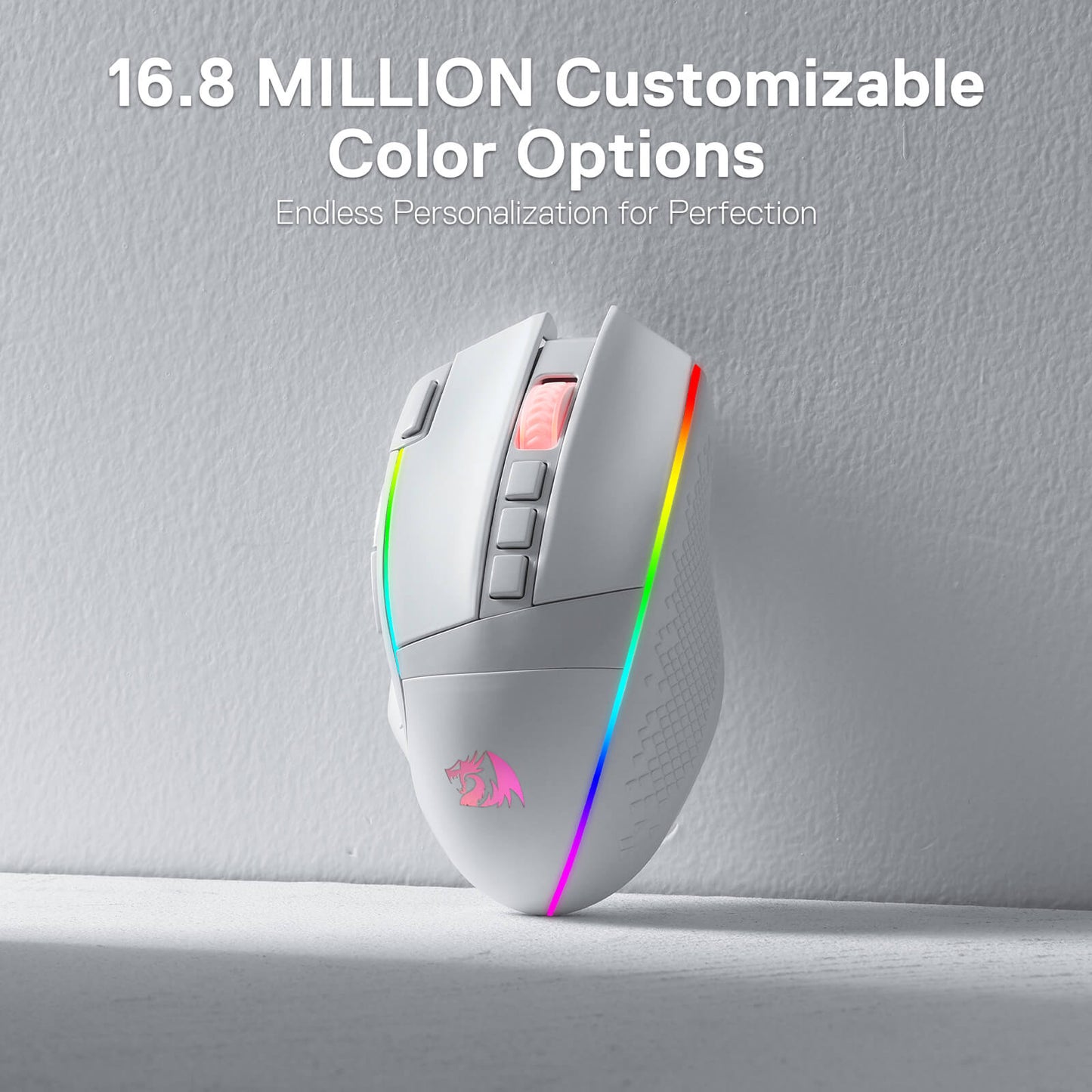
Adjustable True Color
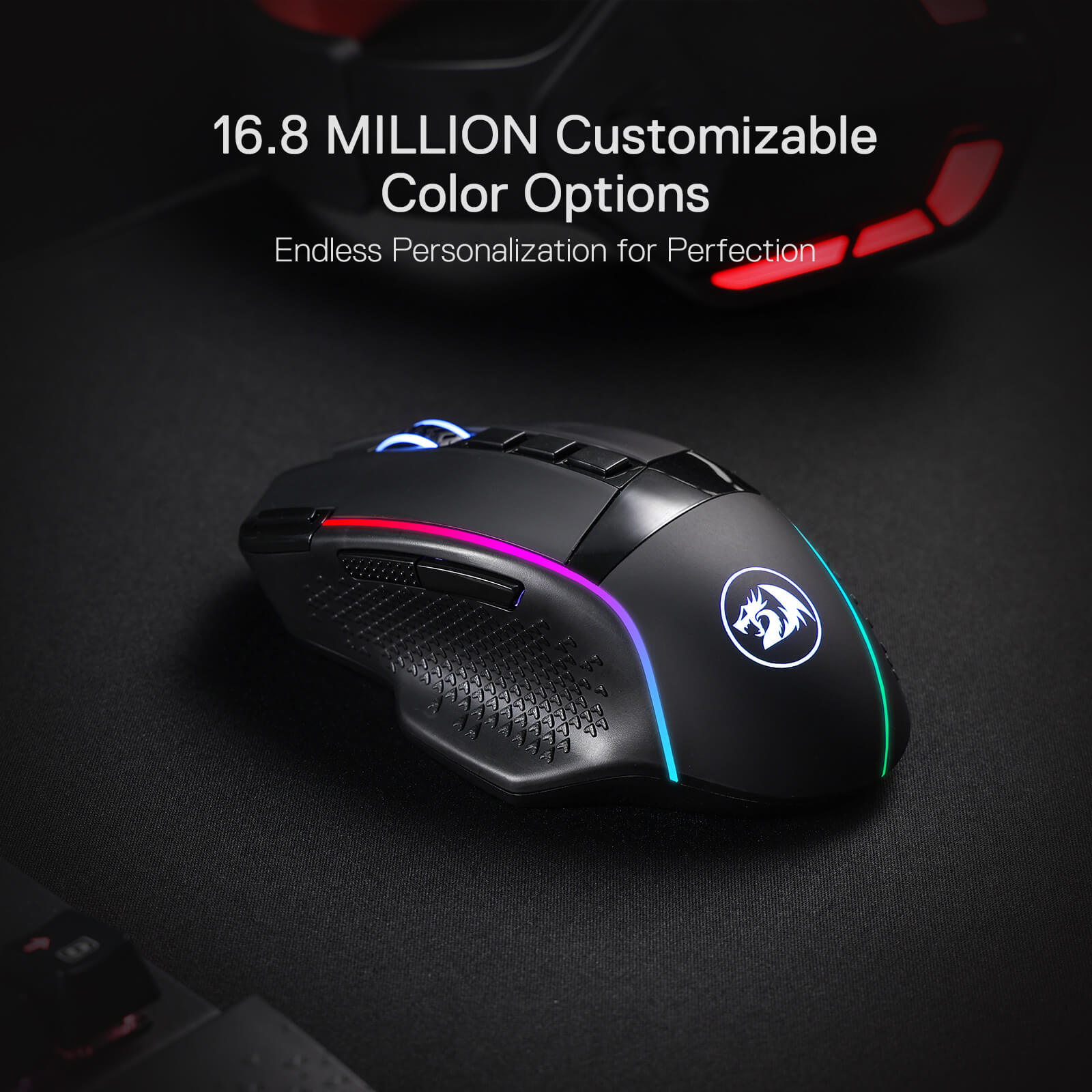
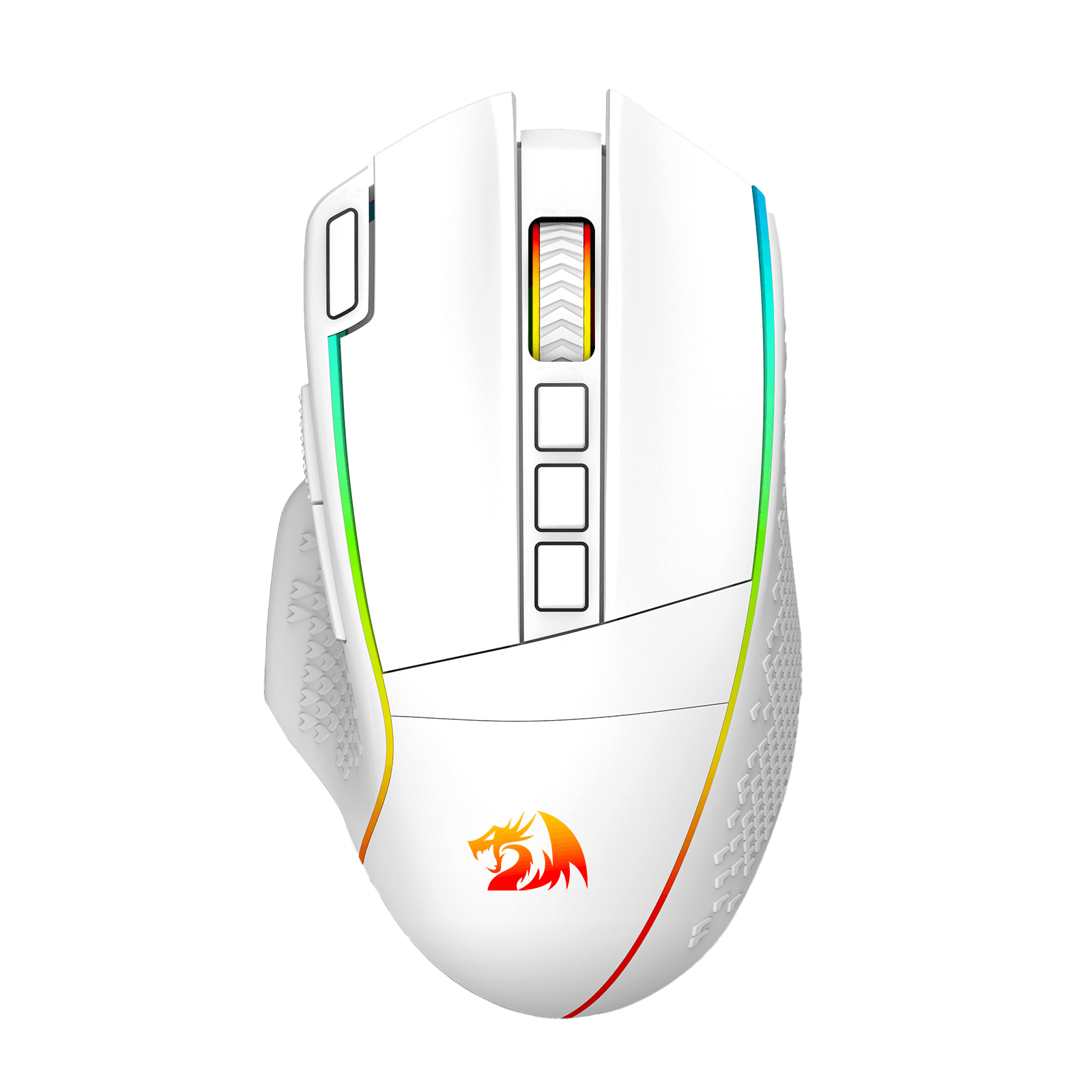
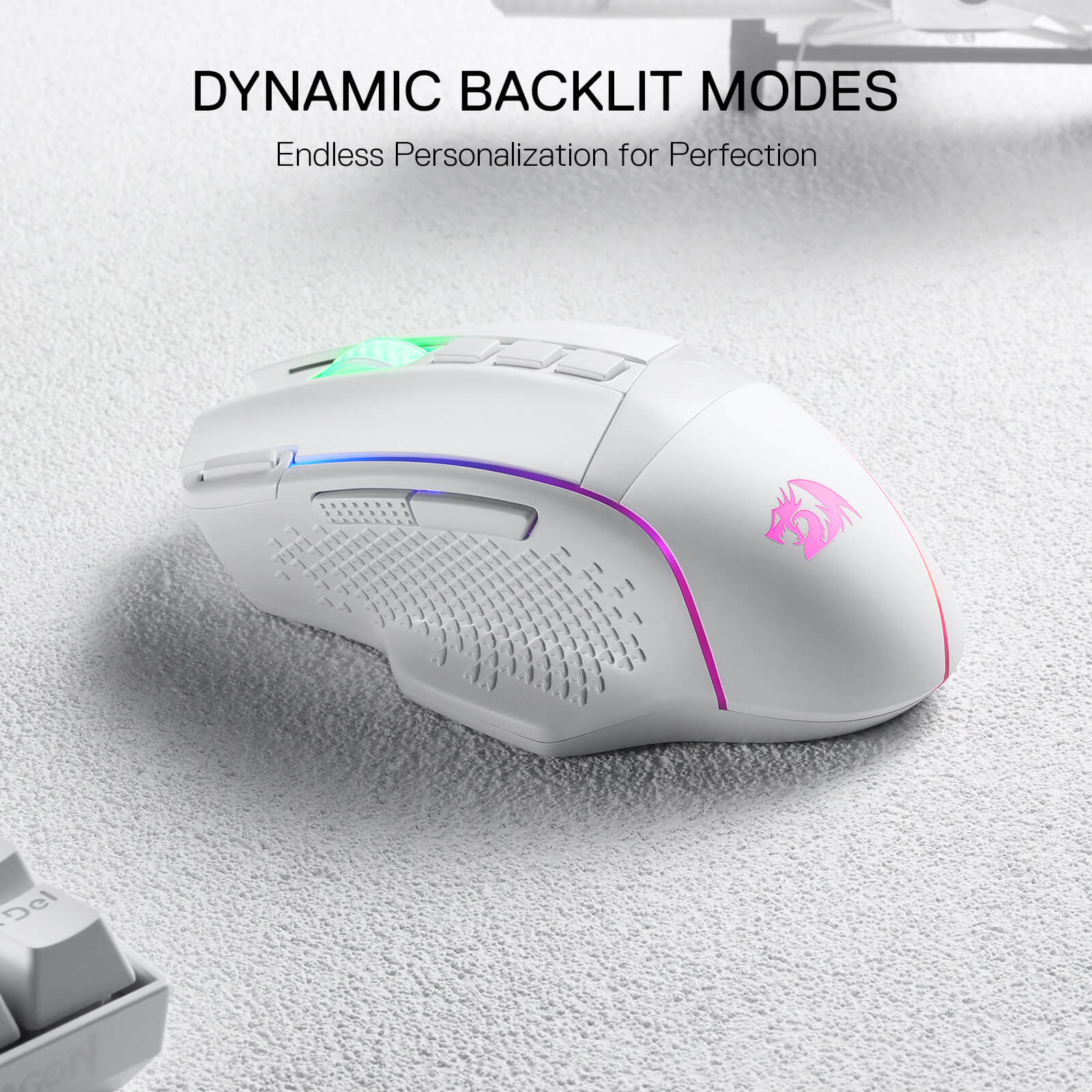
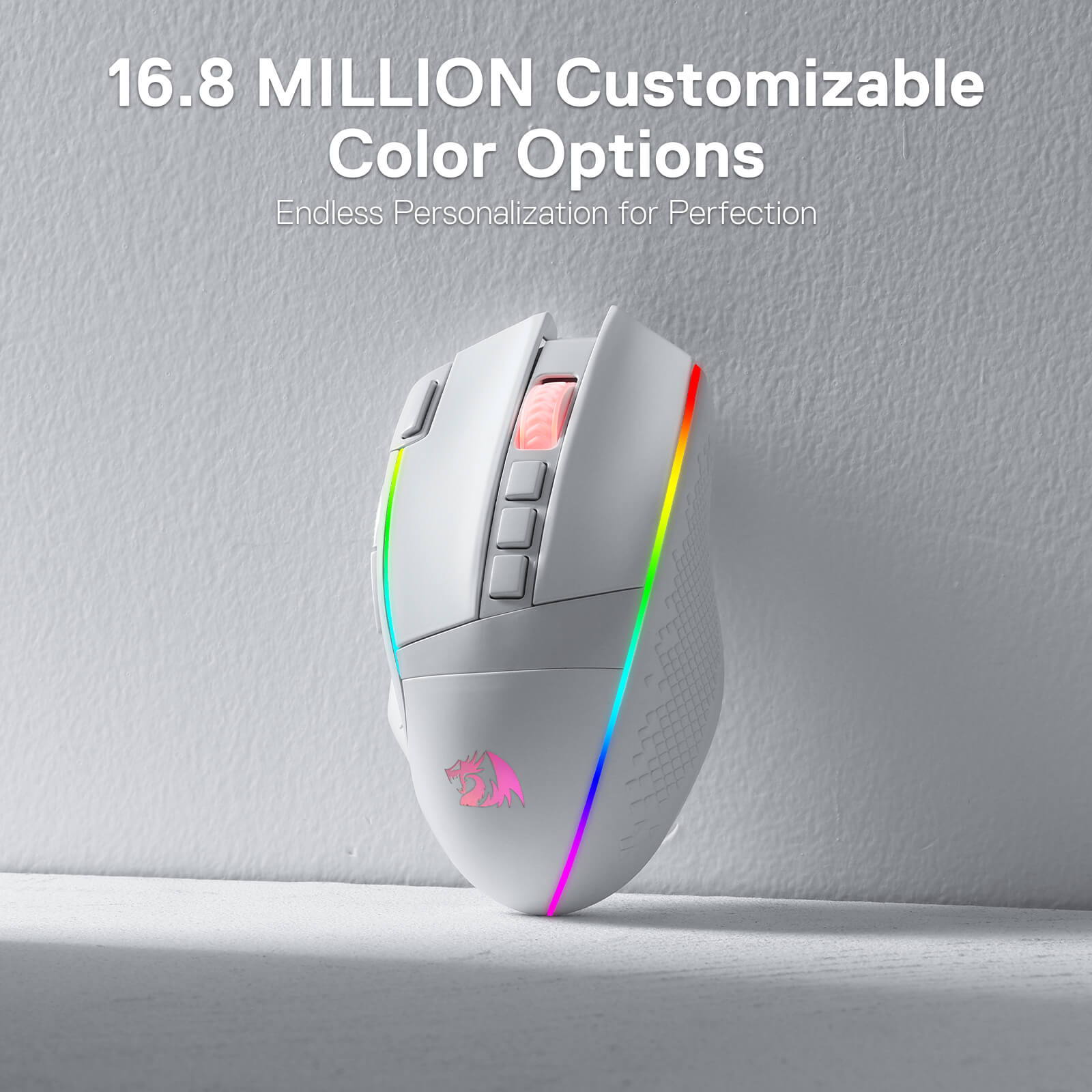
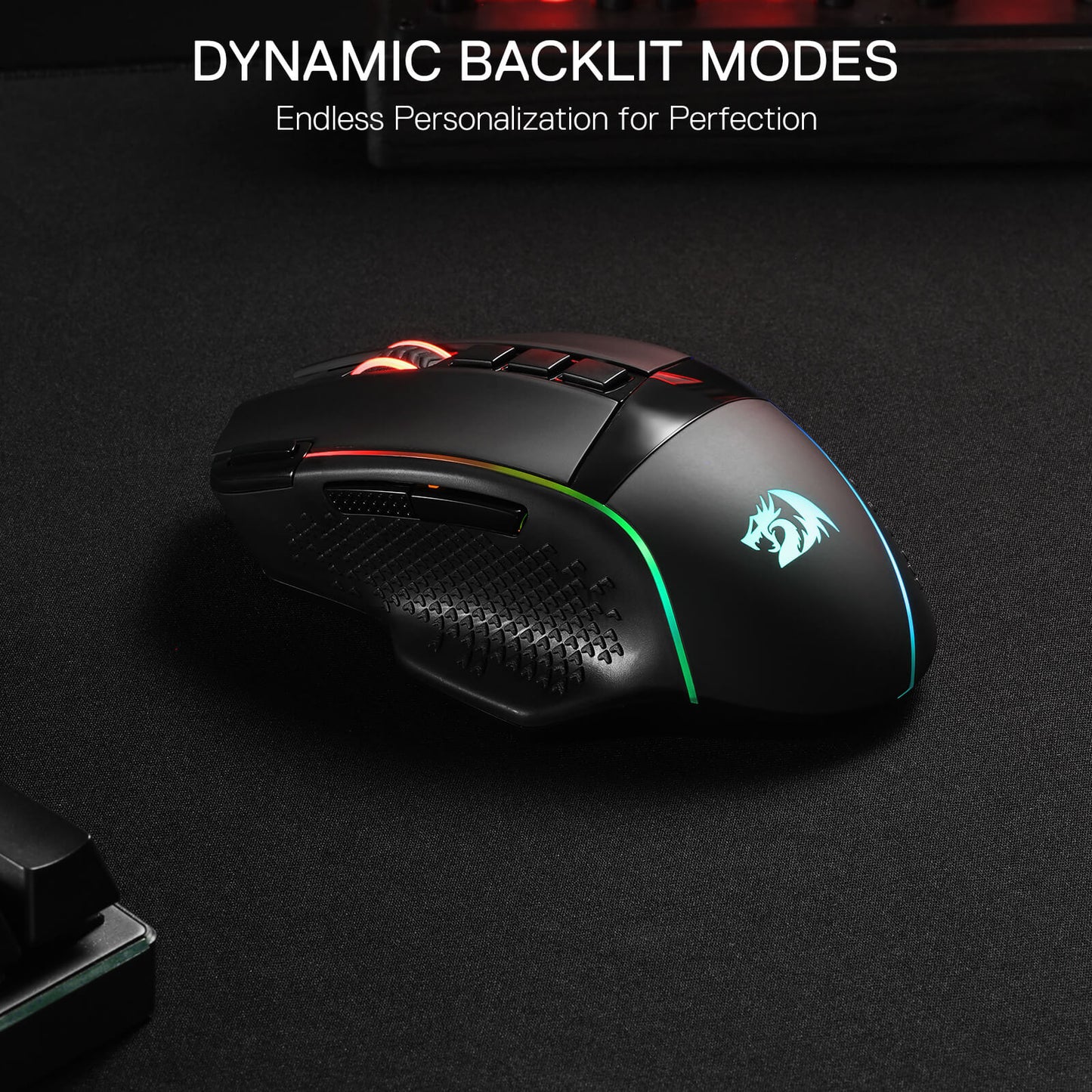
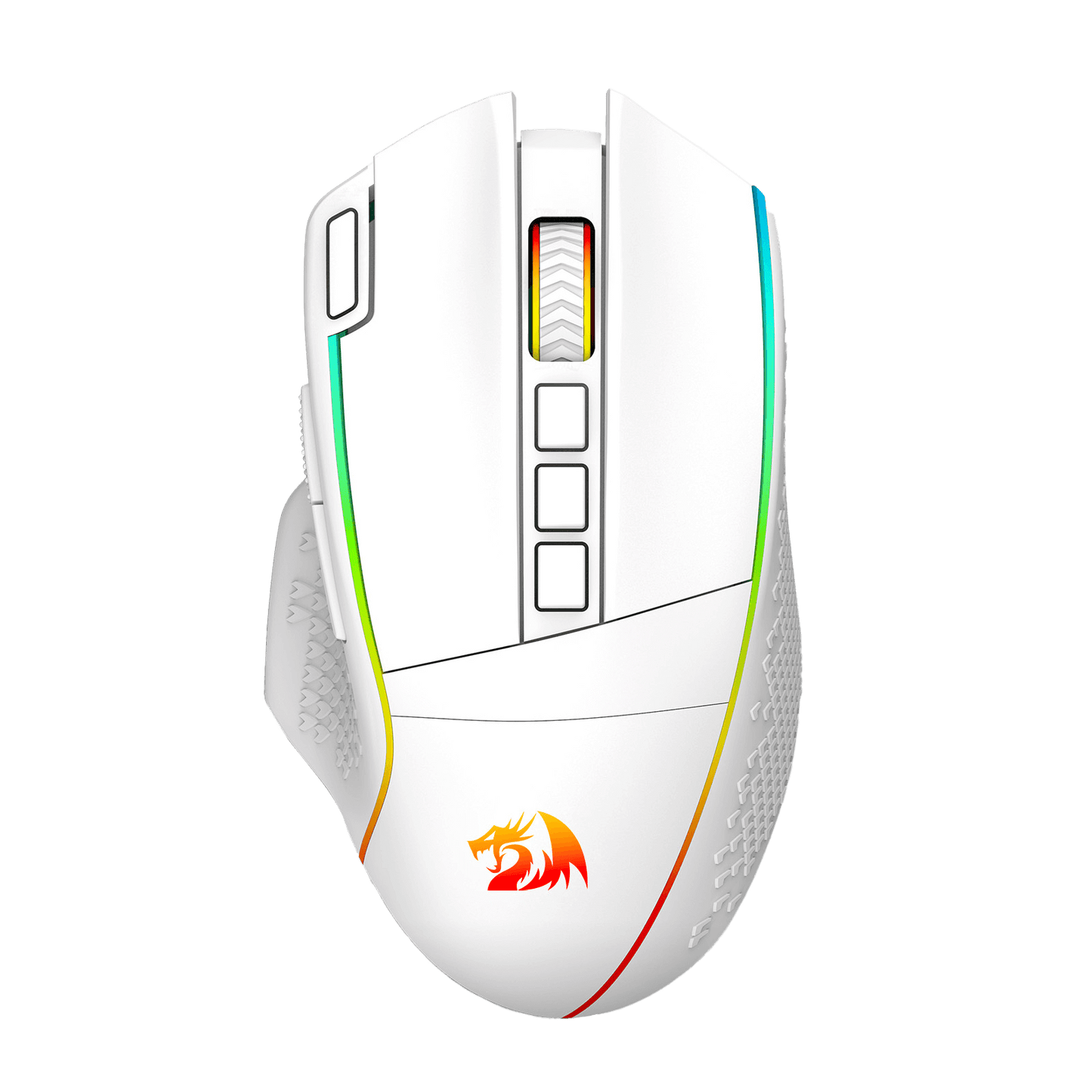
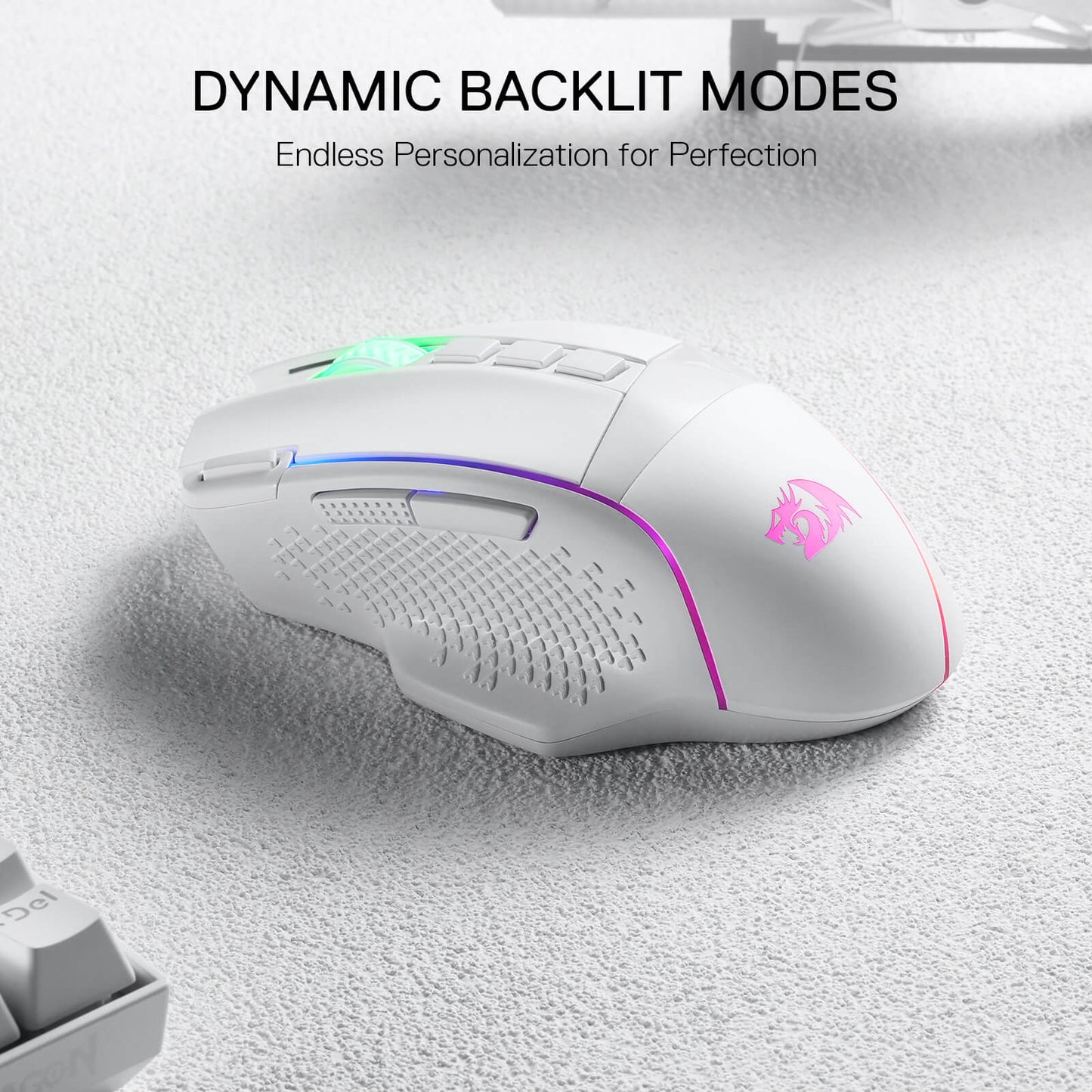
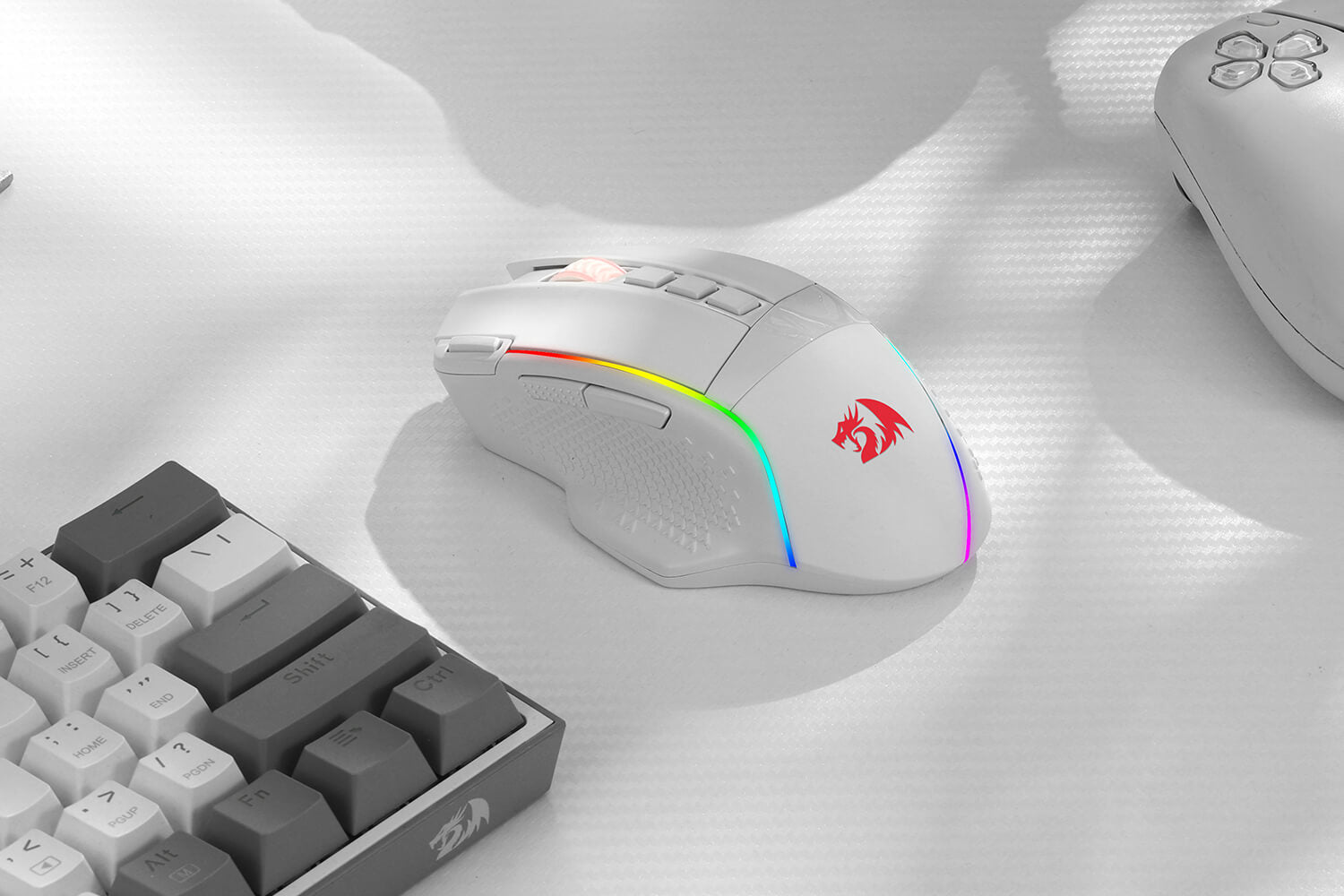
With Redragon Pro driver, DIY endless style like dynamic streaming, breathing, waving. The game closely linked with various lighting modes makes your room full of competitive vibe.

Ultra Long-lasting Core
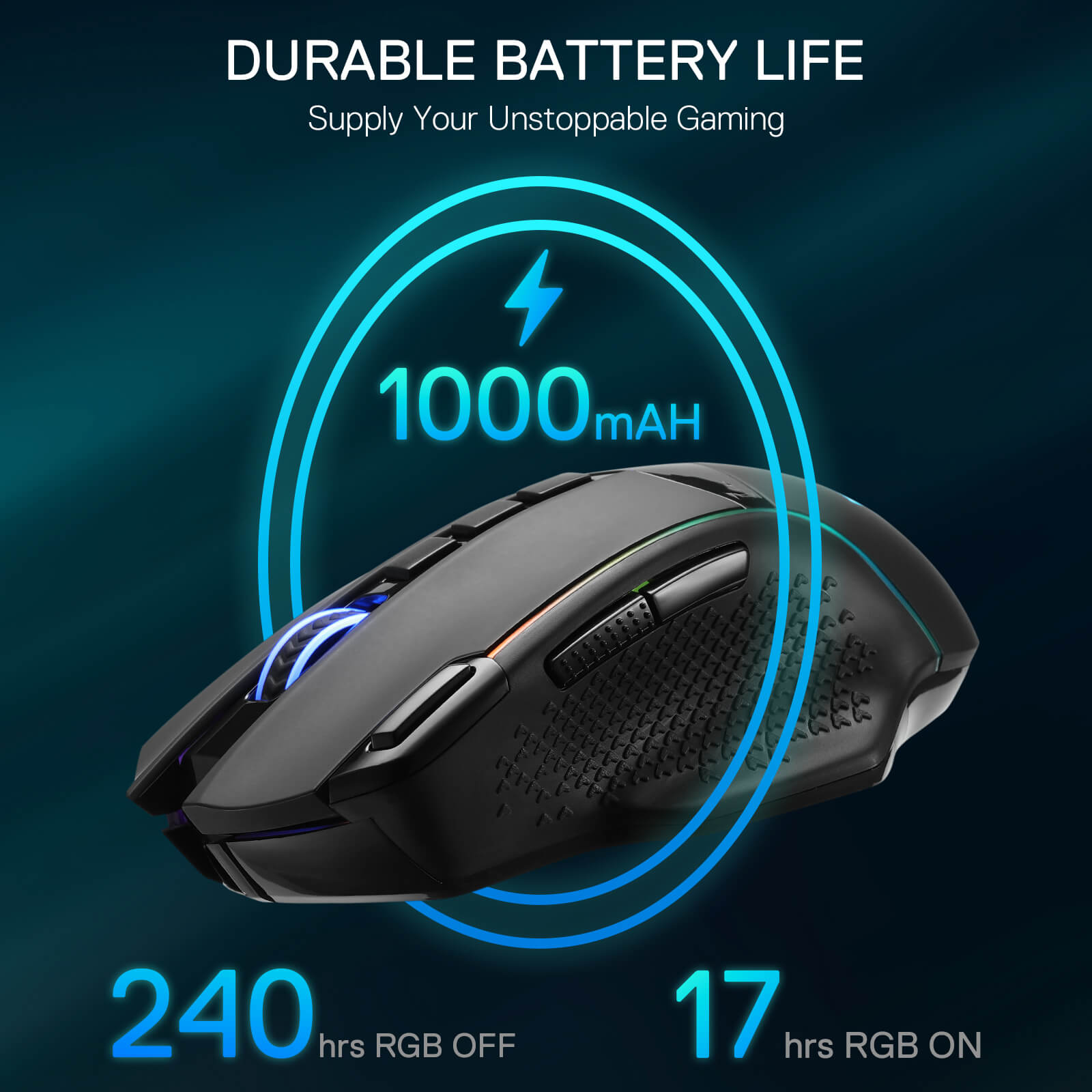
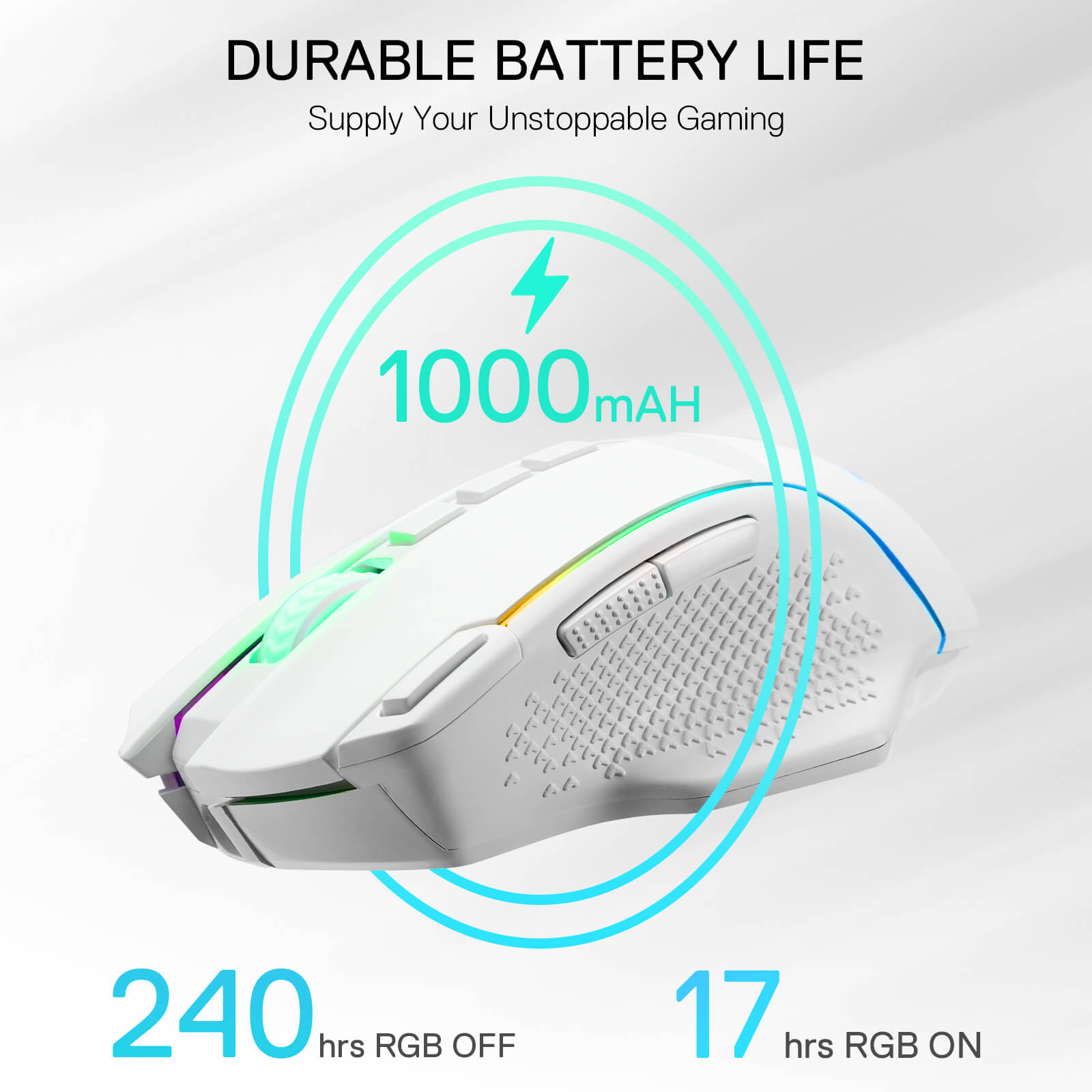
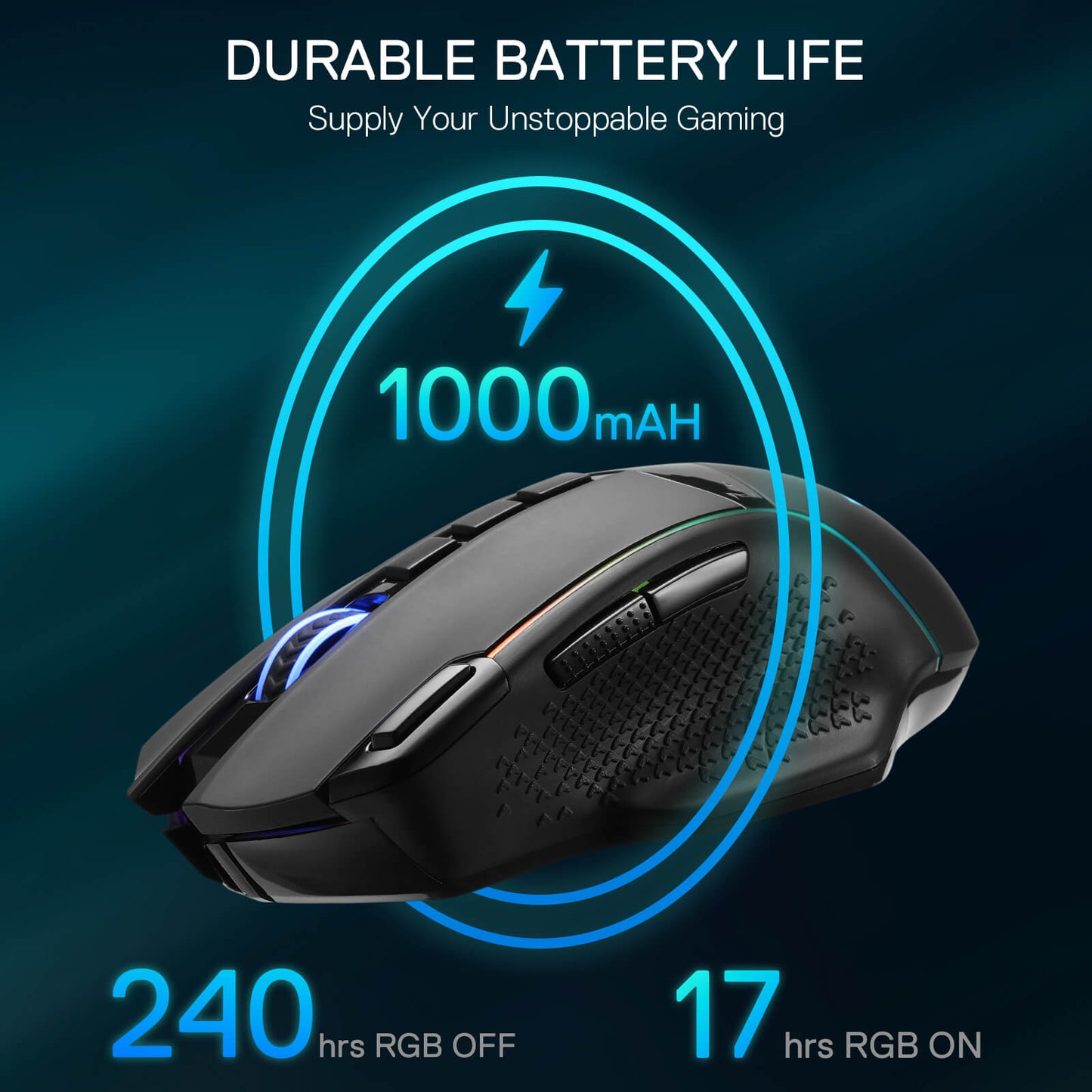
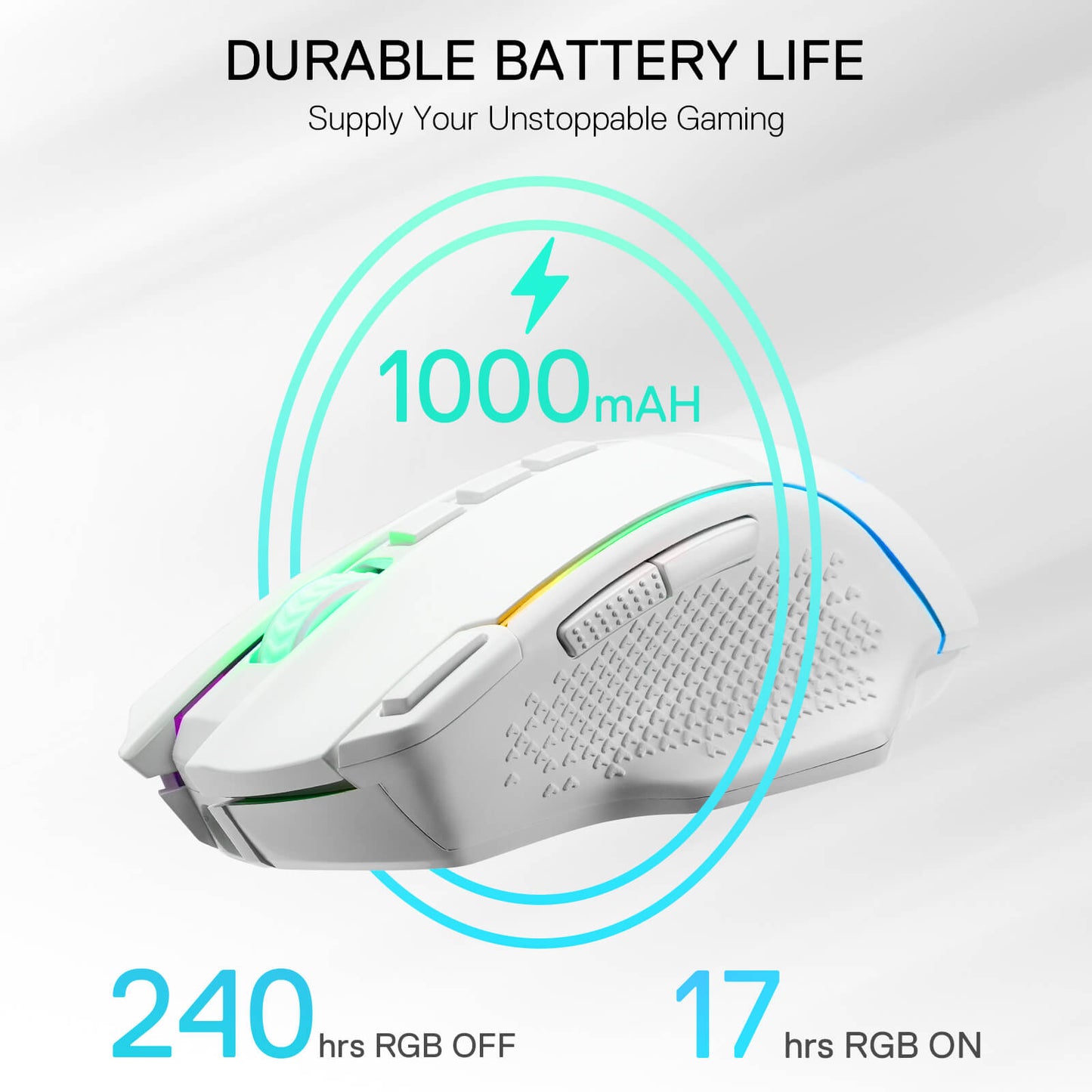
Equipped with the PAW3395 Optical Pixart sensor, the mouse consumption is further optimized with 1000Hz Polling Rate in dual mode. Durable rechargeable battery keeps the mouse working up to 240 hours at maximum (RGB OFF).

Reviews
Awesome item would reccomend buying great in hand feel
this is one of my favorite versions
sturdy and reliable worth your money
We'll start with problems first (as I am selfish, and want this again, but better), but the good sides are much greater.
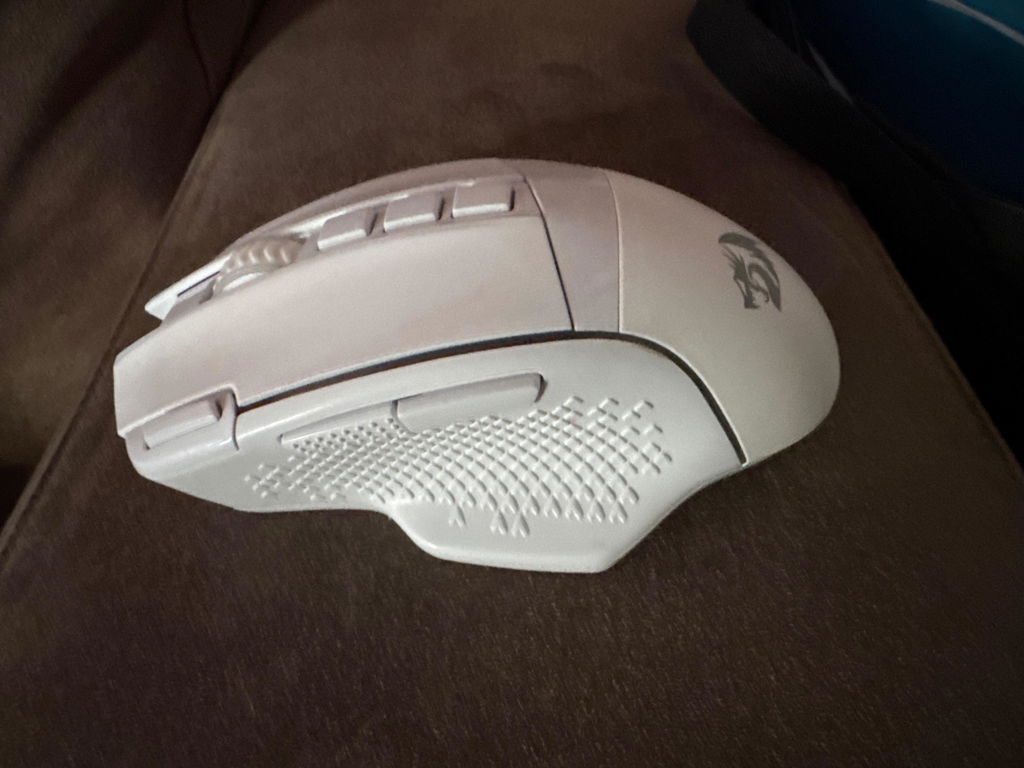
I've been using this mouse for a little over 4 years, and it's still very much intact. The only issues after this period are battery life from heavy usage, and the middle click sometimes doubling due to dirt and grime, which has only been recent. Both primary buttons, however, haven't seen even a hint of a problem, and I play idle clicker games. No mush or double-clicking, and I've had more expensive mice give out on those significantly more quickly. I also must point out that you will need a slimmer casing for any alternative USB-C cable if you need to plug it in or charge it, as the design of the mouse blocks thicker/square shaped casing around the actual cable plug. The only other critique I have is the sidewall texture, which is a personal dislike, as I hate the feel of slim and rough surfaces, or a sort of "window screen" texture. I'd like it if the material was a bit more soft and rubbery.
The positives are far greater. It's lasted significantly longer than any high-performance mouse I've ever owned in terms of button reliability, battery life, and build quality. The battery used to last quite a long while (around 60 hours before needing a charge by my reckoning, and that's from years ago), but I've used it quite frequently now. It can be programmed in many ways to what you need it to be, and DPI can be changed on the fly. It's perfect for my hand size, has the right weight off the bat for what I need, which can still be adjusted, and isn't cluttered with a bunch of buttons I'd likely press on accident in normal daily use. It's just the right amount of what I both want and need, with only some minor things that I would like to see adjusted.
The default "rapid fire" button has a use that I didn't even consider. I never find much use of it in gaming, but when going over and editing any text document or code, the ability to push a single button for selecting an entire line has saved me some frustration with how getting the timing right manually can sometimes be a pain. It's also good for setting a quick common macro set for the niche moments you'd need one.
I'm quite likely going to buy a new one soon, and keep the old one as a backup. That is, unless they make something like this, but even better.
I'm very happy with this mouse. It is very responsive and the software helps to visually adjust DPI settings. Presently, mine is set at the first DPI setting. The higher the DPI setting, the more the cursor moves. At the highest setting, the cursor moves from the left to right side of my 27 inch monitor by barely touching the mouse. I have it wired into my desk in case I want to use it as a wired mouse, and I keep the plug tucked behind my keyboard for charging. The mouse keeps a charge for days. I haven't charged it yet, and can probably go a week or two without charging it. I'm using the 2.4Mhz connection. There is only one thing I would suggest improving on this mouse - The sides need to have a rubbery finish to enhance grip. I miss what I had on my other mouse. To fix this, I'm ordering some grip tape that is made for fixing this issue on computer mice. That should fix my concern. Otherwise, I'm good to go.
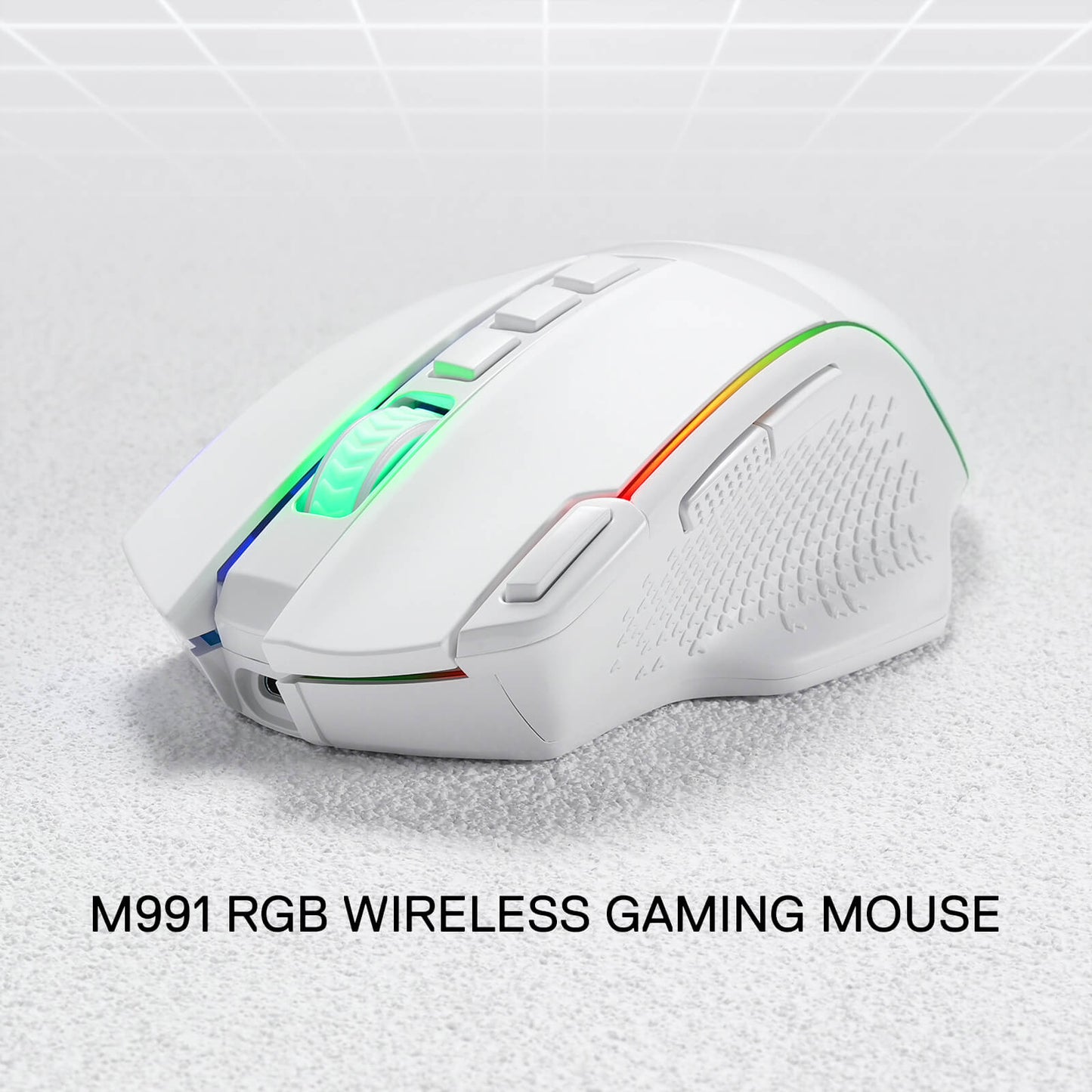
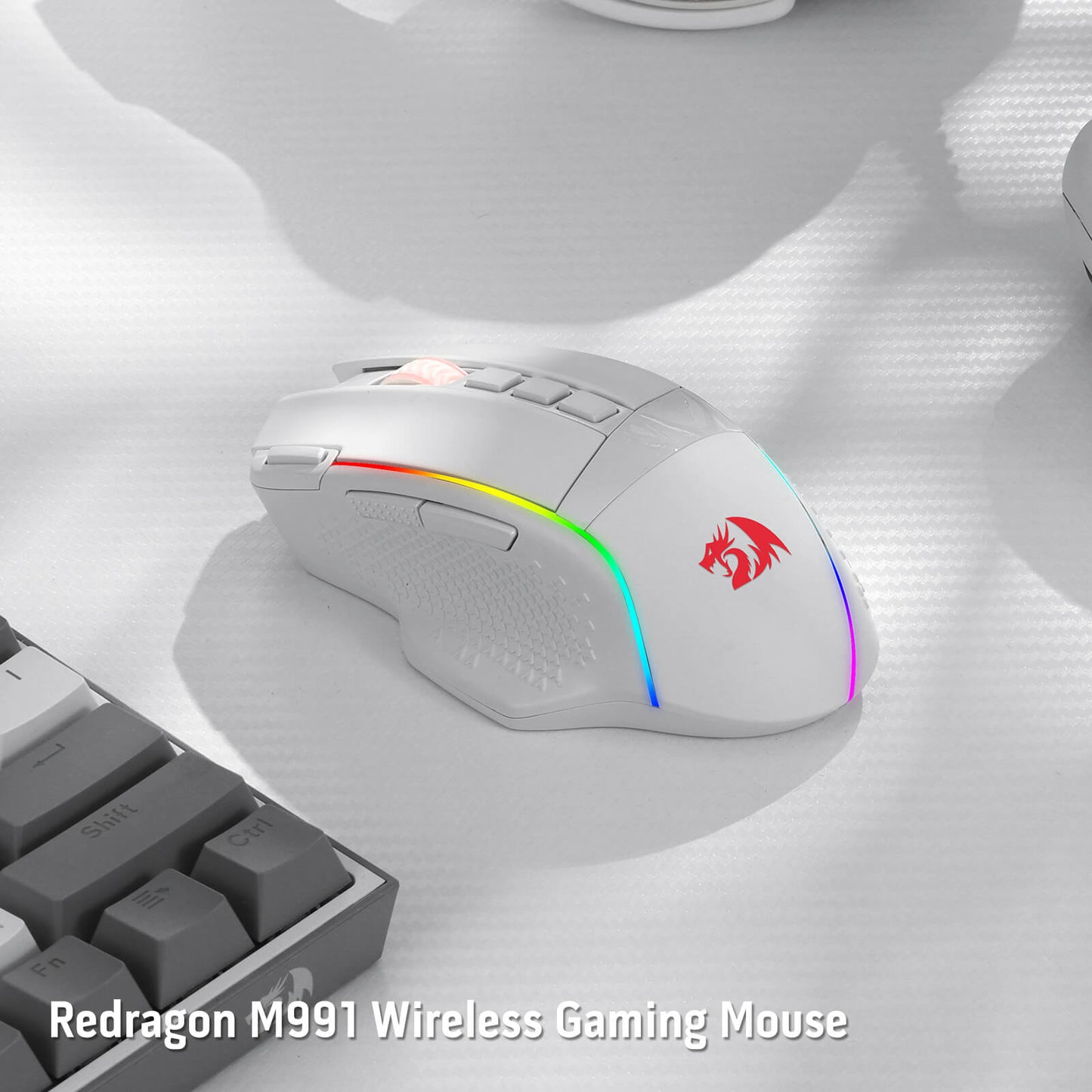
M991 Wireless FPS Gaming Mouse
GAMING MICE COMPARISON
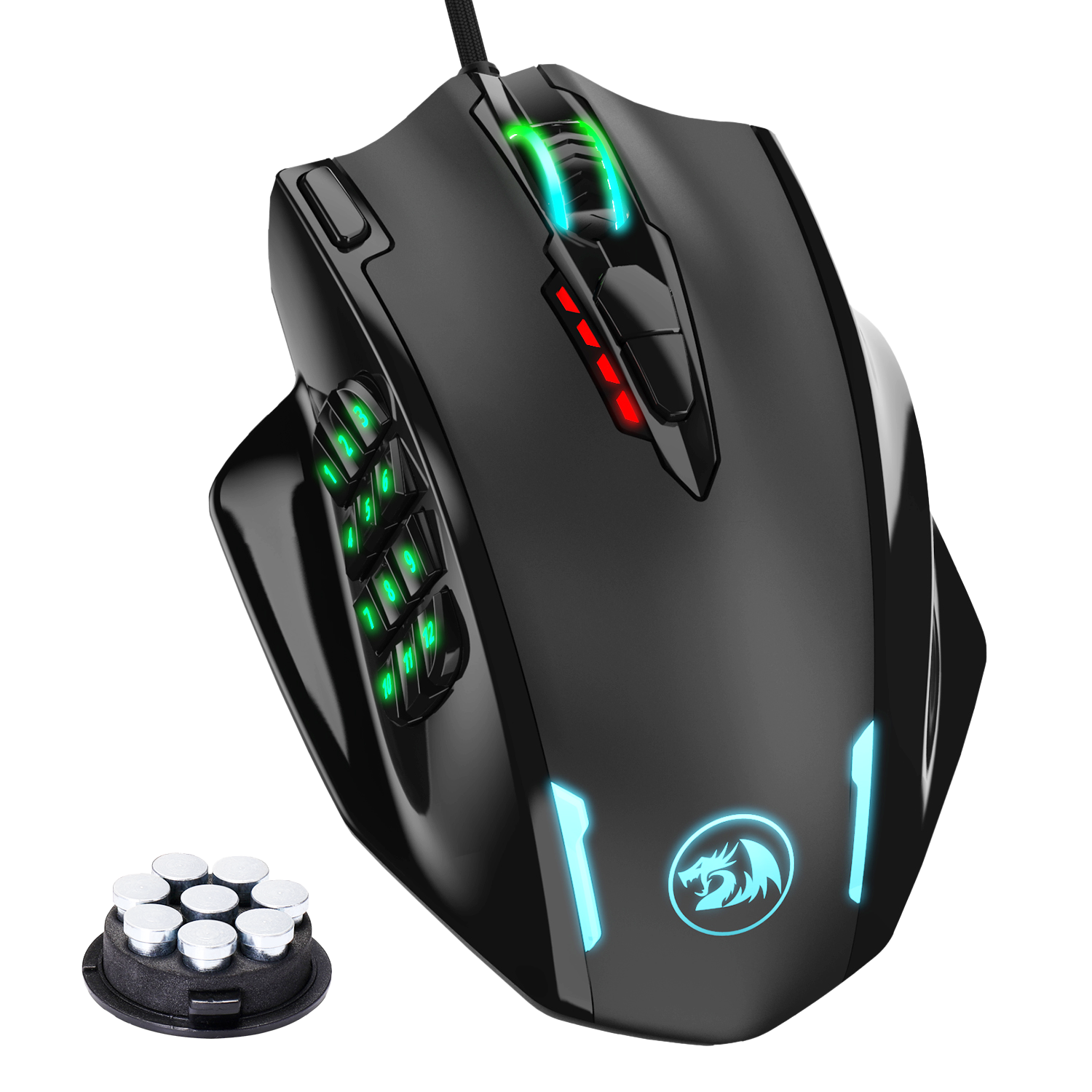


you may be interested

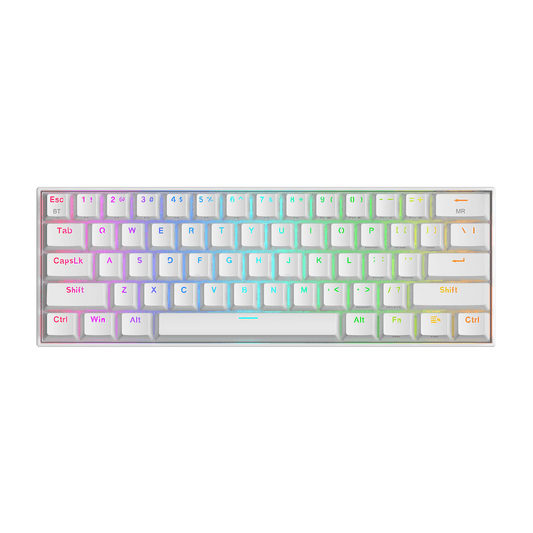
DRACONIC K530 PRO WHITE (Brown Switches)


H510 ZEUS WHITE & PINK

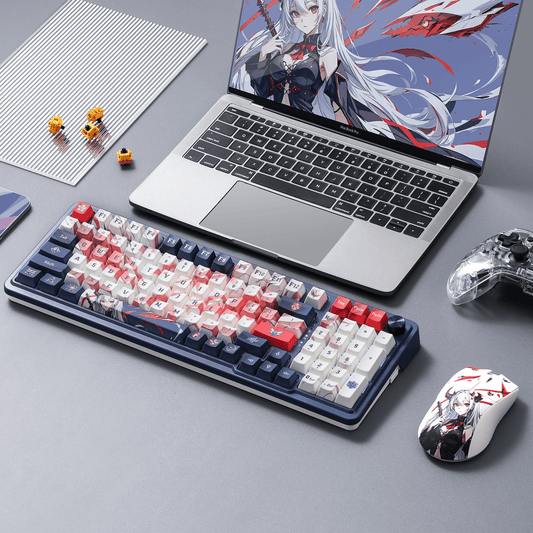
EISA K686 PRO SE Anime Keyboard


ORPHEUS GS550