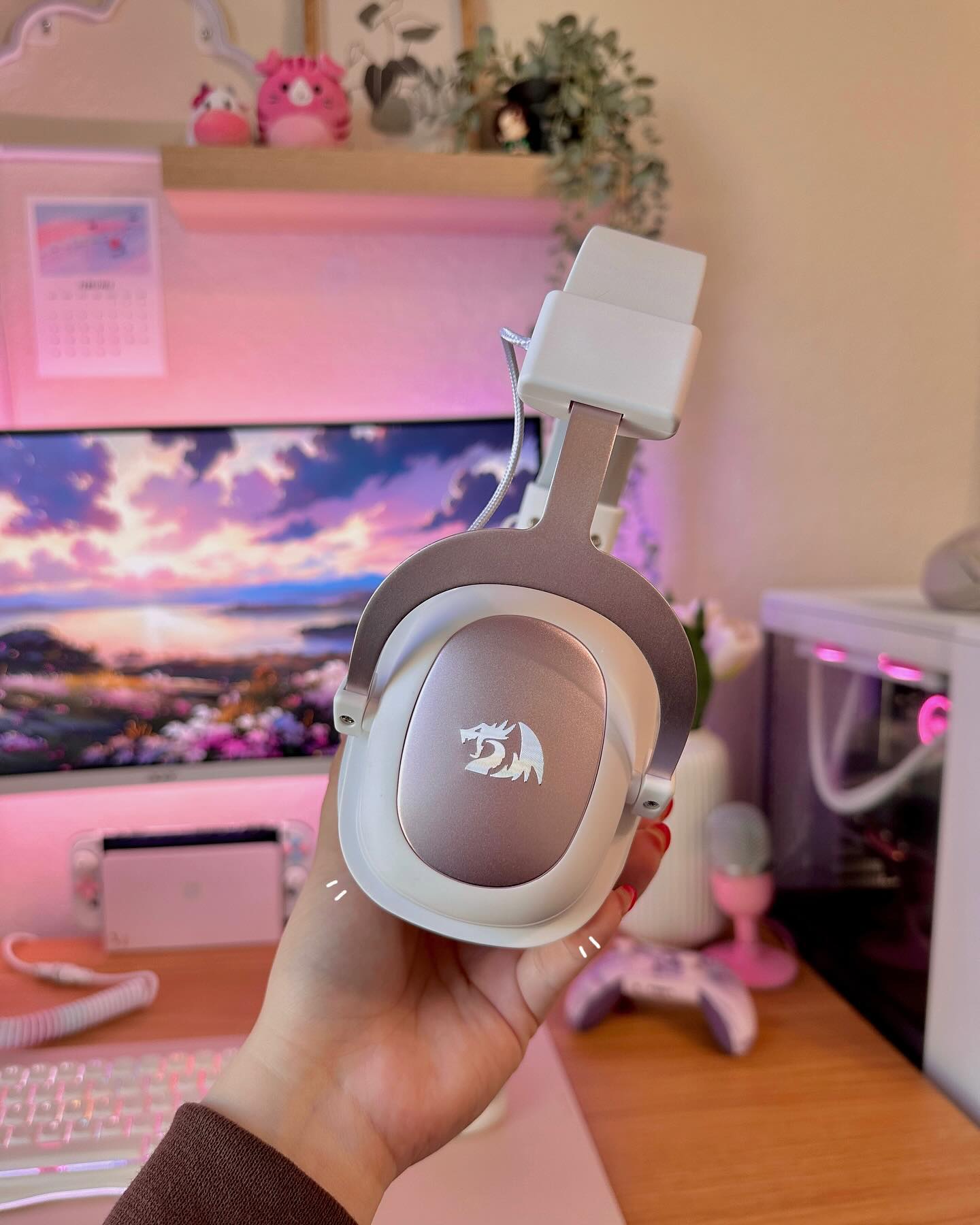
amazing headset for this price range. audio quality is fantastic especially on the 7.1 surround sound mode. easy to connect to Bluetooth and works exactly as it should. the mic quality is better than I expected too though I will keep using my streaming mic.
It is not what i expected and it works very perfect for being a glass mousepaf
I had the original Legend (not marked RGB or Chroma) for a long time until I wore out all the top buttons completely, which are rated for like a million clicks, so a REALLY long time. Main gripes with it were the weight, the quickly wearing out side-buttons, and lack of linux software. Got new Chroma edition, and within a few months the rubber completely disintegrated, like, there is none left, while the old one wore out but never as bad as this one. Also, the top cracked, so I had to transplant one from the old mouse, but it didn't quite fit so I still had to file down even though the P/N stamped is identical on both suggesting high variance and poor production quality, but the top is still fine to this day. While changing it out, I noticed they used a new board for chroma, which gave me hope that it'd last longer... NOPE! Wore out even quicker. For the software, the new one is kinda supported by community g502 driver up to 12th button, old one was not at all, so I'll give them that. Lighting now is consistent across the mouse and there are few more lighting modes, but the cost of that is that you can't switch profiles quickly. Old one had three separate LED's, scroll one indicating DPI, logo one indicating profile, and main one just for style, so you could figure out and adjust each at a glance. But now when changing profiles the entire mouse lights up in random colors so it's impossible to tell which one it currently is, just have to switch and try each time, or just forget about profiles and clone one in each slot.
I've been using the wired version of the LEGEND CHROMA M990 for several years now across all 4 of my workstations. Deciding to get the wireless version for my laptop, I found myself wanting to return it after just 2 hours of use. The whole point of using identical mice is consistency—it’s comfortable when they are all configured and function the exact same way on every computer. Unfortunately, the manufacturer doesn't seem to think so, which is a shame.
1 Why remove the ability to customize the fire button and the 4 top buttons?
2 The drivers themselves are extremely unstable. They crash constantly during setup and lose button configurations. I've never had such issues with the wired version's software.
3 It's impossible to map NumEnter and NumDel to the side buttons. As for Num+, it gets assigned initially but then changes to a regular + on its own. The utility for the wired version has no such problems—all buttons can be remapped smoothly.
5 Furthermore, what was the point of changing the settings export file format from .prof (wired) to .bin (wireless)? Why can't I just seamlessly transfer my entire button configuration from the wired to the wireless version in a couple of clicks?
Why ruin a great product with such strange decisions?
I WANT MY MONEY BACK! THE KNOB TO TURN THE SPEAKERS ON AND VOLUME WILL NOT TURN... IT'S LIKE IT IS GLUED ON AND WON'T TURN.
- i was forced to put on a star. Rating should be empty... ZERO STARS!
i just got it as my first hall effect keyboard, and i am absolutely blown away by what it offers for the price
the rapid trigger and the responsiveness of the keyboard feels incredible, especially with the massive 8k polling rate that you can easily adjust in the software
on top of that, the rgb effects are stunning to look at, and the customization options are endless
it is easily the best budget keyboard i have ever used so far
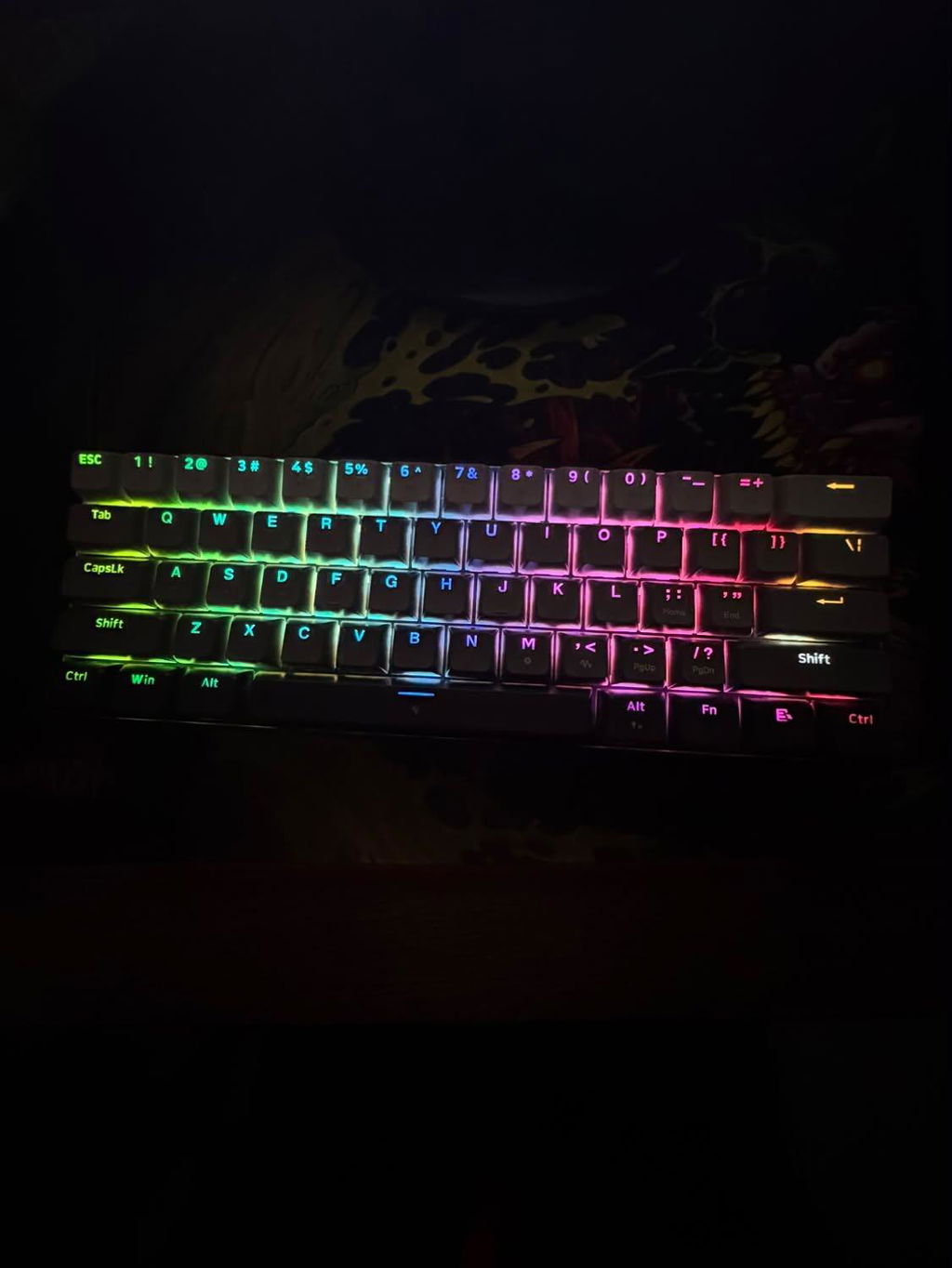
It looks absolutely amazing shipping was fast too the sound of the buttons clicking is absolutely amazing as well I would highly recommend getting it
great product still learning how to set it for all of my different games.
this mouse is customizable, the triple click is awesome for geometry dash. Its ergonomic, helping with grip when in intense matches in Fortnite/Minecraft. 5 stars.
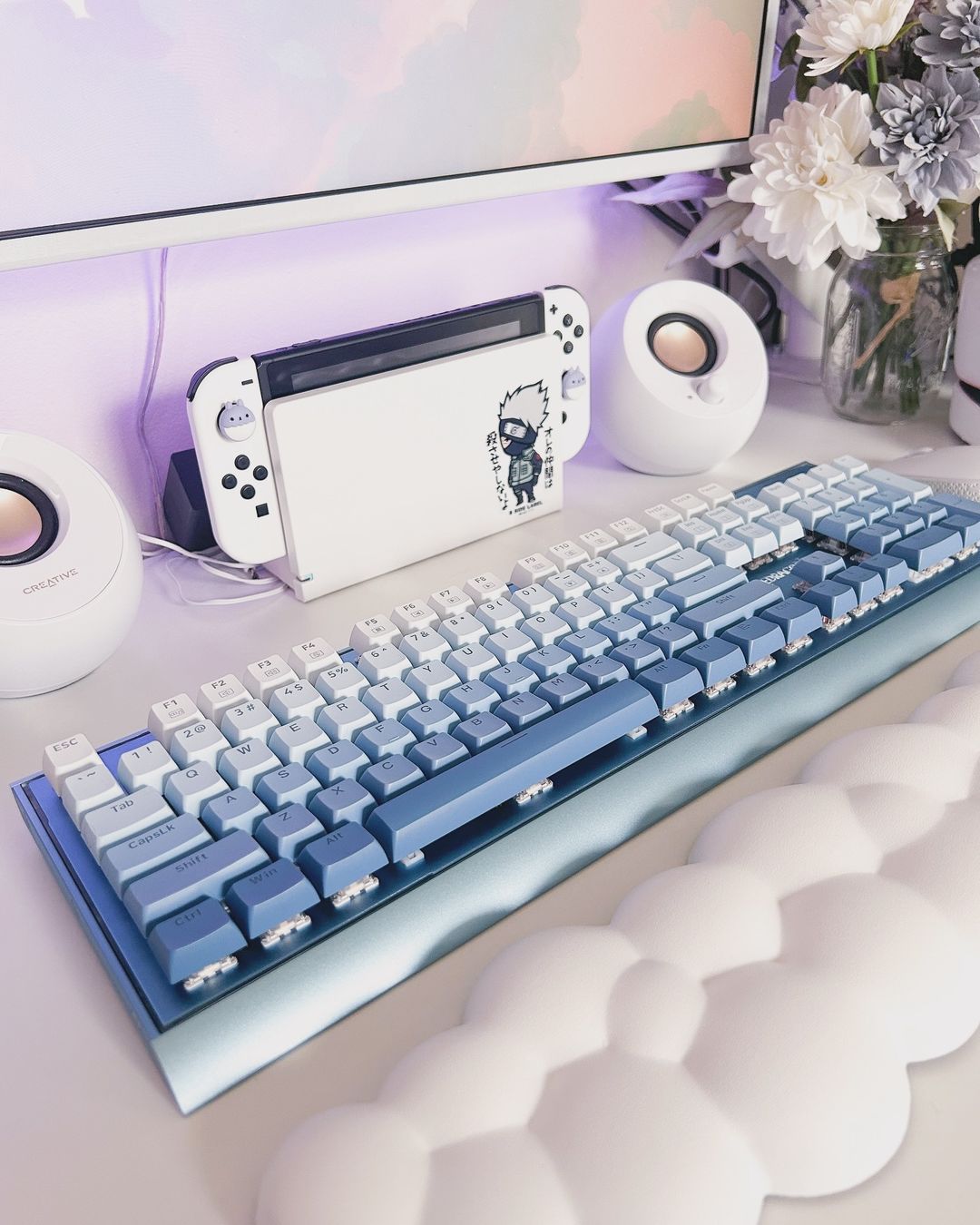
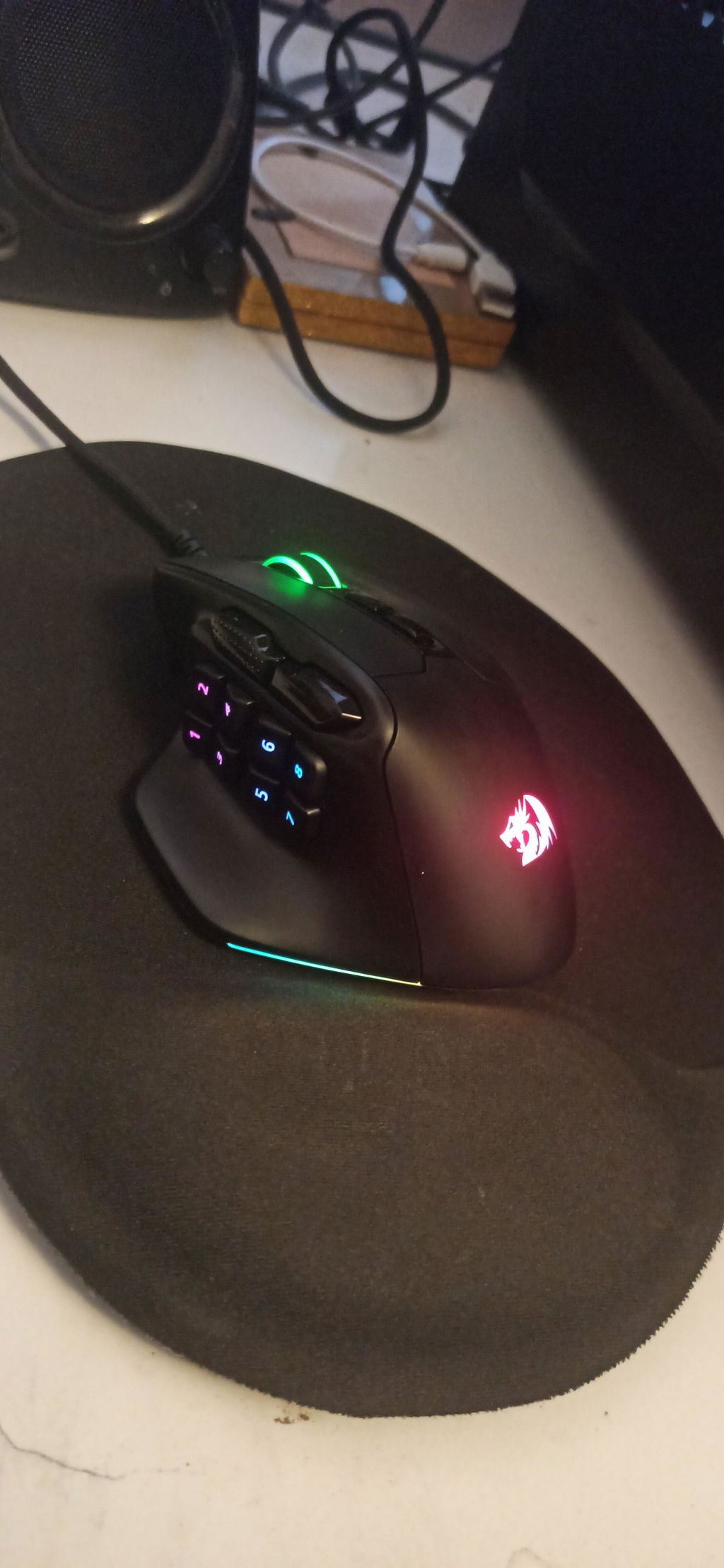
So far one of the best keyboards nothing vency but definitely worth a recommendation for anime fan
its probably the best mouse i have used for high dpi and the only one ill ever need these Macros are really nice to have.
Design e Ergonomia: Construção ultra-leve com excelente distribuição de peso, ideal para pegadas do tipo Claw e Fingertip. Reduz consideravelmente a fadiga no pulso em sessões longas.
Desempenho Estável a 1000 Hz: A taxa de polling de 1K Hz entrega uma transmissão de dados fluida, estável e sem consumo excessivo da bateria (ao contrário das versões de 4K/8K Hz).
Sensor Recetivo: Leitura precisa do sensor em superfícies de tecido ou vidro, sem falhas de tracking ou aceleração indesejada.
Excelente Deslize: Os skates/feet de PTFE garantem uma movimentação uniforme sem atrito excessivo no mousepad.
Construção Firme: Sem rangidos (creaking) ou flexão nas laterais, mesmo com o peso reduzido.
the best red switch keyboard i have ever had
Sounds good, not very loud at all. The sound is sort of muted a little bit but that's to be expected on these keycaps. The way your fingers slide across the keyboard is very satisfying. They keys are big but not too big. They work well. No delay whatsoever when playing MMOs, Color looks amazing I got the purple, now I want the other colors as well.
Best keyboard I have ever owned. The keys are soft and smooth. Super easy to remove keys with the awesome tool they provided. everything works perfectly. The RGB is really good, I love all the options it gives you. And the little screen is my favorite part
Good value raffle-box, keyboard sadly got a non localized layout but quality itself is nice.
These are genuinely the best speakers I've had so far. They have great distancing, beautiful sound with great control, they are incredibly loud despite being a fairly compact design. They also look great in any space. Keep up the good work
Nice quality for this price, one of the best budget mouse
These speakers are great! The sound quality is better than I expected and I like the lights a lot. They work perfectly and the open box wasn't an issue.
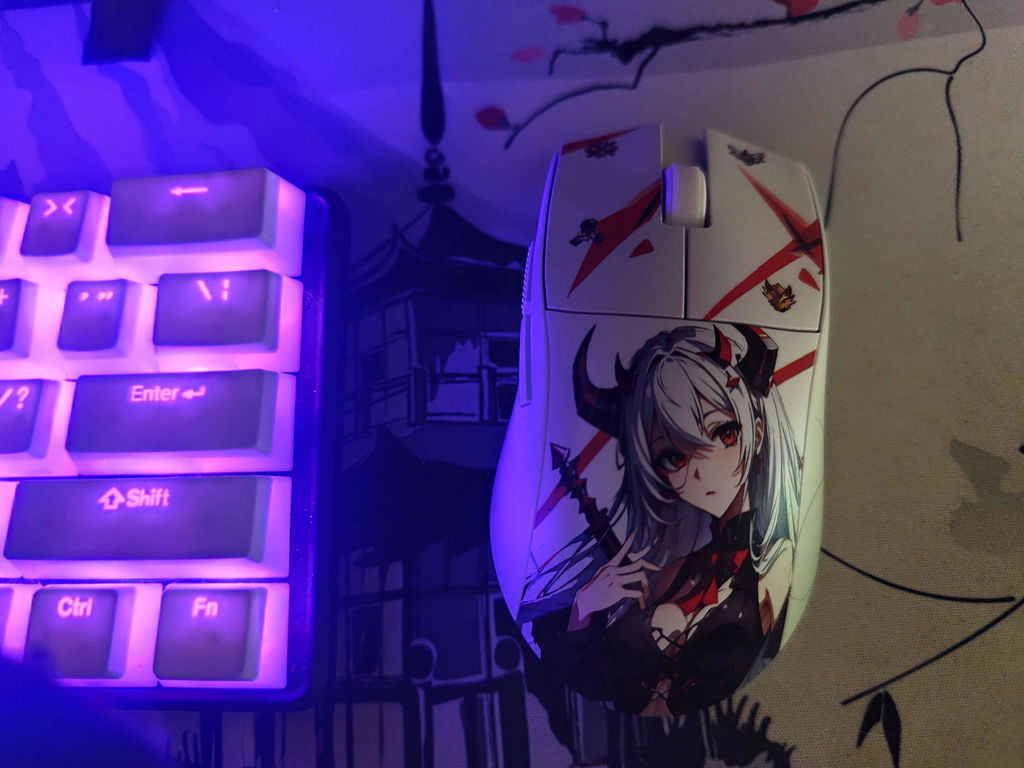
So I wanted to build cyberpunk keyboard!! And Redragon keyboard was perfect for it!! THANK YOU THANK YOU!!
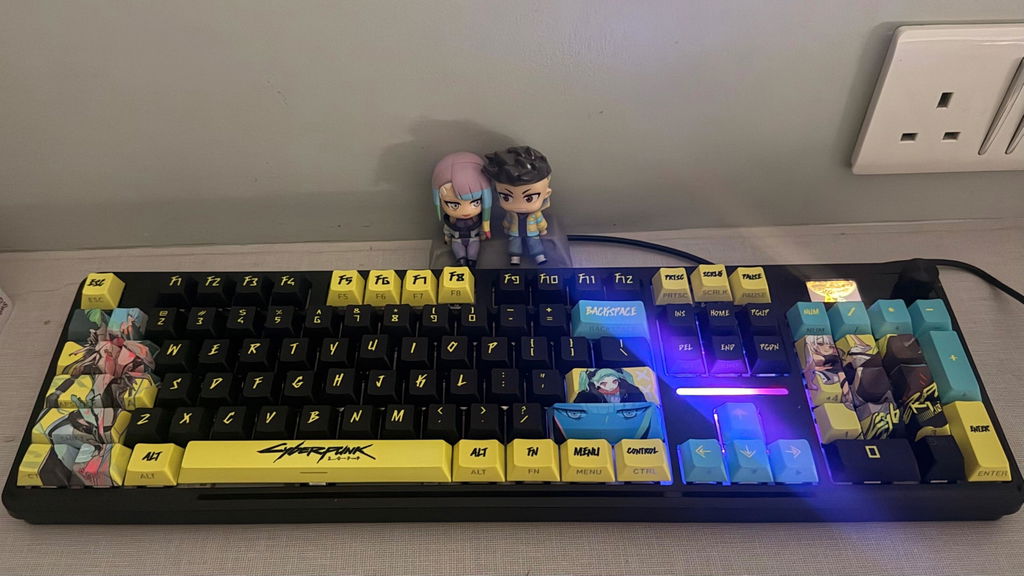
The mouse has its own 3 rapid fire button which I can use when playing fast paced shooter games