



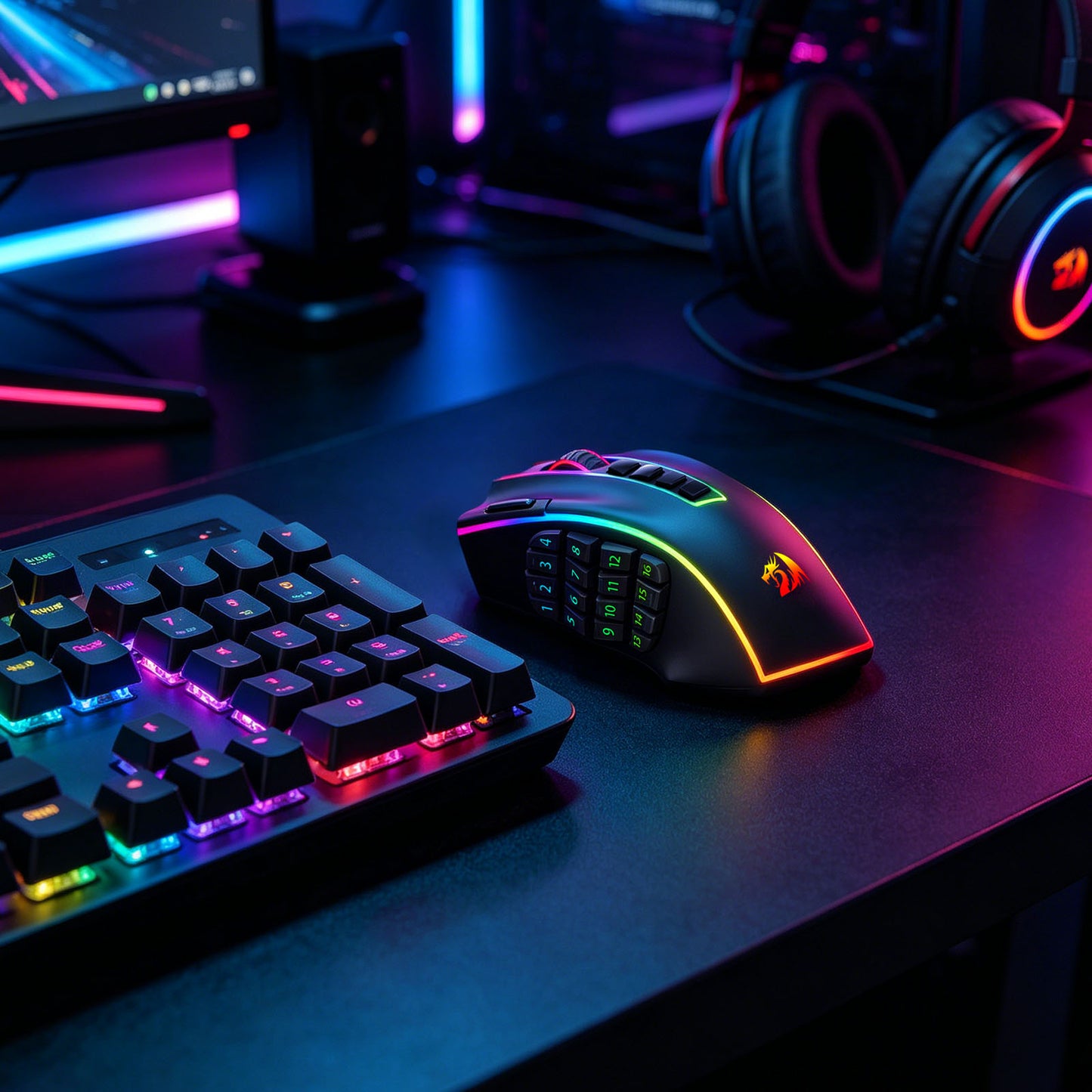


Des performances exceptionnelles
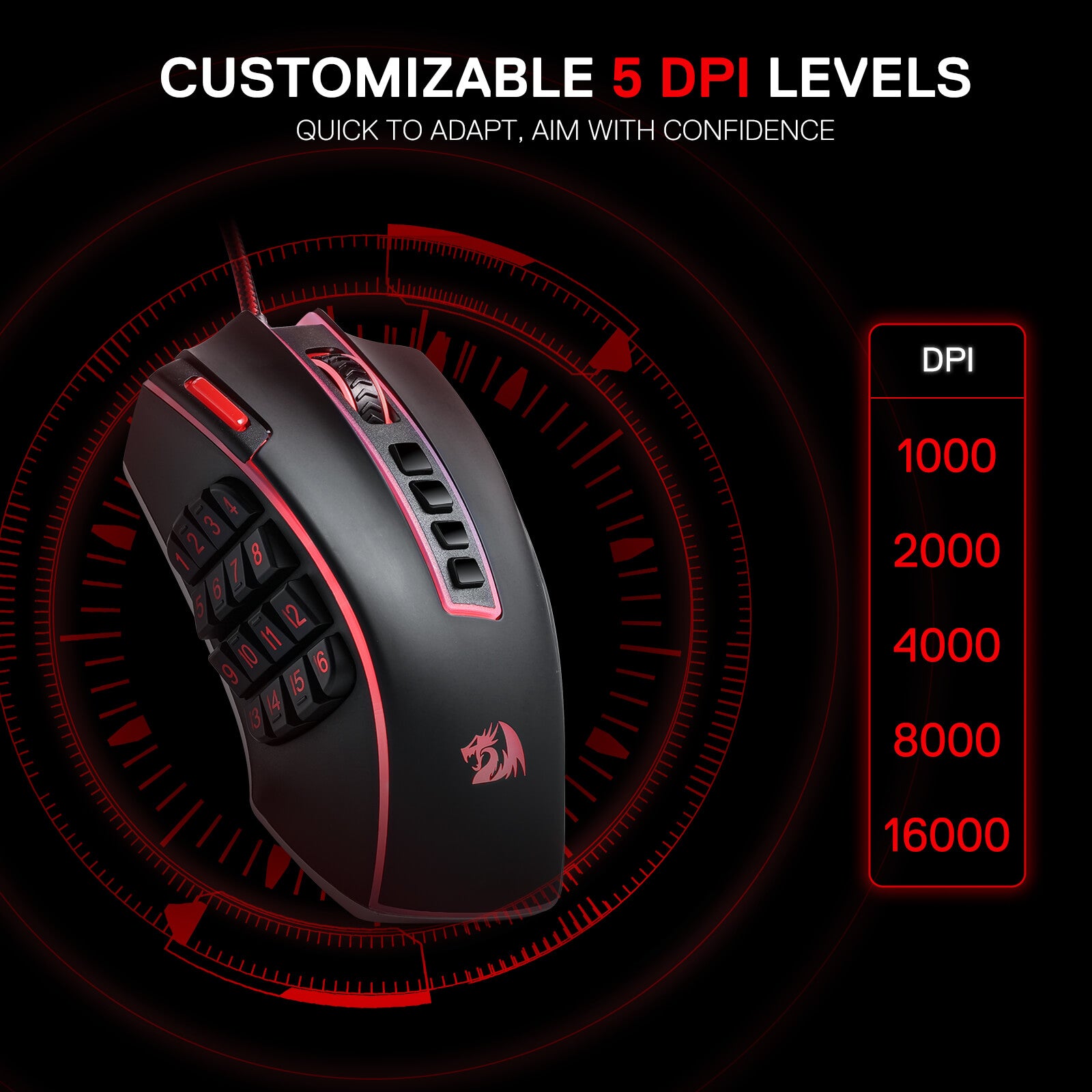
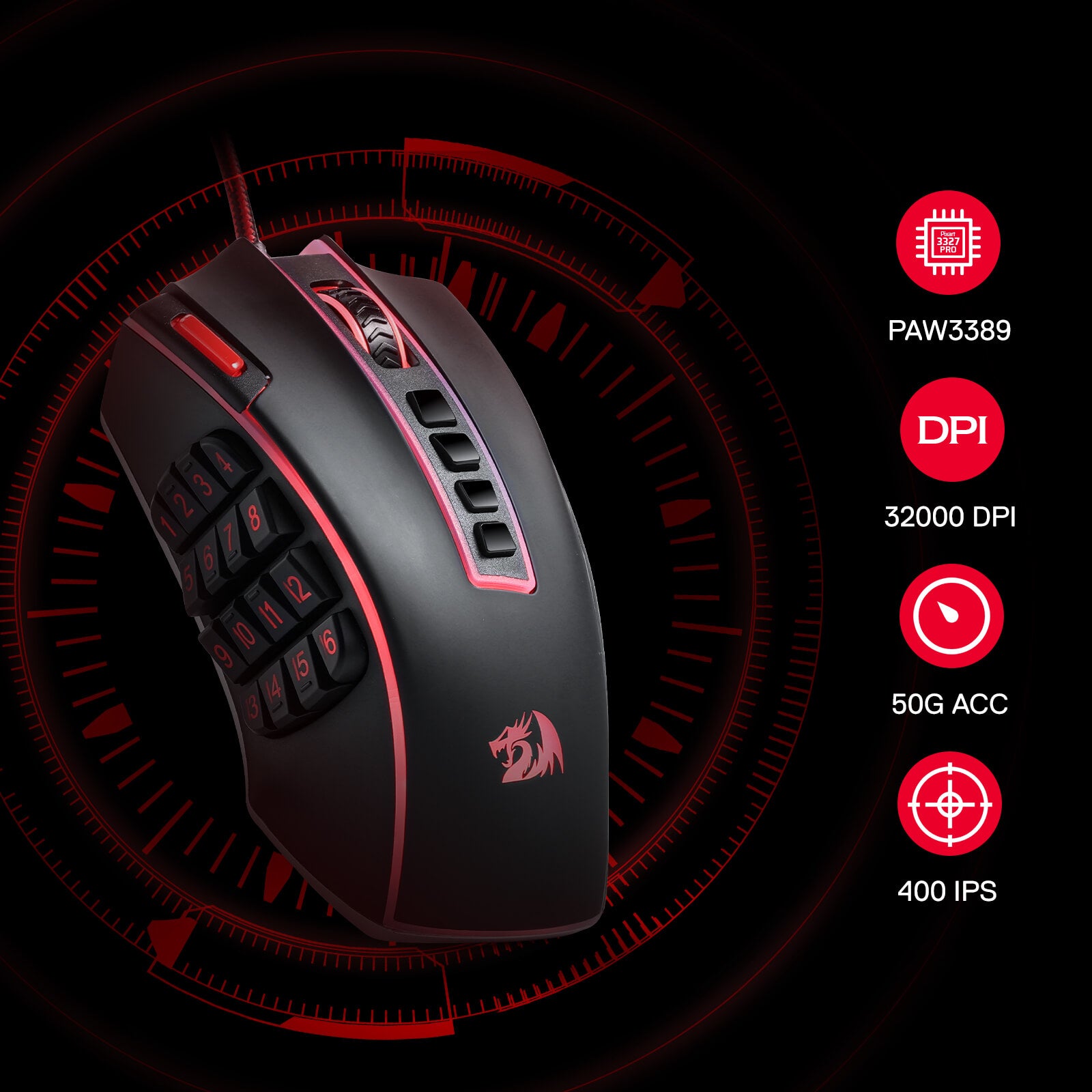
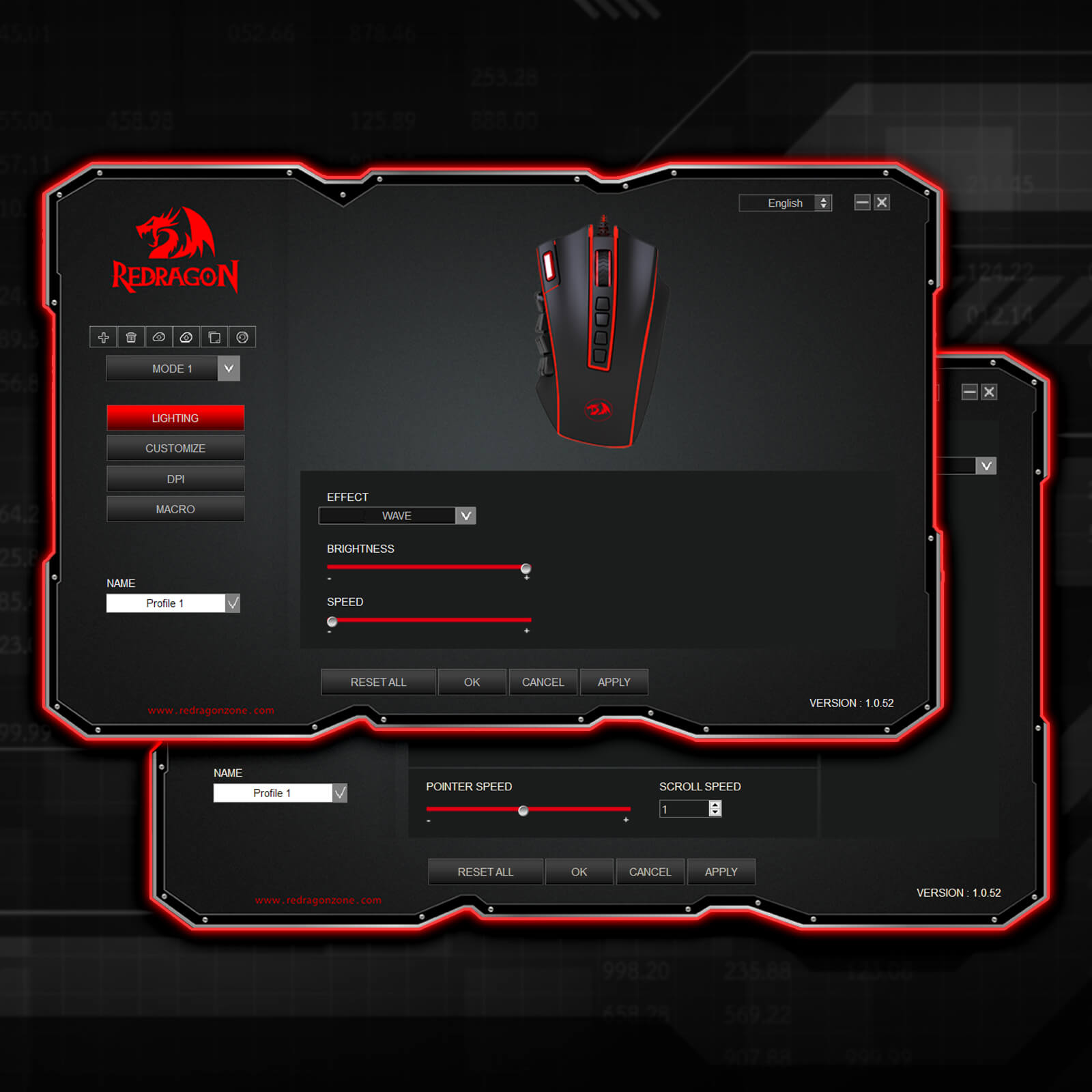
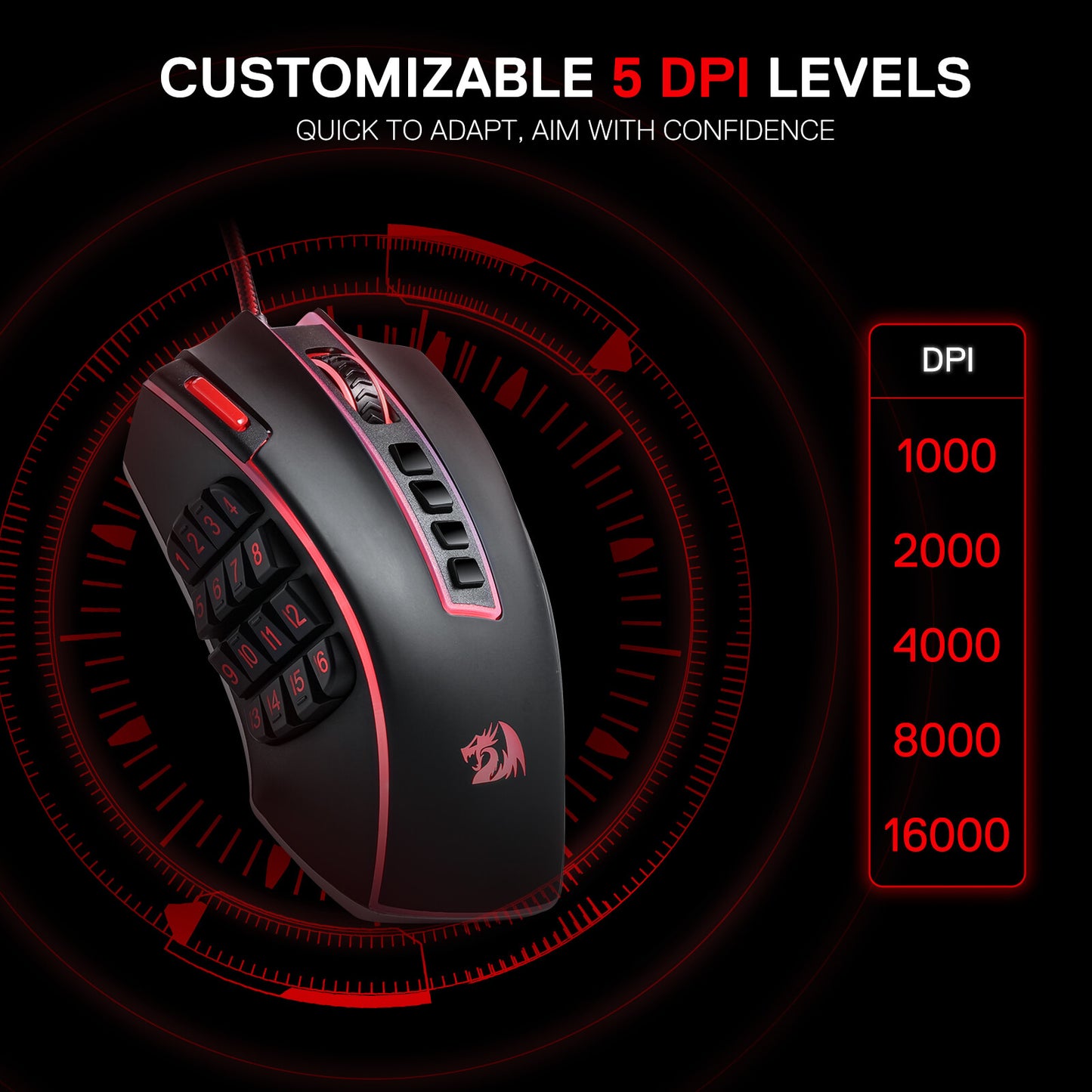
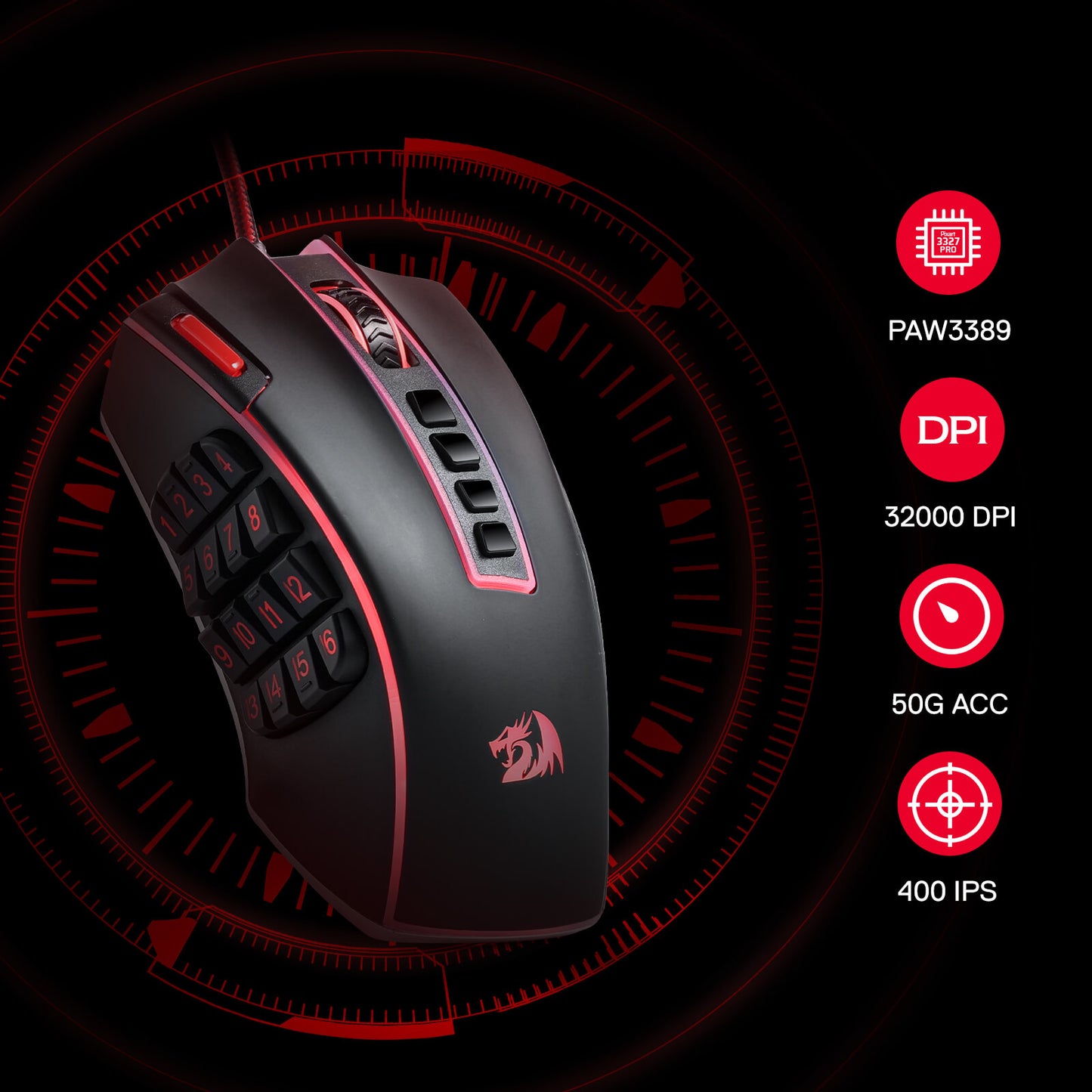
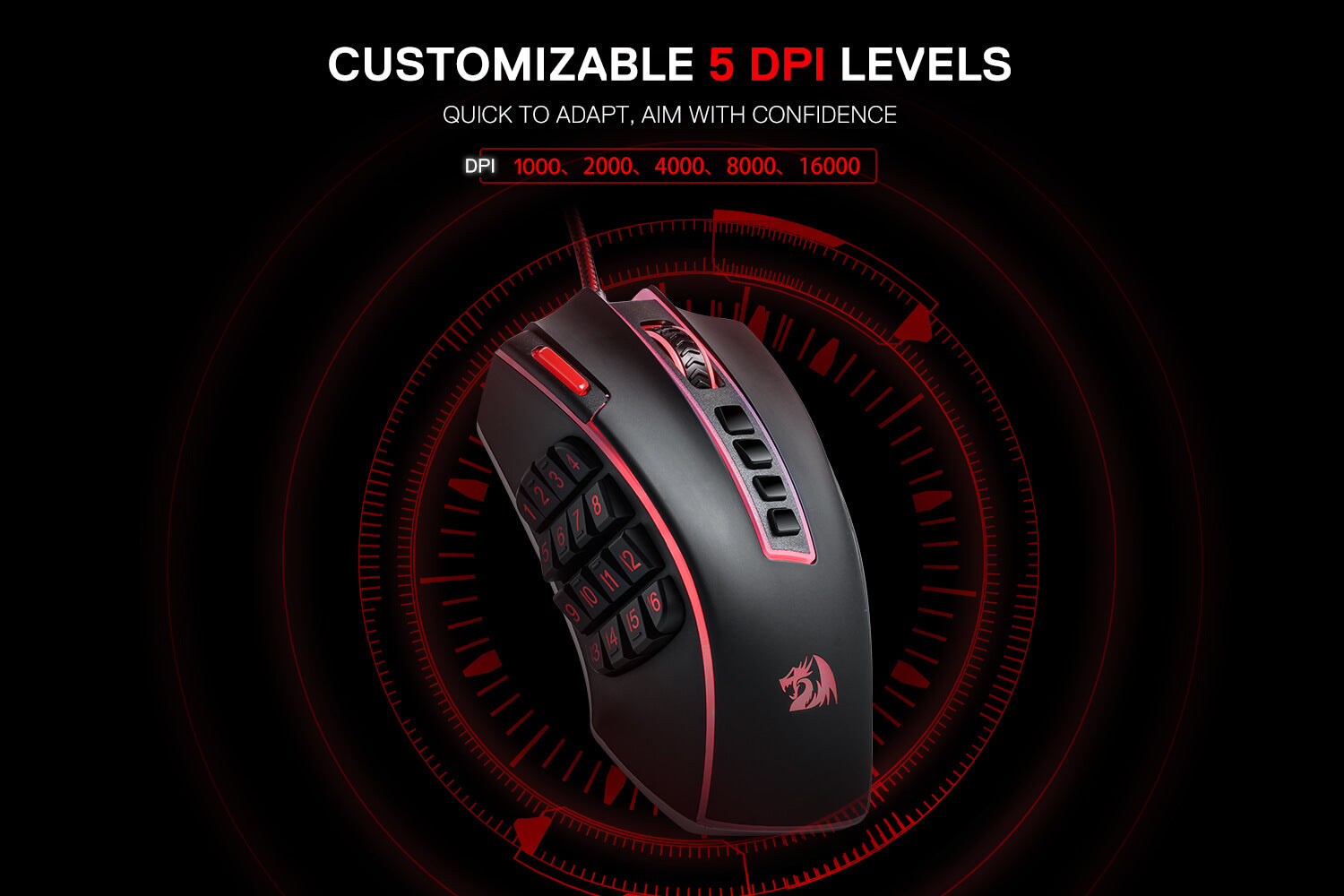
Doté de 5 niveaux DPI redéfinissables (par défaut : 1 000/2 000/4 000/8 000/16 000), il est facile de basculer entre les différents besoins de jeu. La demande dédiée d'options DPI entre 100 et 32 000 est également disponible pour être traitée par logiciel.
Libérer la puissance de la personnalisation
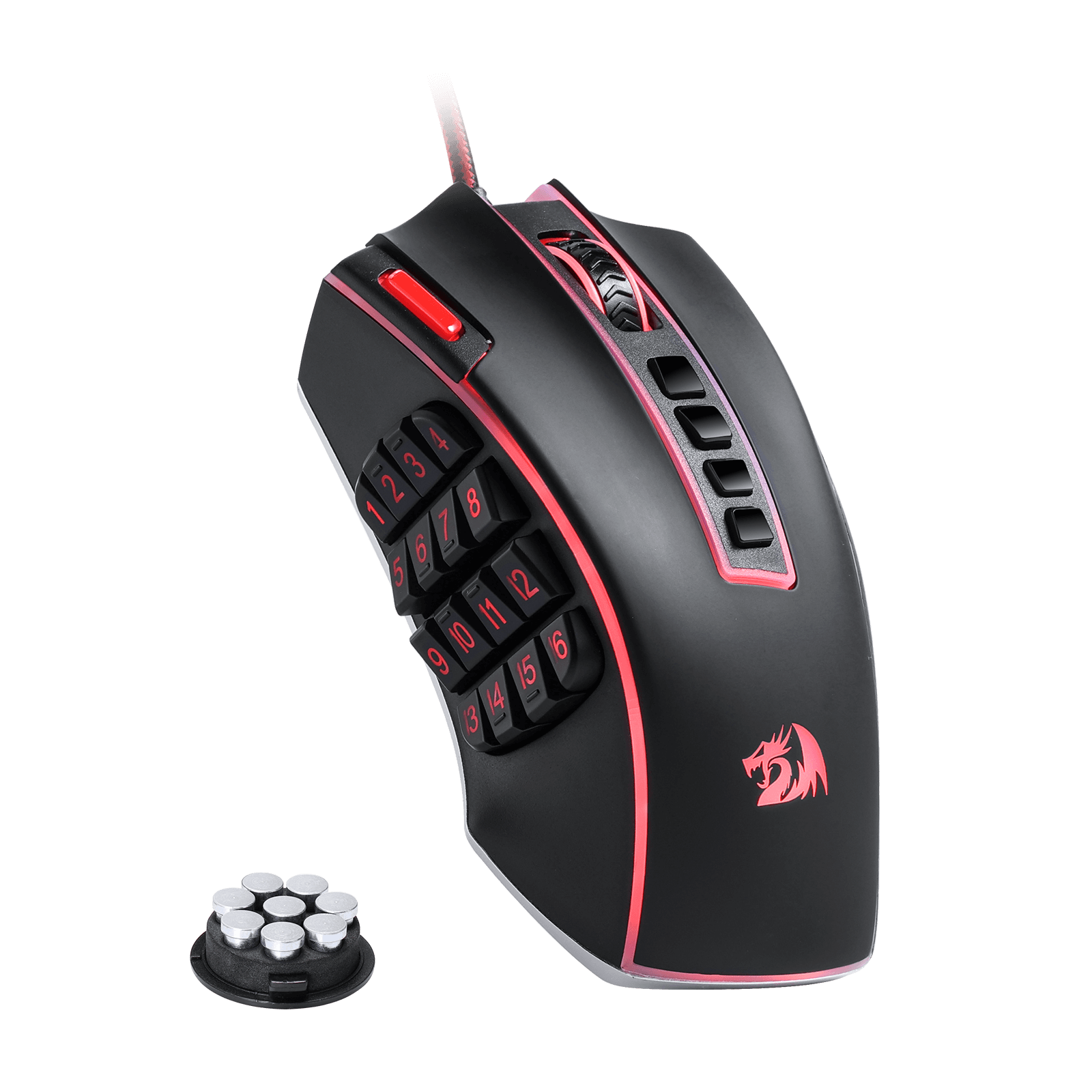
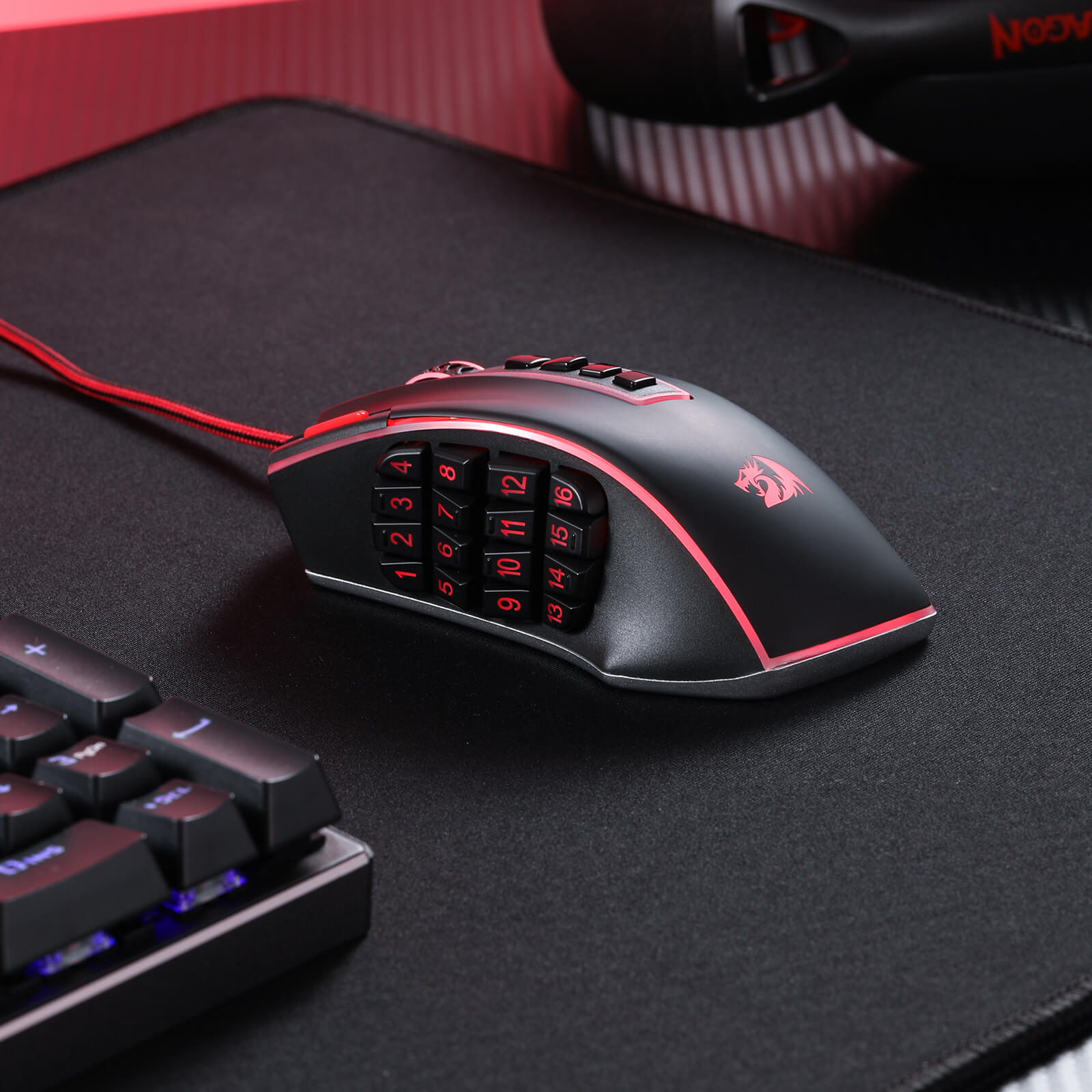
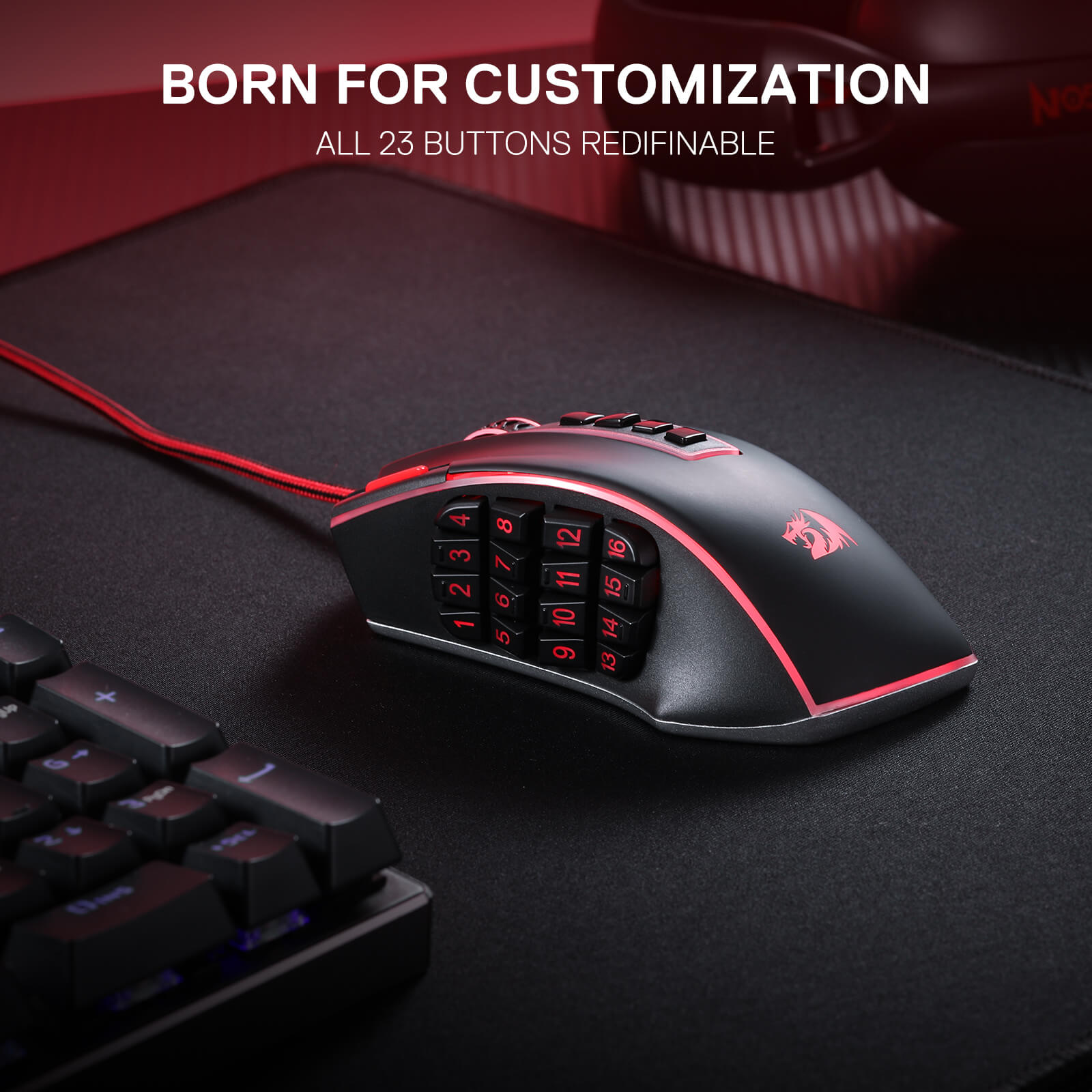
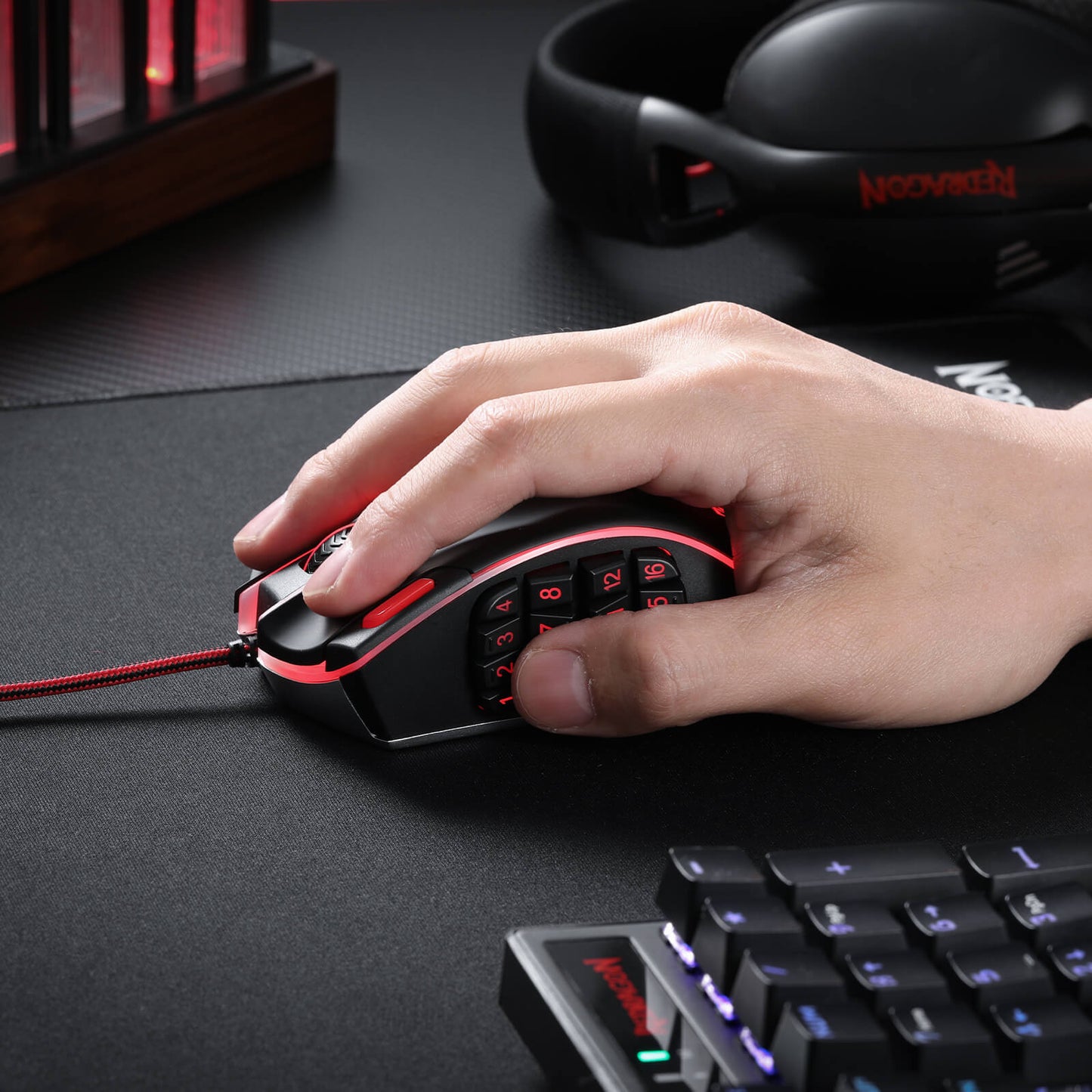
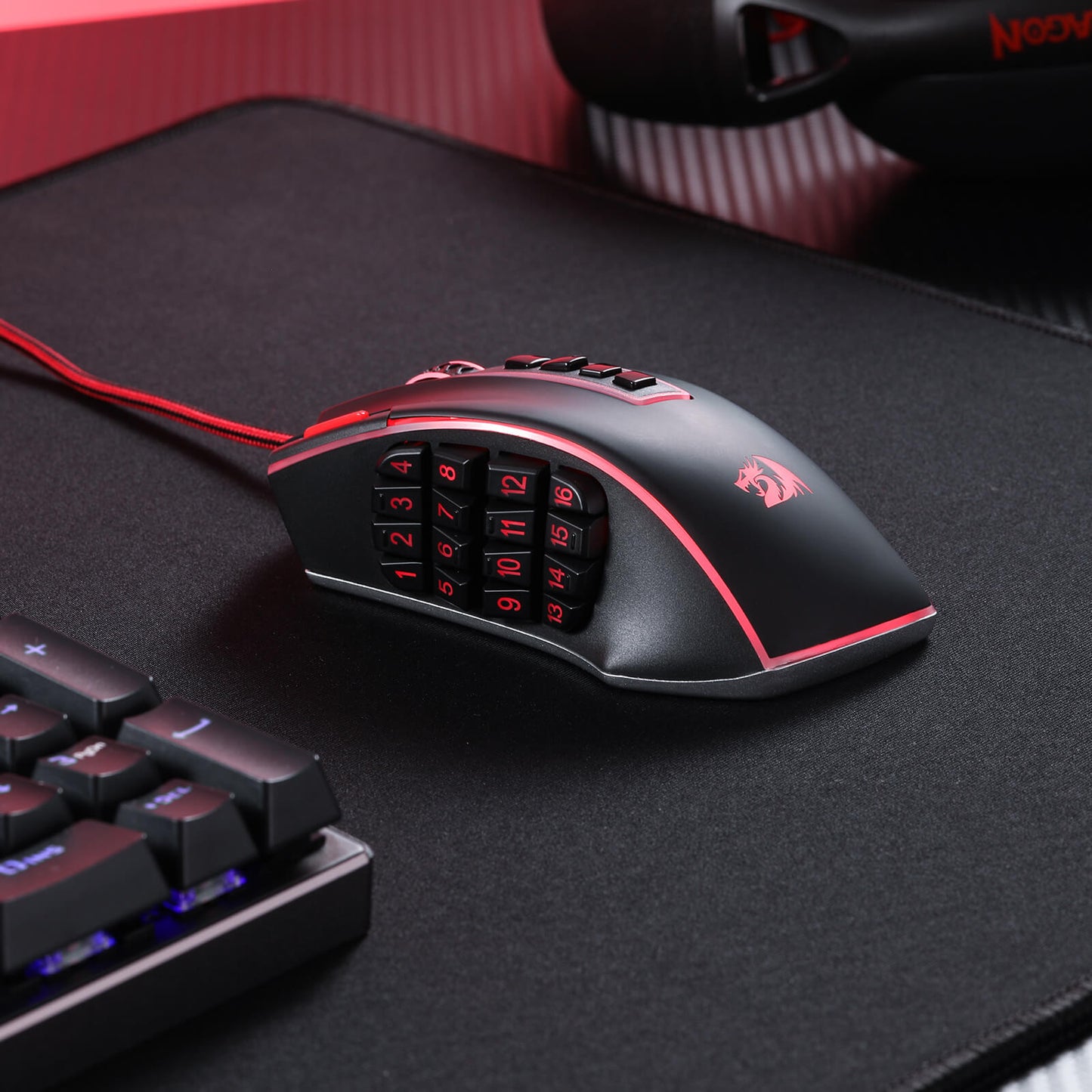
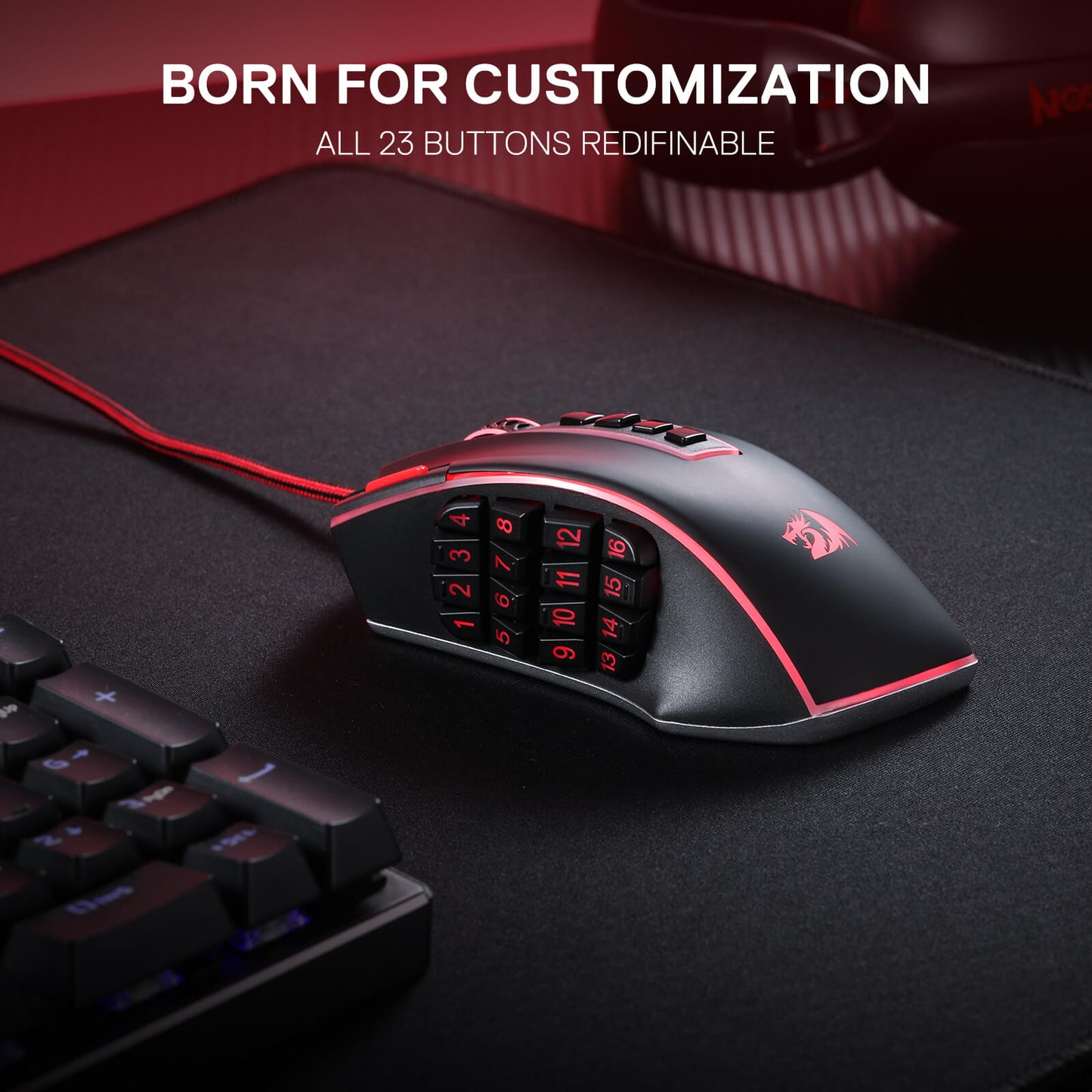
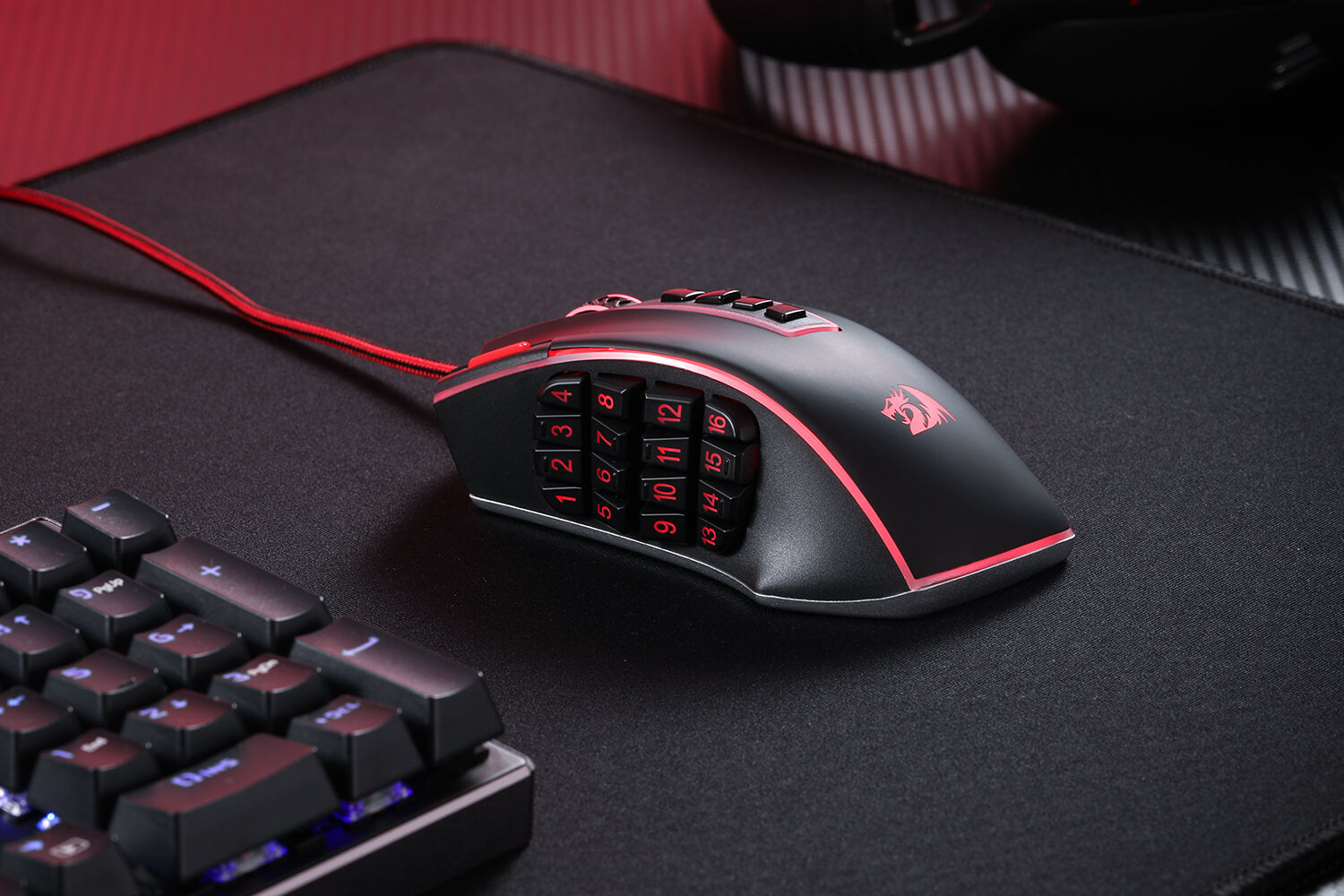
La souris de jeu MMO Redragon M990 va au-delà des souris de jeu standard avec son impressionnante gamme de 23 boutons programmables et de 16 touches macro latérales. Cela signifie que vous avez le pouvoir de personnaliser entièrement votre expérience de jeu, en attribuant des raccourcis clavier et des macros en fonction de votre style de jeu. Vous ne serez plus jamais pris au dépourvu dans le feu de la bataille ; d'un simple clic, vous pouvez exécuter des combos et des stratégies complexes en toute simplicité.

Conçu pour le confort et le style
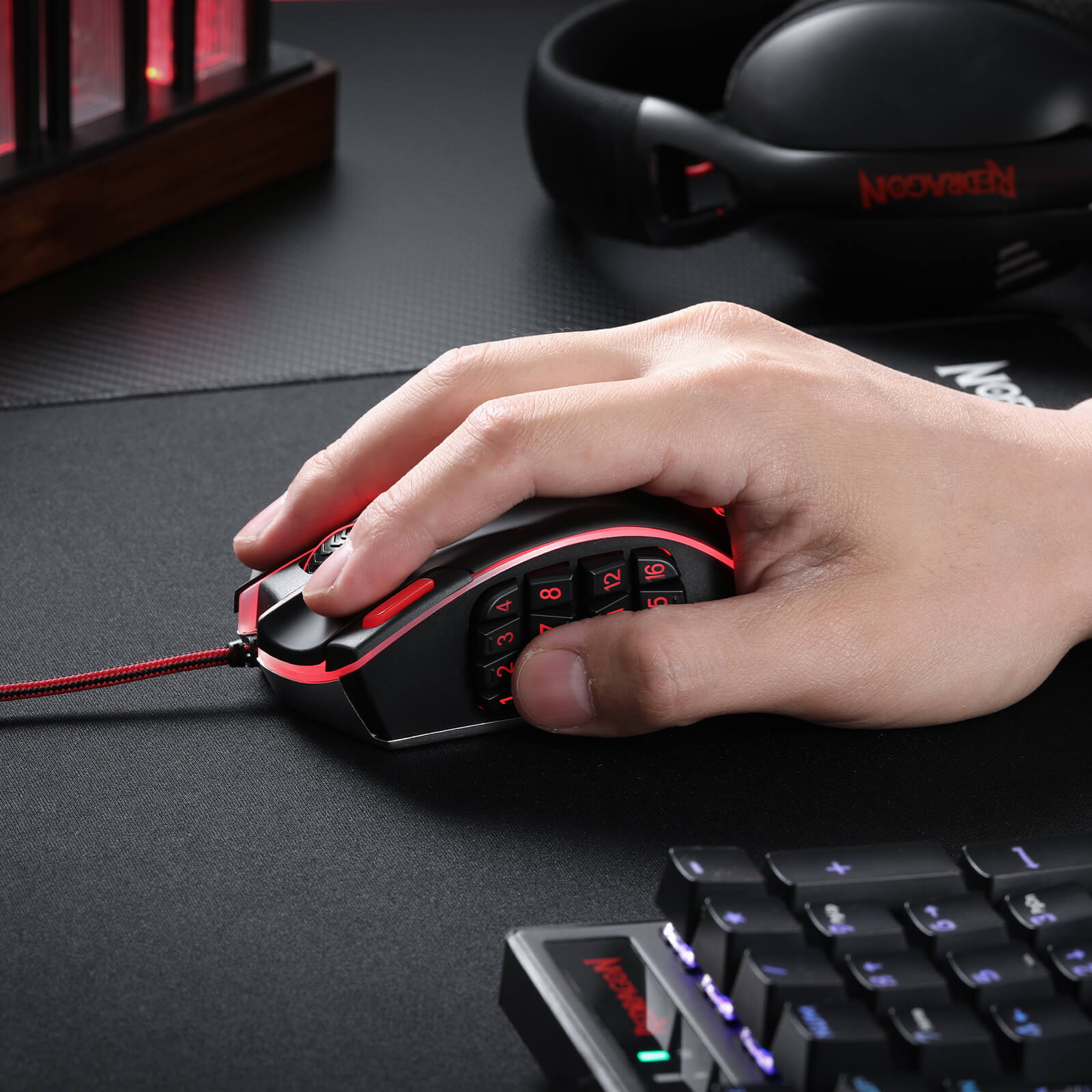
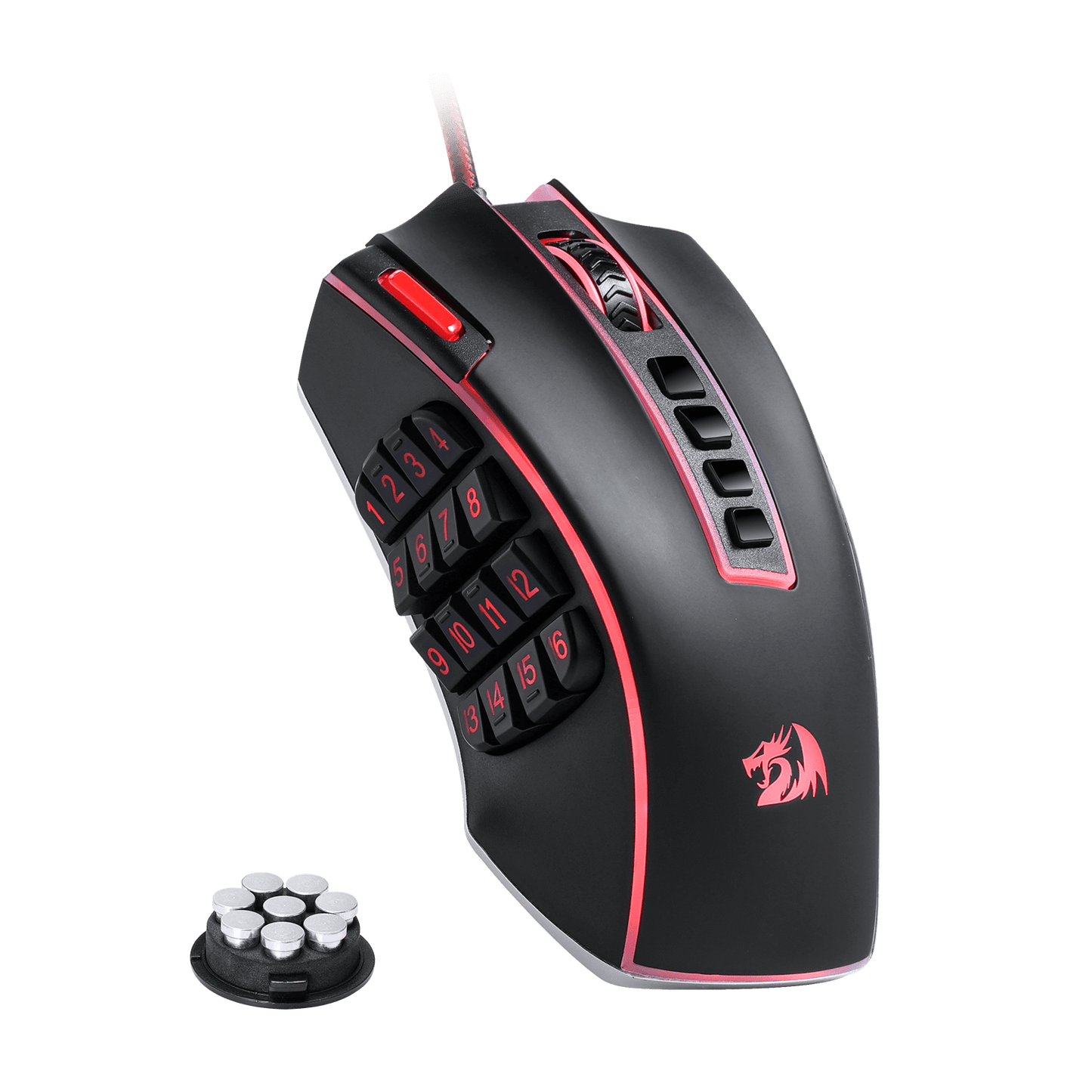
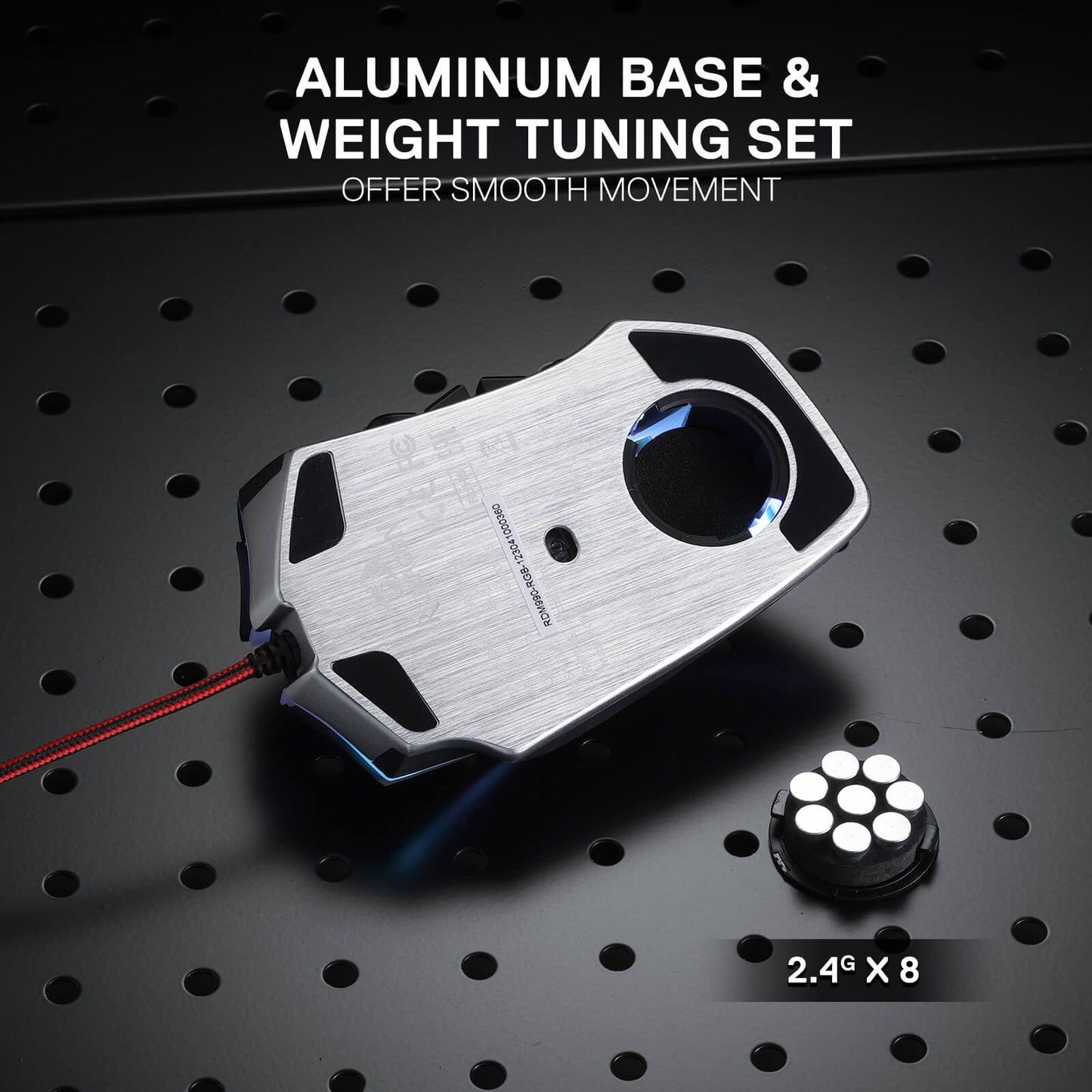
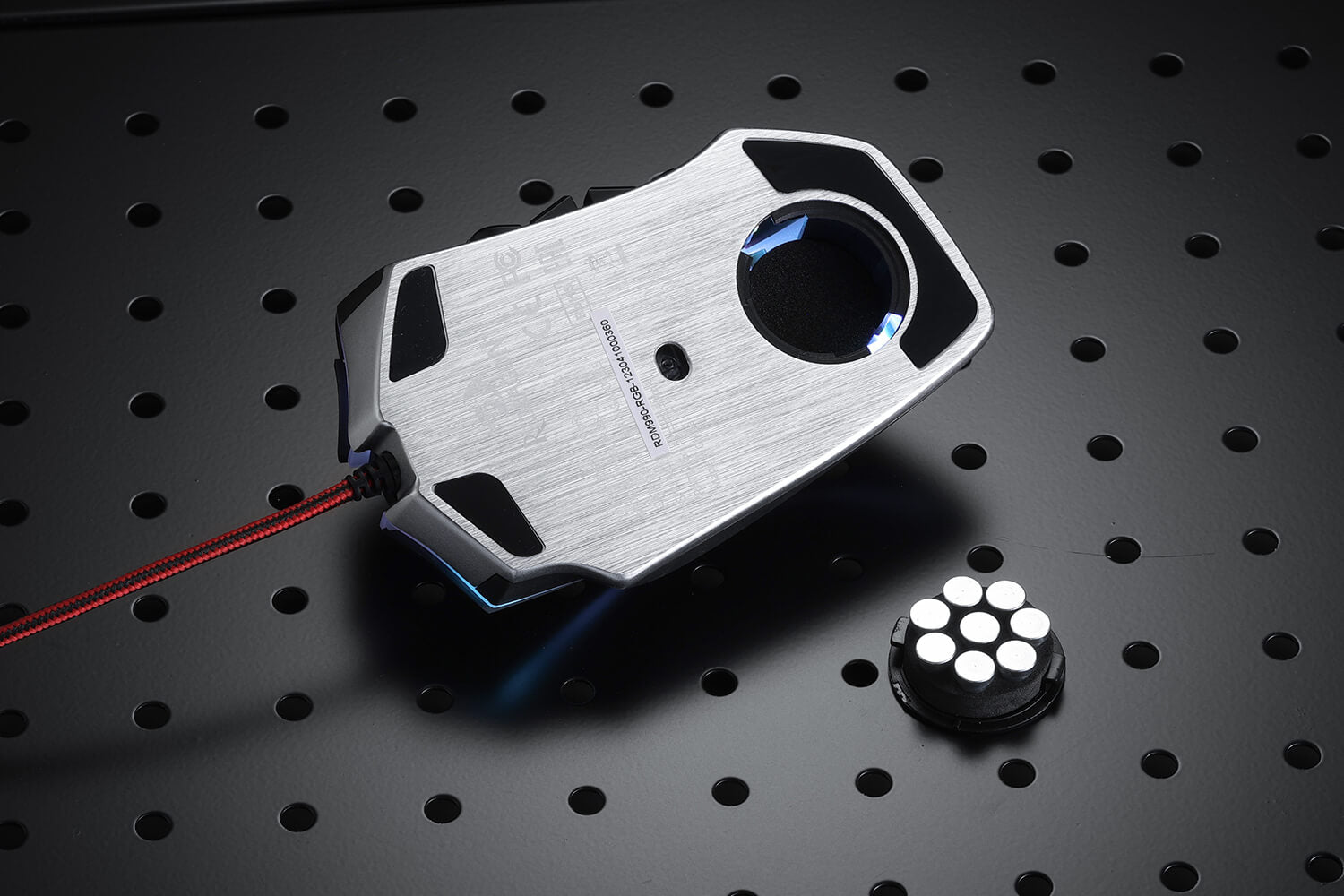
Cette souris de jeu ne se contente pas de fonctionner parfaitement ; elle est également très agréable au toucher et a fière allure sur votre bureau. Avec un design ergonomique et un ensemble de réglage du poids en 8 pièces, la Redragon M990 peut être personnalisée à votre goût, garantissant de longues heures de jeu confortable. Ses 16,8 millions d'options de couleurs LED RVB et ses 5 profils de mémoire ajoutent une touche de style personnel à votre configuration de jeu, faisant de chaque session de jeu la vôtre.
Illuminez votre poste de combat
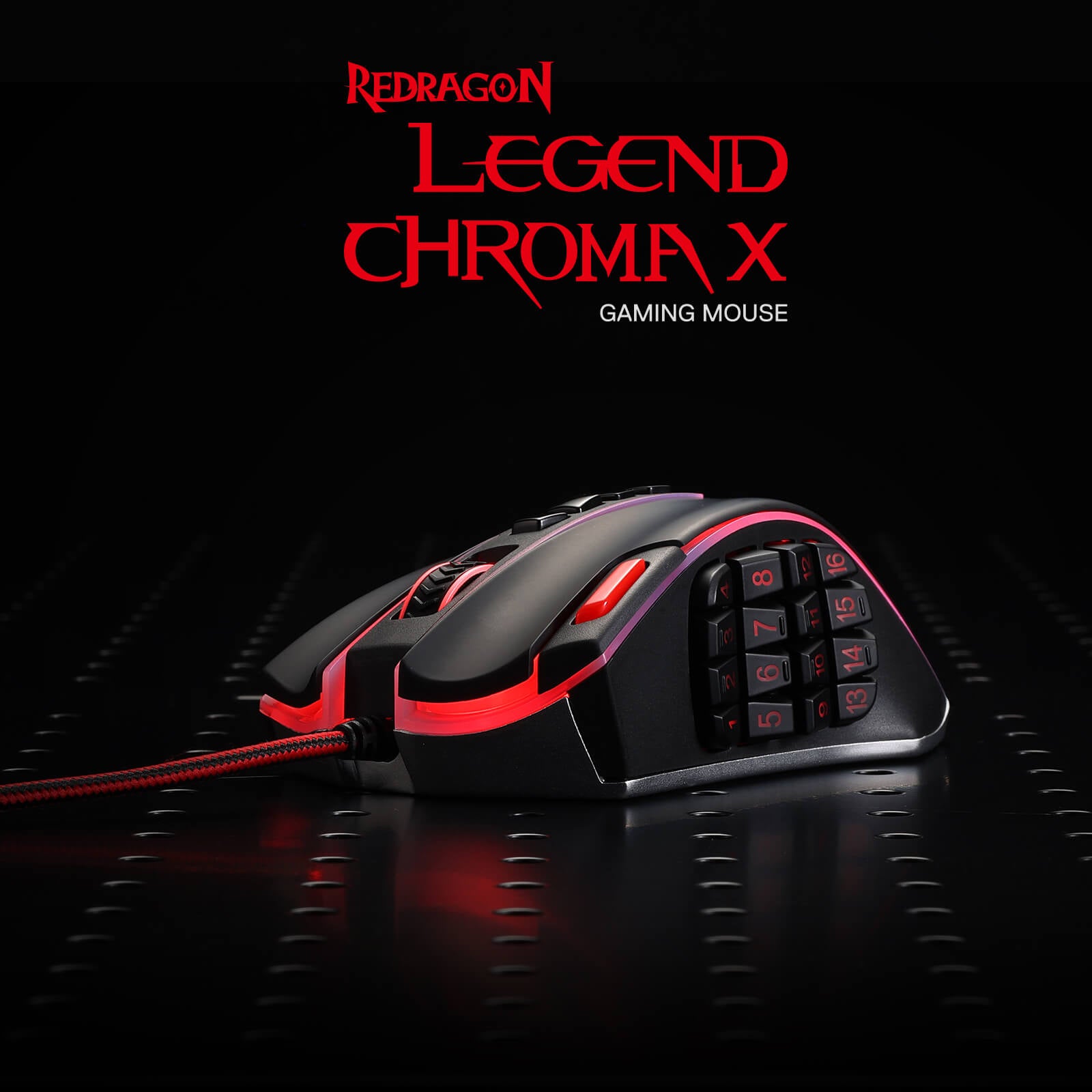
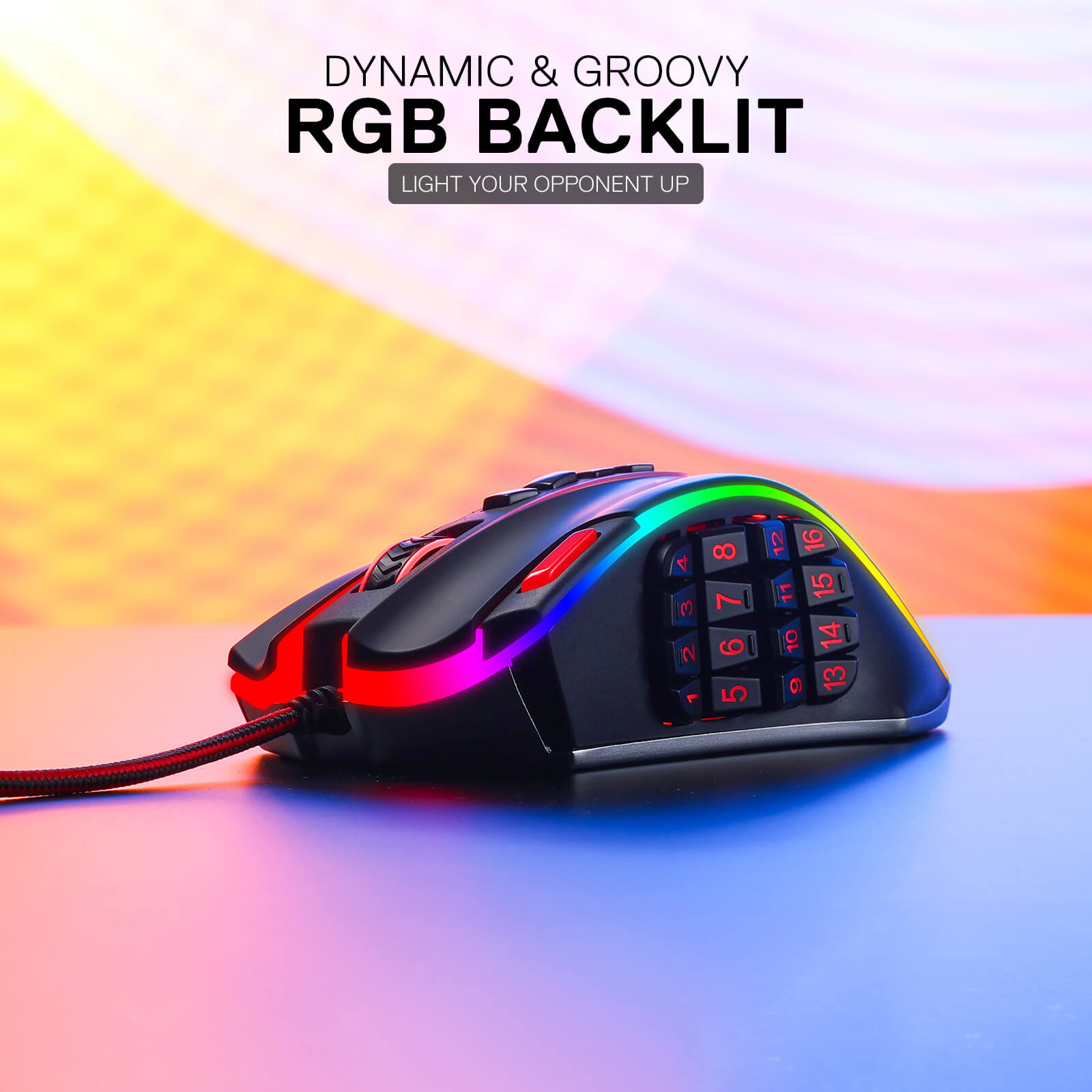
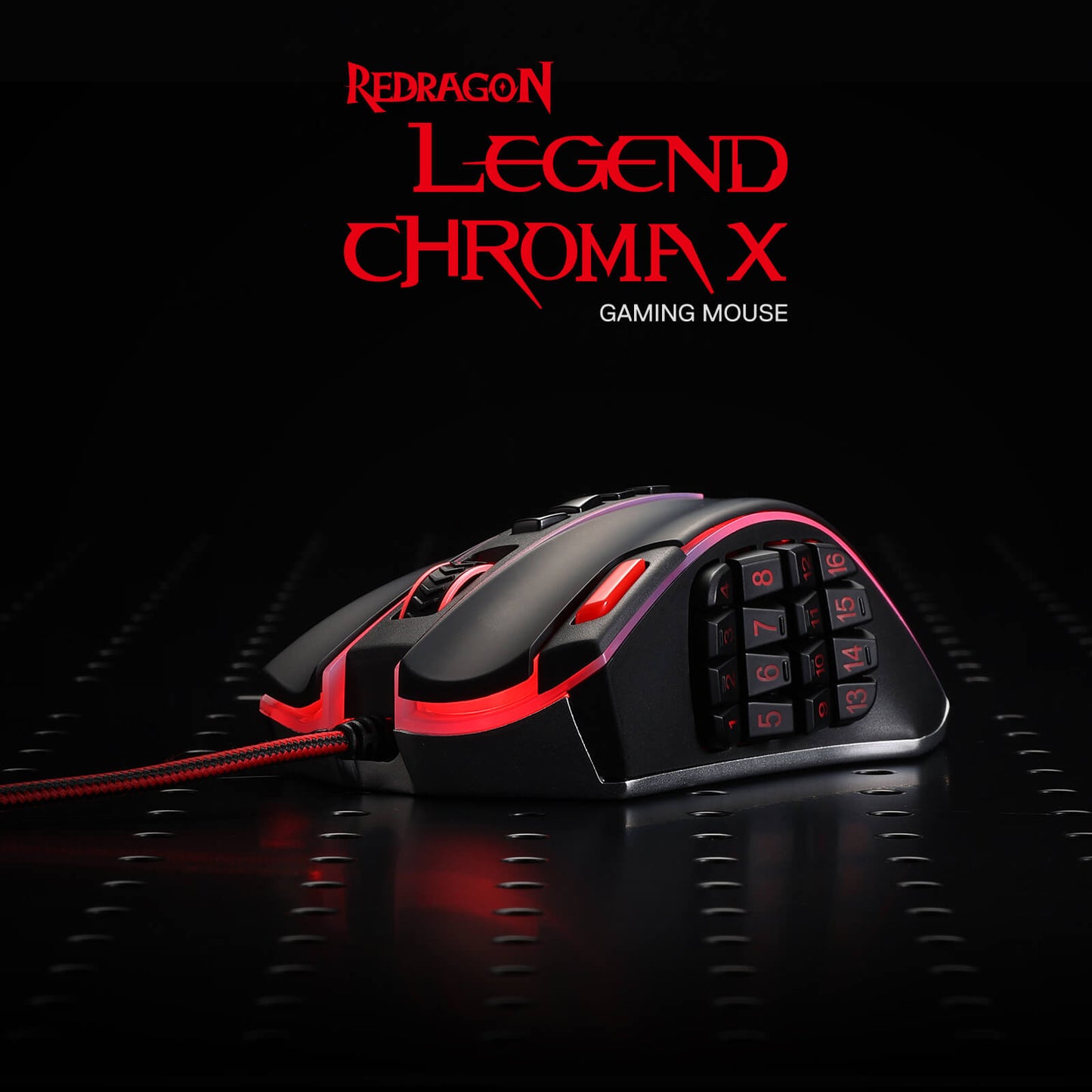
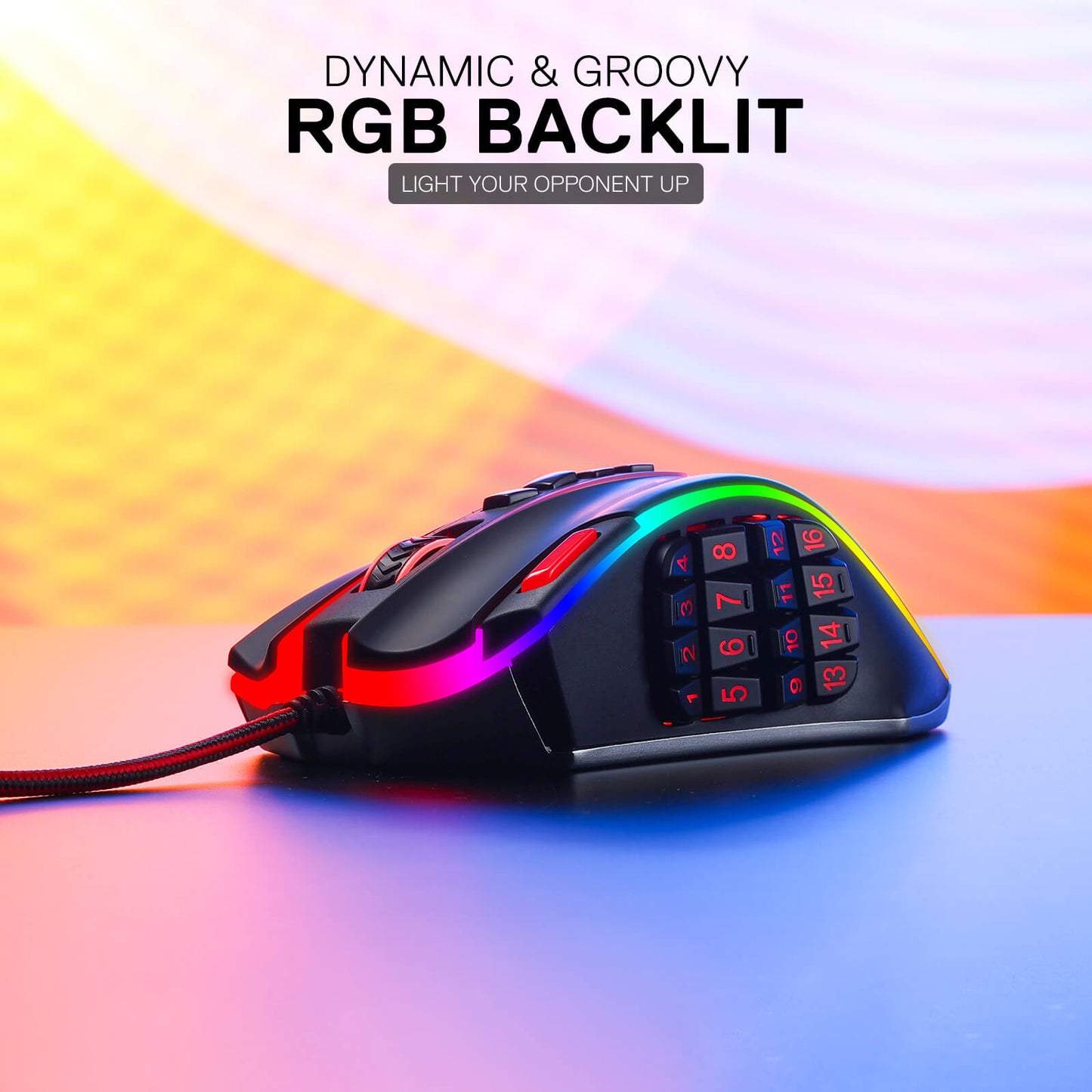
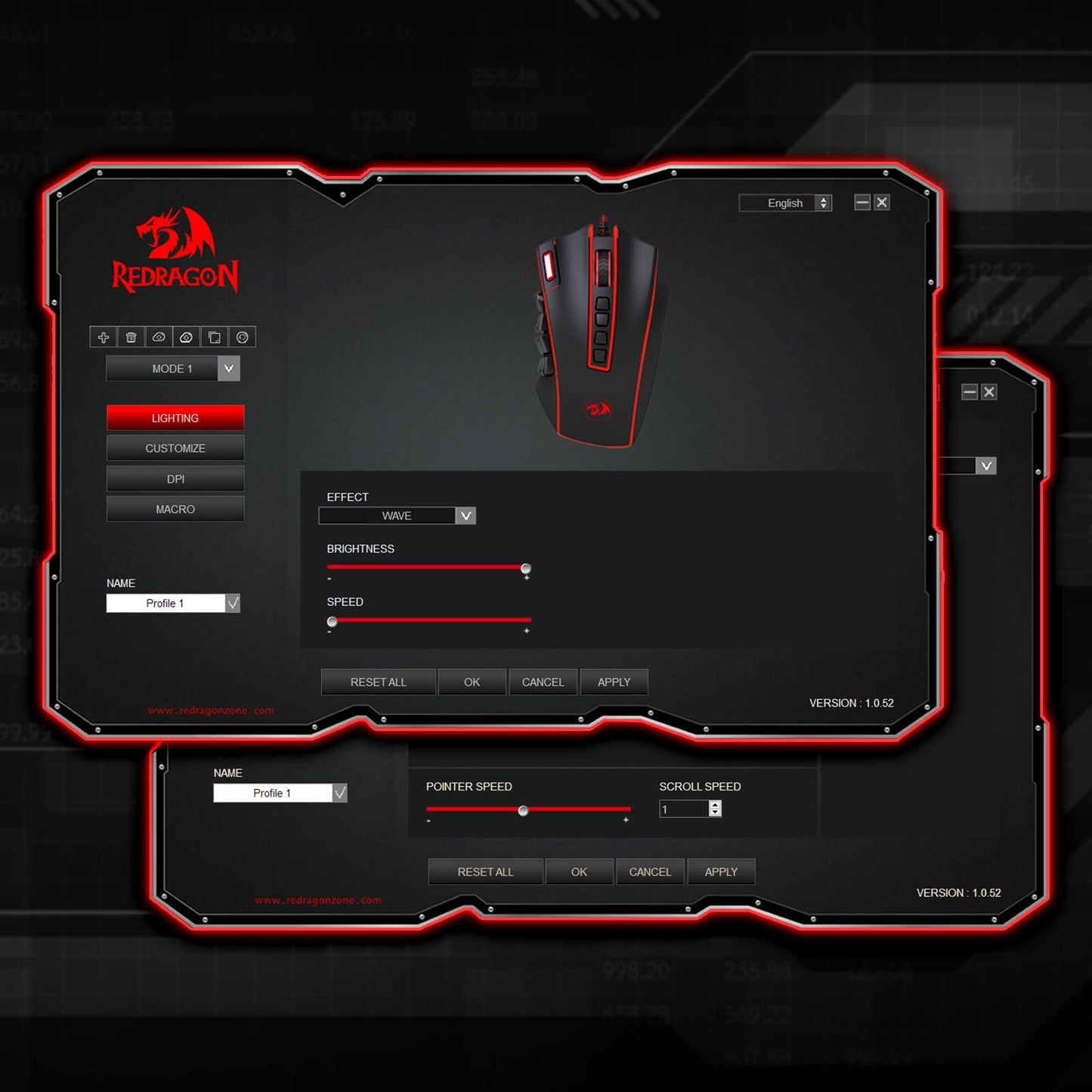
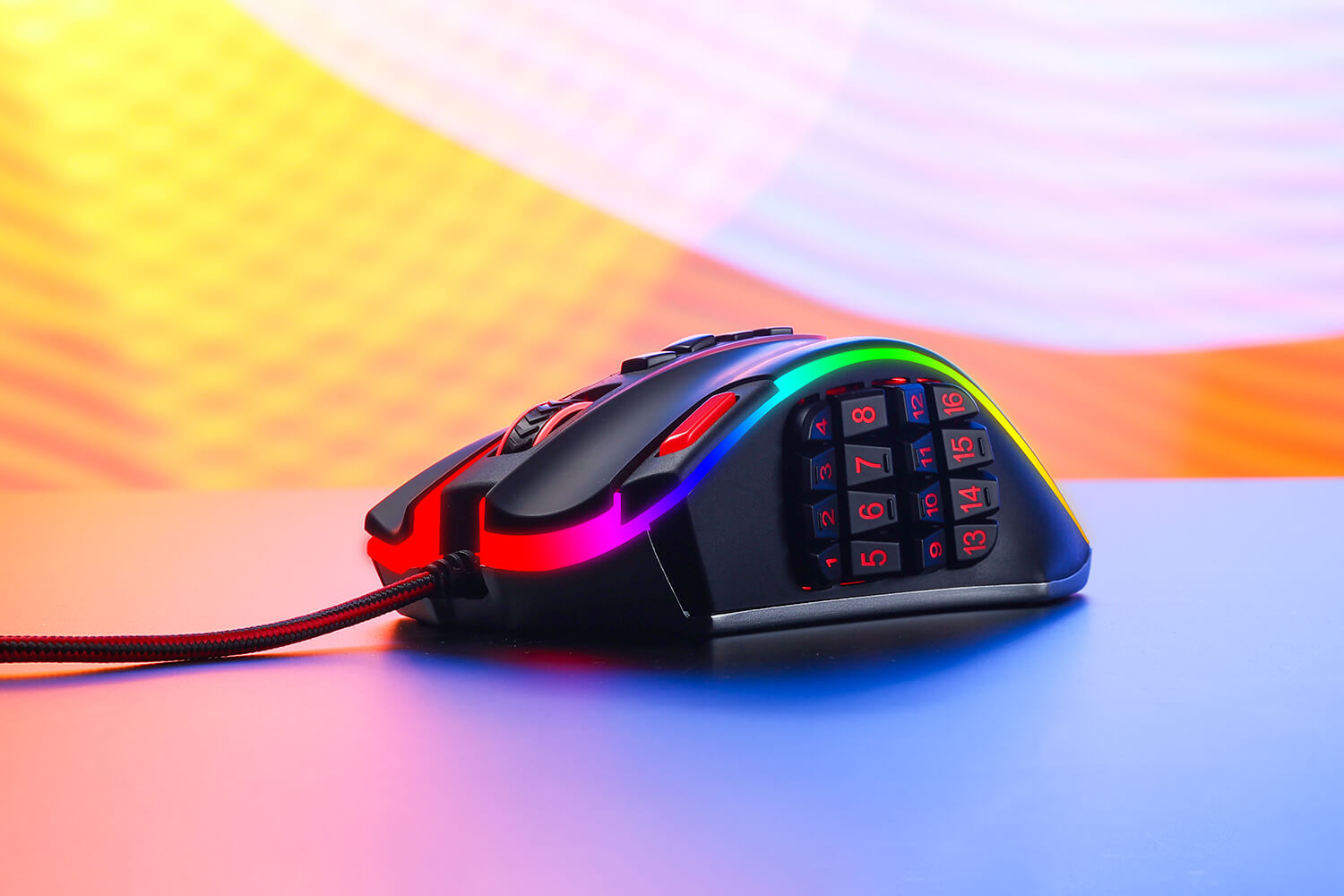
La souris de jeu Redragon M990 MMO n'est pas seulement synonyme de performances à haut rendement, elle est également synonyme de style. Avec cinq modes de rétroéclairage distincts et une palette époustouflante de 16,8 millions d'options de couleurs LED RVB, cette souris transforme votre station de jeu en un affichage lumineux éblouissant. Chacun des 5 profils de mémoire est doté d'une couleur de lumière unique, ce qui vous permet d'identifier rapidement le profil que vous utilisez.

L'arme ultime pour les joueurs invétérés
Lorsque la bataille devient intense, vous avez besoin d'une souris de jeu capable de suivre le rythme - et la Redragon M990 est plus que capable de relever le défi. Que vous tiriez à distance, lanciez un assaut frontal ou manœuvriez avec furtivité et précision, cette souris est votre fidèle compagnon. Sa compatibilité avec Windows XP/VISTA/7/8/10/11 pour une utilisation programmable et Mac OS pour une utilisation normale en fait un excellent choix pour les joueurs de tous types.
Équilibre parfait avec une base en aluminium et un réglage du poids réglable
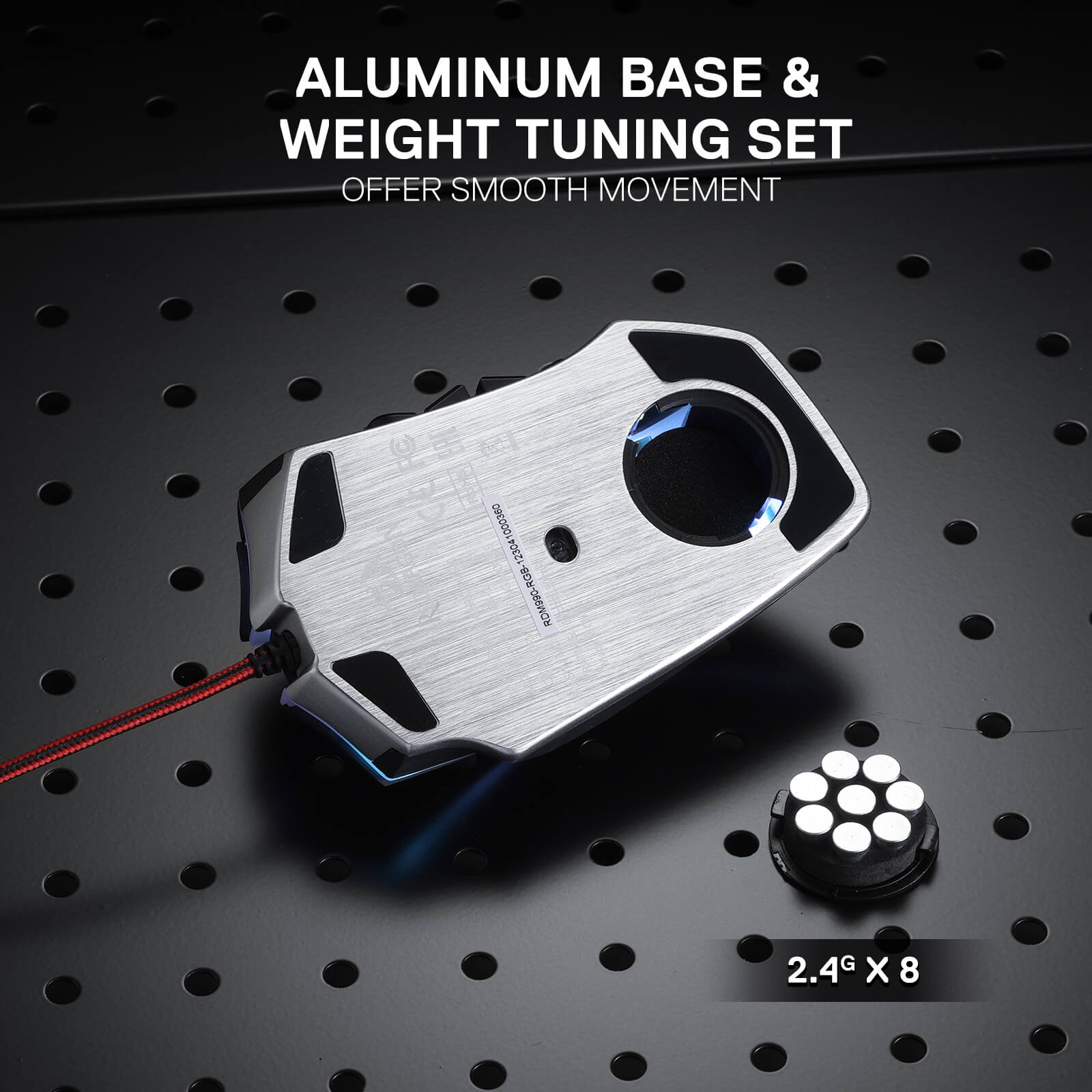
La base en aluminium offre une base solide, tandis que le jeu de réglage du poids d'équilibrage en 8 pièces réglable par l'utilisateur vous permet d'ajuster le poids de la souris selon vos préférences. Obtenez l'équilibre parfait et profitez d'un contrôle sans effort, vous permettant de jouer avec précision et endurance.

Reviews
I had the original Legend (not marked RGB or Chroma) for a long time until I wore out all the top buttons completely, which are rated for like a million clicks, so a REALLY long time. Main gripes with it were the weight, the quickly wearing out side-buttons, and lack of linux software. Got new Chroma edition, and within a few months the rubber completely disintegrated, like, there is none left, while the old one wore out but never as bad as this one. Also, the top cracked, so I had to transplant one from the old mouse, but it didn't quite fit so I still had to file down even though the P/N stamped is identical on both suggesting high variance and poor production quality, but the top is still fine to this day. While changing it out, I noticed they used a new board for chroma, which gave me hope that it'd last longer... NOPE! Wore out even quicker. For the software, the new one is kinda supported by community g502 driver up to 12th button, old one was not at all, so I'll give them that. Lighting now is consistent across the mouse and there are few more lighting modes, but the cost of that is that you can't switch profiles quickly. Old one had three separate LED's, scroll one indicating DPI, logo one indicating profile, and main one just for style, so you could figure out and adjust each at a glance. But now when changing profiles the entire mouse lights up in random colors so it's impossible to tell which one it currently is, just have to switch and try each time, or just forget about profiles and clone one in each slot.
Thank you for taking the time to share such detailed feedback. We're truly sorry to hear that your experience with the Chroma edition has been disappointing, especially considering how long you enjoyed using the original Legend.
We appreciate you pointing out these issues, including the rubber coating, build quality, button durability, and profile switching experience. Your feedback is valuable to us and will be shared with our product team for further review and improvement.
If you need further assistance with your mouse, please take some photos or a short video showing the issues and contact our customer support team. They'll be happy to investigate the matter and help you find a solution.
We sincerely apologize for falling short of your expectations and appreciate you giving Redragon another chance. Thank you for helping us identify areas where we need to do better.
I've been using the wired version of the LEGEND CHROMA M990 for several years now across all 4 of my workstations. Deciding to get the wireless version for my laptop, I found myself wanting to return it after just 2 hours of use. The whole point of using identical mice is consistency—it’s comfortable when they are all configured and function the exact same way on every computer. Unfortunately, the manufacturer doesn't seem to think so, which is a shame.
1 Why remove the ability to customize the fire button and the 4 top buttons?
2 The drivers themselves are extremely unstable. They crash constantly during setup and lose button configurations. I've never had such issues with the wired version's software.
3 It's impossible to map NumEnter and NumDel to the side buttons. As for Num+, it gets assigned initially but then changes to a regular + on its own. The utility for the wired version has no such problems—all buttons can be remapped smoothly.
5 Furthermore, what was the point of changing the settings export file format from .prof (wired) to .bin (wireless)? Why can't I just seamlessly transfer my entire button configuration from the wired to the wireless version in a couple of clicks?
Why ruin a great product with such strange decisions?
We're truly sorry to hear about your disappointing experience with the wireless LEGEND CHROMA M990. We understand how frustrating this must be, especially when you've relied on the wired version across multiple workstations and expected the wireless version to offer the same level of consistency and customization.
Thank you for taking the time to explain these issues in such detail. Your feedback regarding button customization, driver stability, key mapping, and configuration file compatibility is extremely valuable. We'll pass these concerns along to our product and software teams for further review.
If possible, please share some screenshots or a short video demonstrating the software issues and button mapping problems, and contact our customer support team so they can investigate further and assist you.
We sincerely apologize for the inconvenience and appreciate your long-term support of Redragon. Your feedback helps us understand where we need to improve.
I already had the wired mouse version years ago, but unfortunately the wires are too rigid for me. This time with this wireless version there isn't any problem with cables, BUT the software for now let's you only change the 16 side buttons and not buttons like fire button or the square dpi buttons (the screenshot of the software on the page doesn't exists, I think because it was only a demo). So please Redragon team, update the software to make possible to change these upper buttons!
LEGEND CHROMA M990
My think for upgrade:
-Better recognize the side buttons
-The weights in mouse for the different places
-I prefer USB C to USB A cable before solid soldered cable. like a Horus K619 usb C to usb A cable connection.
-I prefer settings straight from OS/MSWindows settings, i don´t like other unnecessary applications
I like this mouse because is comfortable for 3fingers style :D